
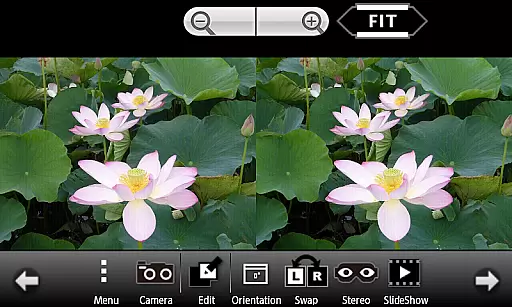
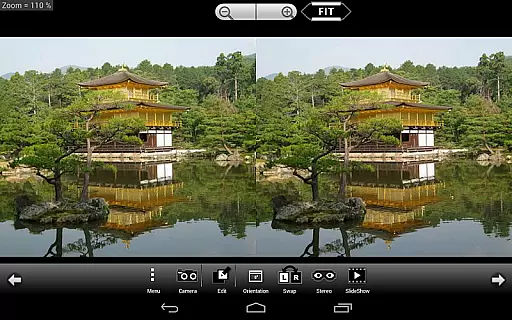
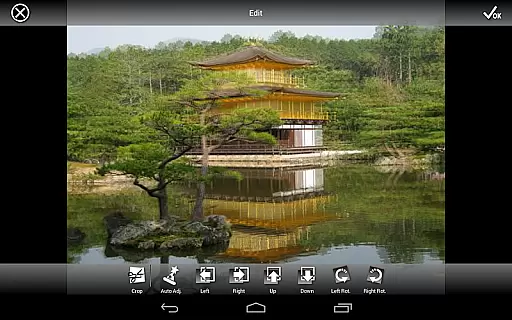
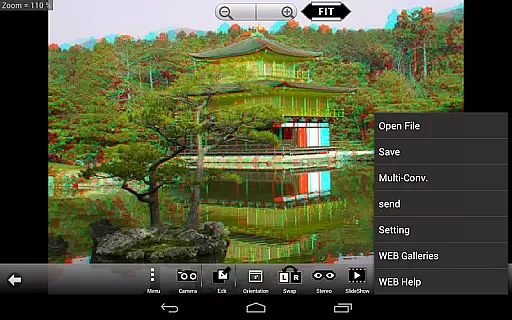
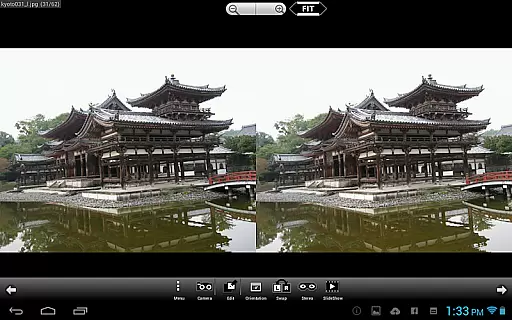
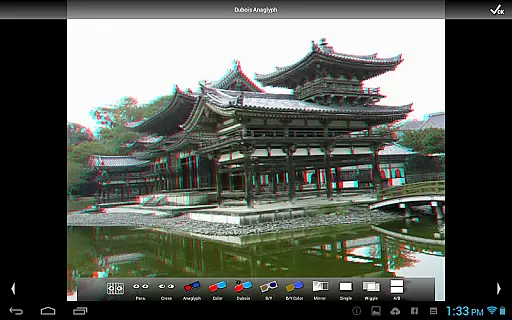
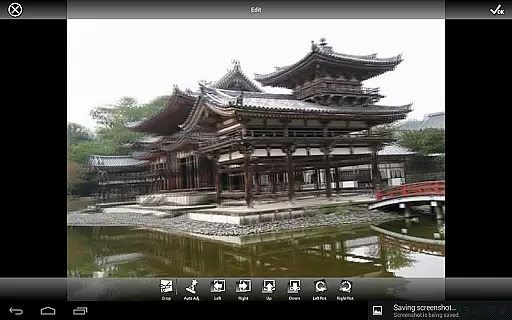
3DSteroid Pro is a premium stereoscopic application designed for Android devices, offering advanced 3D image editing and viewing capabilities. The app supports various input formats including L/R independent, SBS, and MPO files, making it versatile for different types of 3D photography enthusiasts. With the ability to auto-align L/R images, adjust positions, rotation, and size errors, users can achieve precise control over their 3D content. Additionally, the app provides multiple display methods such as 3D LCD, SBS, Mirror, Wiggle, 2D, and Anaglyph, catering to diverse viewing preferences.
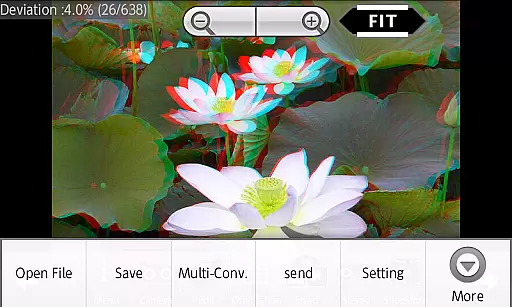
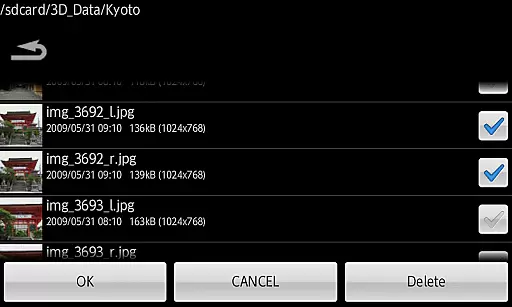
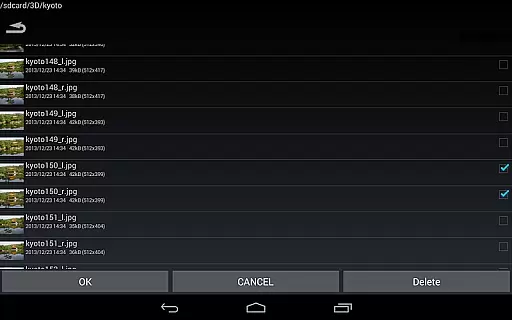
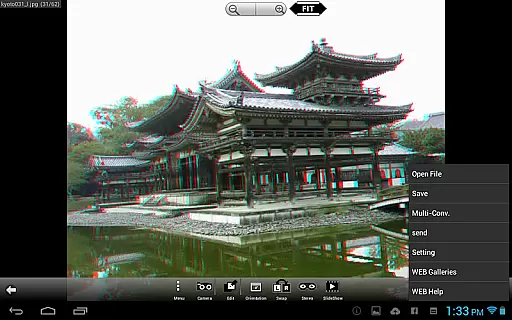
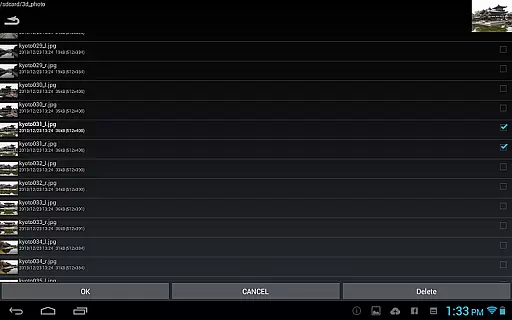
One of the standout features of 3DSteroid Pro is its ability to save edited images and perform batch conversions, which are exclusive to the Pro version. This makes it an essential tool for professionals and hobbyists who need to manage large volumes of 3D images efficiently. Despite some limitations on newer Android versions and specific device models, the app remains a powerful solution for creating and viewing stereoscopic content on the go.
3DSteroid Pro boasts a comprehensive set of features tailored for 3D photography enthusiasts. The app's core functionality includes auto-alignment of L/R images, which ensures that your 3D images are perfectly synchronized. Users can also take L/R pictures directly with the internal camera, providing a seamless experience from capture to editing. The app supports over 1000 images in its WEB Gallery, allowing users to explore a vast collection of stereoscopic content.
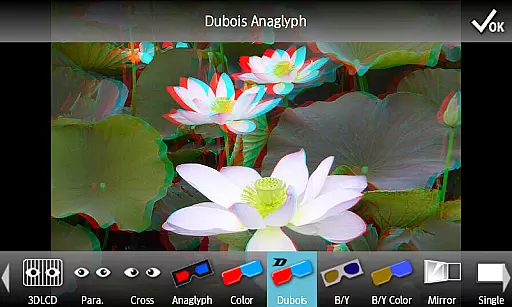
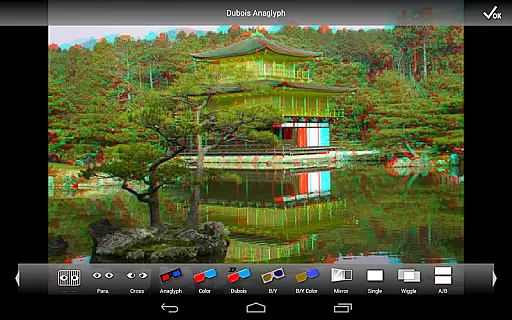
In addition to its robust editing tools, 3DSteroid Pro offers multiple display methods such as 3D LCD, SBS, Mirror, Wiggle, 2D, and Anaglyph. These options ensure that users can view their 3D images on a variety of devices and setups. The Pro version stands out with its ability to save edited images and perform batch conversions, streamlining workflows for professionals. While there are some restrictions on file handling for Android 11 and later, the app continues to deliver significant value for 3D photography enthusiasts.
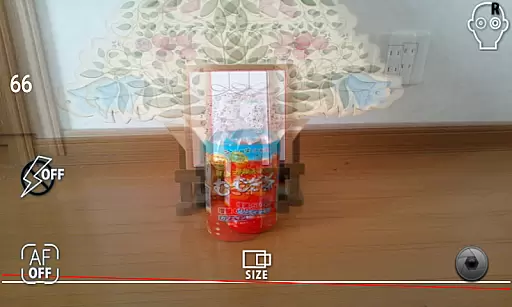
Real-time capture and preview functionality is essential for ensuring that users can immediately see the results of their 3D photography efforts. In 3DSteroid Pro, this feature allows photographers to take left/right (L/R) pictures with the internal camera and instantly view them in a stereoscopic format.
The app supports various display methods including 3D LCD, Side-by-Side (SBS), Mirror, Wiggle, 2D, and Anaglyph modes. This versatility ensures that users can preview their images in the format that best suits their needs or the capabilities of their viewing device.
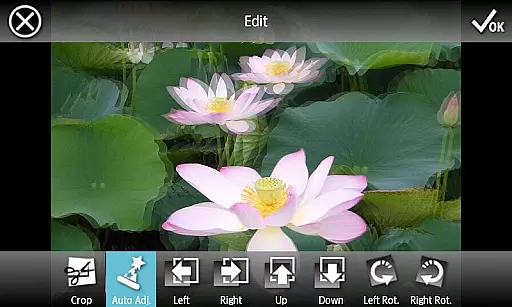
With real-time adjustments available for L/R image positions, rotation error, and size error, users are empowered to fine-tune their captures on-the-fly. This immediate feedback loop enhances the creative process by allowing quick corrections and artistic decisions without delay.
While 3DSteroid Pro does not explicitly market itself as having AI beauty and enhancement features, it offers powerful tools that serve a similar purpose in the realm of 3D image editing. The application's ability to adjust L/R image positions, correct rotation and size errors, and save edited images contributes to an overall enhancement of photo quality.
For users seeking natural-looking enhancements, these editing capabilities ensure that modifications are seamless and true to the original scene. By providing precise control over image attributes, the app helps maintain authenticity while improving visual appeal.
Although traditional beauty enhancements like skin smoothing or blemish removal aren't highlighted, the comprehensive suite of editing tools enables users to create polished and professional-grade stereoscopic images. This focus on maintaining the integrity of the 3D effect while offering enhancement options underscores the app's commitment to delivering high-quality, visually engaging content.
Advanced 3D editing
Batch conversion
Auto-alignment feature
Multiple display modes
Comprehensive gallery access
Limited Android 11 support
Old device compatibility
Paid Pro features
Complex for beginners
Restricted file deletion

Add Watermark - Sign your pictures with a text or logo. Effective, quick, easy!
 4.50
4.50
Create AI Photos, Improve and restore quality of blurry, old or damaged pics.
4.20
Create Business Headshots, Polaroid Filter, Retake Photos,Profile Pics,AI Photos
4.50
Transform photos into videos! Create realistic or anime-style images easily!
4.50
Automatically backup your photos and videos to computer, NAS and Cloud services
4.60
A reflected light meter with spot metering and incident light metering.
4.40
Use AI Video Generator to turn your words to ai generated videos.
4.50
Enhance, upscale, and transform your images — on your device, without limits
4.70
Remote control the phone camera shutter from your smartwatch and take a picture
1.60
Your personal guide to the sun and moon. Plan ahead, visualize and predict!
4.70
Easily create custom gifts, cards, photo books & more on the Shutterfly app!
4.60
Discover & download millions of art for The Frame TV or Hisense CanvasTV
4.60
Edit like a pro with Hypic. Apply filters, AI effects, & magic touch.
4.40
A light meter for true photographers.
4.20
What celebrity do you look like? Celebs will find your celebrity match!
4.10
All-in-One Editor & AI Photo Enhancer, Collage, Cartoonify, Funny Stickers & BGS
4.10
Create & Edit with AI: AI Remove, Enhance, Retouch, Filter
4.10
Gallery Slideshow is slideshow maker app for slideshow from your gallery photos.
3.90
Snap photos remotely using your Garmin watch as the camera trigger
4.4



User Reviews