
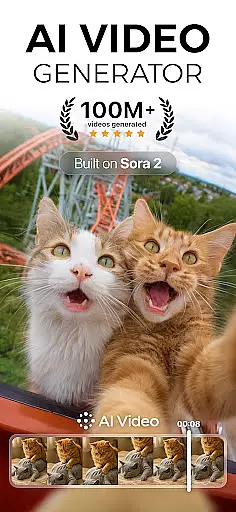
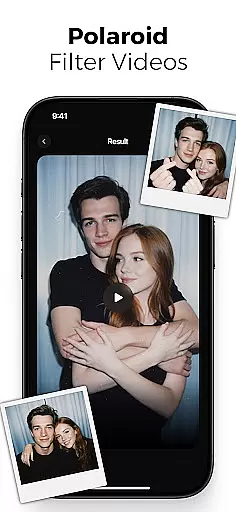
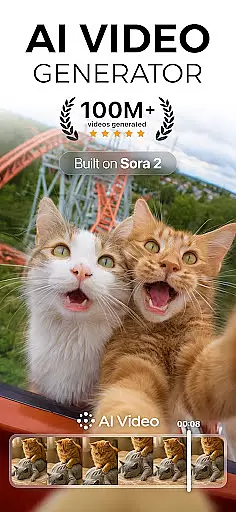
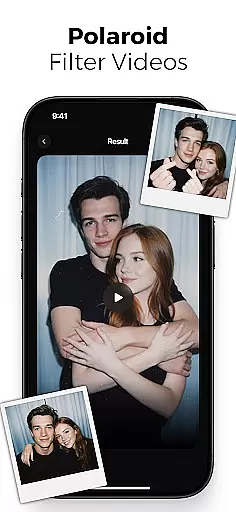
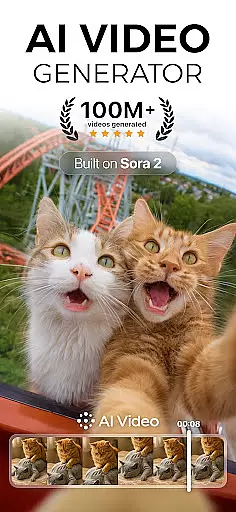
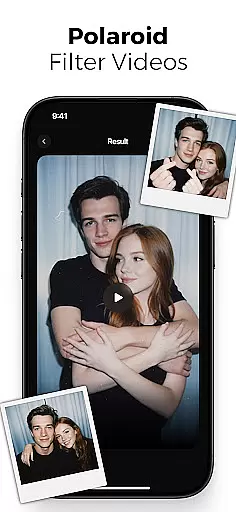
AI Video is a revolutionary photography app that transforms static images and text into dynamic, high-quality animated videos. This all-in-one AI video generator allows users to create stunning visuals with minimal effort, featuring advanced tools like polaroid filters, character animations, and realistic facial expressions.
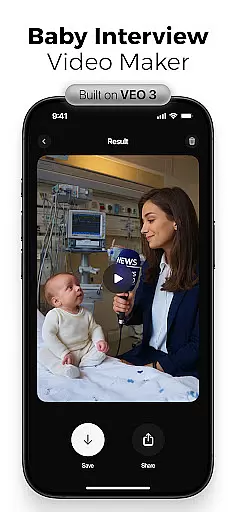
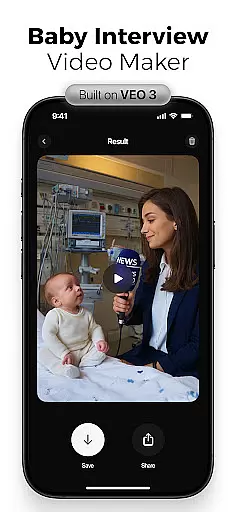
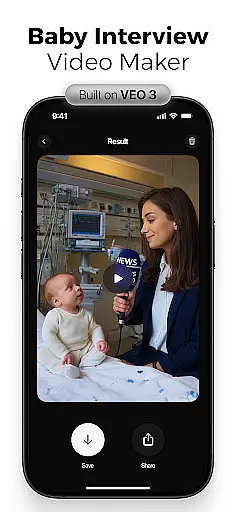
The app's powerful AI engine, powered by Google DeepMind's Veo3 model, understands context and emotions to produce emotionally rich characters and scenes. Whether you're a content creator, marketer, or educator, AI Video simplifies the video creation process through its intuitive drag-and-drop interface and extensive customization options.
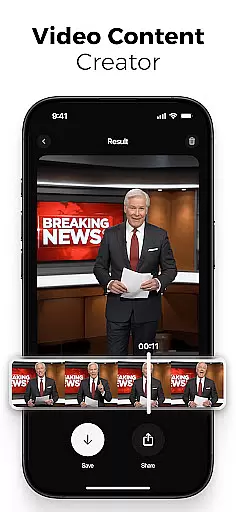
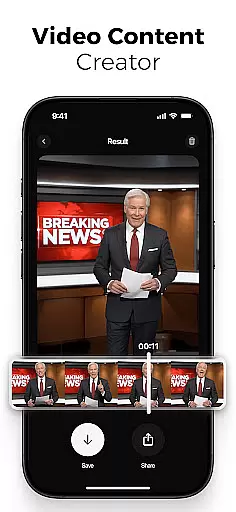
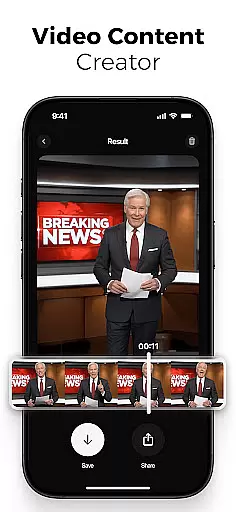
With AI Video, users can generate viral social media content, educational explainers, and creative personal projects. The app's versatility makes it perfect for platforms like TikTok, Instagram Reels, and YouTube Shorts, while its professional-grade features cater to both beginners and experienced creators.
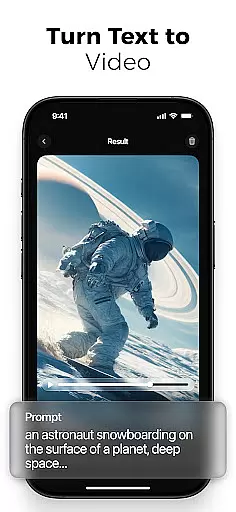
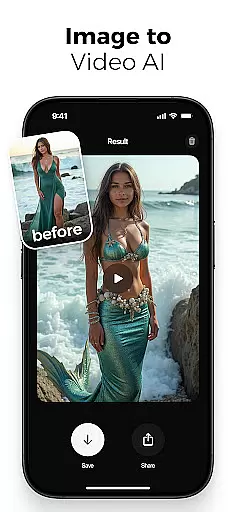
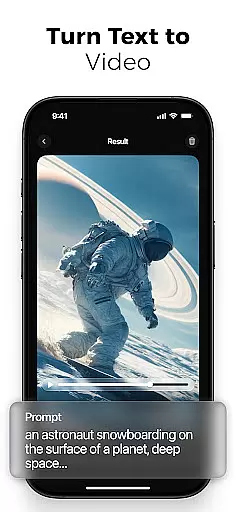
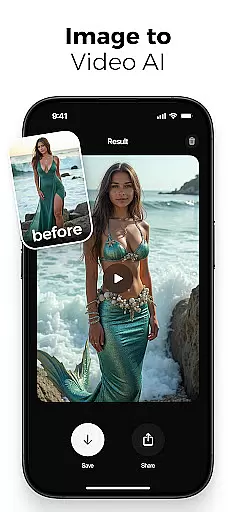
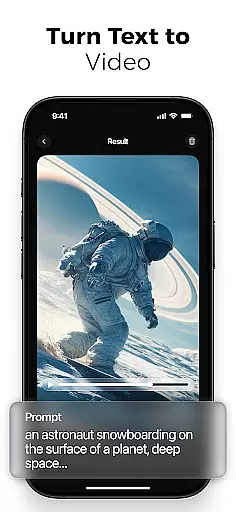
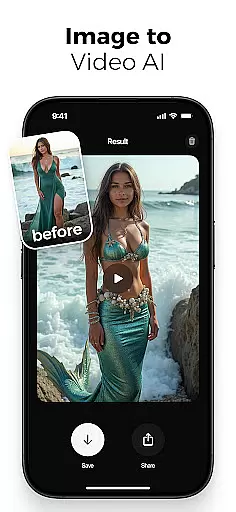
AI Video stands out with its comprehensive suite of smart creation tools. The app's AI text-to-video generator converts simple prompts into fully animated scenes, complete with customizable transitions and timing controls. Its photo-to-video feature brings still images to life through sophisticated motion effects and emotional expressions.
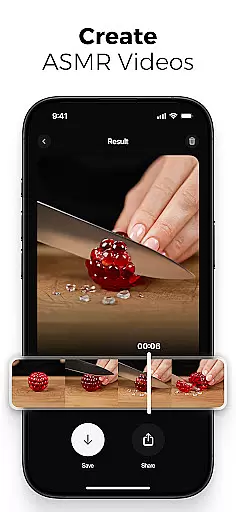
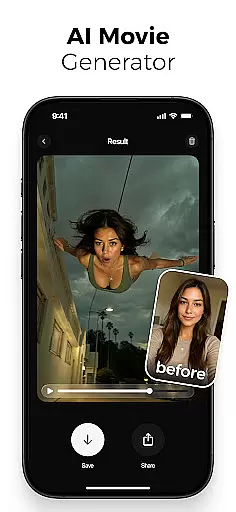
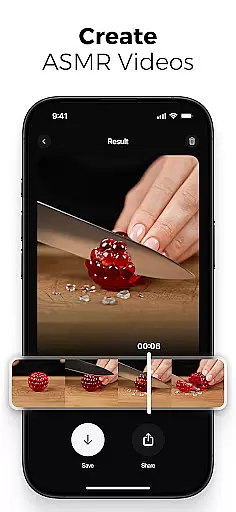
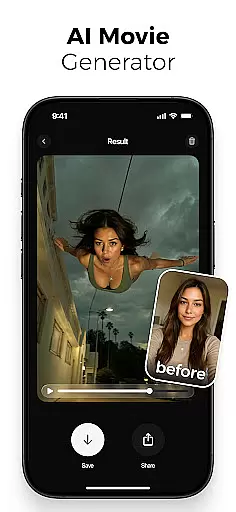
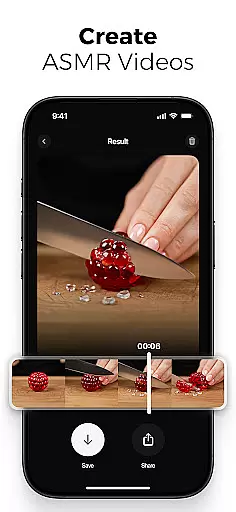
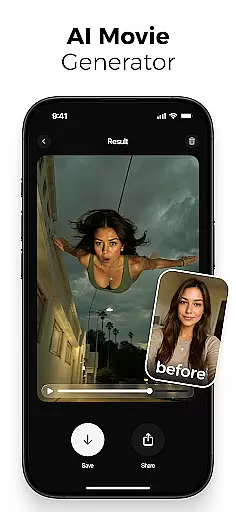
The app includes an extensive media library with backgrounds, sound effects, and cinematic filters, alongside special effects powered by Google's Veo3 Fast Model. These include mermaid transformations, skydiving actions, and ASMR immersive modes. Professional-grade tools like automatic lip-sync and built-in voiceover generation ensure high-quality production value.
What truly sets AI Video apart is its adaptability. Users can mix traditional photography techniques with cutting-edge AI enhancements, creating unique combinations of polaroid effects, giant illusions, and nano action scenes. The app's HD export capabilities ensure optimal quality across various devices and formats.
Real-time capture and preview functionality is essential for any photography app, allowing users to see exactly what their final output will look like while setting up a shot. AI Video offers this feature by providing live feedback on video compositions as they are created.
The application leverages advanced AI models such as Google DeepMindu2019s Veo3 to interpret the context and emotions of the scene being captured. This ensures that every frame not only meets technical quality standards but also conveys the intended mood and story.
Users benefit from real-time adjustments to filters, transitions, and character animations, which can be fine-tuned before finalizing the video. This immediate visual feedback empowers creators to make informed decisions quickly, enhancing both efficiency and creative control.
Ultimately, the real-time capture and preview feature in AI Video bridges the gap between professional-grade equipment and accessible mobile applications, making high-quality video production attainable for everyone.
AI beauty and enhancement features have become a staple in modern photography apps, aiming to improve aesthetic appeal without compromising natural appearance. AI Video stands out by offering tools that enhance visuals authentically, ensuring edits remain subtle and lifelike.
The app employs sophisticated algorithms to analyze facial expressions and apply enhancements that preserve genuine emotions. For instance, its AI-driven photo-to-video conversion retains natural movements and reactions, avoiding the artificial look often associated with heavy digital manipulation.
Additionally, customizable options allow users to adjust the intensity of beautification effects, catering to individual preferences while maintaining authenticity. These features are seamlessly integrated into the editing process, providing a user-friendly experience that delivers professional results.
By focusing on natural enhancement, AI Video ensures that each piece of content produced is both visually appealing and true to the original subject, empowering creators to produce engaging and relatable videos.
User-friendly interface
Advanced AI capabilities
Versatile content creation
Professional editing tools
Extensive effect library
Subscription-based pricing
Steep learning curve
Resource-intensive operation
Limited free features
Occasional rendering issues

Effortlessly organize, view and share your photos & videos with Gallery app!
 4.40
4.40
Photo Album Watch Face shows your favorite pictures as a Watchface.
1.90
Long exposure camera with computational photography
2.60
Transform photos into videos! Create realistic or anime-style images easily!
4.50
Photo Exif Editor allows to view, add and modify EXIF data of multiple photos
4.50
HD Camera Pro with HD Video shooting, Panorama, Photo editor , Beauty Camera.
4.50
Movie camera, supports pro recording settings for filming. Try it and be amazed!
4.50
Create amazing frames with up to five photos. Rounded corners, effects and more!
3.60
AI-powered video creator by MiniMax - Where ideas meet cinema
4.20
Find time and duration of different sunlight phases at any location
4.90
1M influencer's special filter
4.60
Take videos and pictures with the popular TikTok TIME WARP SCAN filter.
4.60
Search, tag and rate your way to an organized image gallery
4.40
Easily stitch panoramas from multiple photos or video.
4.40
The #1 app for B&W film developing featuring an advanced darkroom timer.
4.10
live datamoshing
4.00
Gallery Slideshow is slideshow maker app for slideshow from your gallery photos.
3.90
Be your best in every shot! Fix, edit and retouch your face in selfies & photos.
3.70
Application for remote controlling DSLR
3.00




User Reviews