
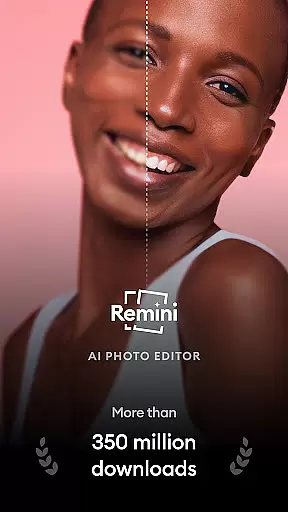
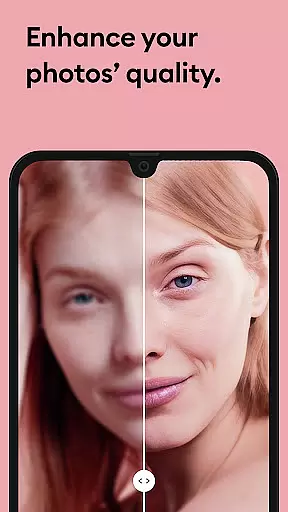
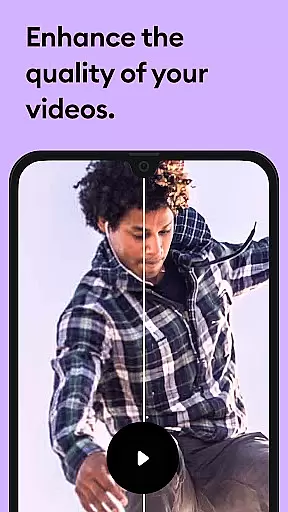
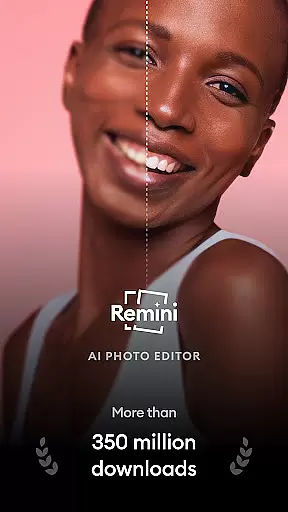
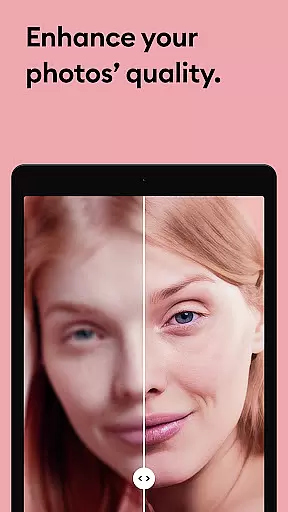
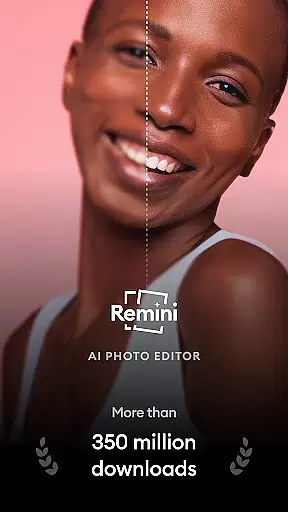
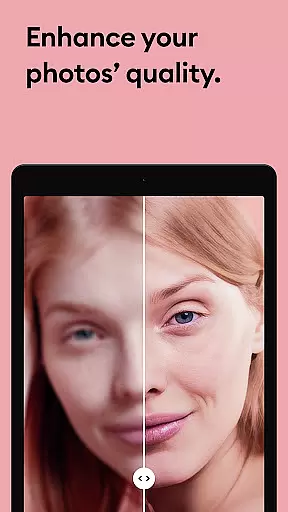
Remini is a powerful photography app that uses advanced Artificial Intelligence to enhance and restore your images. The core functionality allows users to convert old, blurry, or damaged photos into high-definition images with just one tap. This AI-powered photo enhancer not only revitalizes old memories but also generates professional-looking portraits and selfies, making it an essential tool for anyone looking to improve their photo quality.
Beyond simple enhancement, Remini offers specialized features such as repairing scratches, sharpening out-of-focus pictures, and increasing pixel count in low-quality photos. Whether you're restoring vintage family photos or enhancing modern digital images, Remini provides crystal-clear results. With support for multiple languages and over 100 million photos revitalized, this app has become one of the most popular photo editors globally, suitable for both casual users and professionals.
Remini stands out due to its innovative use of state-of-the-art AI technology, which ensures superior photo restoration and enhancement capabilities. One of the key features is its ability to unblur and restore any image while preserving intricate details, especially in portrait and group photos. Users can repair old, scratched, or blurry images effortlessly, giving their cherished memories a new lease on life in stunning HD quality.
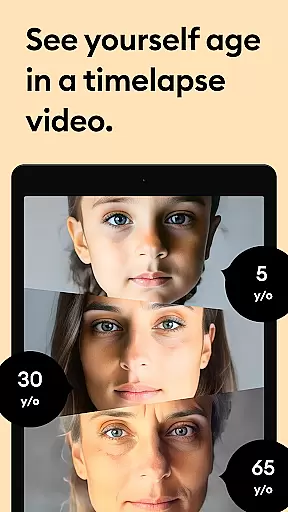
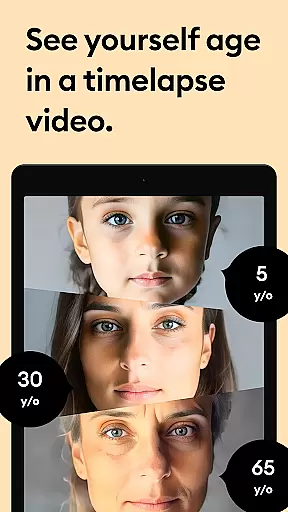
In addition to restoration, Remini offers creative tools like AI-generated portraits and professional retouching options. The app continuously improves through regular updates to its AI model, ensuring users receive the latest advancements in photo editing technology. With unlimited access available via subscription, users can enjoy premium features without restrictions. Supporting multiple languages including English, Spanish, and Chinese, Remini caters to a global audience, making it versatile and accessible for users worldwide.
Real-time capture and preview functionality is essential for photography apps like Remini. This feature allows users to see the potential outcome of their photo enhancements before finalizing them.
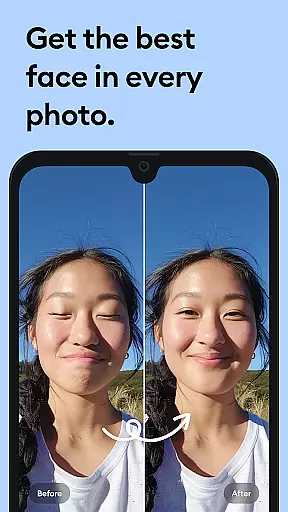
Remini employs advanced AI technology to provide instantaneous previews of image enhancements. As users select different enhancement options, the app displays a real-time preview of the changes, ensuring that the final output meets their expectations.
This immediate feedback loop empowers users to make informed decisions about their photo edits. Whether it's sharpening blurry images or restoring old photos, the ability to preview results boosts user confidence in the editing process.
Ultimately, real-time capture and preview enhances user satisfaction by reducing guesswork and allowing for precise adjustments. This leads to higher-quality photo outputs and a more enjoyable editing experience.
AI beauty and enhancement naturalness is a critical aspect of photo editing applications such as Remini. The goal is to enhance images while maintaining a realistic appearance, avoiding overly processed looks.
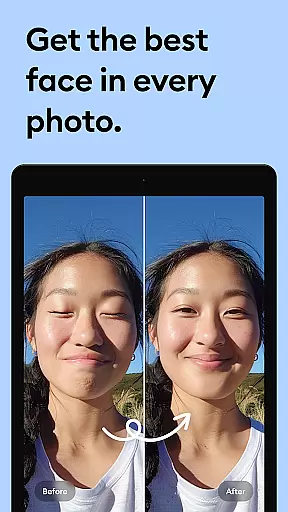
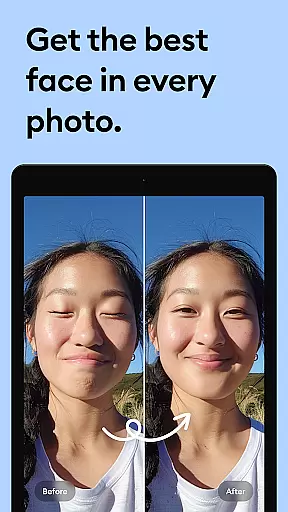
Remini utilizes sophisticated artificial intelligence algorithms to analyze facial features and apply enhancements that look natural. By focusing on details like skin texture, eye clarity, and smile enhancement, the app ensures that edited photos retain their authenticity.
This approach to photo enhancement provides users with professional-looking results without sacrificing the original character of the image. Users can transform low-quality or damaged photos into high-definition versions that still feel genuine and true to life.
The emphasis on natural enhancement not only improves photo quality but also builds trust with users who seek authentic and aesthetically pleasing outcomes. This balance between enhancement and realism sets Remini apart in the competitive field of photo editing apps.
User-friendly interface
Advanced AI technology
Multiple language support
Regular feature updates
High-quality enhancements
Paid subscription required
Limited free trial
Old Android versions unsupported
Auto-renewal by default
Internet connection needed

Photo prints, cards, & gifts at Walgreens. Easy ordering & fast local pickup !
 4.80
4.80
Light-weight Media Gallery app for Android made with Jetpack Compose
4.60
Automatically backup your photos and videos to computer, NAS and Cloud services
4.60
Easily create custom gifts, cards, photo books & more on the Shutterfly app!
4.60
Fit multiple photos on one post. Create carousels & scroll layouts for Instagram
4.50
Hair color changer, AI haircut app, fun hair editor and buzz cut filter for all!
3.80
Professional camera app that brings DSLR manual photography controls to Android.
4.20
Catch sunlight, sunrise sunset times and sun phases with the AR sun tracker.
4.10
Effortlessly make high-quality GIFs from images & videos without any watermarks.
4.70
AI Photo Editor with 100+ Filters, Effects! Remove BG, Retouch & Photo Enhancer.
4.80
Take videos and pictures with the popular TikTok TIME WARP SCAN filter.
4.60
Future baby face generator: AI kids generator, kid face! What my baby look like?
4.40
What celebrity do you look like? Celebs will find your celebrity match!
4.10
Photo editor: face & body editor, beauty cam, filters and quality enhancer.
4.00
How would you look like with a differently shaped nose, chin or lips?
3.90
Turn photos into cartoons & avatars! - Photo Editor, Cartoon Face!
3.90
Remote control of the phone camera from your Wear OS smartwatch
3.70
Create amazing frames with up to five photos. Rounded corners, effects and more!
3.60
Application for remote controlling DSLR
3.00















User Reviews