
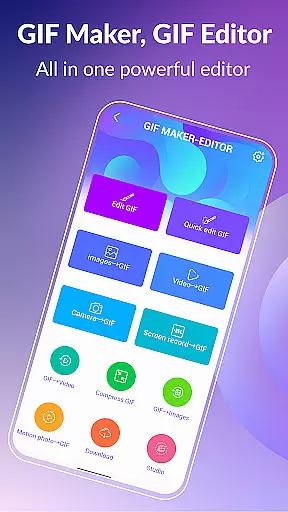
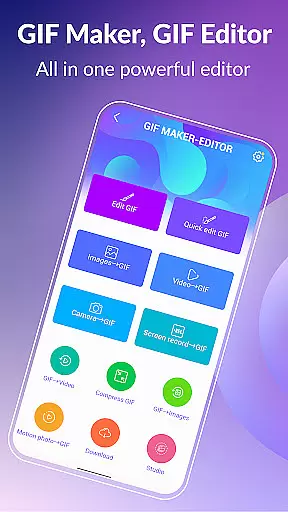
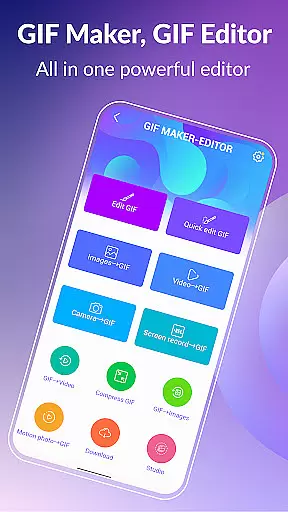
GIF Maker & GIF Editor Pro is a comprehensive photography app designed for creating and editing high-quality animated GIFs. This powerful tool supports up to 600 frames and HD resolutions of 720x1280 pixels, ensuring professional-grade output without watermarks. The app's versatility allows users to convert videos, images, screen recordings, and existing GIFs into stunning animations.
With an intuitive interface and support for over 22 languages, the app offers a globally accessible platform for unleashing creativity. Whether you're a casual user or a professional content creator, GIF Maker & GIF Editor Pro provides the perfect environment for producing eye-catching GIFs that stand out across various social media platforms.
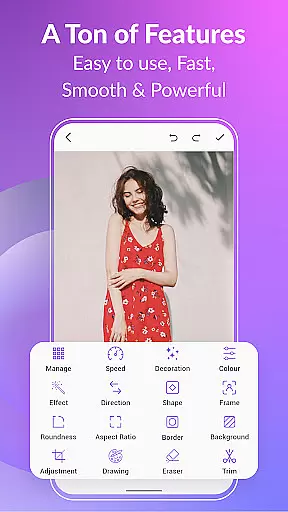
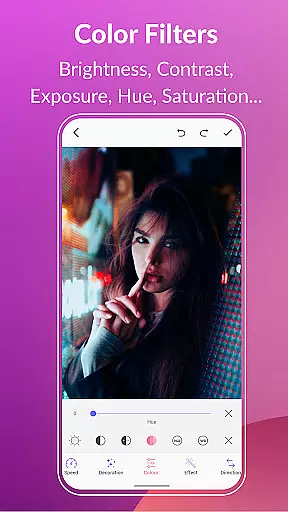
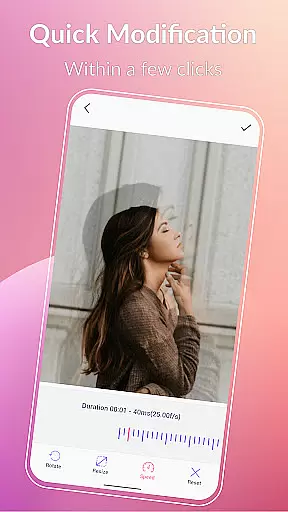
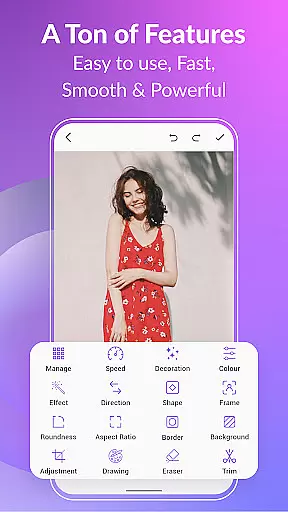
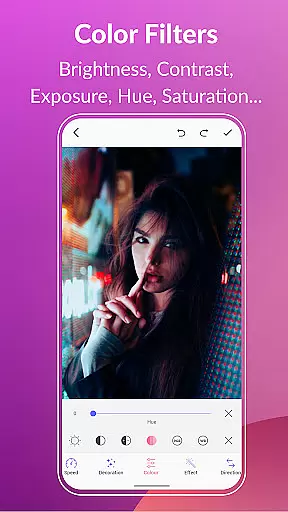
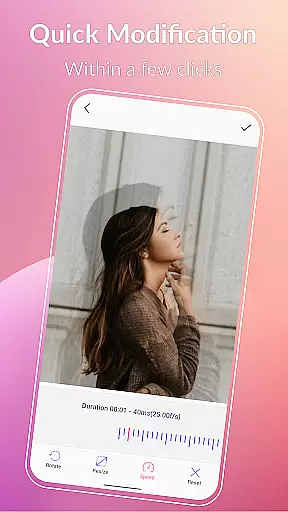
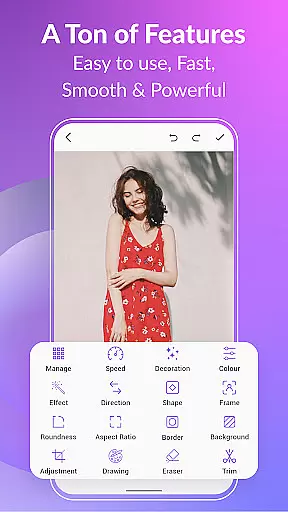
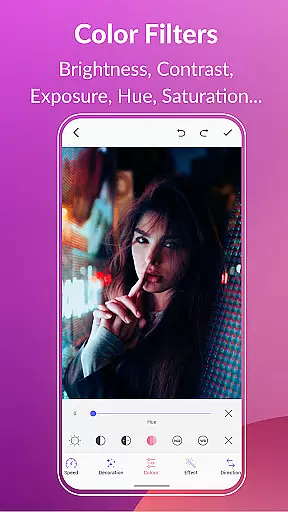
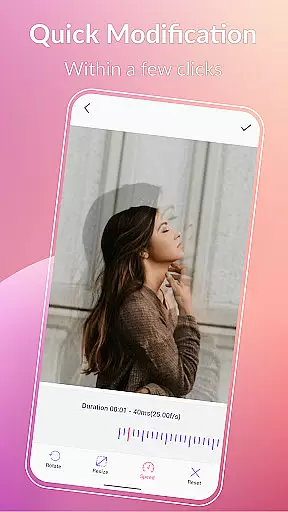
The app boasts an impressive array of features that cater to both basic and advanced GIF creation needs. Users can leverage tools for compressing GIFs, converting GIFs to videos, and applying various background options including transparent and gradient effects. The editing capabilities extend to quick modifications such as resizing, adjusting play speed, and applying color filters for brightness, contrast, and saturation.
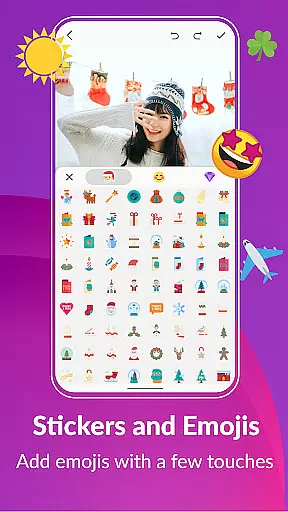
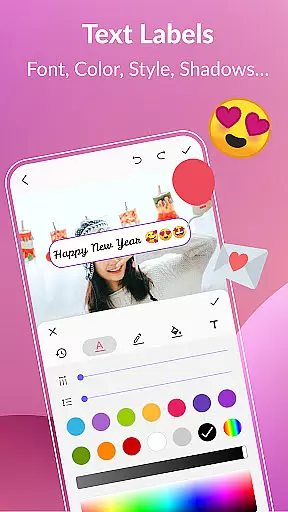
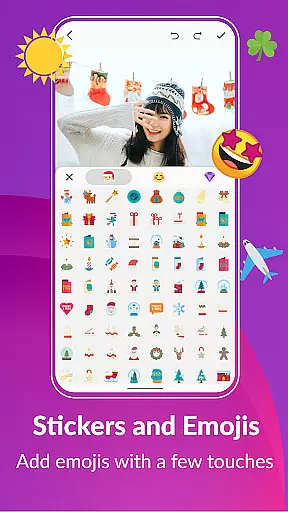
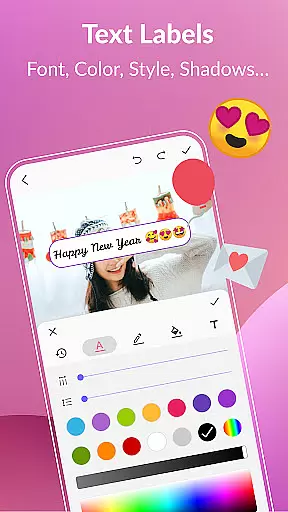
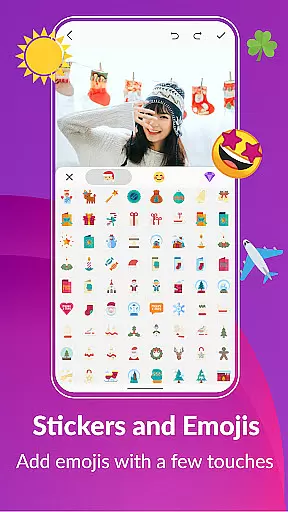
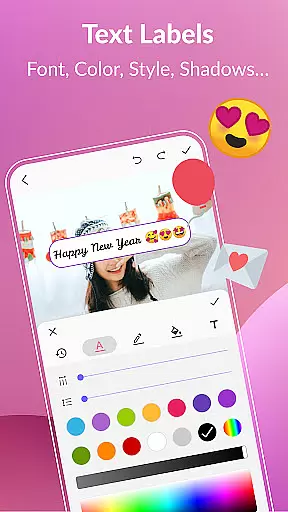
Creative professionals will appreciate the extensive customization options, including text labels, meme creation tools, and a vast library of stickers and emojis. The app also enables frame extraction from existing GIFs and provides robust management features for organizing your GIF collection. With support for multiple file formats and advanced editing features like aspect ratio adjustment and roundness control, this app truly stands out in the photography category.
Real-time capture and preview functionality is essential for any photography or GIF creation app, allowing users to see exactly what their final output will look like as they create it.
GIF Maker, GIF Editor Pro offers an intuitive interface where users can transform images, videos, and even screen recordings into animated GIFs with live previews. This ensures that the user's vision is accurately captured without unexpected results upon completion.
The app supports a wide range of formats including PNG, JPEG, MP4, MPEG, FLV, 3GP, and more, providing flexibility in content creation. Users can customize their creations with features such as cropping, resizing, speed adjustment, filters, stickers, text labels, color filters, and effects while seeing these changes in real time.
This immediate feedback empowers users to unleash their creativity confidently, knowing that the high-quality animated GIFs they produce will be exactly as envisioned during the editing process.
AI beauty and enhancement features are becoming increasingly popular in photo editing applications, offering users the ability to refine and perfect their images with natural-looking results.
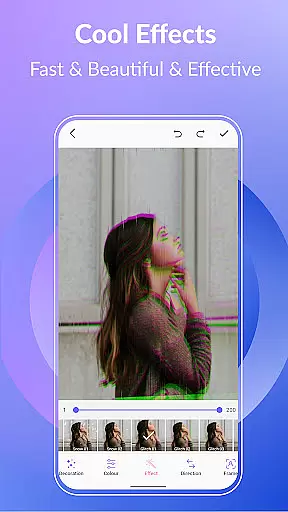
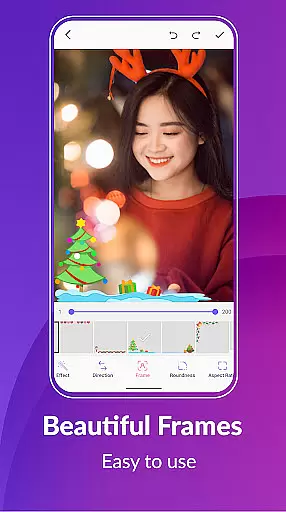
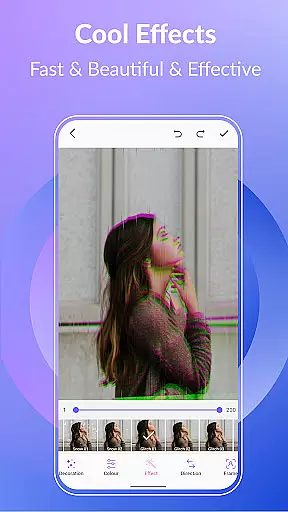
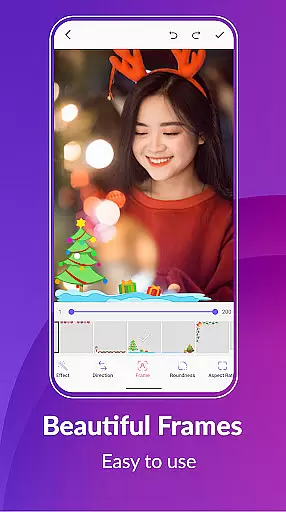
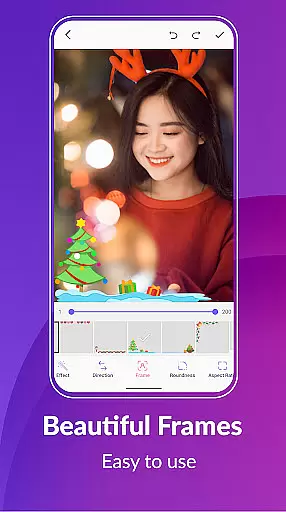
GIF Maker, GIF Editor Pro leverages advanced AI technology to provide enhancements that maintain authenticity. The app includes tools for adjusting brightness, contrast, exposure, hue, saturation, white balance, and applying various stylish effects and picture frames.
With support for up to 600 frames and 50 frames per second, the quality of animations created or edited within this app remains consistently high. Additionally, options like background customization (transparent, solid colors, gradients), text overlays, emojis, and stickers allow for further personalization without compromising on natural appearance.
These sophisticated yet easy-to-use tools ensure that whether you're creating memes, adding captions, or simply enhancing visuals, your work stands out with professional-grade polish while retaining its original charm.
User-friendly interface
High-quality output
Extensive format support
Advanced editing tools
Multilingual support
Premium version required
Large file sizes
Steep learning curve
Limited free features
Occasional performance issues

All-in-One Editor & AI Photo Enhancer, Beautify & Retouch, Collage, Cartoonify
 4.20
4.20
Perfect photos with body shaping, BG changer and object remover.
3.70
What celebrity do you look like? Celebs will find your celebrity match!
4.10
Photo prints, cards, & gifts at Walgreens. Easy ordering & fast local pickup !
4.80
Over 800 film simulation recipes for Fujifilm. Black Friday Offer!
4.2
HD Camera Pro with HD Video shooting, Panorama, Photo editor , Beauty Camera.
4.50
Create AI photos & videos with Enhancer; restore, fix, beautify, enhance photos
4.50
Your personal guide to the sun and moon. Plan ahead, visualize and predict!
4.70
PhotoSync Bundle Add-On License. Enables all features and services in PhotoSync.
4.60
Collage your moments in one tap: 1000+ layouts, filters, stickers, and texts.
4.90
Perfect body tune & face app - photo retouch, makeup, slim body & beautify face.
4.80
Add Watermark - Sign your pictures with a text or logo. Effective, quick, easy!
4.50
Photo Exif Editor allows to view, add and modify EXIF data of multiple photos
4.50
Luminar: Photo Editor - easy picture editing with AI
4.20
Transform Photos: Edit, Beautify and Craft Memories & Make Collages!
4.10
live datamoshing
4.00
Remote control of the phone camera from your Wear OS smartwatch
3.70
Professional video recording application with manual controls for filmmakers!
2.80
Remote control the phone camera shutter from your smartwatch and take a picture
1.60




User Reviews