
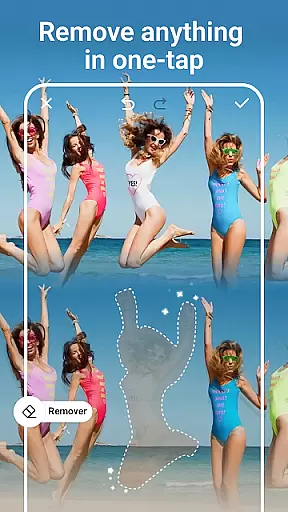
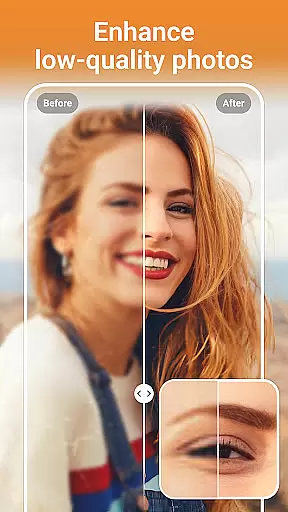
PhotoArt is an advanced AI-powered photo editor that caters to all your editing needs in one place. With features like One-Tap Enhance, Magic Eraser, AI Face Swap, and creative effects, it transforms photos into stunning masterpieces effortlessly.
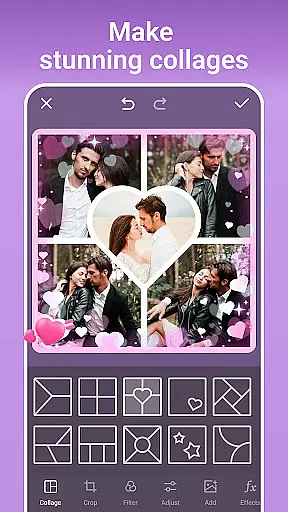
Whether you're looking to retouch portraits, create collages, or apply artistic filters, PhotoArt offers tools for every creative vision. Its intuitive interface ensures users of all skill levels can achieve professional-quality results while enjoying the process.
Ideal for social media enthusiasts, this app allows instant sharing on platforms like Instagram and Facebook, making it perfect for enhancing personal and promotional content alike.
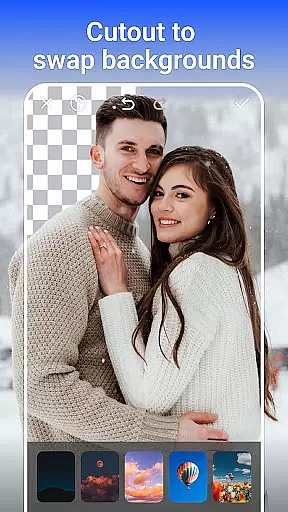
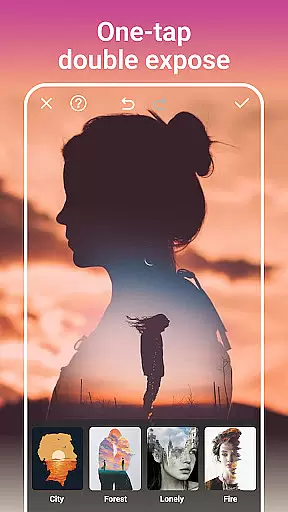
PhotoArt stands out with its diverse range of AI-driven tools designed to simplify complex editing tasks. Features such as AI Background Removal, Double Exposure, and HSL adjustments provide precise control over photo enhancements.
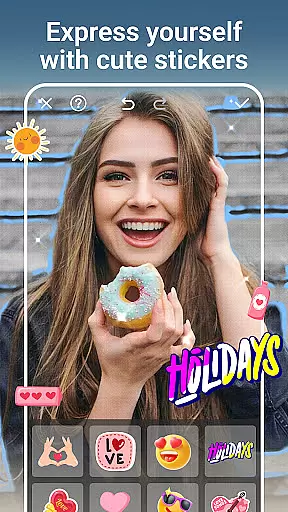
The app also includes creative options like 100+ filters, light effects, and customizable stickers, enabling users to personalize their images uniquely. Advanced tools like Curve adjustments and resolution enhancement ensure high-quality outputs tailored to various use cases.
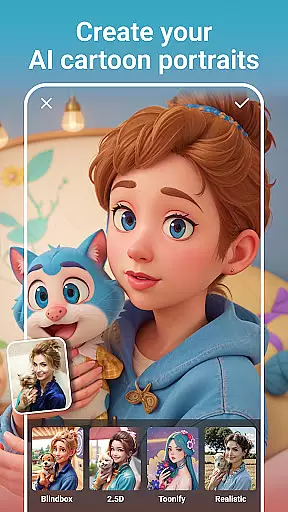
From restoring old photos to creating whimsical cartoon avatars, PhotoArt empowers users to explore limitless creativity while maintaining ease of use.
Real-time capture and preview functionality is essential for ensuring that users can see the results of their photo edits instantly. This feature allows users to visualize changes as they apply filters, effects, and adjustments, providing immediate feedback on their creative decisions.
PhotoArt's real-time capabilities are powered by advanced AI algorithms that process edits swiftly without compromising quality. Whether it's applying cartoon filters, enhancing resolution, or experimenting with light effects, users can witness transformations unfold seamlessly on their screens.
The benefit of this real-time interaction is significant. It empowers users to make precise modifications, experiment boldly, and learn intuitively as they see the impact of each adjustment immediately. This instant visualization reduces the learning curve and enhances user satisfaction by delivering professional-grade results effortlessly.
For photography enthusiasts and professionals alike, having a reliable real-time preview ensures that the final output matches their vision perfectly. With PhotoArt, capturing and editing become an uninterrupted flow, allowing creators to focus on their artistry without technical hindrances.
AI beauty and enhancement features aim to improve aesthetic appeal while maintaining a natural look. These tools leverage sophisticated AI models to analyze facial structures, skin textures, and lighting conditions, ensuring enhancements appear organic rather than artificial.
In PhotoArt, AI-driven face retouching and body reshaping tools work harmoniously to enhance natural beauty. Users can smooth skin imperfections, reshape facial features, and adjust body proportionsu2014all while preserving authenticity. The app intelligently detects over-processing, preventing unnatural results that detract from the subject's genuine appearance.
This balance between enhancement and naturalness offers immense value to users. It boosts confidence by highlighting natural attributes without creating unrealistic expectations. For portrait photographers and selfie enthusiasts, these features ensure every picture reflects the true essence of the subject with subtle yet impactful improvements.
Ultimately, PhotoArtu2019s commitment to natural enhancement fosters trust among its users. By delivering polished yet authentic images, the app supports diverse creative expressions while upholding ethical standards in digital photo editing.
User-friendly interface
Wide variety of effects
AI-powered precision
High-quality outputs
Instant sharing options
Occasional slow processing
Limited free features
Ads in free version
Subscription cost
Learning curve for pros

Create collages easily! Nice pic collage maker & background eraser for Instagram
 4.50
4.50
Automatically backup your photos and videos to computer, NAS and Cloud services
4.60
Gallery Slideshow is slideshow maker app for slideshow from your gallery photos.
3.90
USB Storage Access for Photos, Videos, Music and Documents
3.80
See your baby AI baby face generator AI baby maker Face generator babymaker fun!
4.70
PhotoSync Bundle Add-On License. Enables all features and services in PhotoSync.
4.60
Welcome to ProShot, the most powerful camera app on Android.
4.20
Your Family Calendar + Photos. Manage your Skylight Calendar and Skylight Frame.
4.40
Edit photos with the picture generator: PS2 & AI Clay filters, cartoon effects.
4.50
Collage your moments in one tap: 1000+ layouts, filters, stickers, and texts.
4.90
Amazing Photo Effects - The most fun you can have with your photos!
4.70
A must-have app for landscape photographers
4.60
Enhance, retouch & create your story - Share the moment with Photoshop Express.
4.60
Unblur, enhance & restore photos with powerful AI photo enhancer tools.
4.60
RAW video capture with advanced controls
4.40
All-in-One Editor & AI Photo Enhancer, Collage, Cartoonify, Funny Stickers & BGS
4.10
Hair color changer, AI haircut app, fun hair editor and buzz cut filter for all!
3.80
Create amazing frames with up to five photos. Rounded corners, effects and more!
3.60
Over 800 film simulation recipes for Fujifilm. Black Friday Offer!
4.2



User Reviews