
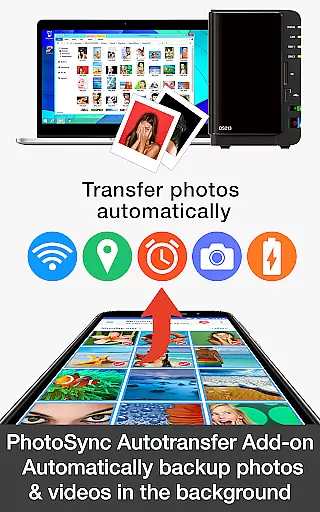
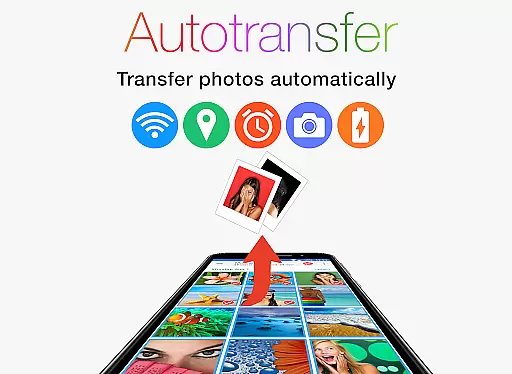
PhotoSync Autotransfer Add-On is an advanced photography tool designed to streamline photo and video management. This add-on enhances the free version of PhotoSync by enabling automatic wireless backups to various destinations including computers, private clouds, and NAS systems. With five configurable triggers such as Wi-Fi access points and geolocation, it ensures your media is consistently backed up without manual intervention.
The application stands out with its cross-platform compatibility, supporting native apps for Android, iOS, Windows, and Mac. It provides a reliable and secure solution that has been continuously updated over ten years. Users benefit from total control over their data transfers, making it an ideal choice for photographers and content creators who require efficient and customizable backup solutions.
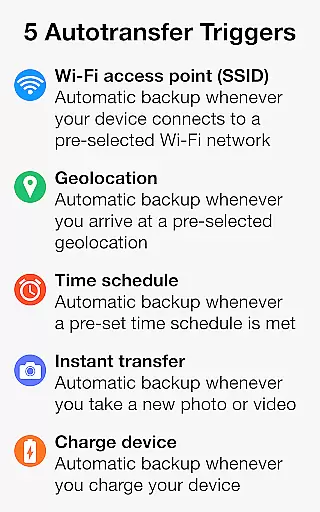
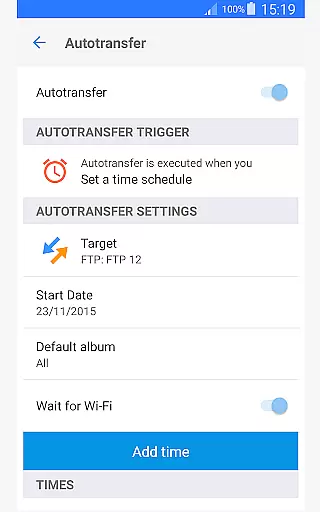
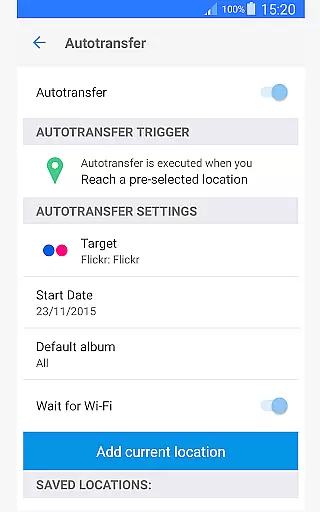
PhotoSync Autotransfer Add-On offers a comprehensive suite of features tailored for seamless media management. One of its standout capabilities is the automatic background transfer of photos and videos to multiple targets like computers, private clouds, and supported cloud services. This feature is enhanced by five configurable Autotransfer triggers, which include Wi-Fi access points, geolocation, time schedules, device charging, and instant photo capture.
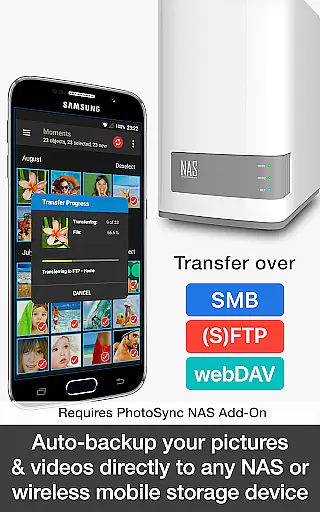
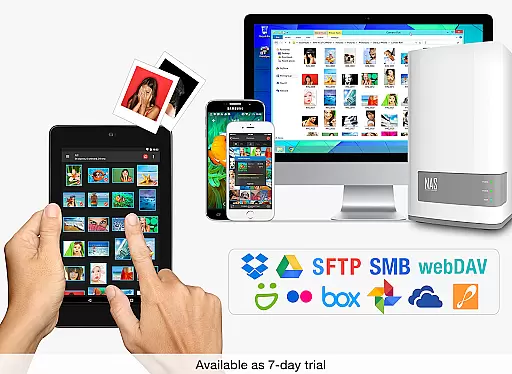
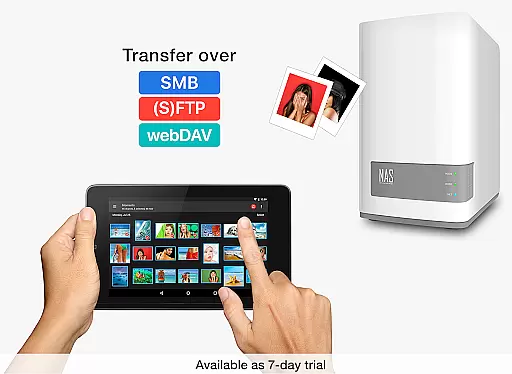
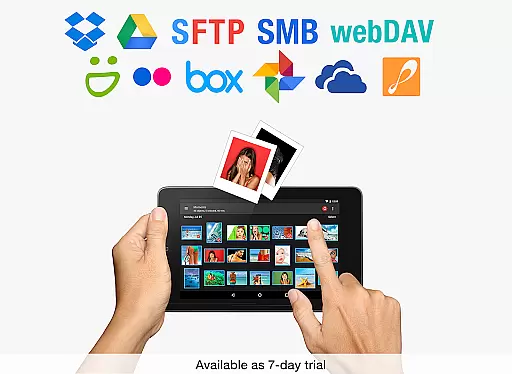
Another significant aspect is its support for various transfer protocols such as SMB, (S)FTP, and WebDav, allowing users to upload media securely to any NAS or remote server. Additionally, the app integrates with popular cloud services like Dropbox, Google Drive, and OneDrive, ensuring that your files are accessible across different platforms. The user-friendly interface and robust security measures make PhotoSync Autotransfer Add-On a top choice for anyone seeking a reliable and versatile photography management tool.
PhotoSync Autotransfer Add-On offers real-time capture and preview capabilities, ensuring that every photo or video you take is instantly available for review. This feature is crucial for photographers who need immediate feedback on their shots to make necessary adjustments.
The app achieves this through an advanced synchronization system that wirelessly transfers media from your Android device to a computer or cloud storage as soon as it's captured. This not only saves time but also reduces the risk of losing valuable content due to device failure or accidental deletion.
Users benefit from the ability to instantly view high-quality previews of their work on larger screens, which can significantly enhance the editing process. The real-time aspect ensures that creators can quickly share their content with clients or social media platforms without delay.
This functionality underscores PhotoSync's commitment to providing reliable and efficient tools for managing digital media, making it an indispensable asset for both amateur and professional photographers seeking seamless integration between capture and post-production stages.
While PhotoSync Autotransfer Add-On focuses primarily on transferring and backing up photos and videos, its integration capabilities extend to include AI beauty and enhancement features that ensure natural-looking results. These enhancements are subtle yet effective, aiming to preserve the authenticity of the original image while elevating its overall quality.
The application supports connections with various photo editing software and services where AI-driven filters and effects can be applied. This means users can automate the enhancement process as part of their backup routine, ensuring every uploaded photo meets their aesthetic standards without manual intervention.
By leveraging machine learning algorithms, these enhancements adapt to different skin tones and lighting conditions, delivering consistent improvements across diverse sets of images. Users appreciate the balance between enhanced visual appeal and maintaining genuine representation, avoiding the over-processed look common in less sophisticated solutions.
Ultimately, this feature adds significant value by streamlining workflows and enhancing output quality, positioning PhotoSync as more than just a transfer tool but also a comprehensive solution for managing and refining digital media libraries.
User-friendly interface
Secure data transfer
Customizable backup options
Cross-platform compatibility
Continuous updates
Paid add-on required
Limited free version
Complex setup for beginners
Additional costs for NAS/Cloud
High system requirements

Shooting photos and records video easily and efficient with professional Camera
 4.30
4.30
Cut and paste photo editor & eraser to customize photos easy and swap faces fun
4.50
Take videos and pictures with the popular TikTok TIME WARP SCAN filter.
4.60
Turn your phone into a professional camera - full DSLR manual photography
4.30
The #1 app for B&W film developing featuring an advanced darkroom timer.
4.10
A reflected light meter with spot metering and incident light metering.
4.40
Create AI photos & videos with Enhancer; restore, fix, beautify, enhance photos
4.50
Effortlessly make high-quality GIFs from images & videos without any watermarks.
4.70
Try an anime version, cartoon yourself, and generate AI hug or aging videos!
3.70
Find time and duration of different sunlight phases at any location
4.90
Easily view, share, delete photos with Gallery.
4.70
Your personal guide to the sun and moon. Plan ahead, visualize and predict!
4.70
A must-have app for landscape photographers
4.60
Easily create custom gifts, cards, photo books & more on the Shutterfly app!
4.60
Easily stitch panoramas from multiple photos or video.
4.40
Create & Edit with AI: AI Remove, Enhance, Retouch, Filter
4.10
live datamoshing
4.00
Over 800 film simulation recipes for Fujifilm. Black Friday Offer!
4.3
Add a dreamy vibe to your selfies and videos with soft style filters
4.2





User Reviews