
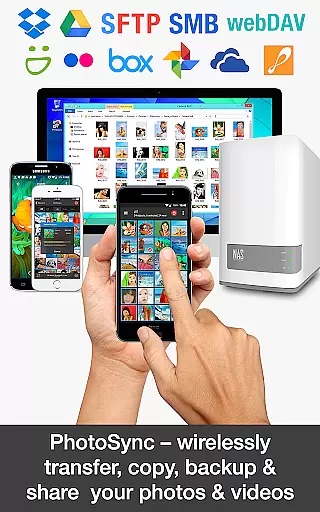
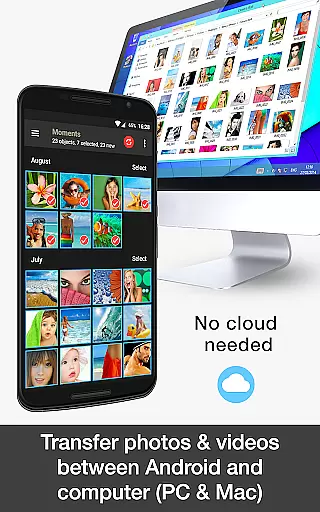
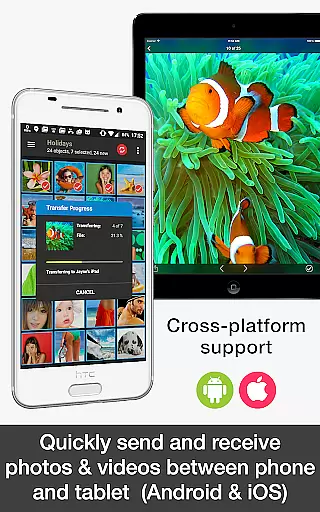
PhotoSync Bundle Add-On is an advanced activation license that enhances the free version of PhotoSync, a leading cross-platform solution for wireless photo and video management. This add-on enables users to unlock all Autotransfer, NAS, and Cloud capabilities, facilitating seamless transfer, backup, and sharing across Android, iOS, Windows, and Mac devices.
With over 10,000 positive reviews and millions of successful transfers, PhotoSync stands out for its reliability, security, and user-centric design. The bundle saves users 20% compared to purchasing individual add-ons and ensures total control over how and where their media is stored and shared.
Ideal for photographers and everyday users alike, PhotoSync Bundle Add-On provides a comprehensive solution for managing media files across multiple devices and platforms, ensuring data safety and accessibility.
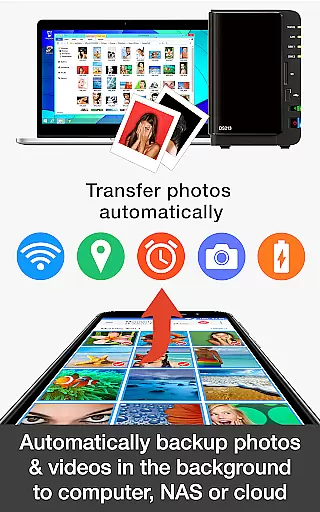
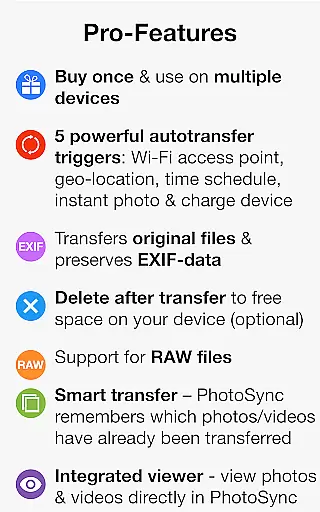
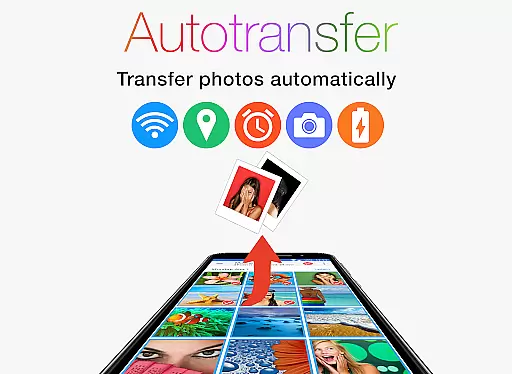
The PhotoSync Bundle Add-On offers a robust set of features designed to streamline photo and video management. It includes the Autotransfer Add-On, which automatically backs up media to computers, NAS devices, or cloud services based on triggers like Wi-Fi connection, geolocation, or device charging.
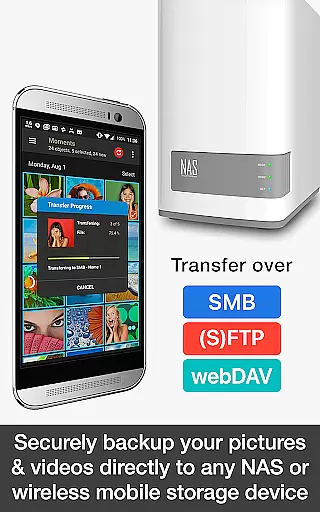
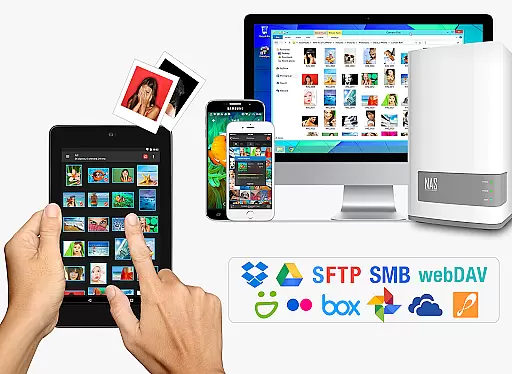
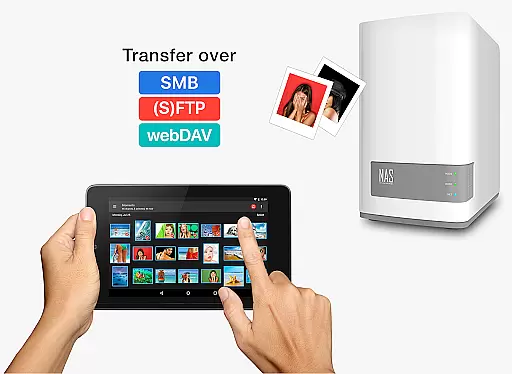
Additionally, the NAS Add-On allows secure backups to network-attached storage or personal clouds via SMB, (S)FTP, or WebDAV protocols. Users can also download and view media from supported NAS brands such as Synology, QNAP, and Western Digital, enhancing flexibility and convenience.
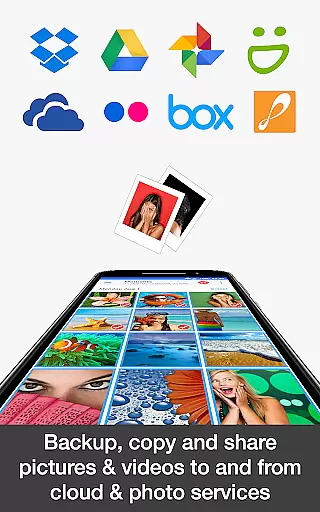
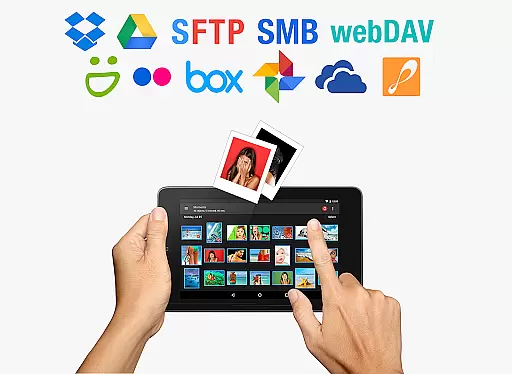
The Cloud Add-On extends functionality by enabling uploads to popular services like Dropbox, Google Drive, and OneDrive. This feature-rich package removes ads and future-proofs the app by including upcoming add-ons at no extra cost, making it a smart investment for tech-savvy users.
Real-time capture and preview functionality is essential for photography applications as it allows users to see exactly what the camera is capturing before taking a shot. This ensures that photos meet user expectations in terms of framing, lighting, and composition.
PhotoSync Bundle Add-On enhances this experience by enabling instant transfer of photos and videos from an Android device to various destinations like computers, NAS, and cloud services. The moment a picture or video is captured, it can be automatically uploaded, ensuring that users have real-time backups without any manual intervention.
This feature provides significant value to users by offering peace of mind through automatic backups. Whether you're a professional photographer or someone who simply wants to ensure their memories are safely stored, the ability to wirelessly and instantly back up your media is invaluable.
Moreover, the real-time aspect extends to sharing capabilities, allowing users to share content directly to supported cloud services over WiFi and 3G/LTE immediately after capture. This seamless integration ensures that your important moments are not only captured but also preserved and shared effortlessly.
AI beauty and enhancement features have become increasingly popular in photography apps, allowing users to improve the quality of their photos with just a few taps. These tools leverage advanced algorithms to enhance facial features, smooth skin tones, and adjust lighting for more appealing images.
While PhotoSync Bundle Add-On does not focus on AI-driven beautification, its core strength lies in providing reliable and secure software that has been continuously updated over ten years. Instead of altering images, PhotoSync emphasizes preserving the authenticity of your photos while offering extensive customization options.
Users benefit from having total control over how their photos are transferred, backed up, and shared across multiple platforms. With support for SMB, (S)FTP, WebDAV, and numerous cloud services, PhotoSync ensures that every photo remains true to its original form without unnecessary enhancements.
The emphasis on naturalness and authenticity sets PhotoSync apart. By focusing on secure and customizable solutions rather than artificial enhancements, it caters to users who prioritize genuine representation and robust data management in their photography workflow.
Comprehensive feature set
Cost-effective bundle
Cross-platform compatibility
Automatic media backup
Ad-free experience
Requires initial setup
Paid add-on
Dependent on Wi-Fi
Limited offline use
Complex for beginners

Add Watermark - Sign your pictures with a text or logo. Effective, quick, easy!
 4.50
4.50
Professional video recording application with manual controls for filmmakers!
2.80
Take videos and pictures with the popular TikTok TIME WARP SCAN filter.
4.60
Superimpose one photo on top of another using the original Superimpose app!
3.20
Easily create custom gifts, cards, photo books & more on the Shutterfly app!
4.60
AI-powered video creator by MiniMax - Where ideas meet cinema
4.20
Pro version: AR sun/moon tracker for any date. Tool for photographers & planners
4.90
Solocator stamps photos you take with GPS location, Compass Direction, Date/Time
3.80
Photo & Video Gallery app to manage albums and save WA Status easily.
4.70
Easily view, share, delete photos with Gallery.
4.70
Enhance, retouch & create your story - Share the moment with Photoshop Express.
4.60
Light-weight Media Gallery app for Android made with Jetpack Compose
4.60
Transform photos into videos! Create realistic or anime-style images easily!
4.50
Use AI Video Generator to turn your words to ai generated videos.
4.50
RAW video capture with advanced controls
4.40
[3DSteroid Pro] is a stereoscopic application for Android.
4.30
Be your best in every shot! Fix, edit and retouch your face in selfies & photos.
3.70
Photo Album Watch Face shows your favorite pictures as a Watchface.
1.90
Over 800 film simulation recipes for Fujifilm. Black Friday Offer!
4.3



User Reviews