
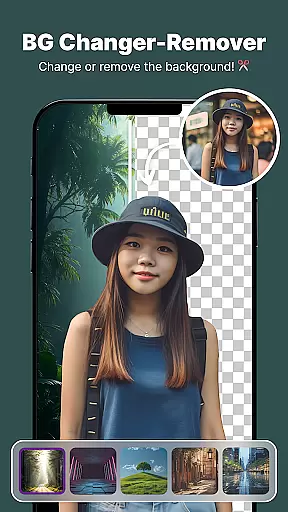
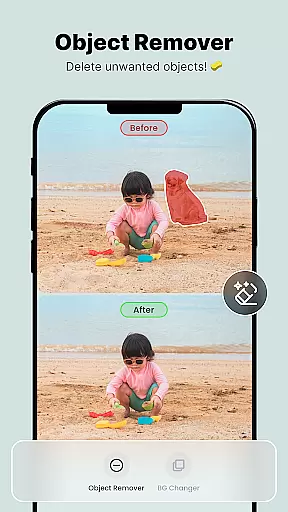
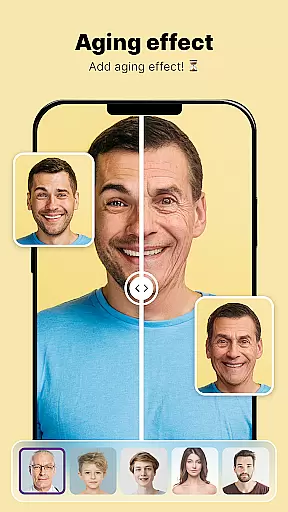
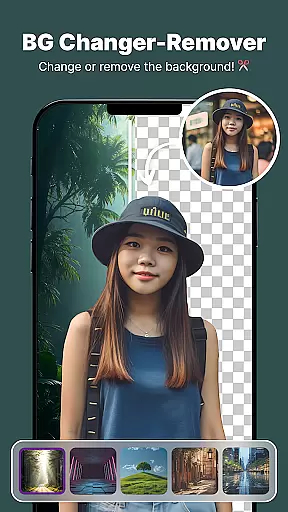
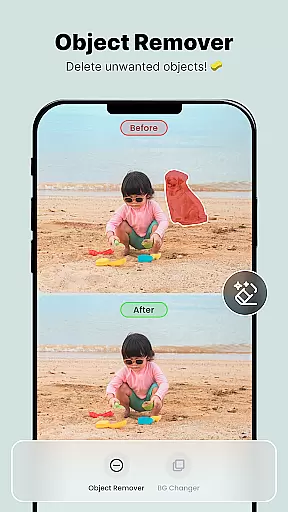
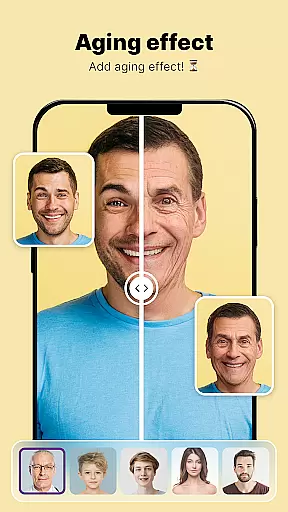
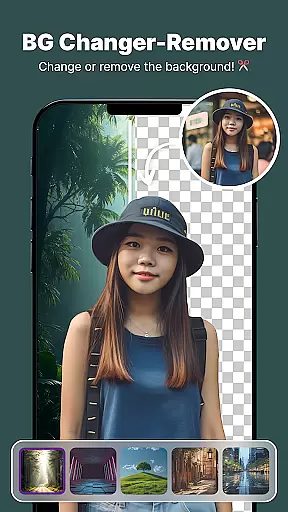
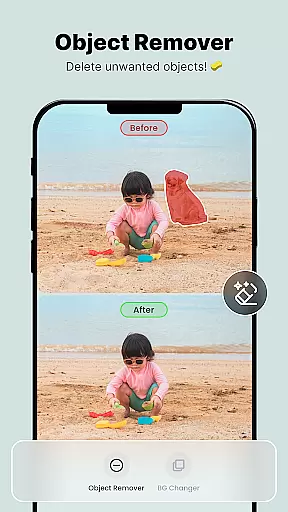
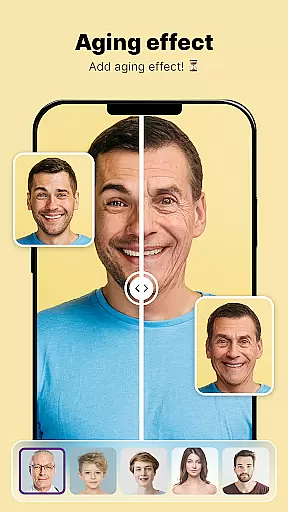
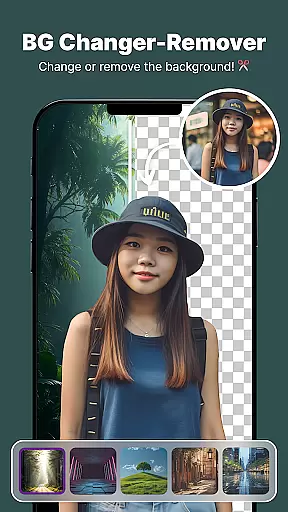
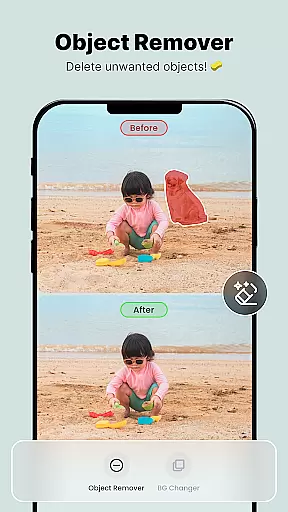
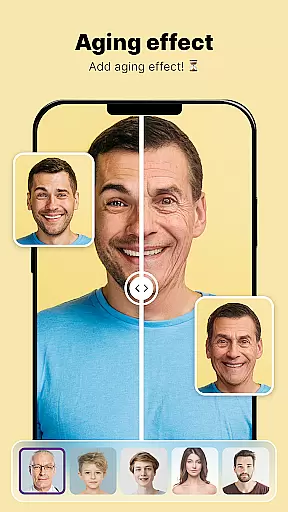
ShotCam is a comprehensive photo editing application designed to enhance your photography experience. This all-in-one editor allows users to sculpt body shapes, create eye-catching collages, and apply professional background changes with ease. The app stands out with its unique features such as the Body Shape editor, Background Changer, Object Remover, Aging Effects, and Background Blur.
Whether you are an amateur photographer or a seasoned professional, ShotCam offers tools that cater to various editing needs. From adding dynamic animations to static images with the Animate Photo feature to achieving flawless portraits with precise body sculpting tools, this app ensures every photo you take reaches its full potential.
The intuitive interface and powerful editing capabilities make ShotCam suitable for both personal and professional use. Users can effortlessly transform their photos into visually stunning creations, making it perfect for social media enthusiasts, bloggers, and photographers who seek to captivate their audience with high-quality visuals.
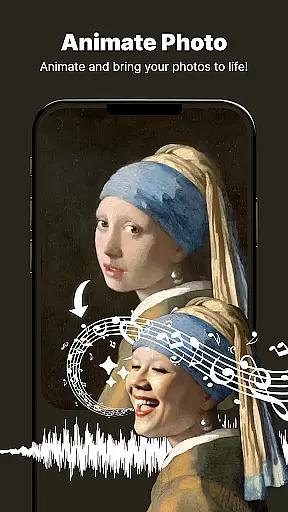
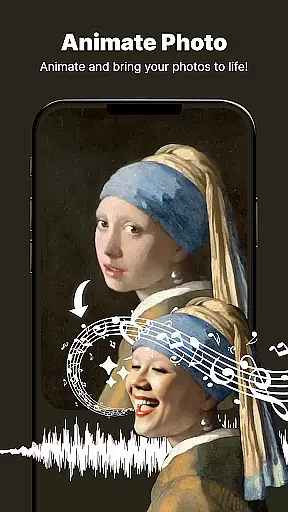
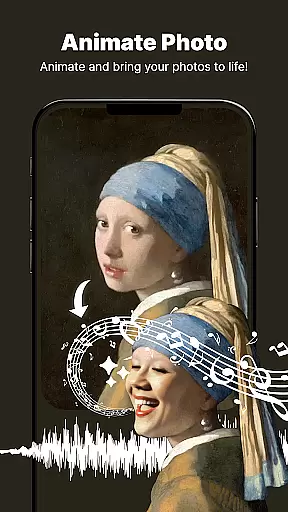
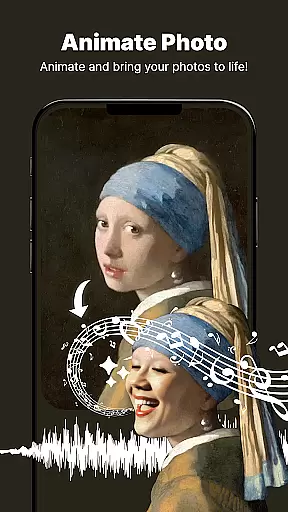
ShotCam boasts an array of sophisticated features tailored to elevate your photo editing skills. One standout tool is the Animate Photo feature, which transforms static images into dynamic animations with just a few taps. This feature adds motion to your favorite moments, creating captivating visual stories that stand out.
Another remarkable feature is the Body Shaper tool, allowing users to fine-tune and reshape any part of their body effortlessly. Whether you want to adjust body proportions or highlight specific features, the Body Sculpting tool provides precision and control over your edits.
In addition to these, the app includes a Collage Maker, enabling users to combine multiple photos into beautiful layouts. With customizable designs and various templates, creating share-worthy collages has never been easier. The Background Changer and Object Remover further enhance the editing process by offering seamless background replacements and object removals, ensuring every photo looks polished and professional.
Real-time capture and preview functionality is essential for ensuring that users can see the results of their photo edits instantly. This feature allows users to visualize changes as they apply various editing tools, such as body shaping or background blurring, providing immediate feedback on their creative decisions.
The Photo Editor, Enhanceruff0dShotCam app excels in delivering a seamless real-time editing experience. With its intuitive interface, users can watch their photos transform with every adjustment, whether it's sculpting the body, applying aging effects, or creating dynamic animations. The responsiveness of the app ensures that even complex edits like object removal or background changes appear instantly, allowing for quick iterations.
This instant feedback loop significantly enhances user satisfaction by reducing guesswork and trial-and-error. Photographers and casual users alike can achieve their desired outcomes faster and with greater precision, making the editing process not only efficient but also enjoyable. Real-time previews empower users to make informed decisions, resulting in higher-quality edited photos.
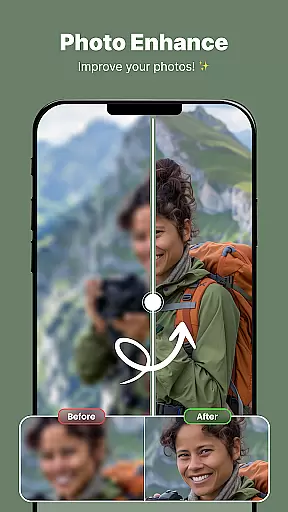
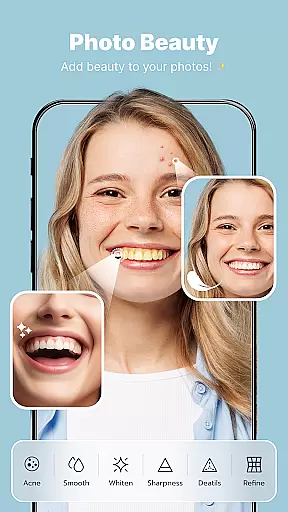
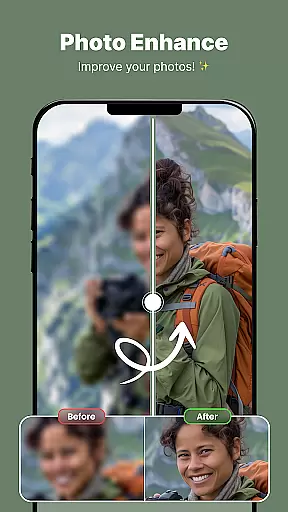
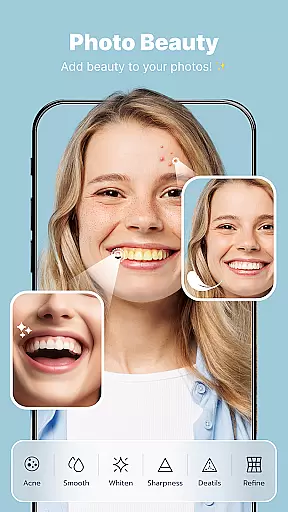
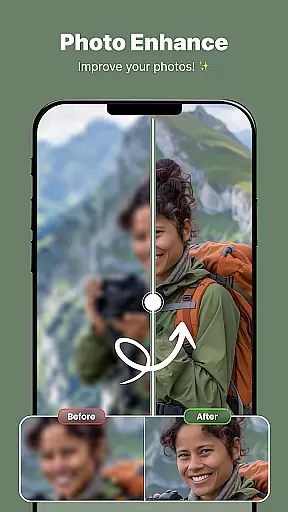
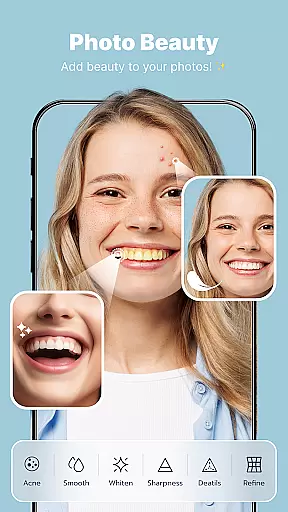
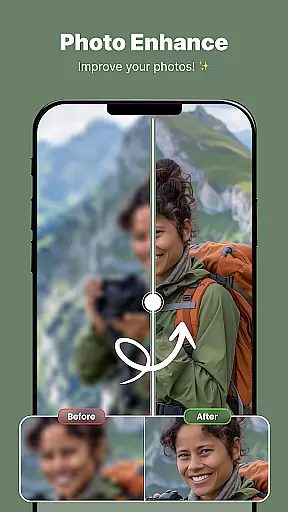
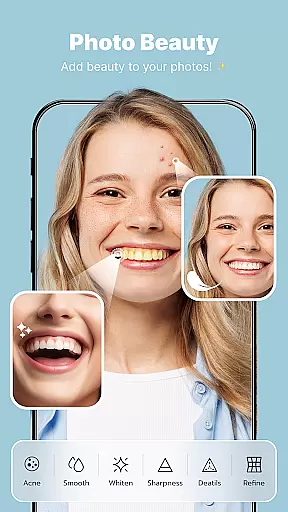
AI-powered beauty and enhancement features are revolutionizing mobile photo editing by offering natural-looking improvements without compromising the original image quality. These tools utilize advanced algorithms to intelligently enhance facial features, skin texture, and overall appearance while maintaining authenticity.
ShotCam incorporates sophisticated AI beauty tools that automatically detect and enhance facial characteristics with remarkable subtlety. From smoothing skin imperfections to enhancing eye brightness, these features work harmoniously to create polished yet genuine-looking results. The app's AI-driven enhancements extend beyond simple filters, providing precise control over specific elements like body shaping and aging effects.
Users benefit from consistently professional-grade edits that look effortless and true-to-life. Unlike traditional editing methods that often result in over-processed images, ShotCam's AI enhancements adapt to each unique photo, preserving individuality while elevating aesthetic appeal. This approach not only saves time but also democratizes professional-quality photo editing for all skill levels.
User-friendly interface
Extensive editing tools
High-quality results
Versatile collage options
Unique animation effects
May require premium purchase
Some features complex for beginners
Occasional performance lags
Limited free templates
Ads in free version

Photo editor: face & body editor, beauty cam, filters and quality enhancer.
 4.00
4.00
Shooting photos and records video easily and efficient with professional Camera
4.30
Photobooth mini FULL app will allow you to add more fun to your parties
4.00
Over 800 film simulation recipes for Fujifilm. Black Friday Offer!
4.4
Amazing Photo Effects - The most fun you can have with your photos!
4.70
Luminar: Photo Editor - easy picture editing with AI
4.20
AI Photo Editor with 100+ Filters, Effects! Remove BG, Retouch & Photo Enhancer.
4.80
Unblur, enhance & restore photos with powerful AI photo enhancer tools.
4.60
Welcome to ProShot, the most powerful camera app on Android.
4.20
Photo editor: AI filters, photo enhancer, pic collage maker, AI art generator.
4.80
Discover & download millions of art for The Frame TV or Hisense CanvasTV
4.60
Photo Exif Editor allows to view, add and modify EXIF data of multiple photos
4.50
Future baby face generator: AI kids generator, kid face! What my baby look like?
4.40
RAW video capture with advanced controls
4.40
AI-powered video creator by MiniMax - Where ideas meet cinema
4.20
live datamoshing
4.00
Create amazing frames with up to five photos. Rounded corners, effects and more!
3.60
Superimpose one photo on top of another using the original Superimpose app!
3.20
Add a dreamy vibe to your selfies and videos with soft style filters
4.1



User Reviews