
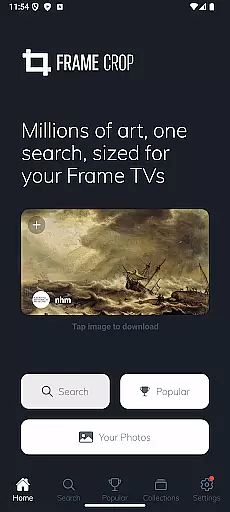
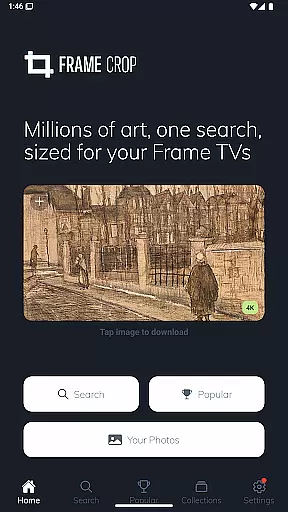
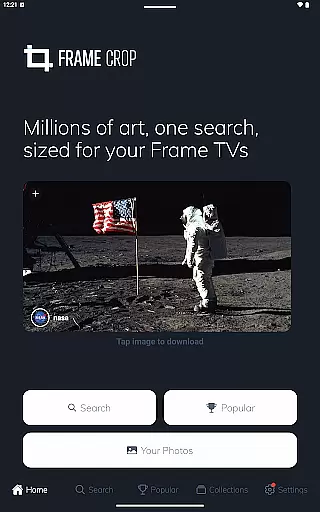
Frame Crop is a specialized application designed for Samsung Frame TV and Hisense CanvasTV owners who wish to enhance their viewing experience with personalized artwork. The app allows users to browse, crop, and download high-quality images from renowned libraries such as Smithsonian and Unsplash. With its intuitive cropping tools, users can effortlessly adjust photos to fit the unique borderless display of their TVs.
In addition to offering an extensive collection of professional artwork and photographs, Frame Crop supports portrait-mounted TVs, making it versatile for different home decor styles. Whether you want to showcase cherished memories or stunning landscapes, this app provides a seamless way to match your mood or interior design by customizing your TV screen with beautiful imagery.
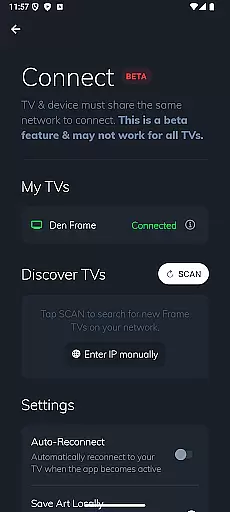
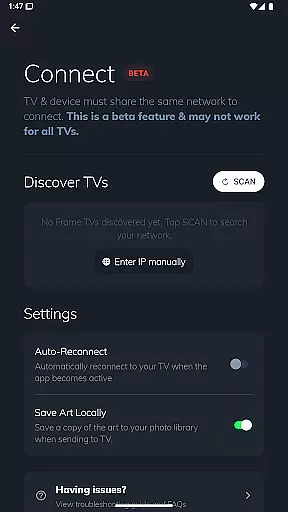
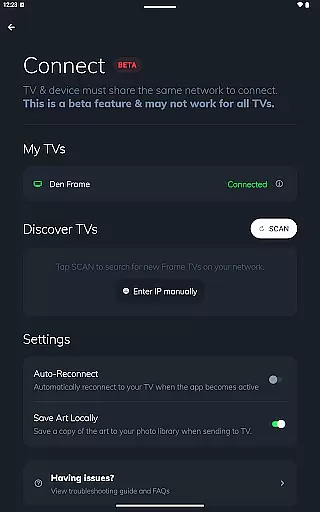
The true value of Frame Crop lies in its ability to transform your living space into an art gallery. By integrating with SmartThings, users can easily switch out displayed art, creating a dynamic and personalized environment that reflects their tastes and preferences.
Frame Crop stands out with its comprehensive set of features tailored specifically for art enthusiasts and Samsung Frame TV or Hisense CanvasTV owners. One of the key highlights is its intuitive photo cropping tool, which ensures images perfectly fit the unique aspect ratio of these TVs. This feature allows users to maintain the integrity of the original image while optimizing it for their specific display.
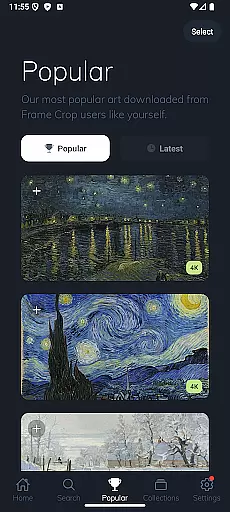
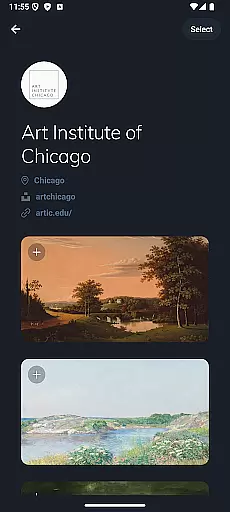
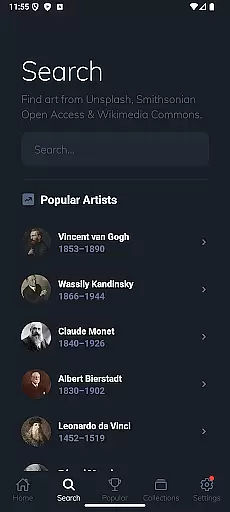
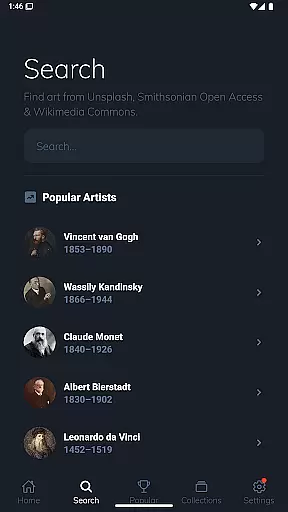
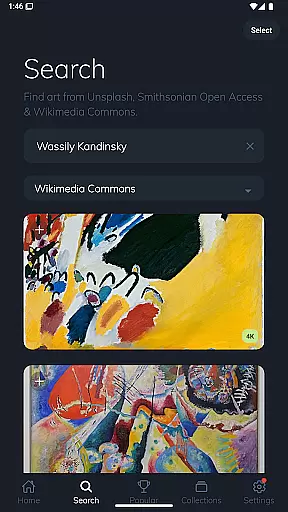
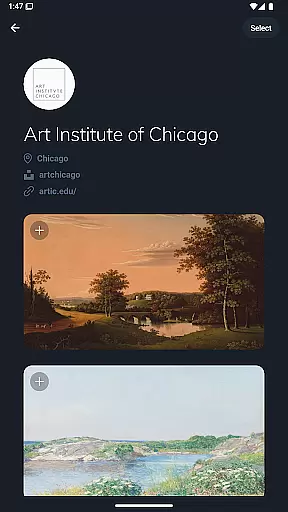
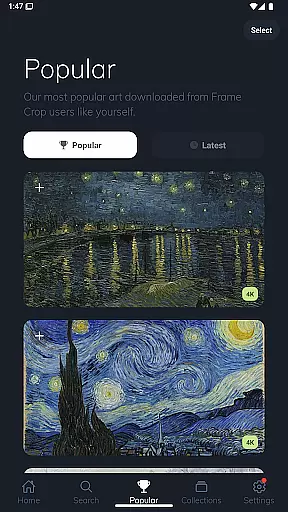
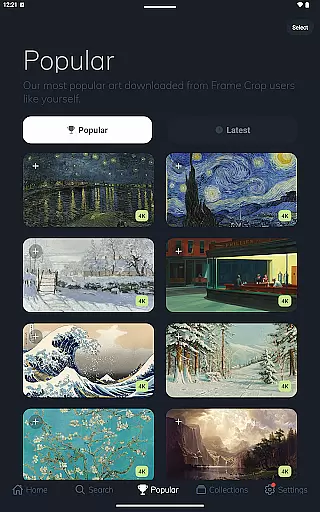
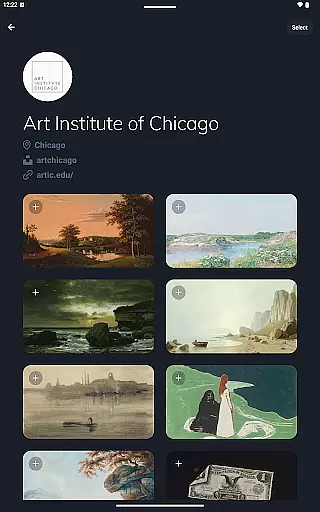
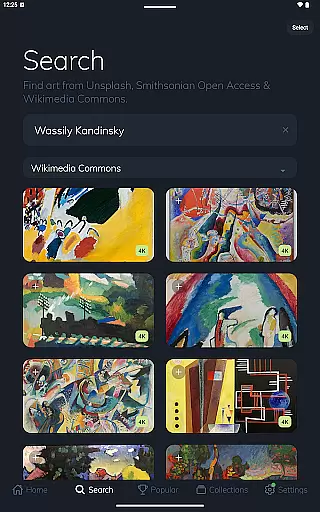
Beyond basic functionality, Frame Crop offers access to thousands of high-resolution images through partnerships with prestigious institutions like the Smithsonian and popular platforms such as Unsplash and Wikimedia Commons. Users can explore diverse categories including art, landscapes, animals, and more, providing endless inspiration for personalizing their screens.
Another notable feature is support for portrait-mounted TVs, catering to those who prefer vertical displays. This flexibility, combined with the ability to seamlessly integrate with SmartThings for easy art switching, makes Frame Crop an indispensable tool for anyone looking to elevate their home aesthetic with minimal effort.
Real-time capture and preview functionality is essential for ensuring that the images displayed on your Samsung Frame TV or Hisense CanvasTV are perfectly aligned with your expectations. This feature allows users to see exactly how their selected artwork, photos, or paintings will look on their TV screens before finalizing the display.
Frame Crop excels in this area by providing intuitive cropping tools that enable users to adjust images precisely to fit the unique borderless display of their TVs. The app supports both landscape and portrait orientations, catering to various mounting options and artistic preferences.
Users benefit from the ability to instantly preview changes, ensuring that every piece of art matches their mood or home decor seamlessly. This immediate feedback loop enhances the overall user experience, making it easy to switch out art using the SmartThings app for a customized viewing experience.
AI beauty and enhancement features play a crucial role in optimizing images for display on high-resolution TVs. These tools ensure that every photo or artwork maintains its natural beauty while being enhanced to fit the superior quality of modern screens.
Frame Crop leverages advanced AI algorithms to enhance image details without compromising authenticity. By sourcing content from high-quality libraries such as Smithsonian Open Access, Unsplash, and Wikimedia Commons, the app guarantees stunning visuals that retain their original essence.
The advantage for users lies in experiencing artwork like never before. With thousands of high-resolution images available, each piece can be finely tuned to match individual tastes and interior designs, elevating the aesthetic appeal of any living space.
User-friendly interface
Extensive art library
Perfect image fitting
Portrait mode support
SmartThings integration
Limited device compatibility
Premium content costs
Occasional bugs
Internet required
Subscription needed

Add Watermark - Sign your pictures with a text or logo. Effective, quick, easy!
 4.50
4.50
Trendy TikTok time warp scan funny filter app brings you unique photos & videos.
4.40
All-in-One Editor & AI Photo Enhancer, Collage, Cartoonify, Funny Stickers & BGS
4.10
Create & Edit with AI: AI Remove, Enhance, Retouch, Filter
4.10
Edit like a pro with Hypic. Apply filters, AI effects, & magic touch.
4.40
Turn your phone into a professional camera - full DSLR manual photography
4.30
Automatically backup your photos and videos to computer, NAS and Cloud services
4.60
Smart, light, and fast photo and video gallery
4.30
Astrophotography with your smartphone, photo live stacking and much more!
3.90
Find time and duration of different sunlight phases at any location
4.90
Easily view, share, delete photos with Gallery.
4.70
AI photo editor with hair editor, retouch tools, hair color changer & filters!
4.50
[3DSteroid Pro] is a stereoscopic application for Android.
4.30
Virtual makeup, hair filters & body tuner—edit from face to full body!
4.20
What celebrity do you look like? Celebs will find your celebrity match!
4.10
Catch sunlight, sunrise sunset times and sun phases with the AR sun tracker.
4.10
live datamoshing
4.00
How would you look like with a differently shaped nose, chin or lips?
3.90
Hair color changer, AI haircut app, fun hair editor and buzz cut filter for all!
3.80




User Reviews