
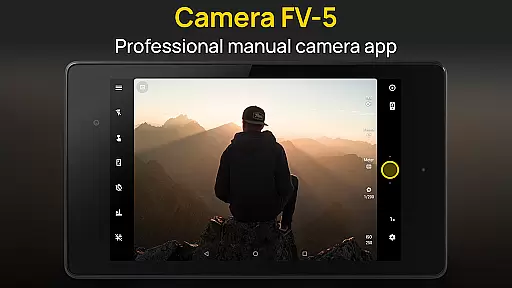
Camera FV-5 is a professional-grade camera application designed for mobile devices, offering DSLR-like manual controls that empower photographers to capture stunning raw photographs. Tailored specifically for photography enthusiasts and professionals, this app provides users with the ability to adjust all photographic parameters including exposure compensation, ISO, light metering modes, focus settings, white balance, and more. The app supports various advanced features such as exposure bracketing, intervalometer for timelapse photography, and long exposure support up to 30 seconds. With its comprehensive manual controls and professional features, Camera FV-5 enables users to unleash their creativity and achieve exceptional photographic results directly from their smartphones.
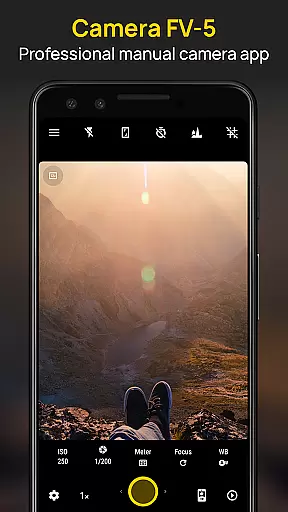
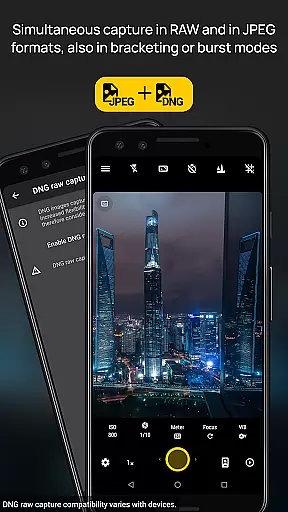
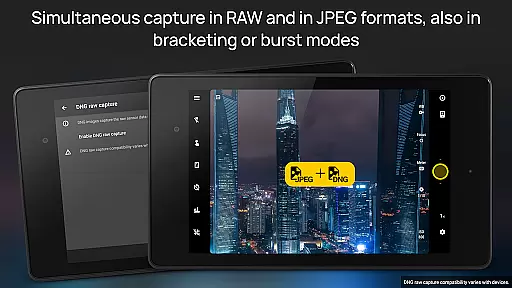
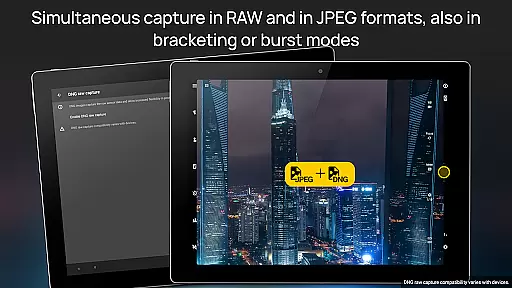
The application's interface displays essential information akin to a DSLR viewfinder, showing real-time exposure details, aperture settings, and EV indicators. It offers multiple shooting formats including JPEG, true 16-bit RAW in DNG format, and lossless PNG, making it ideal for post-processing. Additional functionalities include autofocus lock, autoexposure lock, and customizable file naming options. Supporting over 30 languages, Camera FV-5 ensures accessibility for a global audience. Whether capturing high-quality images or experimenting with creative techniques like light trails, this app serves as a versatile tool for mobile photography.
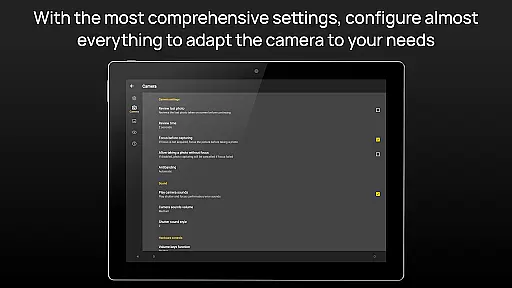
Camera FV-5 stands out with its extensive array of professional features tailored for advanced mobile photography. One of its key highlights is the complete manual control over photographic parameters, allowing users to adjust settings such as ISO, exposure compensation, focus modes, and white balance directly from their fingertips. This level of control mirrors the experience of using a DSLR camera, providing unparalleled flexibility in capturing images exactly as envisioned by the photographer. Additionally, the app includes an advanced electronic viewfinder with live RGB histogram, composition grid overlays, and crop guides, ensuring precision in every shot.
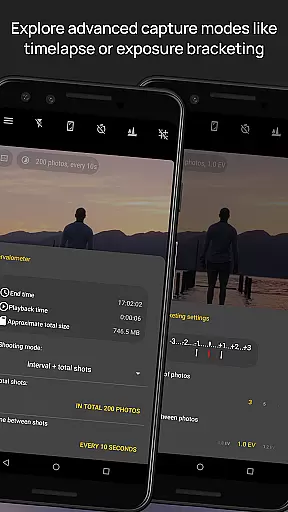
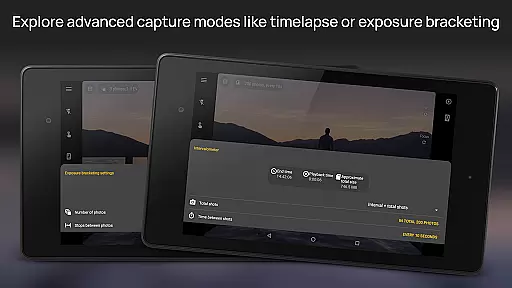
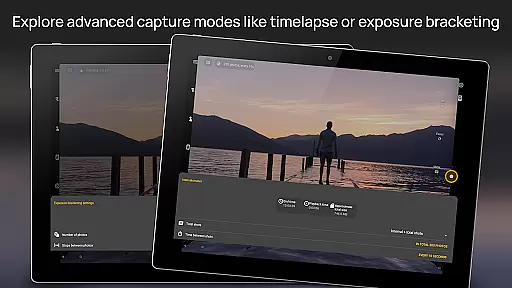
Another remarkable feature is the built-in intervalometer, which facilitates the creation of stunning timelapses and time-controlled photo series. The app also supports exposure bracketing with customizable EV shifting, enabling HDR photography. Long exposure support allows users to capture beautiful night scenes and light trails with exposure times extending up to 30 seconds. Furthermore, Camera FV-5 offers powerful organization tools, including customizable file names and different storage locations, enhancing workflow efficiency. These robust features collectively make Camera FV-5 an indispensable tool for photographers seeking DSLR-level control on their mobile devices.
Real-time capture and preview functionality is essential for photographers who need precise control over their shots. Camera FV-5 excels in this area by providing a DSLR-like viewfinder display that shows critical information such as exposure time, aperture, and stops with EV and bracketing settings in real-time.
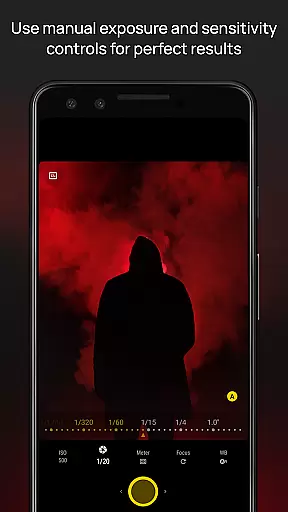
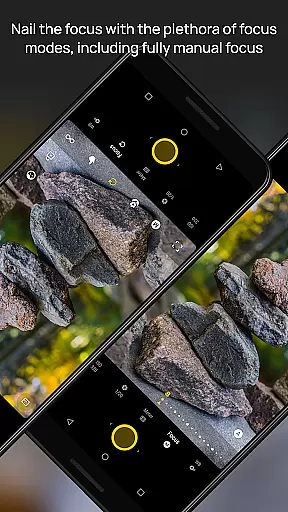
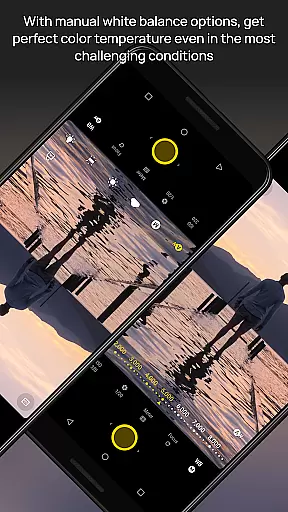
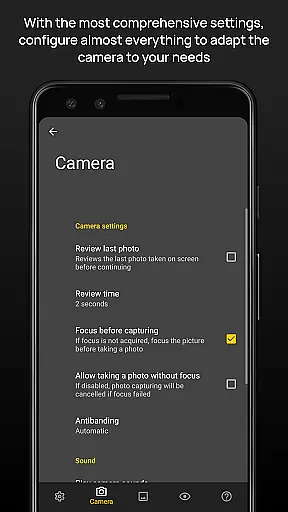
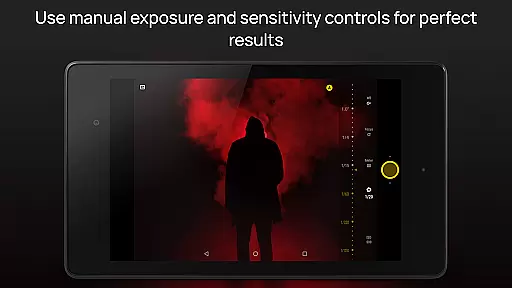
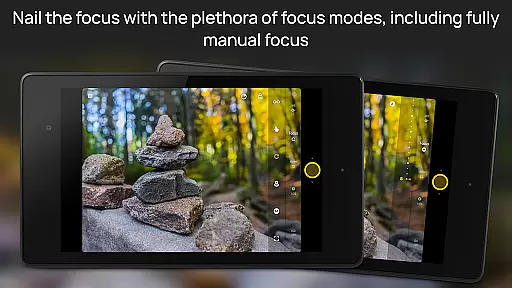
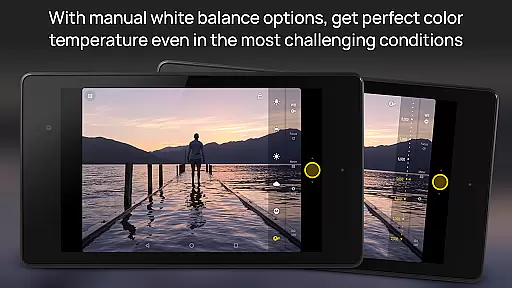
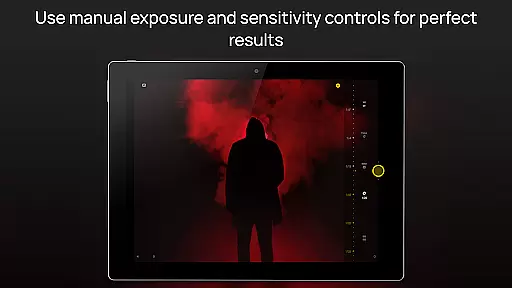
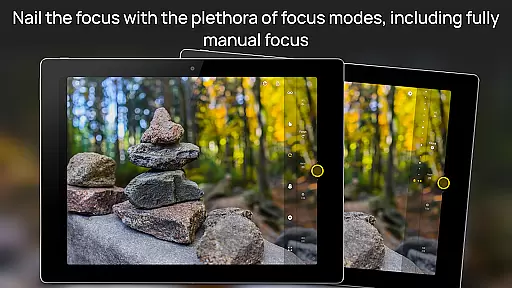
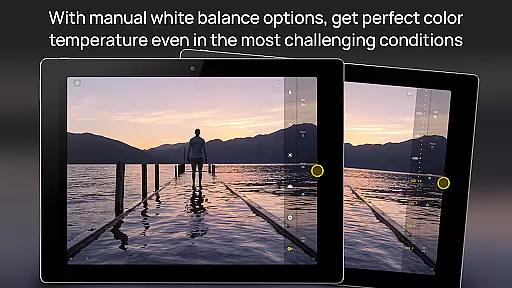
The application supports manual adjustments of all photographic parameters including ISO, light metering mode, focus mode, and white balance. This allows photographers to fine-tune each aspect of their image before capturing it, ensuring the final output aligns perfectly with their creative vision.
Additionally, Camera FV-5 offers advanced features like live RGB histogram and various grid overlays within its electronic viewfinder. These tools assist users in composing their shots accurately and making informed decisions on the fly, which is particularly beneficial when shooting in challenging lighting conditions or fast-paced environments.
While Camera FV-5 does not focus on AI beauty enhancements typically found in consumer-grade camera apps, it provides powerful post-processing capabilities through its support for true 16-bit RAW in DNG format. This feature enables photographers to make detailed edits without losing image quality, preserving the natural essence of the captured scene.
The app's professional approach avoids automated enhancements, instead offering full manual control over photographic parameters. Users can adjust settings such as exposure compensation, color temperature, and focus modes directly from the interface, allowing them to achieve desired effects naturally without relying on artificial intelligence.
Furthermore, Camera FV-5 includes an intervalometer for creating stunning timelapses and long exposure photos. These functionalities empower photographers to explore creative techniques while maintaining authenticity in their work, resulting in images that reflect genuine artistic expression rather than algorithm-driven modifications.
DSLR-like controls
RAW photo support
Advanced viewfinder
Intervalometer feature
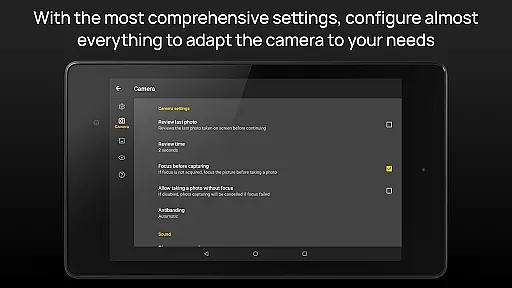
Customizable settings
Complex for beginners
Limited device support
No automatic mode
High battery usage
Premium price tag

Gallery show photo, video, slideshow, is perfect 3D effect private photo albums.
 4.80
4.80
Perfect body tune & face app - photo retouch, makeup, slim body & beautify face.
4.80
Photo prints, cards, & gifts at Walgreens. Easy ordering & fast local pickup !
4.80
Photo editor: AI filters, photo enhancer, pic collage maker, AI art generator.
4.80
Superimpose one photo on top of another using the original Superimpose app!
3.20
Snap photos remotely using your Garmin watch as the camera trigger
4.1
Unlock the full potential of your DJI drone with Litchi
4.50
Welcome to ProShot, the most powerful camera app on Android.
4.20
Your Family Calendar + Photos. Manage your Skylight Calendar and Skylight Frame.
4.40
Viewfinder, Light meter, Reciprocity failure time, DOF & Bellows Extension
4.60
Add Watermark - Sign your pictures with a text or logo. Effective, quick, easy!
4.50
AI photo editor with hair editor, retouch tools, hair color changer & filters!
4.50
Easily stitch panoramas from multiple photos or video.
4.40
A reflected light meter with spot metering and incident light metering.
4.40
Shooting photos and records video easily and efficient with professional Camera
4.30
Create AI Photos, Improve and restore quality of blurry, old or damaged pics.
4.20
Gallery Slideshow is slideshow maker app for slideshow from your gallery photos.
3.90
Turn photos into cartoons & avatars! - Photo Editor, Cartoon Face!
3.90
Perfect photos with body shaping, BG changer and object remover.
3.70



User Reviews