
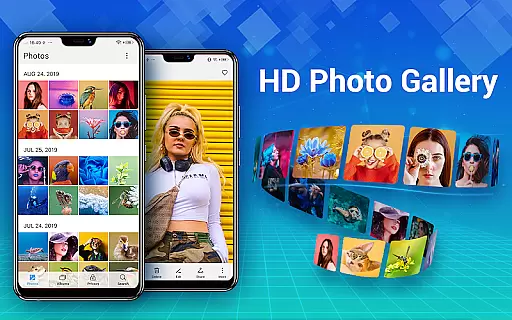
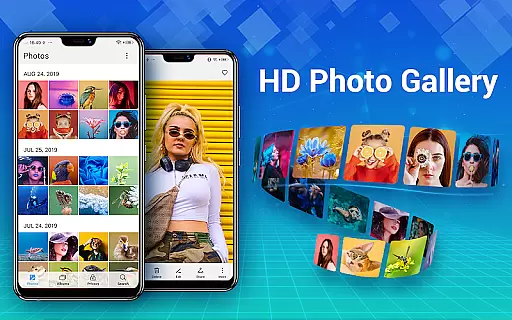
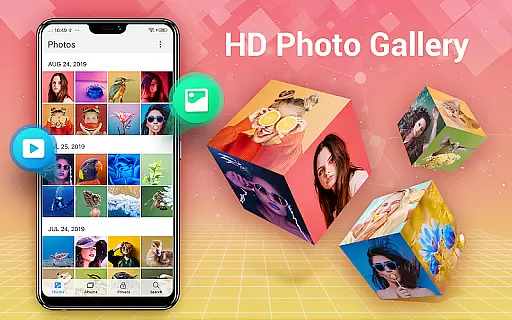
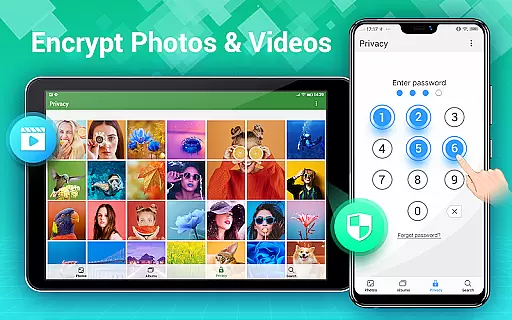
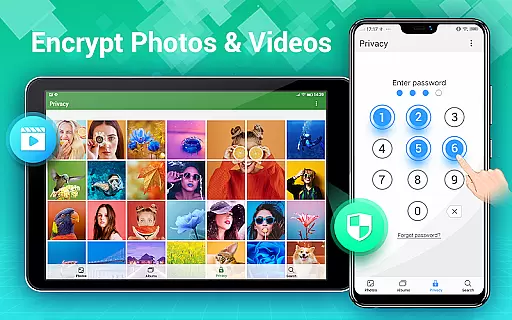
Photo Gallery is a comprehensive photography app designed for Android users, offering an all-in-one solution for managing photos and videos. This app automatically organizes your media files into albums, supports HD viewing, and allows easy sharing. It also features a secure vault to protect your private content with password encryption.
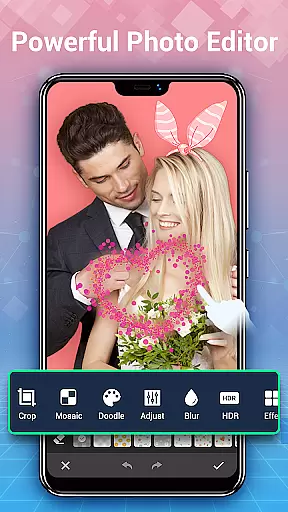
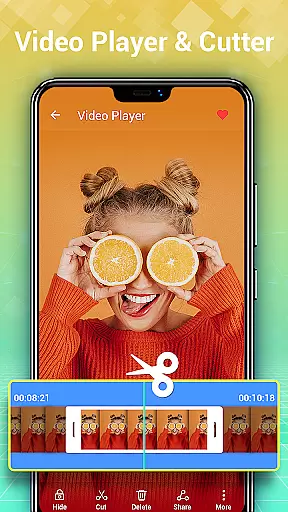
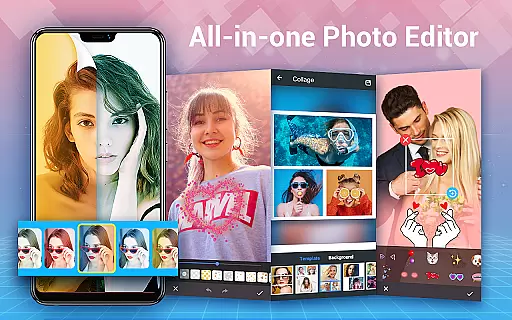
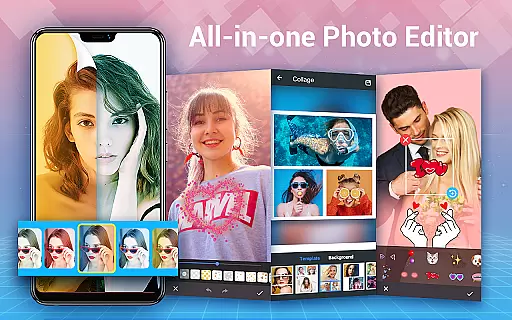
In addition to its organizational capabilities, Photo Gallery provides powerful editing tools. Users can enhance their images with filters, stickers, text, and more. The app's collage maker lets you create stylish photo compositions in seconds. With slideshow playback, favorite tagging, and wallpaper setting options, it ensures both functionality and user enjoyment.
This app is particularly useful for individuals who need to manage large collections of photos and videos while maintaining privacy. Its intuitive interface and robust feature set make it an essential tool for anyone looking to streamline their digital media management and express creativity through photo editing.
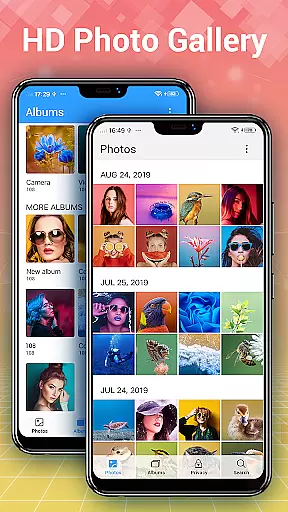
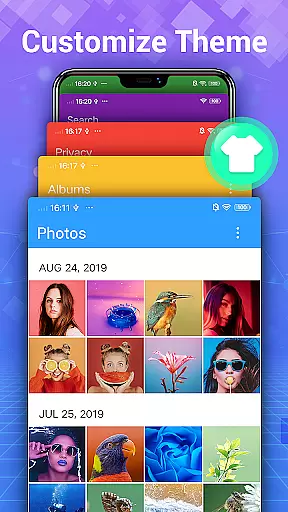
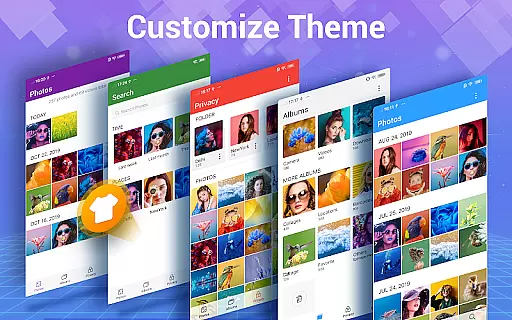
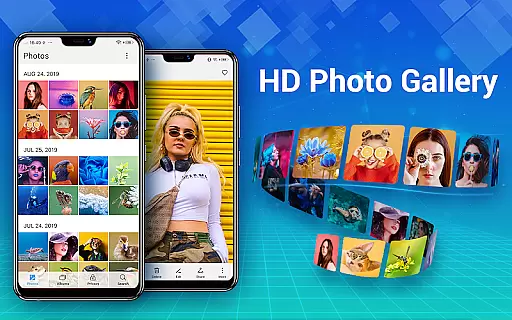
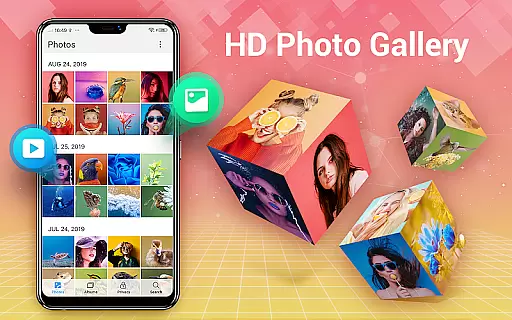
Photo Gallery stands out with its extensive range of features tailored for photo and video management. One of its core strengths is the automatic organization of media files by date, album, or custom categories. This ensures that users can quickly find and manage their photos and videos without hassle. Additionally, the app supports folder and SD card management, allowing flexible storage options.
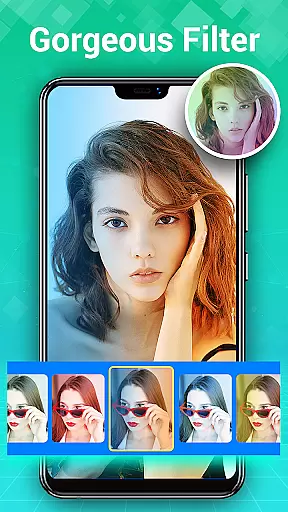
The app includes advanced editing capabilities, making it a versatile choice for creative expression. Users can apply various filters, adjust lighting, add text or stickers, and even create photo collages using free-style or grid templates. These features enable users to transform ordinary photos into stunning visual stories. Furthermore, the built-in HD viewer and slideshow function provide an enhanced viewing experience.
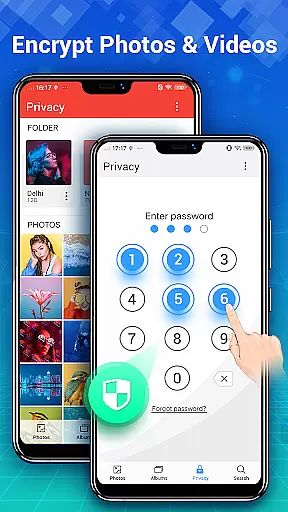
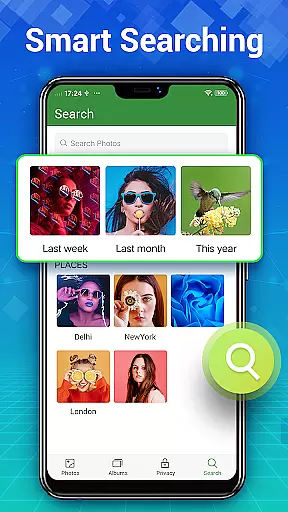
Security is another key aspect of Photo Gallery. The gallery lock feature encrypts private photos and videos, ensuring they remain hidden from unauthorized access. This makes the app ideal for users who prioritize privacy. With additional functionalities like quick search, trash management, and sorting options, Photo Gallery delivers a complete package for efficient and secure media handling.
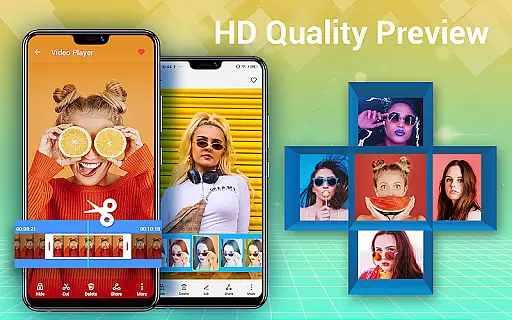
Real-time capture and preview functionality is essential for any photography app, ensuring that users can instantly see the results of their shots before taking them. Photo Gallery - Album, Vault offers a seamless experience by providing an intuitive interface where users can preview their photos and videos in high definition. This feature allows photographers to make instant adjustments to their settings, such as lighting and focus, guaranteeing that each shot meets their expectations.
The app's real-time preview goes beyond just showing a live view; it also supports organizing media into albums and applying instant filters or edits. Users can experiment with different styles and effects, seeing changes reflected immediately on their screen. This capability not only saves time but also enhances creativity, allowing users to fine-tune their images until they achieve the desired outcome.
Furthermore, the ability to manage and sort through thousands of photos and videos efficiently is a significant advantage. With automatic organization features, users can browse their gallery collections effortlessly, finding exactly what they need without delay. The app ensures that all media files are easily accessible, whether stored on internal memory or external SD cards, making it simple to transfer, copy, or move files as needed.
Overall, the real-time capture and preview feature in Photo Gallery - Album, Vault empowers users to take control of their photography experience. By offering advanced editing tools, automatic organization, and effortless file management, this app stands out as a comprehensive solution for both amateur and professional photographers looking to enhance their photo-taking process.
AI beauty and enhancement features have become increasingly popular in photography apps, aiming to improve the aesthetic quality of photos while maintaining a natural look. Photo Gallery - Album, Vault incorporates sophisticated AI algorithms that automatically enhance images, ensuring that every photo looks its best without appearing overly processed. These enhancements include skin smoothing, blemish removal, and color correction, all applied with precision to preserve authenticity.
One of the standout aspects of the app's AI capabilities is its one-tap auto-enhance function. Users can quickly elevate the quality of their photos with minimal effort, trusting that the AI will apply appropriate adjustments tailored to each image. Additionally, the app provides manual controls for those who prefer more granular editing options, allowing adjustments to lighting, contrast, and saturation levels. This combination of automated and manual tools caters to a wide range of user preferences and skill levels.
Beyond basic enhancements, Photo Gallery - Album, Vault offers creative features like stylish stickers, text overlays, doodles, and mosaics. These elements enable users to add personal touches to their photos, transforming ordinary snapshots into unique works of art. The app's collage maker further extends creative possibilities, letting users combine multiple images into visually appealing layouts using various templates and backgrounds.
Ultimately, the AI beauty and enhancement features in Photo Gallery - Album, Vault strike a balance between improving photo quality and preserving natural aesthetics. By integrating powerful editing tools with user-friendly interfaces, the app delivers a versatile platform for anyone looking to enhance their digital memories while retaining their original charm.
User-friendly interface
Powerful editing tools
Secure vault protection
Automatic organization
Flexible storage options
Requires permissions
May drain battery
Some features may be complex
Limited offline support
Premium version costs

Add Watermark - Sign your pictures with a text or logo. Effective, quick, easy!
 4.50
4.50
[3DSteroid Pro] is a stereoscopic application for Android.
4.30
Edit like a pro with Hypic. Apply filters, AI effects, & magic touch.
4.40
Android Native system HD camera app. Never been so simple and faster.
4.70
Gallery Slideshow is slideshow maker app for slideshow from your gallery photos.
3.90
GCamera allows all GCam features on all phone models! Better photos with GCamera
3.30
Your personal guide to the sun and moon. Plan ahead, visualize and predict!
4.70
A light meter for true photographers.
4.20
Your Family Calendar + Photos. Manage your Skylight Calendar and Skylight Frame.
4.40
Collage your moments in one tap: 1000+ layouts, filters, stickers, and texts.
4.90
AI photo editor with hair editor, retouch tools, hair color changer & filters!
4.50
A reflected light meter with spot metering and incident light metering.
4.40
Future baby face generator: AI kids generator, kid face! What my baby look like?
4.40
AI portrait generator and polaroid AI selfie, fun AI generated AI photo creator!
4.30
Natural Beauty, Selfie Retouch
4.30
live datamoshing
4.00
Pet Camera
3.70
An interval timer to automate photo taking process for timelapse
2.90
Raw Image Viewer. Gallery with support of raw images (.cr3, .cr2, .nef, .raf).
2.00




User Reviews