
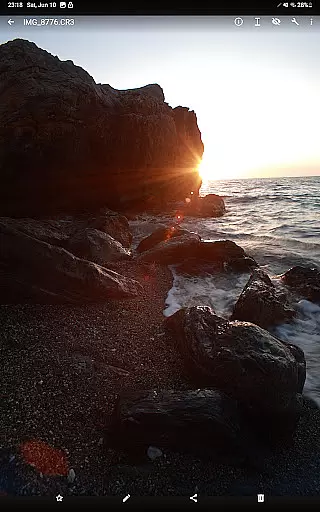
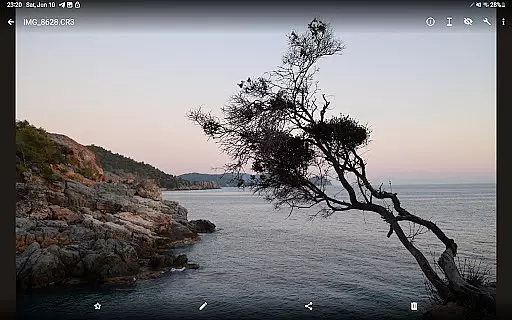
GalleryRAW is a specialized photography application designed for professional photographers and enthusiasts who need to manage and view raw image files on their Android devices. The app supports various raw formats including .cr2, .cr3, .nef, and .raf from leading camera brands like Canon, Nikon, Sony, and Fujifilm.
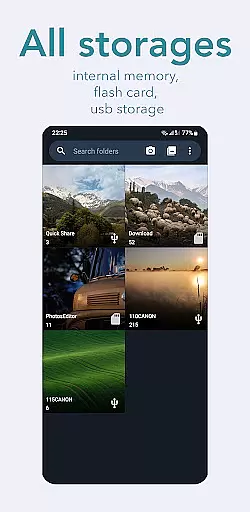
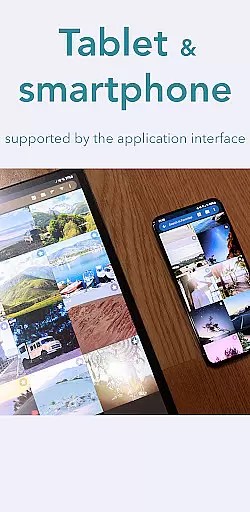
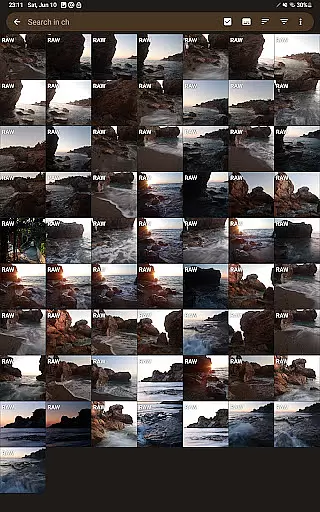
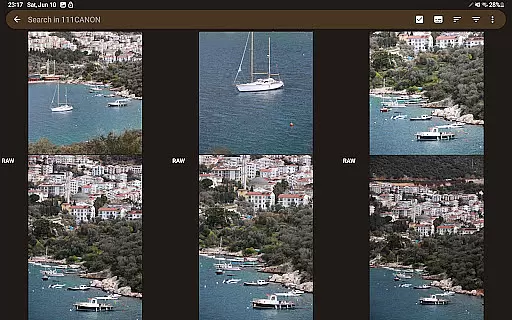
One of the standout features of GalleryRAW is its ability to function as a file manager for raw images. Users can easily import, view, and transfer raw files between USB storage devices such as HDD/SSD disks and camera flash drives connected via USB adapters. This makes it an invaluable tool for photographers who need to quickly review and select photos directly on their tablets or smartphones.
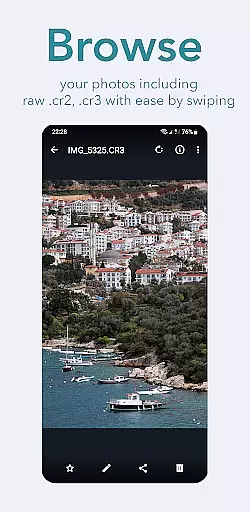
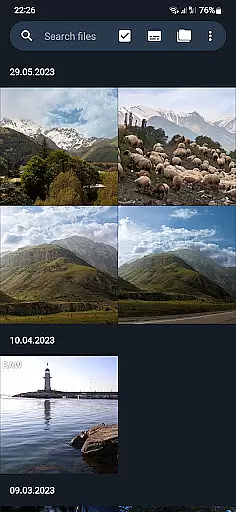
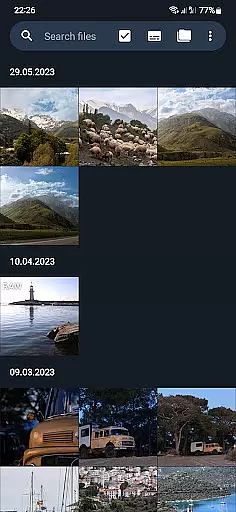
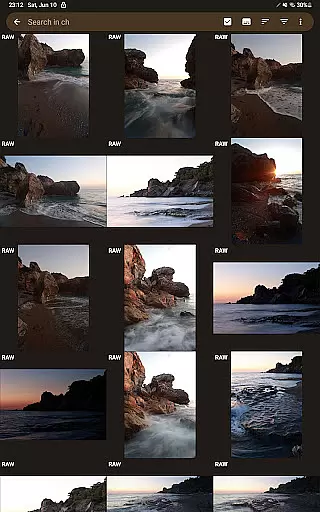
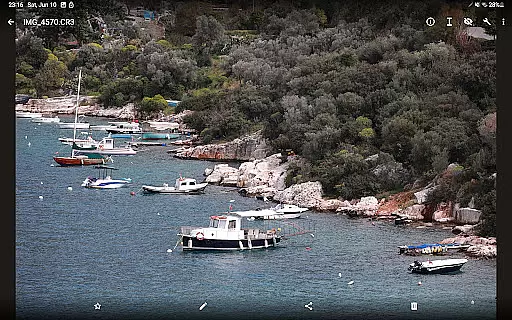
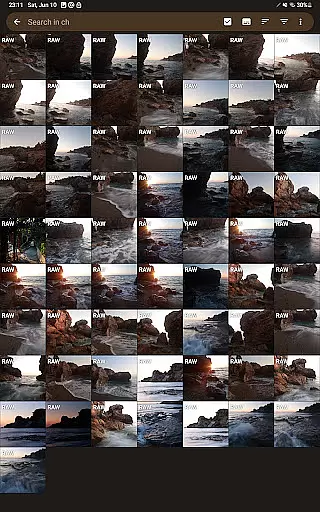
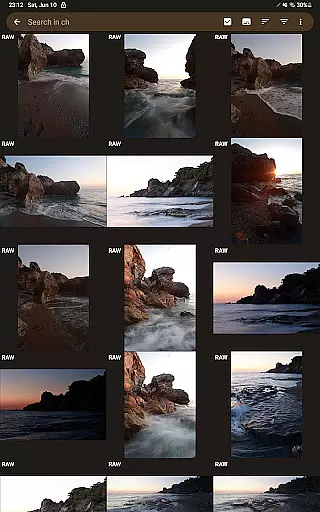
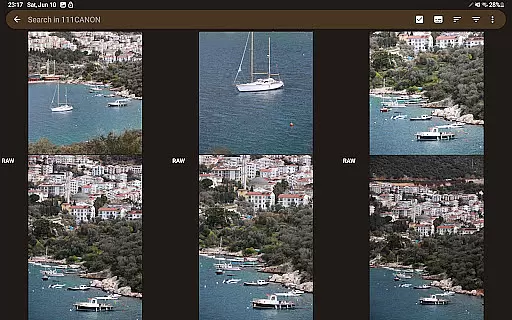
The app's full-screen swipe functionality allows users to efficiently browse through hundreds or even thousands of raw images stored in folders on external USB drives. Photographers can then copy only their selected photos to the device's internal memory or flash card, while deleting unwanted images to free up space for new shots. This streamlined workflow significantly enhances productivity and convenience in managing large volumes of high-quality images.
GalleryRAW offers a comprehensive set of features tailored specifically for handling raw image files. The app provides robust support for multiple raw formats including Canon (.cr2, .cr3), Nikon (.nef), Sony, and Fujifilm (.raf) files, ensuring compatibility with most professional cameras on the market.
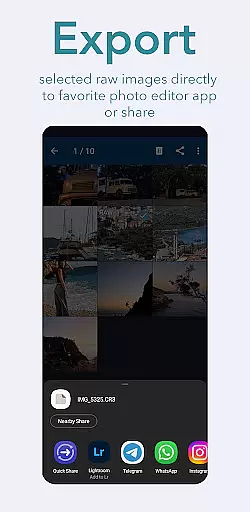
A key feature is its advanced file management capabilities. Users can seamlessly import raw images from various sources such as USB-connected camera flash drives, HDD/SSD disks, and other external storage devices. The app enables efficient organization and transfer of these large files between different storage locations, maintaining the integrity and quality of the original images.
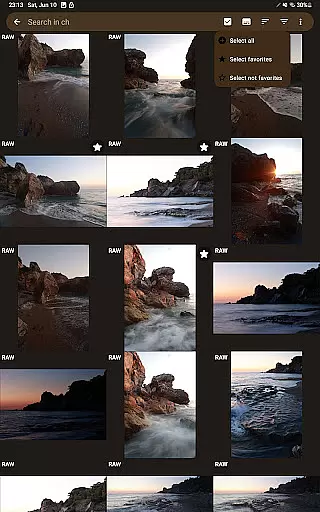
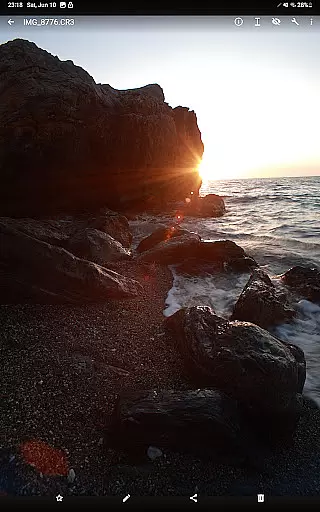
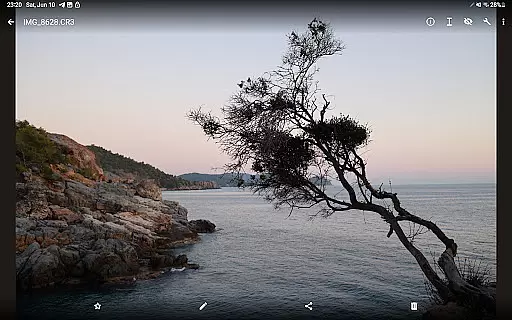
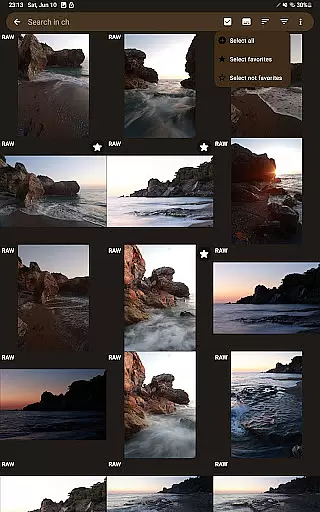
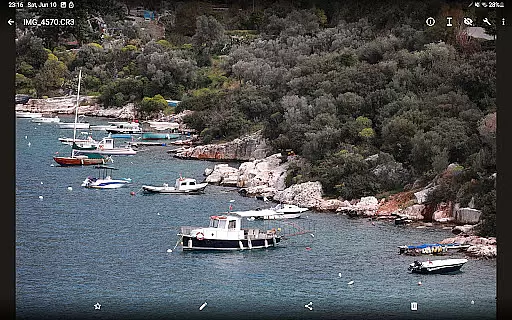
For enhanced usability, GalleryRAW includes intuitive viewing options that allow users to swipe through images in full-screen mode. This feature is particularly useful when working with large collections of raw photos, as it enables quick review and selection of desired images. Additionally, the app provides tools for copying selected photos to internal storage while offering the option to delete unwanted files from external USB devices, optimizing storage space for future photo sessions.
GalleryRAW offers a unique real-time capture and preview feature that allows photographers to instantly view their raw images from professional cameras on their Android devices. This functionality is crucial for those who need to quickly assess their shots while on the go.
The application supports various raw image formats including .cr2, .cr3, .nef, and .raf, ensuring compatibility with Canon, Nikon, Sony, and Fujifilm cameras. Users can conveniently swipe through hundreds or even thousands of photos in full-screen mode, making it easy to review large volumes of work.
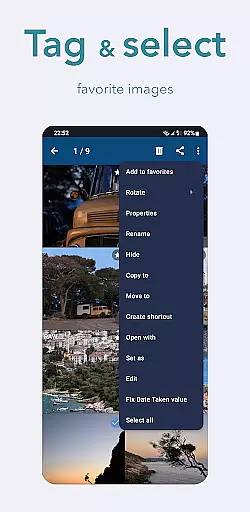
By enabling photographers to select only the best shots from their camera flash cards connected via USB, GalleryRAW streamlines the photo selection process. This saves valuable time and storage space by allowing users to copy only desired images to their device's internal memory.
This real-time functionality not only enhances workflow efficiency but also provides peace of mind by enabling immediate backup and deletion of unwanted raw files directly from external USB storage.
While primarily focused on raw image viewing, GalleryRAW incorporates advanced AI-powered enhancement features that maintain the natural quality of photographs. This aspect is particularly important for professional photographers who require authentic representation of their work without artificial alterations.
The application's AI algorithms work seamlessly in the background, providing subtle enhancements that improve image quality without compromising the original composition. These enhancements include color correction, exposure adjustment, and noise reduction, all while preserving the photographer's intended aesthetic.
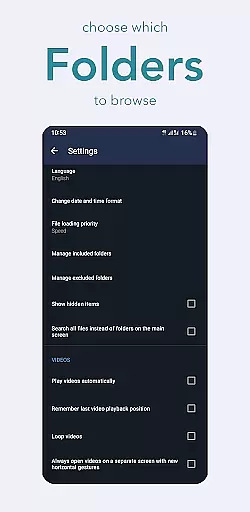
GalleryRAW's approach to beauty enhancement stands out by offering customizable settings that allow users to control the level of processing applied to their images. This flexibility ensures that each photograph maintains its unique character and professional integrity.
By combining sophisticated AI technology with a commitment to natural-looking results, GalleryRAW establishes itself as an essential tool for photographers seeking to maintain the authenticity of their work while benefiting from modern enhancement capabilities.
User-friendly interface
Wide format compatibility
Efficient file management
Full-screen viewing mode
Space optimization tools
Limited editing capabilities
No cloud integration
Premium feature lock
Occasional performance lag
Interface customization limited

HD Photo gallery and photo manager to edit, hide private photos, videos & albums
 4.2
4.2
Android Native system HD camera app. Never been so simple and faster.
4.70
Take videos and pictures with the popular TikTok TIME WARP SCAN filter.
4.60
Create Business Headshots, Polaroid Filter, Retake Photos,Profile Pics,AI Photos
4.50
Transform photos into videos! Create realistic or anime-style images easily!
4.50
Easily create custom gifts, cards, photo books & more on the Shutterfly app!
4.60
Enhance, upscale, and transform your images — on your device, without limits
4.70
Your Family Calendar + Photos. Manage your Skylight Calendar and Skylight Frame.
4.40
Photo & Video Gallery app to manage albums and save WA Status easily.
4.70
A must-have app for landscape photographers
4.60
1M influencer's special filter
4.60
Add Watermark - Sign your pictures with a text or logo. Effective, quick, easy!
4.50
Search, tag and rate your way to an organized image gallery
4.40
Future baby face generator: AI kids generator, kid face! What my baby look like?
4.40
A light meter for true photographers.
4.20
Photo editor: face & body editor, beauty cam, filters and quality enhancer.
4.00
Remote control of the phone camera from your Wear OS smartwatch
3.70
Superimpose one photo on top of another using the original Superimpose app!
3.20
Remote control the phone camera shutter from your smartwatch and take a picture
1.60





User Reviews