
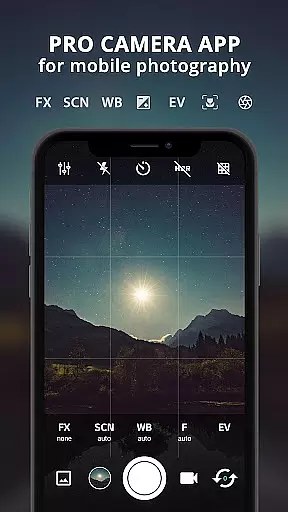
ProCam X transforms your smartphone into a professional-grade camera, offering full manual control over essential photography parameters. With precise adjustments for exposure, focus, white balance, ISO, and shutter speed, this app empowers users to capture high-quality photos and videos. Its advanced features cater to both amateur photographers looking to enhance their skills and professionals needing versatile tools on the go.
The app supports various creative options such as real-time filters, geotagging, anti-shake functionality, and burst shooting mode. These capabilities make it an ideal choice for creating time-lapse videos or capturing fast-action moments. Whether you're shooting in daylight or low-light conditions, ProCam X ensures optimal performance and image quality.
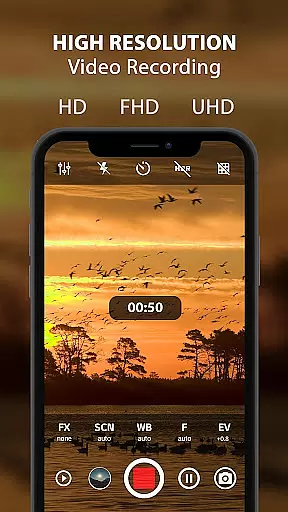
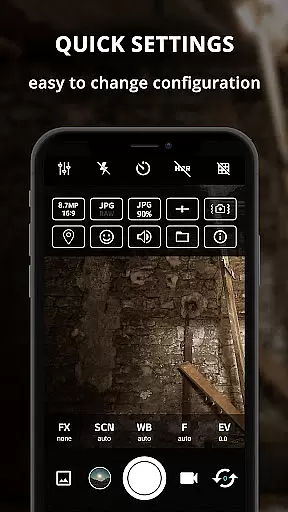
One of the standout use cases is its ability to record 4K videos with optional audio, making it perfect for content creators who demand exceptional resolution and clarity. The intuitive interface allows users to customize settings quickly, ensuring they never miss an important shot. For those seeking DSLR-like control in a mobile app, ProCam X delivers a comprehensive solution that elevates mobile photography to new heights.
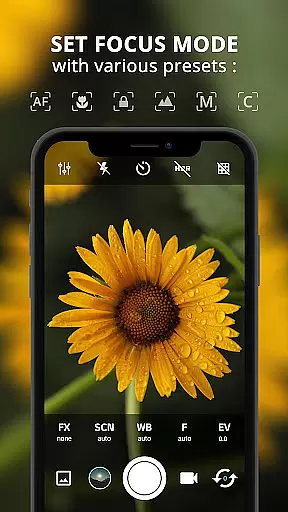
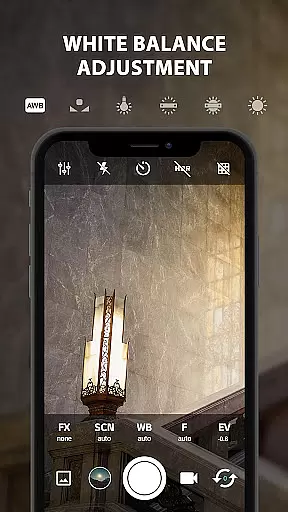
ProCam X stands out with its extensive range of professional camera features designed to give users complete control over their mobile photography experience. One of the key highlights is the manual control suite, which includes adjustable ISO, white balance, shutter speed, and focus settings. This level of customization enables photographers to adapt to different lighting conditions and achieve desired artistic effects.
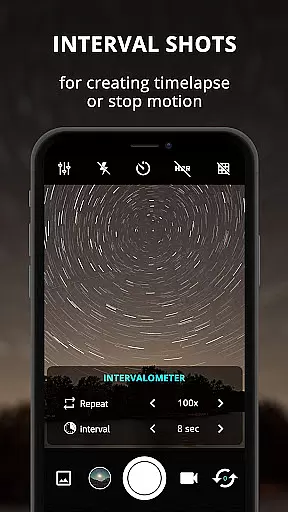
The app also offers specialized modes such as intervalometer for time-lapse photography, burst shooting for capturing rapid sequences, and facial recognition for portrait shots. Additionally, ProCam X provides real-time filters and color effects, allowing users to preview and apply creative enhancements before taking a shot. The inclusion of geotagging and optional GPS location tagging adds valuable metadata to photos and videos.
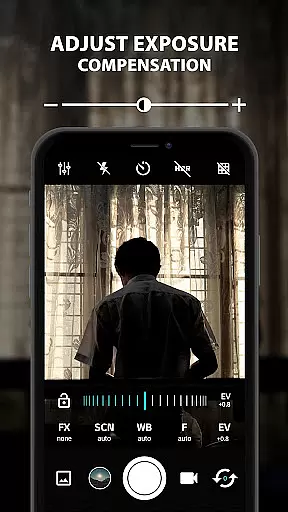
Another remarkable feature is the support for 4K video recording with configurable bit rates and resolutions. Users can choose between front and back cameras, adjust volume keys for zoom or exposure compensation, and even disable the shutter sound for discreet shooting. These robust capabilities, combined with a clean and responsive user interface, make ProCam X a top choice for anyone serious about mobile photography.
Real-time capture and preview functionality is essential for ensuring that every photo or video taken meets professional standards. ProCam X offers a seamless experience by providing users with precise control over exposure, focus, and white balance in real time.
This application allows photographers to adjust settings such as ISO, shutter speed, and manual focus on supported devices, ensuring that each shot is captured exactly as intended. The ability to lock exposure and manually set ISO ensures consistent quality across multiple shots.
Users benefit from the app's advanced features like anti-shake and geotagging, which enhance the accuracy and reliability of their photography. These tools help stabilize images and provide location data, making it easier to organize and retrieve photos based on where they were taken.
The real-time filter and color effect options further expand creative possibilities, allowing users to apply various effects instantly before capturing an image. This immediate feedback empowers photographers to experiment with different styles and achieve desired results without post-processing delays.
AI beauty and enhancement features are becoming increasingly important in mobile photography, offering users the ability to refine and perfect their images effortlessly. ProCam X leverages AI technology to deliver natural-looking enhancements that preserve the authenticity of each photo.
The app includes advanced AI-powered editing tools that automatically detect faces and optimize facial features while maintaining realistic proportions. This ensures that portraits appear polished yet genuine, avoiding the artificial look often associated with heavy digital manipulation.
With customizable beauty settings, users can fine-tune the level of enhancement applied to their photos. Whether smoothing skin textures or brightening eyes, these adjustments are subtle enough to enhance natural beauty without compromising the original character of the subject.
Additionally, ProCam X provides real-time previews of AI enhancements, enabling users to see the effects before capturing the final image. This feature not only saves time but also enhances user satisfaction by delivering high-quality, aesthetically pleasing photos directly from the camera interface.
Full manual controls
4K video recording
Real-time filters
Burst shooting mode
Intuitive interface
Requires Android 5.0+
No free version
Complex for beginners
Drains battery quickly
Occasional bugs

Search, tag and rate your way to an organized image gallery
 4.40
4.40
Add Watermark - Sign your pictures with a text or logo. Effective, quick, easy!
4.50
Shooting photos and records video easily and efficient with professional Camera
4.30
Transform photos into videos! Create realistic or anime-style images easily!
4.50
GCamera allows all GCam features on all phone models! Better photos with GCamera
3.30
Easily view, share, delete photos with Gallery.
4.70
A light meter for true photographers.
4.20
Remote control the phone camera shutter from your smartwatch and take a picture
1.60
Unlock the full potential of your DJI drone with Litchi
4.50
Pro version: AR sun/moon tracker for any date. Tool for photographers & planners
4.90
Collage your moments in one tap: 1000+ layouts, filters, stickers, and texts.
4.90
Perfect body tune & face app - photo retouch, makeup, slim body & beautify face.
4.80
Enhance, upscale, and transform your images — on your device, without limits
4.70
1M influencer's special filter
4.60
AI portrait generator and polaroid AI selfie, fun AI generated AI photo creator!
4.30
[3DSteroid Pro] is a stereoscopic application for Android.
4.30
Virtual makeup, hair filters & body tuner—edit from face to full body!
4.20
All-in-One Editor & AI Photo Enhancer, Collage, Cartoonify, Funny Stickers & BGS
4.10
Superimpose one photo on top of another using the original Superimpose app!
3.20



User Reviews