
Stop Motion Studio Pro is the ultimate app for stop motion enthusiasts, offering a complete suite of tools to create professional-quality animations. The app features an intuitive interface that makes it easy to produce stunning stop-motion videos, whether you're a beginner or an experienced animator.
With advanced features like rotoscoping, green screen effects, and a powerful layer-based image editor, users can bring their creative visions to life. The app also includes comprehensive capture tools, allowing precise control over every frame through adjustable time intervals and full camera settings.
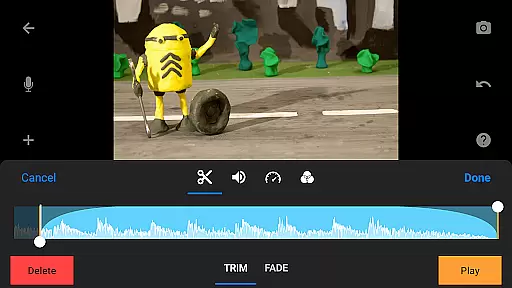
Ideal for both hobbyists and professionals, Stop Motion Studio Pro enables creators to produce high-quality animations with features such as animation guides, video filters, and soundtracks. The ability to share projects across devices and export in various formats makes it perfect for collaborative projects and professional presentations.
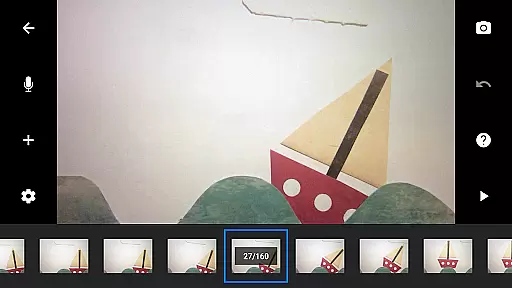
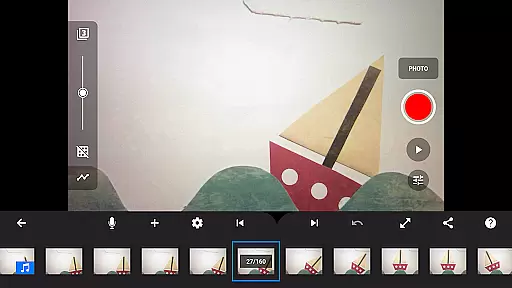
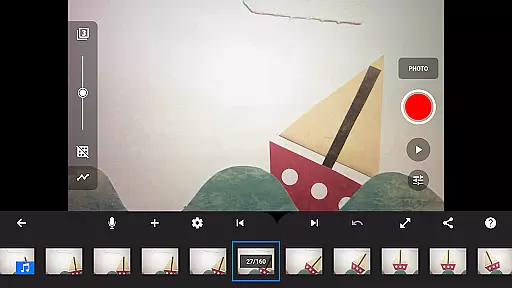
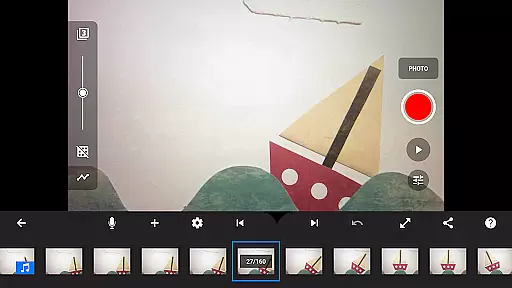
Stop Motion Studio Pro stands out with its extensive feature set designed for stop motion animation. The app's overlay mode and interactive timeline help animators maintain consistency between frames while keeping track of complex projects.
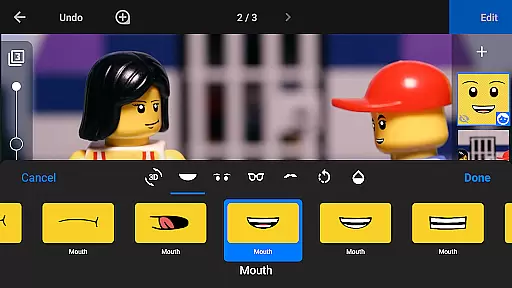
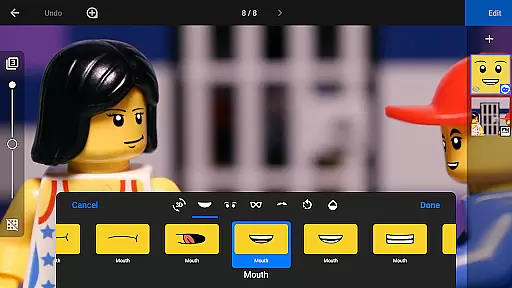
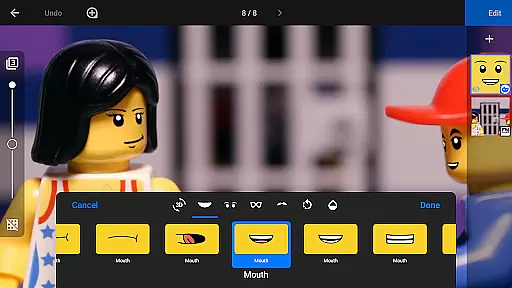
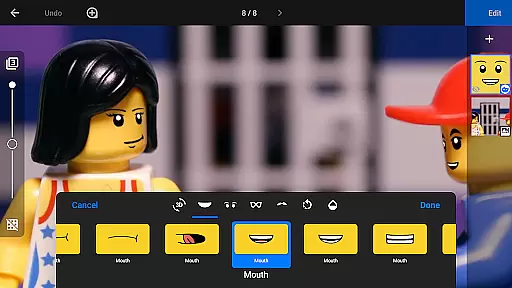
The built-in image editor provides professional-grade tools for enhancing frames, including text overlays, facial expression adjustments, and object removal. Advanced capture features like remote camera functionality and manual camera controls ensure optimal image quality.
Sharing capabilities are equally impressive, with options to export in 4K resolution, animated GIFs, or individual frames. The app's educational resources, including tutorial videos and animation tips, make it an excellent choice for those looking to learn and master the art of stop motion animation.
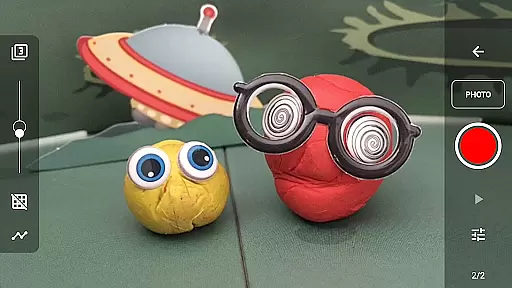
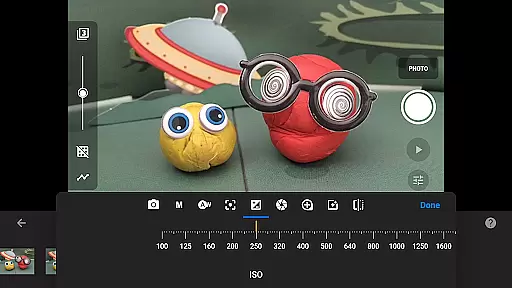
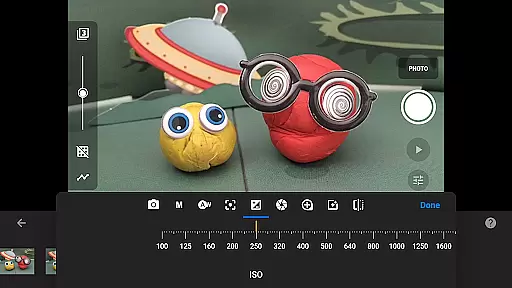
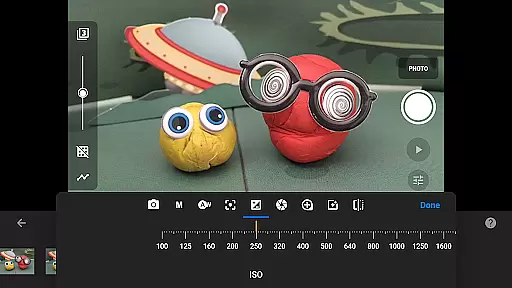
Stop Motion Studio Pro offers a powerful real-time capture feature that allows users to create stop-motion animations with precision and ease. The app provides full camera control, including adjustable time intervals, manual white balance, focus, exposure, ISO, and shutter speed settings.
The ability to use a second device as a remote camera enhances the capturing process, offering flexibility in shooting angles and positions. This feature is particularly beneficial for creators who require exact framing and composition in their animations.
With its professional-grade tools, users can achieve high-quality captures that form the foundation of visually stunning stop-motion films. The real-time preview ensures every frame meets the desired specifications before finalizing, streamlining the animation workflow.
While Stop Motion Studio Pro does not specifically market AI beauty features, it excels in providing natural enhancement options for stop-motion projects. The app includes a robust set of video filters and effects that give movies a polished look without appearing artificial.
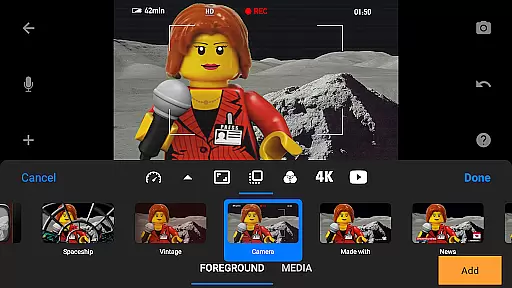
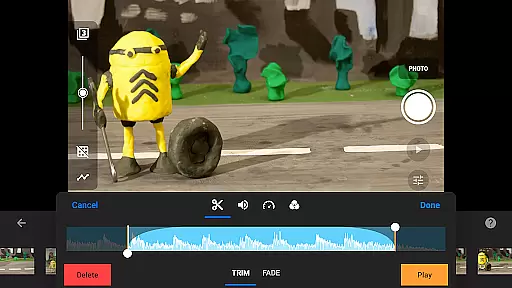
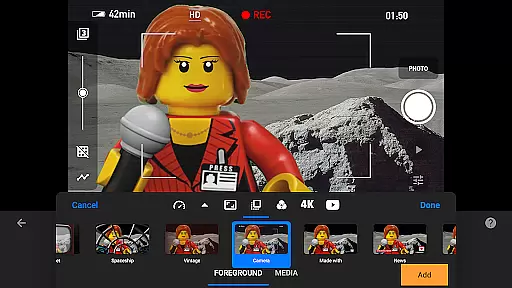
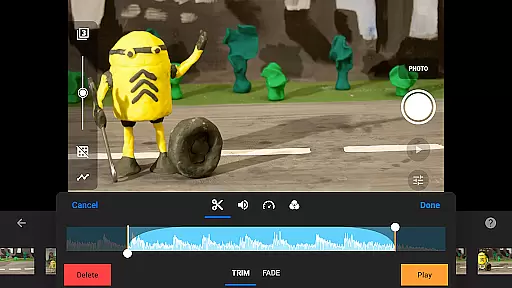
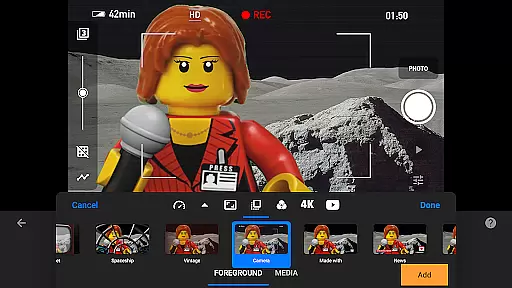
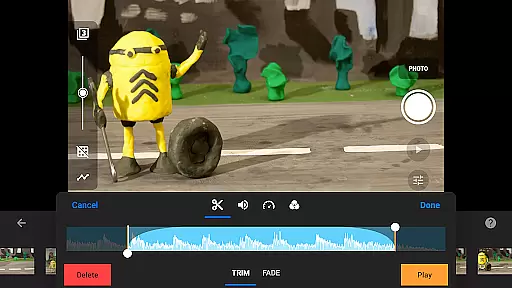
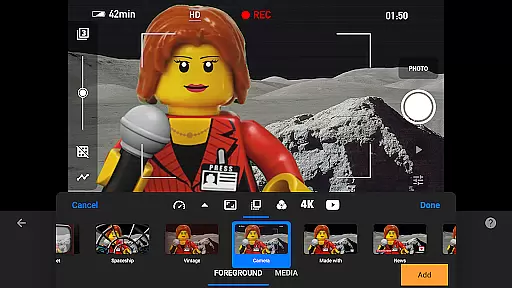
Creators can enhance their movies with different foregrounds, backgrounds, aspect ratios, and fade effects, ensuring each scene transitions smoothly and maintains visual interest. These enhancements contribute to the overall storytelling without overshadowing the content itself.
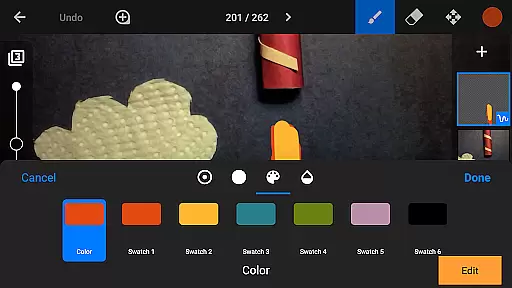
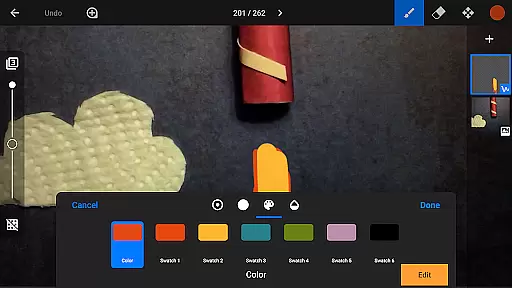
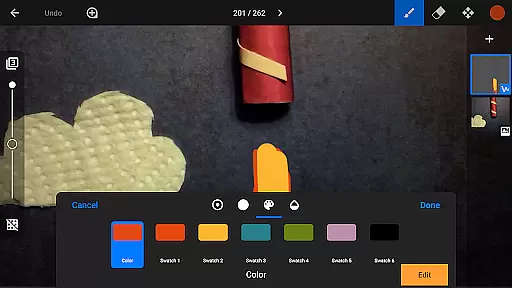
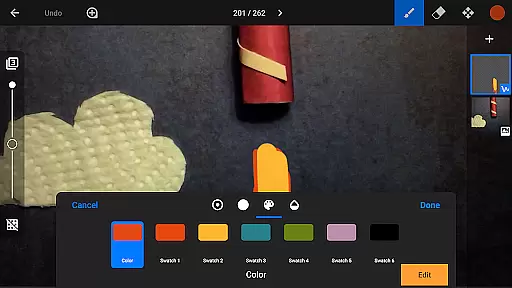
The built-in image editor allows users to touch up frames, add text or speech bubbles, and even wipe away unwanted objects using the eraser tool. These features collectively ensure that every element of the animation appears intentional and seamless, enhancing the viewer's experience while preserving the authenticity of the stop-motion art form.
User-friendly interface
Comprehensive editing tools
Professional capture features
Versatile sharing options
Extensive learning resources
High price point
Steep learning curve
Resource-intensive
Limited free version
Occasional performance issues

Shooting photos and records video easily and efficient with professional Camera
 4.30
4.30
Find time and duration of different sunlight phases at any location
4.90
Gallery Slideshow is slideshow maker app for slideshow from your gallery photos.
3.90
Movie camera, supports pro recording settings for filming. Try it and be amazed!
4.50
Photo editor & gallery. Crop pictures & edit photos offline, no wifi!
4.50
AI Photo Editor with 100+ Filters, Effects! Remove BG, Retouch & Photo Enhancer.
4.80
AI-powered video creator by MiniMax - Where ideas meet cinema
4.20
Pro version: AR sun/moon tracker for any date. Tool for photographers & planners
4.90
Discover How to Plan any Sun, Moon and Milky Way Photo You Imagine in Seconds
4.70
Enhance, upscale, and transform your images — on your device, without limits
4.70
Easily stitch panoramas from multiple photos or video.
4.40
Edit like a pro with Hypic. Apply filters, AI effects, & magic touch.
4.40
Natural Beauty, Selfie Retouch
4.30
Luminar: Photo Editor - easy picture editing with AI
4.20
Perfect photos with body shaping, BG changer and object remover.
3.70
Be your best in every shot! Fix, edit and retouch your face in selfies & photos.
3.70
Create amazing frames with up to five photos. Rounded corners, effects and more!
3.60
GCamera allows all GCam features on all phone models! Better photos with GCamera
3.30
An interval timer to automate photo taking process for timelapse
2.90




User Reviews