
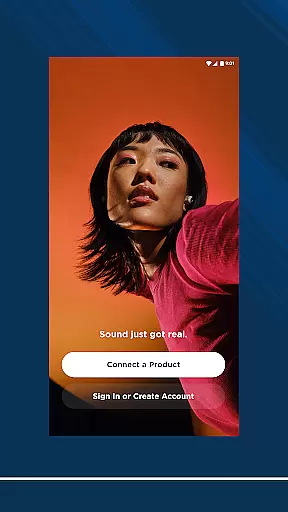
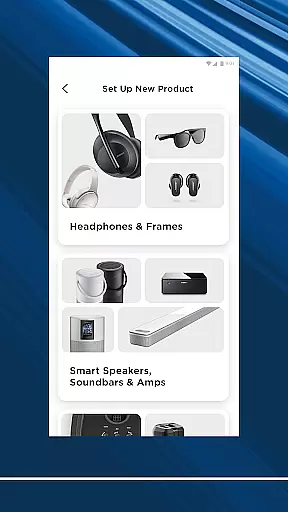
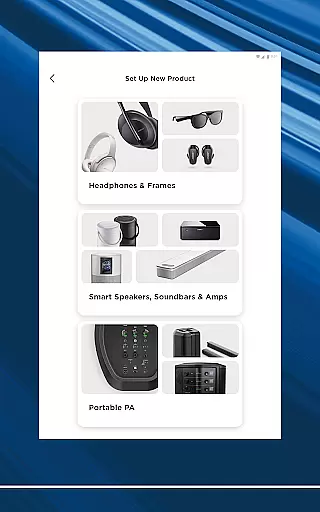
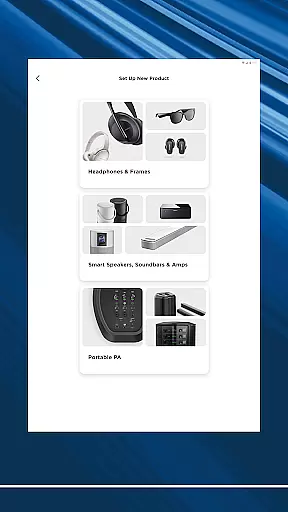
The Bose app is your ultimate control center for all Bose products, allowing seamless management of speakers, soundbars, headphones, and more from a single interface. Designed to enhance your listening experience, the app provides intuitive controls for noise cancellation, EQ settings, and audio modes.
Whether you're setting up new devices or customizing your existing ones, the Bose app makes it easy to personalize your environment. With features like ActiveSense technology and Immersive Audio, users can enjoy balanced volume levels and rich sound quality tailored to their preferences.
Ideal for audiophiles and casual listeners alike, this app ensures that your home audio system works in harmony, delivering high-quality sound across different rooms and devices.
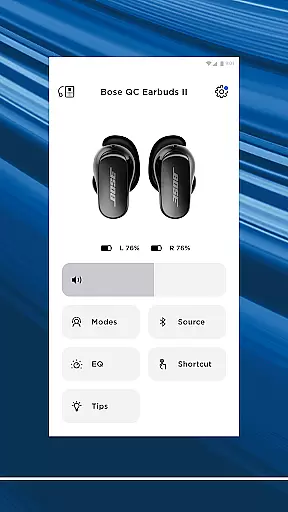
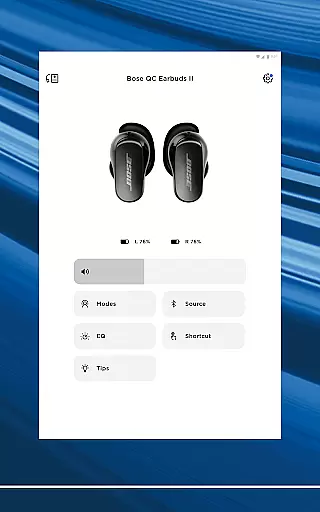
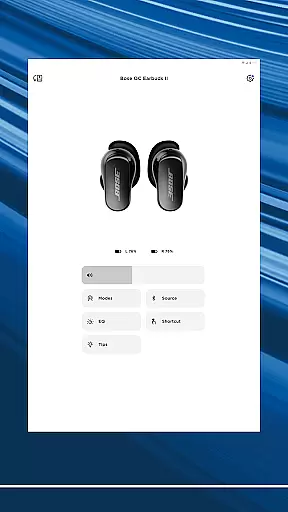
The Bose app offers an impressive range of features designed to maximize your audio experience. One standout capability is its controllable noise cancellation, which lets users toggle between Quiet Mode for full noise blocking and Aware Mode to stay connected with their surroundings.
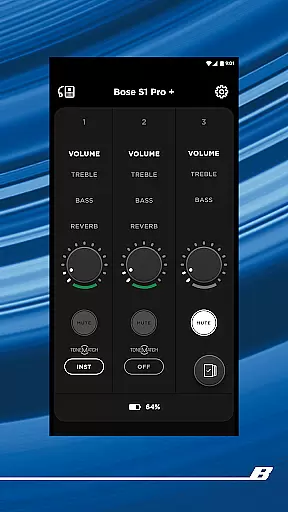
For those seeking customization, the app provides advanced EQ settings and on-product shortcut options. These allow you to fine-tune every aspect of your listening experience, whether you're using headphones, earbuds, or home audio systems.
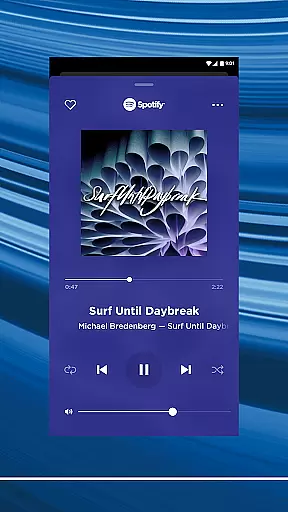
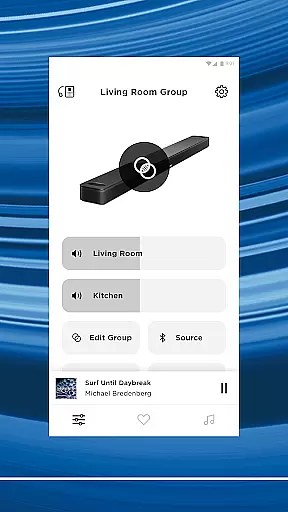
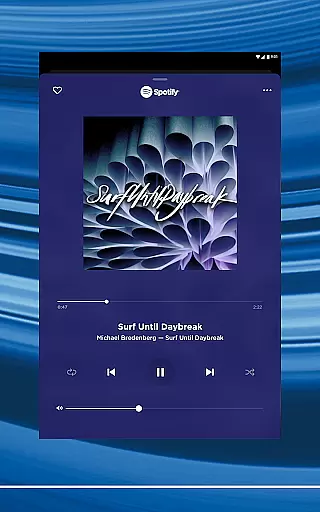
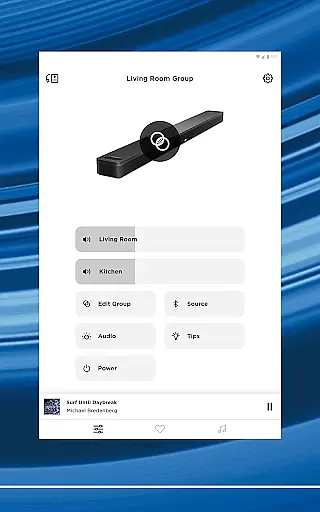
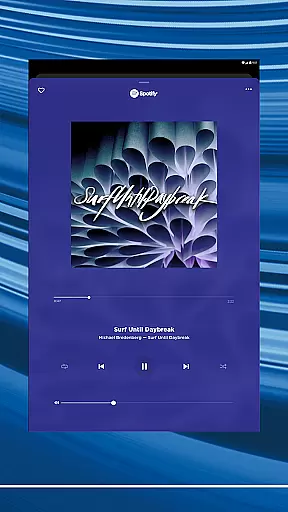
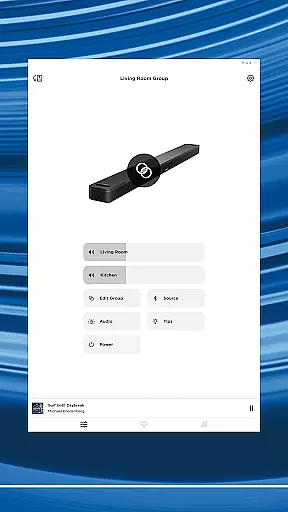
Additionally, the app supports multi-room audio setups, enabling users to stream synchronized music throughout their home or play different tracks in each room. Integration with popular streaming services like Spotify, Pandora, and Amazon Music ensures quick access to all your favorite content in one place.
The Bose app offers seamless integration with major music streaming services like Spotify, Pandora, Amazon Music, and more, providing users access to an extensive music library. This vast selection ensures that listeners can find and enjoy their favorite tracks and discover new music effortlessly.
Each music service integrated into the app is officially licensed, guaranteeing copyright authenticity. Users can trust that the music they stream is legitimate and supports the artists and rights holders properly. This commitment to copyright compliance enhances the credibility of the app and assures users of a legal and high-quality listening experience.
Beyond just streaming, the Bose app allows users to personalize their audio experience by saving preferred playlists, stations, and content as presets. This feature not only simplifies access to frequently played music but also enriches the user's personal music library within the app environment.
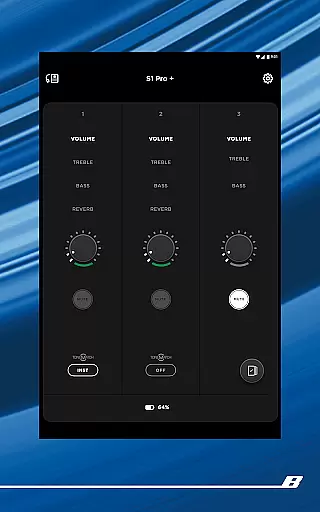
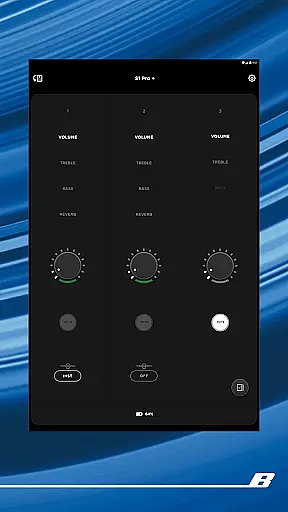
One of the standout features of the Bose app is its ability to deliver exceptional audio quality across a range of devices, including speakers, headphones, and earbuds. The app provides customizable EQ settings, allowing users to fine-tune their audio experience according to personal preferences or specific audio content requirements.
For products in the QuietComfort line, the app enables users to adjust noise cancellation levels and choose between different listening modes such as Quiet Mode for full noise cancellation and Aware Mode to hear surroundings while enjoying music. These options ensure optimal audio quality tailored to various environments and user needs.
In addition to customizable settings, the Bose app supports high-definition audio streams where available, ensuring that users receive the best possible sound quality from their selected music services. This focus on delivering pristine audio makes the Bose app a top choice for audiophiles and casual listeners alike.
Seamless device integration
Advanced noise cancellation
Customizable audio settings
Multi-room audio support
User-friendly interface
Limited third-party compatibility
Occasional connectivity issues
Requires account creation
Some features are device-specific
Learning curve for new users

Equalizer, Bass Booster and Volume Booster (Eq & Bass) improve sound quality
 4.30
4.30
The Cubase remote control app
3.60
Time Trainer: accurate metronome w tools to help you develop your internal time!
4.20
Permanently backup Now Playing. Maps, filters & listening stats.
4.00
Brian Eno and Peter Chilvers’ acclaimed music app Bloom, radically reinvented.
4.80
The original SP-1200 experience on your iPad
4.20
The iconic iOS metronome app is now on Android.
3.70
Offline Tunes, Unlimited Vibes
3.90
Travel To The Music Universe
3.40
Your song collections with lyrics and chords on Android smartphones and tablets.
4.80
More downloads than any other metronome. Includes drum machine & tempo trainer.
4.80
Responsive piano with great sounds, graphics, and songs
4.80
Record, Mix & Master with all n-Track effects, 64-bit audio and Stem Separation.
4.70
Recording studio w/ 10k beats, pro vocal FX and a network of 20M rappers & fans!
4.60
Learn the notes on the guitar fretboard fast with this easy and fun app
4.60
Bass Booster Pro takes auto-equalizing to the next level!
4.30
Learn and play 2M+ music tabs & chords on guitar, ukulele, bass, and more
4.30
Network/Cloud Streaming, Visualization, Graphic Equalizer and Sound Effects.
4.20
Smart piano keyboard, Classical to Pop, Real-time multiplayer connection!
4.20






User Reviews