Control Widget is a highly customizable quick settings panel for Android devices, offering users both functional control and aesthetic personalization. The app allows you to manage essential device functions such as Wi-Fi, Bluetooth, brightness, volume, and more through beautifully designed interfaces.
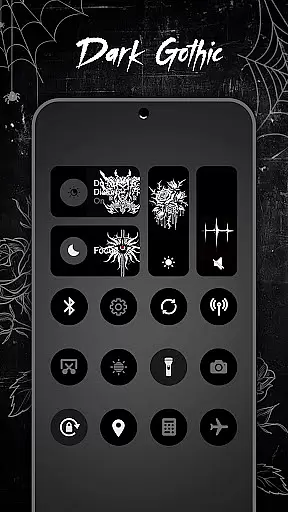
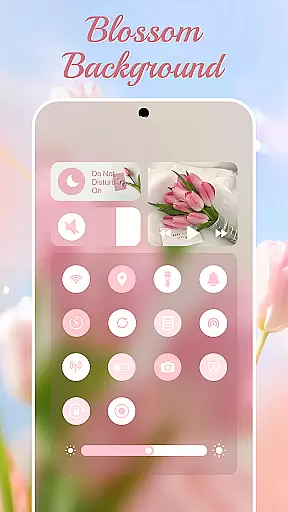
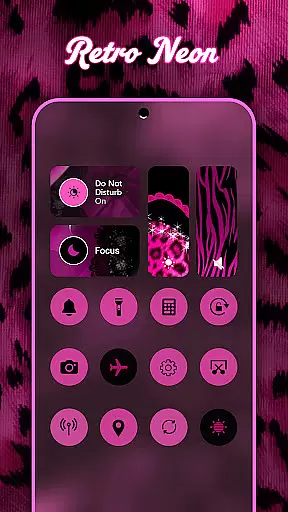
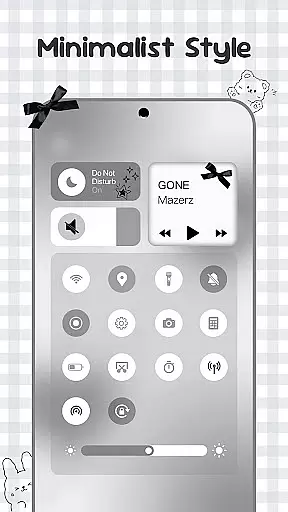
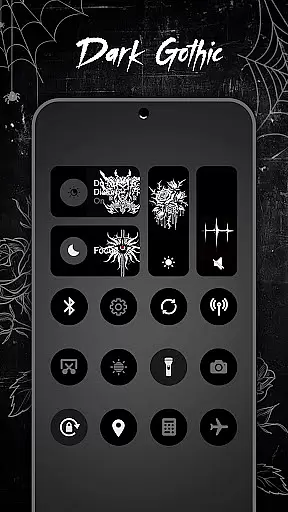
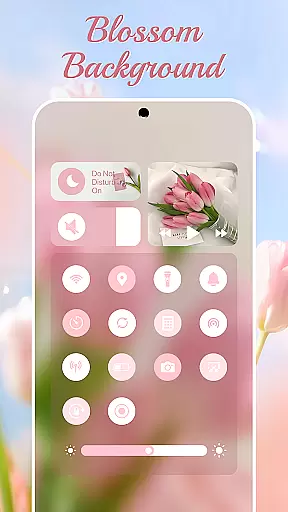
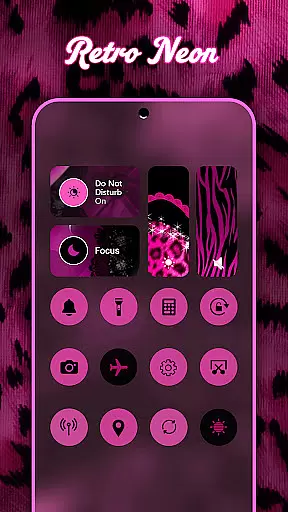
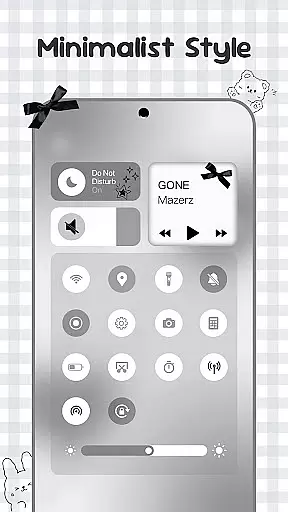
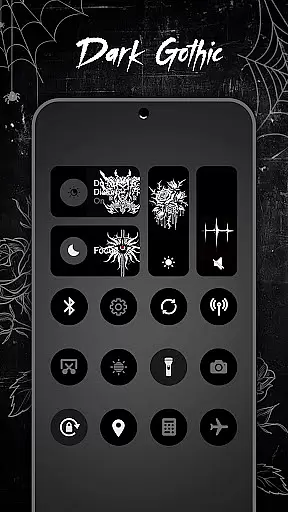
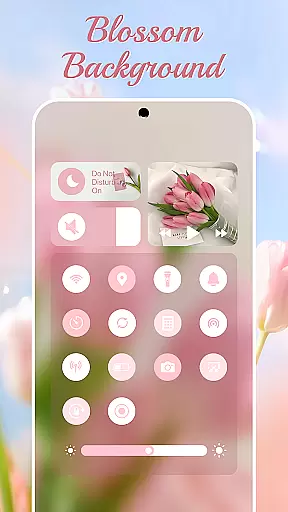
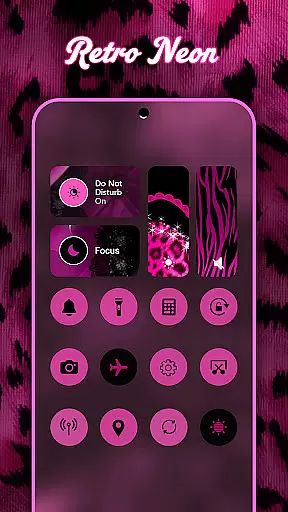
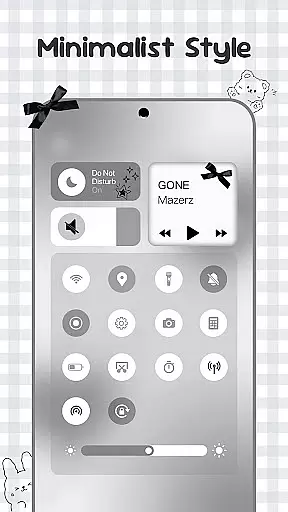
What sets Control Widget apart is its extensive theme library, featuring thousands of design options including anime, K-pop, neon gradients, minimalism, and more. These themes allow users to match their device's control panel with their personal style or current mood. With live updates and one-tap transformations, the app ensures your control panel remains fresh and engaging.
The app is particularly useful for users who value both form and function in their mobile experience. Whether you're looking to streamline daily tasks or simply enhance your device's appearance, Control Widget provides an all-in-one solution that elevates the Android quick-settings experience.
Control Widget stands out with its comprehensive feature set that combines practical functionality with visually appealing design. The app offers smooth sliders for adjusting brightness and volume, along with instant access buttons for Wi-Fi, Bluetooth, Airplane Mode, and Do Not Disturb settings.
Beyond basic controls, the app includes advanced features like screenshot capture, screen recording, screen rotation lock, and flashlight activation. These tools are presented within themed panels that users can customize from thousands of aesthetic options. The app supports live style updates, enabling users to switch themes anytime to match their preferences.
One of the most innovative aspects of Control Widget is its user-driven customization capability. Users can request custom themes and participate in designing their own control panels. This level of personalization, combined with seamless integration with various wallpapers and icon packs, makes Control Widget a unique solution in the Android personalization landscape.
Control Widget offers an extensive range of customization options that allow users to tailor their Android device's control panel to match their personal style. With thousands of aesthetic themes available, including Anime, K-pop, neon gradients, minimalism, and more, users can curate a unique look that resonates with their preferences.
The app provides live style updates, enabling users to switch panels anytime they wish to refresh their device's appearance or align it with their current mood. This feature ensures that the control panel is not static but evolves with the user's changing tastes and needs.
One of the most compelling aspects of Control Widget is its one-tap magic transformation. Users can instantly change the entire control panel's theme, experiencing real-time personalization that is both intuitive and satisfying. This seamless process empowers users to express their creativity without any technical barriers.
Theme compatibility in Control Widget ensures that every chosen design integrates flawlessly with the user's Android device. Whether you're using specific wallpapers, icon packs, or other widgets, the app guarantees a cohesive and visually appealing interface.
By focusing on sleek and sync-ready themes, Control Widget complements the overall aesthetics of your device. The app's dedication to design means that no matter which theme you select, it will enhance rather than clash with your existing setup.
Furthermore, Control Widget invites users to request custom themes, allowing for direct involvement in the design process. This level of personal engagement ensures that each user's vision is realized, making the app not just a tool for control but also a platform for personal expression.
Highly customizable
User-friendly interface
Extensive theme library
Live style updates
All-in-one control
Requires accessibility permissions
May drain battery faster
Some features need premium
Occasional UI glitches
Learning curve for new users

Ninja Turtles Cowabunga SE watch face for Wear OS
 4.50
4.50
Make your phone look simple & luxury, like iDevice
4.60
Bring adorable pets to life on your screen. Playful, interactive and full of fun
4.60
Personalize your phone with stunning HD and 4K wallpapers!
4.70
Over 28,000 high quality icons to bring color & homogeneity to your phone.
4.60
Unique Fonts, typefaces and stylish text. Fonts for Instagram, Whatsapp & others
4.20
Transfer your live wallpapers from Windows to Android using Wallpaper Engine!
4.00
Customize glowing edges, wallpapers, and caller screen with EdgeAura.
3.50
300+ widgets inspired by Material You and Material 3 expressive design.
4.60
Gun Chase - Let the chase begin.
4.80
100+ Stylish Fonts, Emojis, Symbols keyboard for Instagram & TikTok!
4.80
Add cute Shimeji pets to screen, interact with them and relax with cute motions
4.60
Stylish Pink Cute Hippo keyboard with 10000+ customized keyboard themes!
4.60
Beautiful realistic hybrid watch face with numerous customization options.
4.50
Aesthetic Widgets, HD Wallpapers, Themes in Mico Widget for Home and Lock Screen
4.50
AI-powered Copilot. Personalized keyboard with gifs, stickers & themes
4.40
Art & Emoji Keyboard with Cool Fonts, Cute Themes and Custom Designs.
4.40
Magic fluids wallpaper 4D: Relax with stunning fluid simulation wallpaper app
4.20 3.50
3.50



User Reviews