
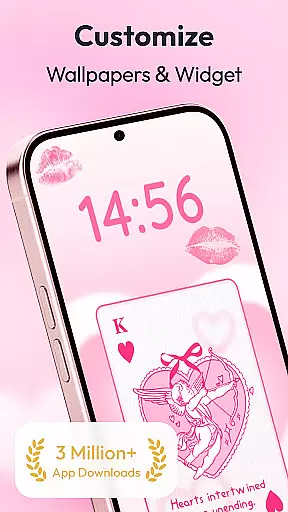
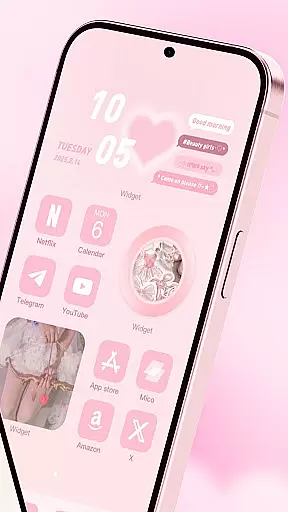
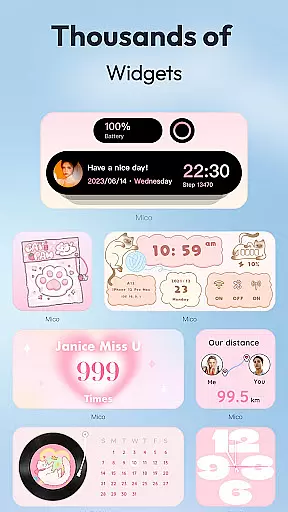
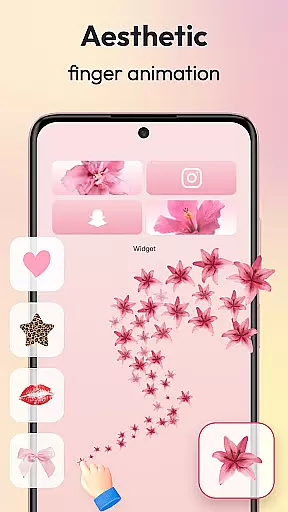
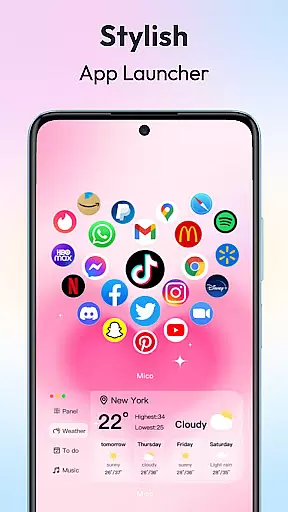
Mico is a powerful personalization app that transforms your mobile device into a creative canvas. With over 1000 customization tools, it offers an extensive range of widgets including couple and battery widgets, 4K live wallpapers, and unique home screen designs. The app allows users to personalize their phone screens with practical functions, creative animations, and aesthetic elements, making each screen 100% unique.
Whether you're looking to enhance your device's appearance or functionality, Mico provides the tools necessary to create your dream home screen. From customizable themes and wallpapers to dynamic lock screens and health tracking widgets, this app caters to a variety of personalization needs. Its user-friendly interface ensures that even beginners can easily navigate and utilize its features to improve both aesthetics and efficiency.
Mico stands out with its comprehensive suite of personalization features. The app includes WidgetSmith, which offers various widgets for on-the-go customization, and Widgify Tool, allowing users to turn favorite items into widgets. Locket Widget delivers a balance between security and personalized freedom, while Top Widgets are crafted by world-class designers.
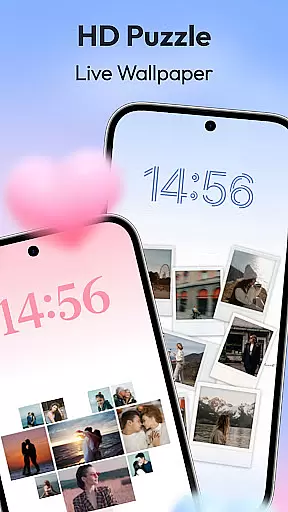
In addition to its widget offerings, Mico provides a 4K Live Wallpaper Maker where users can transform photos or artistic designs into vibrant wallpapers. The app also boasts AI-powered filters and depth effects for portrait wallpapers, daily updated collections in categories like manga and anime, and focus mode matching for time or location-based wallpaper changes. These features ensure that users have a dynamic and personalized experience every time they use their device.
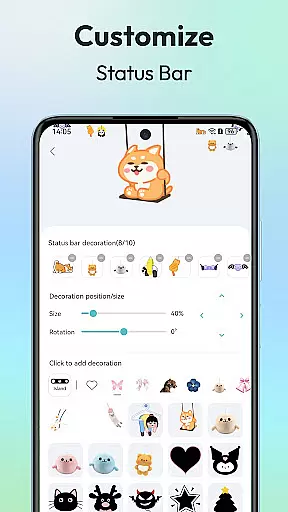
Customization is at the heart of personalizing your mobile experience, and Mico excels in offering a vast array of options to tailor your device's aesthetics. With over 1000 creative widgets, the app allows users to add practical functions, photos, panels, and even cute battery indicators to their home screens.
The WidgetSmith feature provides countless decorative elements that can be accessed anytime, anywhere, turning your phone into a personalized gallery. Additionally, the Widgify Tool empowers you to transform your favorite things into widgets, ensuring that your phone truly reflects your personal style.
Mico also includes Locket Widget for a blend of security and freedom, Top Widgets crafted by world-class designers, and Themify Design which lets you themify your phone with custom themes and wallpapers. Whether it's a trendy Labubu theme or TikTok-inspired wallpapers, applying your unique aesthetic is just a tap away.
Theme compatibility is crucial for ensuring that all visual elements on your device work harmoniously to create a cohesive look. Mico addresses this need by providing seamless integration of its extensive range of themes and wallpapers. The app offers daily updated collections featuring manga, anime, landscapes, abstract art, and more, guaranteeing that there's something for every useru2019s taste.
With AI-powered filters and depth effects for portrait wallpapers, Mico enhances the personalization process, making each theme not only compatible but also visually stunning. Furthermore, the Focus Mode Matching feature automatically switches wallpapers based on time or location, adding an intelligent layer to your customization options.
By supporting cross-platform sync between iOS and Android devices, Mico ensures that no matter which operating system you use, your carefully curated themes will maintain their integrity and appearance across different platforms.
User-friendly interface
Extensive customization options
High-quality widgets and wallpapers
Cross-platform sync capabilities
Regular content updates
Some features may require premium access
Advanced settings could overwhelm new users
Occasional performance lags
Limited customer support channels
Designs might not appeal to all tastes

Stunningly Different look with Line Icons and Neon Colors
 4.60
4.60
Customizable Glass widgets. Over 360+ stunning widgets and more!
4.70
Winter's Journey: digital watch face for Galaxy Watch & Wear OS
4.80
Fingerprint Lock Screen & Live Animations with 4K Wallpapers as Live Wallpaper
4.40
AI-powered Copilot. Personalized keyboard with gifs, stickers & themes
4.40
Over 28,000 high quality icons to bring color & homogeneity to your phone.
4.60
Icons made of colorful linear lines
4.60
Transform your phone with stunning video wallpapers and a unique, personal touch
3.80
Magic fluids wallpaper 4D: Relax with stunning fluid simulation wallpaper app
4.20
Enjoy a variety of amazing live wallpapers and colorful EDGE lighting borders!
4.80
Vertically oriented rectangular icons
4.70
350+ widgets with a premium glass-style finish, perfect for home & lock screens.
4.70
Glass style colourful icons with a One UI look and feel
4.60
Customizable screen pets that play, climb, and keep you company.
4.50 4.50
4.50
More than 3000+ themes and 9000+ wallpapers for everybody!
4.10
Create unique, fun emojis with Funny Emoji Maker! Unlimited creativity!
4.00
Customize glowing edges, wallpapers, and caller screen with EdgeAura.
3.50
HappyLighting is a Bluetooth lamp control software.
3.40




User Reviews