
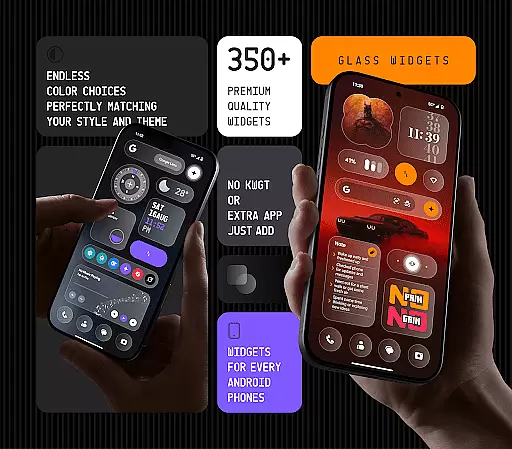
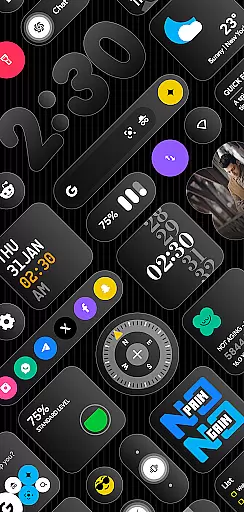
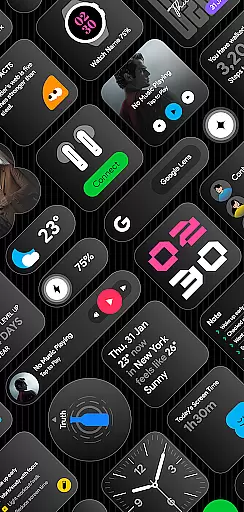
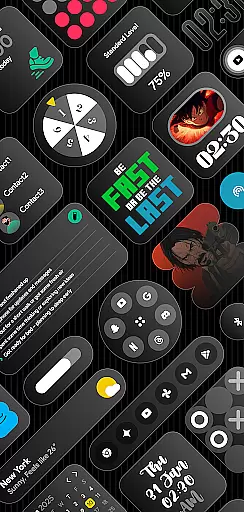
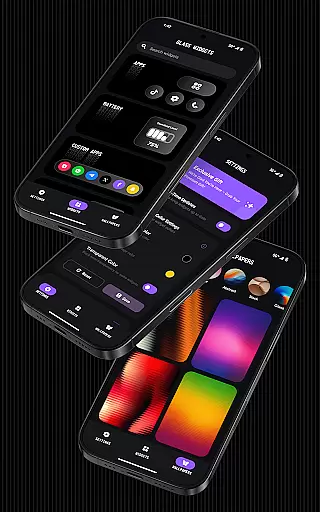
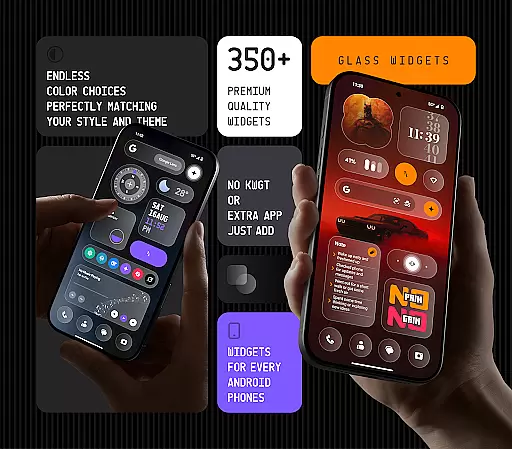
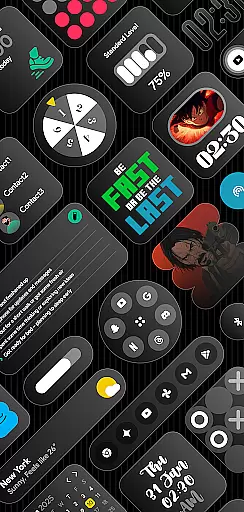
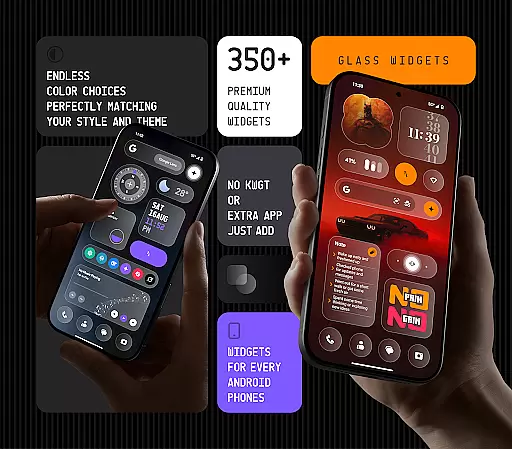
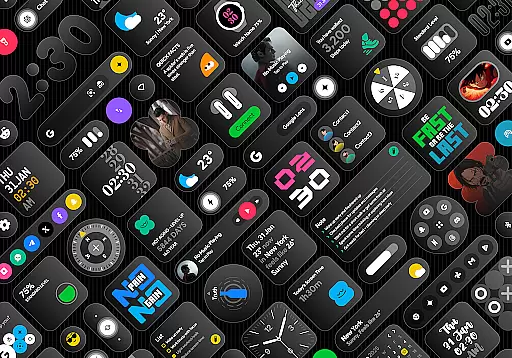
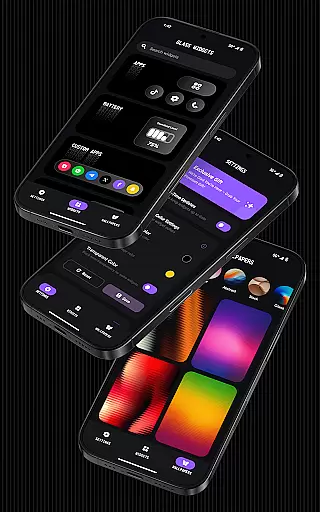
Glass Widgets offers a stunning collection of 350+ glass-style widgets designed to enhance any Android device with a sleek, modern look. These beautifully crafted widgets feature a transparent glass finish and come in various styles including minimal, stylish, and personalized designs.
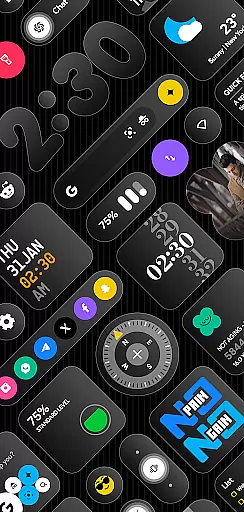
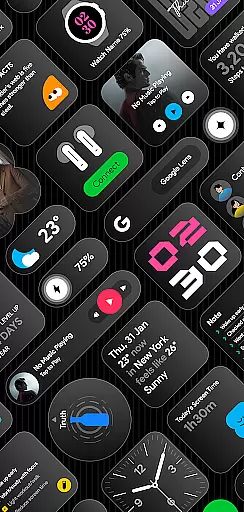
The app provides a wide range of functional widgets such as clocks, weather updates, calendars, battery indicators, step counters, quotes, compasses, and quick settings. With support for both home and lock screens, users can customize their device's appearance and functionality effortlessly. The customization options extend to color settings, ensuring that widgets match individual preferences perfectly.
Whether you're looking to upgrade your device's aesthetics or improve its utility, Glass Widgets delivers a comprehensive solution. Its battery-friendly performance, regular updates, and additional features like glass-effect wallpapers make it an ideal choice for those seeking a sophisticated and personalized mobile experience.
One of the standout features of Glass Widgets is its extensive variety of widget types. From essential tools like clocks and weather updates to more specialized widgets such as step counters, quotes, and even earbuds control, the app covers a broad spectrum of user needs. Each widget is crafted with a sleek transparent glass finish, offering a cohesive and modern look across different functionalities.
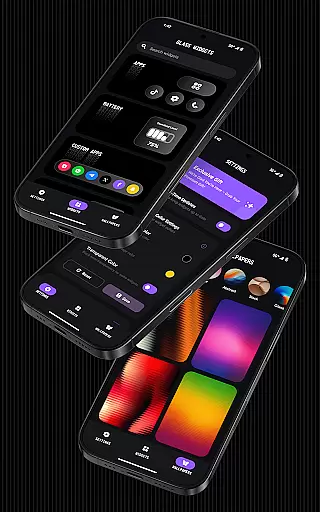
Customization is at the heart of Glass Widgets. Users can personalize widget colors to suit their style, ensuring that each element on their home or lock screen feels uniquely theirs. The app also supports real-time updates through a foreground service, guaranteeing that all information displayed remains accurate and timely throughout the day.
Additional notable features include glass-effect wallpapers that complement the widgets, battery-friendly optimization for smooth performance, and regular updates that introduce fresh content. Whether you need practical tools or aesthetic enhancements, Glass Widgets provides a versatile and reliable solution tailored to modern Android users.
Customization is at the heart of Glass Widgets, offering users an extensive array of options to tailor their home and lock screens. With over 350 glass-style widgets available, each user can find the perfect match for their personal aesthetic. These widgets include clocks, weather updates, calendars, and more, all designed with a sleek transparent finish that blends seamlessly with any Android device.
The app stands out by allowing full color customization, empowering users to set their widget's hue according to their preference or to align with their deviceu2019s theme. This flexibility ensures that whether you're looking for minimalistic designs or something more vibrant and personalized, Glass Widgets accommodates every taste. The ability to customize extends beyond mere aesthetics; it includes functional widgets like step counters, quick settings, and even AI shortcuts, enhancing both form and utility on your device.
Moreover, regular updates introduce new widgets, keeping the content fresh and engaging. Users benefit from this continuous improvement as they can regularly discover new ways to express their individuality through their smartphoneu2019s appearance. By integrating effortlessly into daily life, Glass Widgets not only beautifies your interface but also streamlines access to essential information, making it a valuable tool for personal expression and productivity.
Glass Widgets excels in theme compatibility, ensuring that its stylish glass-effect designs enhance rather than clash with your deviceu2019s existing aesthetics. Whether you prefer a minimalist look or something more elaborate, these widgets are crafted to complement any theme effortlessly. This adaptability makes them suitable for a wide range of users who wish to maintain a cohesive visual experience across their devices.
In addition to supporting various themes, Glass Widgets provides specialized wallpapers that perfectly blend with the transparent design of the widgets. This feature allows for an integrated appearance where both wallpapers and widgets work harmoniously to create a modern and sophisticated look. Such attention to detail elevates the overall user experience by providing not just functional enhancements but also visual continuity.
Furthermore, the app supports both home and lock screens, ensuring that your personalized setup is visible wherever you glance at your phone. This dual-screen support means you wonu2019t have to sacrifice style or functionality on either display. By focusing on seamless integration and aesthetic harmony, Glass Widgets guarantees that every element of your interface works together beautifully, offering a unified and polished presentation that enhances your digital environment.
User-friendly interface
Extensive widget variety
Highly customizable
Battery efficient
Regular updates
Premium version required
Limited free options
Foreground service needed
Exact alarms permission
Refund policy constraints

Fingerprint Lock Screen & Live Animations with 4K Wallpapers as Live Wallpaper
 4.40
4.40
Turn your lock screen into fun with smile live wallpapers & animated wallpapers!
2.50
Ultimate Gallery Lock App - Hide Pictures, Videos and Lock Apps Instantly!
4.60
Unique Fonts, typefaces and stylish text. Fonts for Instagram, Whatsapp & others
4.20
Transfer your live wallpapers from Windows to Android using Wallpaper Engine!
4.00 4.50
4.50
⭐ OneUI inspired Fluffy Icon Pack – Soft. Stylish. Standout. ⭐
4.3
Crystal-clear, square icon provides a sleek and sophisticated visual upgrade
4.00
Modern Glass Icon Pack with glossy icons, clean minimal theme & aesthetic style
4.0
Gun Chase - Let the chase begin.
4.80
Personalize your phone with stunning HD and 4K wallpapers!
4.70
Make your phone look simple & luxury, like iDevice
4.60
Add cute Shimeji pets to screen, interact with them and relax with cute motions
4.60
Handcrafted pixel art icons, widgets & wallpapers
4.60
Ninja Turtles Cowabunga SE watch face for Wear OS
4.50
3D, live, and moving wallpapers & themes in 4K and HD for your device.
4.50
A light in the dark, a unique style and an andless cutomization!
4.30
Design your screen with unique, vibrant clocks
3.80
Customize glowing edges, wallpapers, and caller screen with EdgeAura.
3.50



User Reviews