
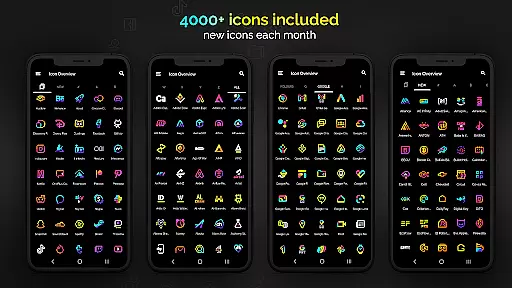
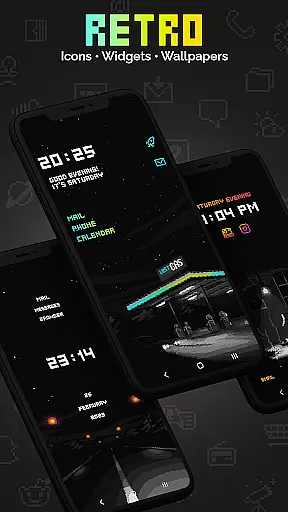
Retro Mode - Icon Pack (Neon) is a premium pixel art icon pack meticulously crafted by pixel artist Moertel. This comprehensive icon pack, updated monthly, offers users a nostalgic journey to the vibrant 90s through its crisp neon-colored pixel art design. With support for over 20 launchers and compatibility with specific Samsung devices running Android 12 with OneUI 4.0 or newer, it allows a broad range of users to customize their device's appearance extensively.
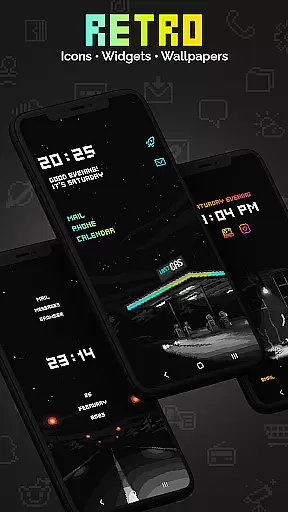
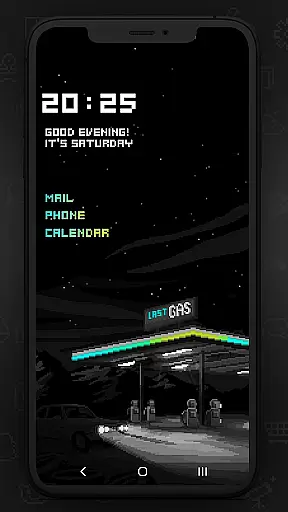
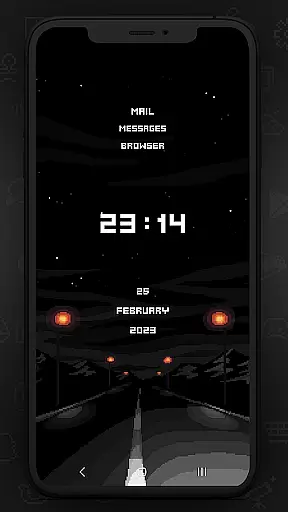
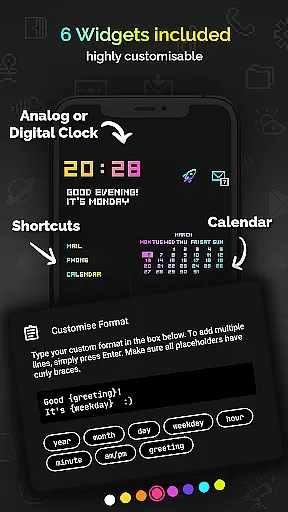
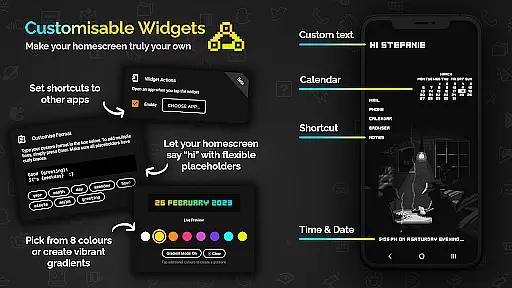
Featuring 4050 unique icons, 12 wallpapers, and 6 widgets including digital and analog clocks, date, greeting, calendar, and text shortcut options, this pack provides extensive customization possibilities. Widgets come in 8 different colors and can be configured with gradients and placeholders for day, month, year, etc., offering personalized utility beyond mere aesthetics.
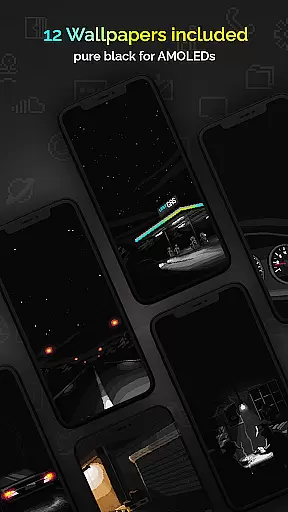
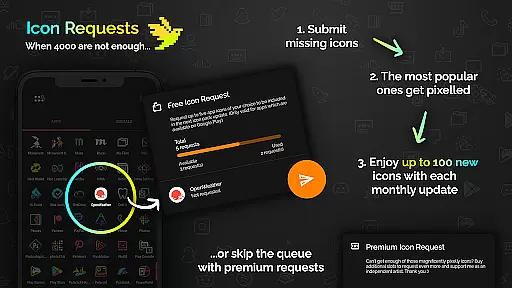
The Retro Mode - Icon Pack stands out with its detailed feature set designed for both functionality and visual appeal. It includes 4050 individually crafted pixel art icons that are scaled from a tiny 20x20 pixel canvas, ensuring they remain sharp and clear on any screen size. The inclusion of 12 specially designed wallpapers and 6 versatile widgets enhances the user's ability to personalize their device's interface fully.
Widgets are highly customizable, allowing users to choose from 8 color options and create gradient combinations. Text within widgets can be freely configured up to 500 characters, integrating dynamic placeholders like time, date, and greetings. Monthly updates introduce new icons and features, continuously expanding the pack's scope and keeping the design fresh and engaging for the user community.
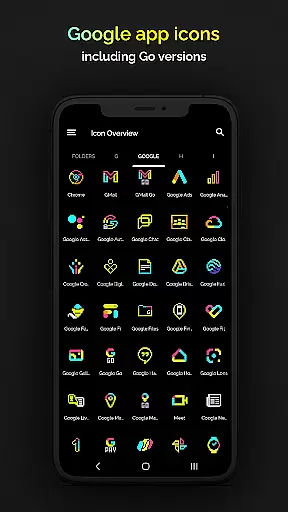
Customization is at the heart of Retro Mode - Icon Pack (Neon), offering users an extensive range of options to personalize their smartphone experience. With over 4050 pixel-perfect icons, this pack ensures that almost every app on your phone can be transformed to fit a vibrant neon aesthetic reminiscent of the 90s digital era.
In addition to the vast icon library, the pack includes 12 unique wallpapers and 6 versatile widgets. These widgets are not just limited to telling time or showing the date; they offer functionalities like greetings based on the time of day and customizable text shortcuts, allowing for a deeply personalized home screen setup.
The level of customization extends to the widgets' appearance as well. Users can choose from 8 different widget colors or even combine colors to create gradients. This flexibility in color choice ensures that your device's look can be as unique as you are, perfectly matching your personal style or mood.
Moreover, Retro Mode supports over 20 launchers, ensuring that no matter what Android device you have, you can apply these customizations. Whether you're using Nova, Action, or even specific versions of Samsung's OneUI, this icon pack bridges gaps between different devices, giving everyone a chance to enjoy a retro yet modernized interface.
Retro Mode - Icon Pack (Neon) shines in its theme compatibility, designed to work seamlessly across a wide array of Android launchers. This inclusivity ensures that regardless of the device or launcher you prefer, you can embrace the nostalgic pixel art design without compromise.
For users with Google Pixel, Motorola, or Xiaomi devices, where stock launchers might not support third-party icon packs, Retro Mode offers compatibility with popular alternatives like Nova Launcher. This guarantees that all users, irrespective of their device limitations, can access and enjoy the complete suite of retro icons and features.
Samsung users aren't left out either. For those on Android 12 with OneUI 4.0 or newer, the Theme Park app allows easy application of Retro Mode's icons. Even for older versions, switching to a compatible launcher from the extensive list provided opens up a world of thematic possibilities previously restricted by native system constraints.
With monthly updates introducing new icons and features, Retro Mode maintains its commitment to compatibility and freshness. Each update enriches the collection, ensuring ongoing relevance and expanding its harmonious integration potential with various launchers and devices worldwide.
Extensive icon variety
Vibrant pixel art style
Highly customizable widgets
Monthly content updates
Broad launcher support
Limited to supported launchers
No shadow or outline effects
Premium price point
Small learning curve for setup
Not all devices compatible

Customizable flower power digital watch face for Wear OS watches.
 4.00
4.00
Gun Chase - Let the chase begin.
4.80
Interactive Miniature Painting Catalogue
3.30
More than 3000+ themes and 9000+ wallpapers for everybody!
4.10
Zip lock screen with magic wallpaper to decorate your phone with fun zipper lock
4.60
Custom edge gestures for volume control, brightness, apps, and shortcuts.
4.2
300+ widgets inspired by Material You and Material 3 expressive design.
4.60
350+ widgets with a premium glass-style finish, perfect for home & lock screens.
4.70
A minimalist productivity launcher. One-hand-friendly. Zero ads.
4.70
300+ Stunning and well-designed widgets inspired by NOTHING.
4.70
Customize your home screen with stunning themes, blur, widgets & icons.
4.60
Ultra realistic high quality analog watch face for Wear OS.
4.60
3D, live, and moving wallpapers & themes in 4K and HD for your device.
4.50
Art & Emoji Keyboard with Cool Fonts, Cute Themes and Custom Designs.
4.40
Yandex Browser — stylish and secure, with voice search and data compression
4.40
Wear Os Watch Face - Seasonal - Animated Snow Effect - 9 Animals
4.20
Magic fluids wallpaper 4D: Relax with stunning fluid simulation wallpaper app
4.20
Run multiple accounts of the same app on a single device
4.10 3.50
3.50



User Reviews