
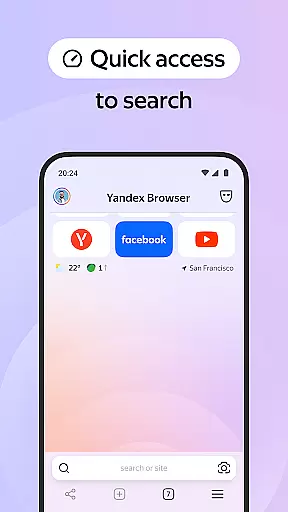
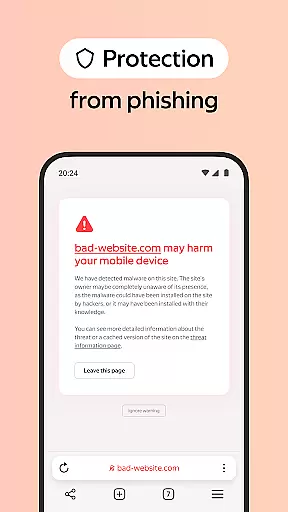
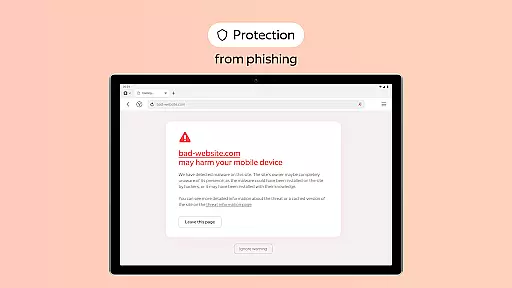
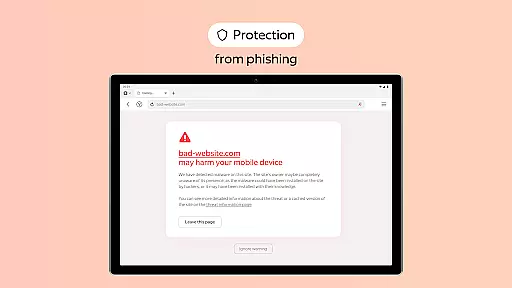
Yandex Browser with Protect is a stylish and secure mobile browser that offers advanced features for an optimal browsing experience. The app combines voice search functionality with data compression technology, allowing users to save mobile data while enjoying fast web access. Its standout feature is the built-in security system called Protect, which safeguards personal information on public Wi-Fi networks and blocks harmful or fraudulent websites.
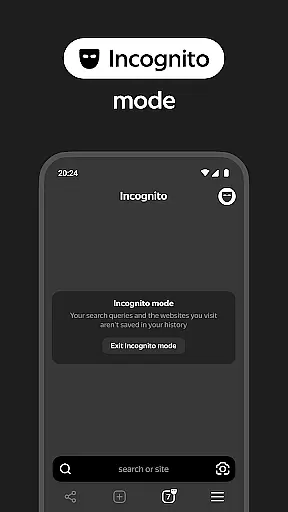
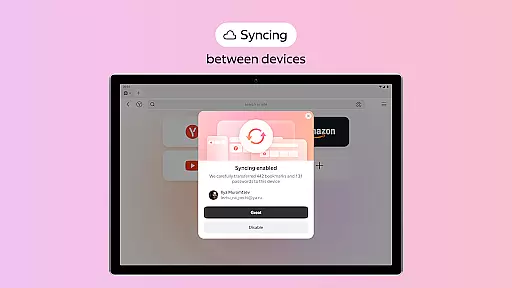
In addition to its security capabilities, Yandex Browser provides tools like Reader Mode, which removes ads and unnecessary interface elements, leaving only essential content for a cleaner reading experience. Users can also browse privately in Incognito Mode, ensuring no trace of passwords, search queries, or browsing history is left behind. With customizable wallpapers and cross-device syncing via a Yandex account, this browser caters to both style-conscious and privacy-focused individuals.
This application is ideal for users seeking a secure yet visually appealing browser that prioritizes speed, customization, and protection against online threats. Whether you're accessing public Wi-Fi or simply looking to declutter your browsing sessions, Yandex Browser ensures a seamless and safe experience tailored to modern needs.
Yandex Browser stands out with its comprehensive set of features designed to enhance user convenience and safety. One notable feature is the integration of third-party ad-blocking apps, enabling users to eliminate intrusive advertisements across websites. This creates a distraction-free environment for uninterrupted browsing.
The browser's Protect system actively monitors network connections, particularly on public Wi-Fi, shielding users from potential cyber threats such as phishing attacks and malicious sites. Additionally, Reader Mode simplifies webpage layouts by hiding menus, buttons, and other non-essential elements, focusing solely on text and images relevant to the reader. For those concerned about privacy, Incognito Mode ensures complete anonymity by disabling tracking of any activity within the session.
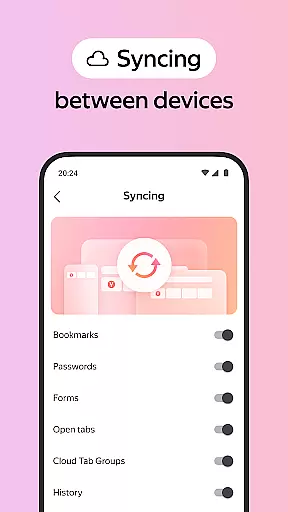
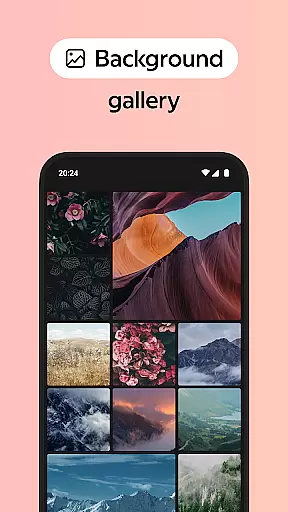
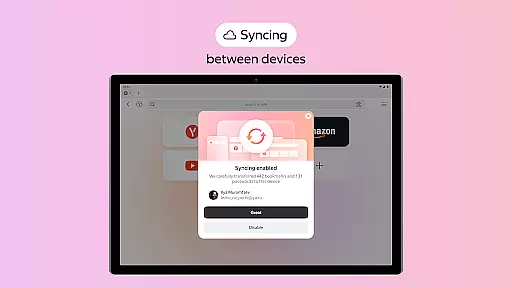
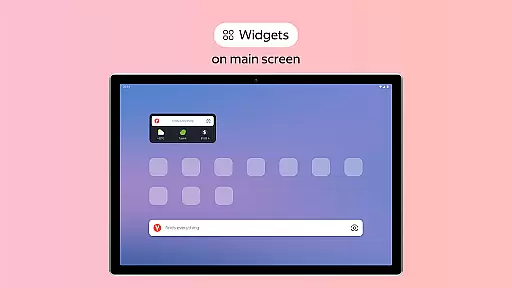
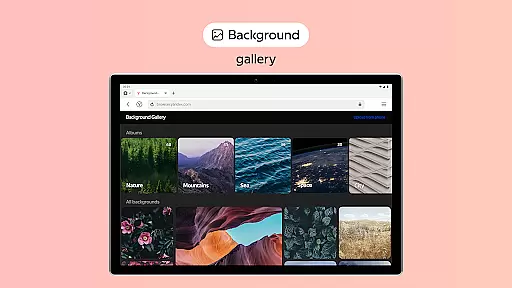
Customization options are abundant, including a library of wallpapers that let users personalize their browser's appearance according to their preferences. Furthermore, seamless synchronization through a Yandex account allows users to access bookmarks and favorite sites across multiple devices effortlessly. These features collectively make Yandex Browser a versatile tool for personalized and secure web navigation.
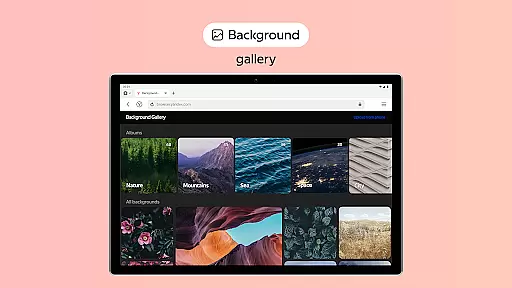
Customization is a key feature of any modern browser, and Yandex Browser excels in providing diverse options for personalizing the browsing experience. The browser offers an extensive wallpaper library that allows users to select from a wide array of backgrounds, catering to different styles and moods. This ensures that users can tailor the look and feel of their browser to match their personal preferences.
In addition to aesthetic customization, Yandex Browser also supports functional adjustments. Users can integrate third-party blocking apps with ad-blocking features to remove annoying ads on websites, enhancing both visual clarity and browsing speed. Reader Mode further refines this by hiding unrelated interface elements such as site menus, buttons, or widgets, leaving only the essential text and images on display.
The practical value of these customization options lies in their ability to improve user comfort and efficiency. By allowing individuals to create a personalized browsing environment, Yandex Browser not only makes web navigation more enjoyable but also helps streamline the information consumption process. This level of customization empowers users to optimize their browsing sessions according to their unique needs and tastes.
Theme compatibility is crucial for ensuring a seamless and visually consistent browsing experience across different devices and platforms. Yandex Browser addresses this by offering robust support for various themes and customization settings that sync effortlessly via a Yandex account. This means users can access their favorite themes and bookmarks on any device without losing the continuity of their personalized setup.
Moreover, Yandex Browser's active security system Protect works harmoniously with its theme compatibility features. Whether you're using public Wi-Fi networks or private connections, the browser maintains a uniform protective layer that safeguards your personal data while preserving your chosen aesthetic settings. This dual focus on security and customization ensures that users do not have to compromise on either front.
By combining versatile theme options with reliable cross-device functionality, Yandex Browser delivers a cohesive user experience that prioritizes both form and function. This approach not only enhances usability but also reinforces user loyalty by providing a dependable and visually appealing environment tailored to individual preferences.
Fast data compression
Strong security features
Ad blocking support
Cross-device syncing
Customizable design
Limited native adblock
Higher memory usage
Fewer extensions than Chrome
No built-in VPN
Occasional bugs

Stunningly Different look with Line Icons and Neon Colors
 4.60
4.60
Prank your friends with realistic broken screen and cracked HD effects!
4.2
Unique Android Launcher
4.60
Unique Fonts, typefaces and stylish text. Fonts for Instagram, Whatsapp & others
4.20
Adaptive Dot Style IconPack with Light & Dark Theme.
3.70
Unleash Your Creativity and Connect with Loved Ones with Lockscreen Drawing!
4.20
Your go to Weather App & Home Screen. Get your weather at a swipe of a finger!
3.80
Adorable pets roam and play right on your phone screen!
3.30
Fast SMS & group chat - use GIFs and emojis from your home screen launcher.
4.50
One 8 icons glass color version
4.80
Stylish Pink Cute Hippo keyboard with 10000+ customized keyboard themes!
4.60
Handcrafted pixel art icons, widgets & wallpapers
4.60
Try creating your own keyboard with "Keyboard theme for android" app now!
4.50 4.50
4.50
200+ Material Inspired Widgets
4.50
Organize and manage your photos and videos effortlessly with Photo Gallery
4.20
Customizable flower power digital watch face for Wear OS watches.
4.00
Customize glowing edges, wallpapers, and caller screen with EdgeAura.
3.50
Struggling to find apps? Use this app to locate and open any app on your phone!
2.20




User Reviews