
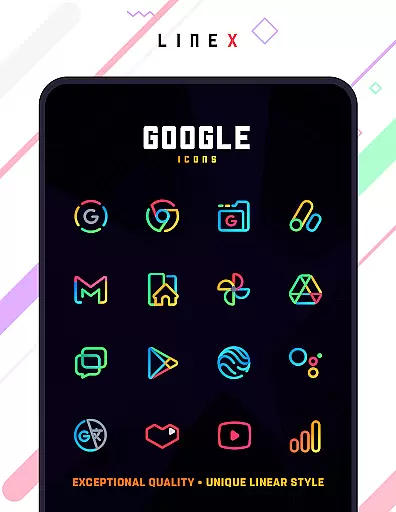
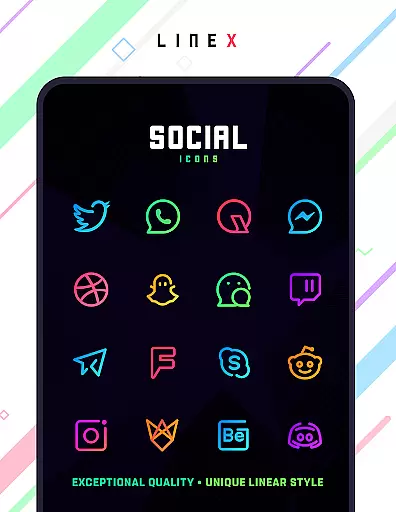
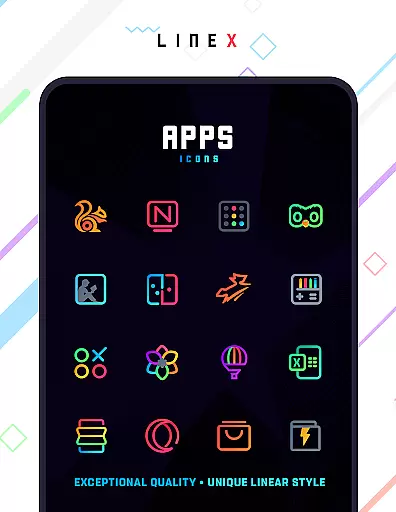
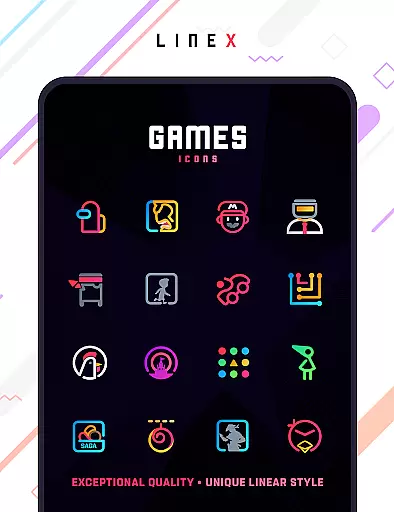
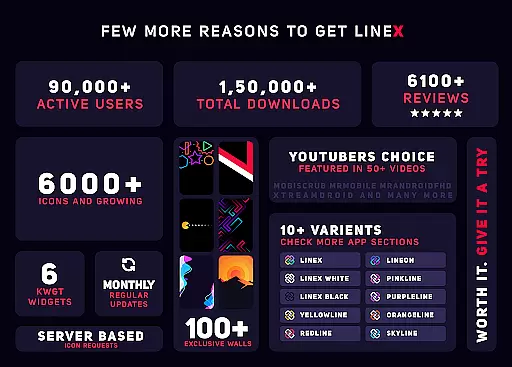
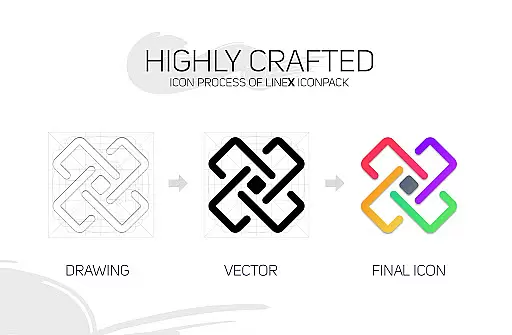
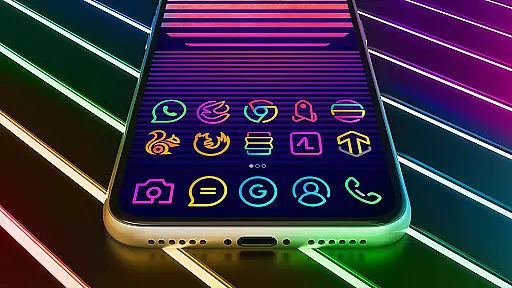
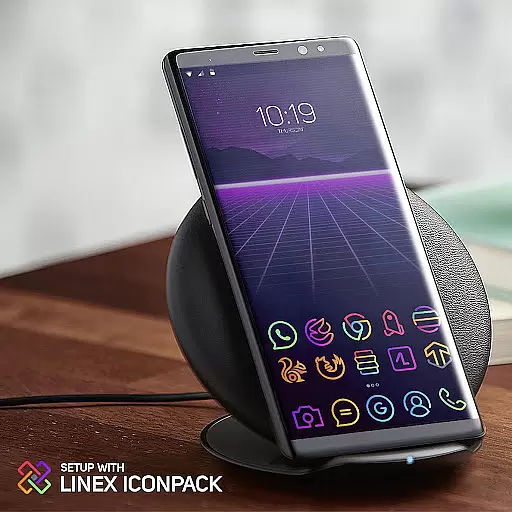
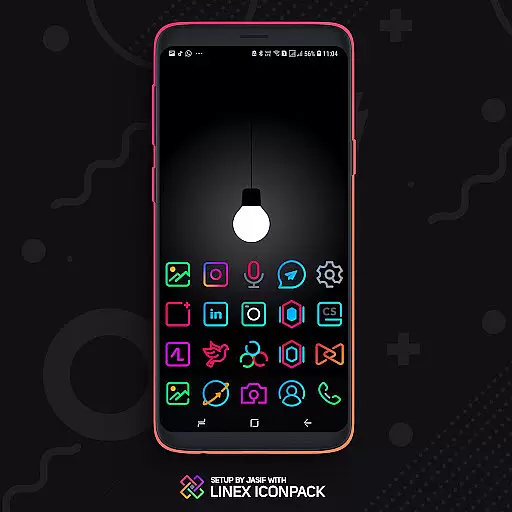
LineX Icon Pack is a minimalist Neony icon pack featuring over 6000 linear-themed icons, making it one of the most refreshing icon packs available. With its high-quality design and extensive range of icons, it enhances your device's aesthetics while providing practical functionality.
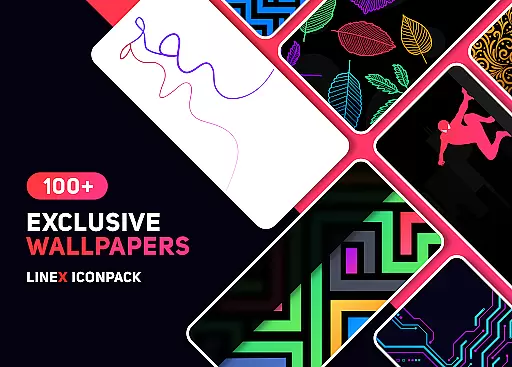
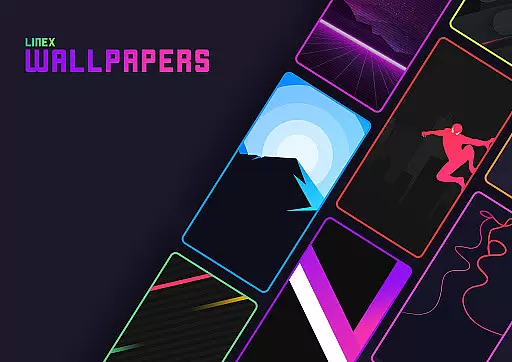
The pack includes beautifully crafted masks for unthemed icons and supports various launchers. It offers frequent updates, alternative icons, an amazing wall collection, and features like icon preview, dynamic calendar, and material dashboard. LineX Icon Pack is ideal for users who want to personalize their device with a sleek, modern look.
LineX Icon Pack stands out with its top-notch quality and vast selection of over 6000 icons. The pack ensures perfect masking for unthemed icons and provides numerous alternative icons to suit different preferences.
Users can enjoy additional features such as icon preview and search, dynamic calendar support, and a material dashboard. The pack also includes custom folder icons, category-based icons, and custom app drawer icons. These features collectively offer a highly customizable and visually pleasing experience.
Recommended settings include using the Nova launcher, disabling icon normalization, and adjusting icon size based on preference. This flexibility allows users to tailor the appearance to their liking, ensuring a delightful interaction every time they use their device.
LineX Icon Pack offers an extensive range of customization options that cater to various user preferences. With over 6000 icons, it provides one of the largest selections available in the market today.
The pack includes a perfect masking system for unthemed icons and alternative choices, ensuring that users can find the right look for their device. Additionally, it features category-based icons and custom app drawer icons, allowing for a tailored home screen experience.
Users can further personalize their setup with recommended settings for launchers like Nova, where they can adjust icon sizes according to their preference, be it small at 85% or larger between 100-120%.
This level of customization empowers users to create a unique and cohesive aesthetic on their devices, making each interaction more enjoyable.
Compatibility is a key feature of LineX Icon Pack, as it works seamlessly with a wide array of launchers. This ensures that no matter which launcher a user prefers, they are likely to find support within this icon pack.
From popular launchers such as Nova, Action, ADW, Apex, and many others, LineX Icon Pack integrates effortlessly, providing a consistent visual experience across different platforms.
For those whose launchers aren't directly included in the apply section, the theme can still be applied through the launcheru2019s settings, thus broadening its compatibility scope even further.
It's important to note that while Google Now Launcher does not support icon packs, LineX has been tested and proven compatible with numerous other launchers, offering flexibility and peace of mind for users seeking a reliable theming solution.
Extensive icon library
Frequent updates
Perfect masking system
Customizable features
Amazing wall collection
Requires supported launcher
No Google Now support
Some launchers not included
Initial setup needed
Premium price tag

A Colorful and Minimal icon pack in an Outline Style - Over 13,600 icons!
 4.70
4.70
Capture moments that pass like a storm, second by second.
4.0
Only for Wear OS devices!
4.90
Transform your phone with Launcher iOS 26 - Smooth & elegant iOS experience
4.50
A minimalist productivity launcher. One-hand-friendly. Zero ads.
4.70
Transform your phone with stunning video wallpapers and a unique, personal touch
3.80
Fast SMS & group chat - use GIFs and emojis from your home screen launcher.
4.50
Install amazing sticker packs: endless styles, always cool.
4.70
Custom ringtones songs, music ringtones for Android phones
4.60
Wallpaper HD 4K Live - Thousands of high-quality Anime backgrounds for you.
4.80
Sparkle your screen with Glitter Wallpapers For Girls and Cute Backgrounds!
4.80
Customizable Glass widgets. Over 360+ stunning widgets and more!
4.70
Classic analogue watch face. For wear os devices.
4.60
Ultra realistic high quality analog watch face for Wear OS.
4.60
Color phone with cool effects for call screen, flash alert & ringtones music
4.50
Art & Emoji Keyboard with Cool Fonts, Cute Themes and Custom Designs.
4.40
App Icon Changer & Shortcut Creator. Customize your icons without any watermarks
4.30
Wear Os Watch Face - Seasonal - Animated Snow Effect - 9 Animals
4.20
Modern Glass Icon Pack with glossy icons, clean minimal theme & aesthetic style
4.4




User Reviews