
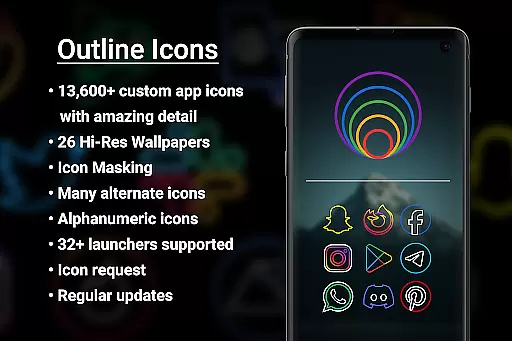
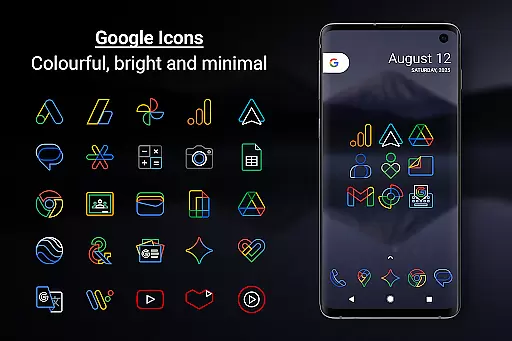
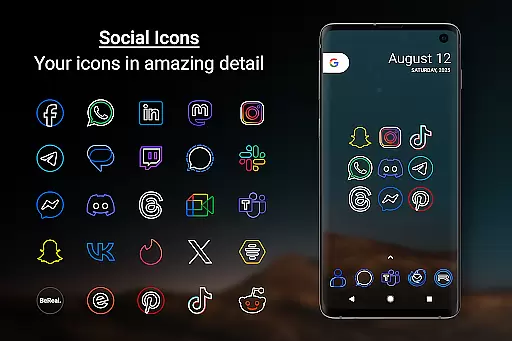
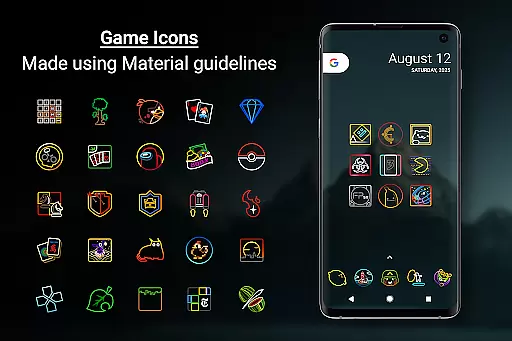
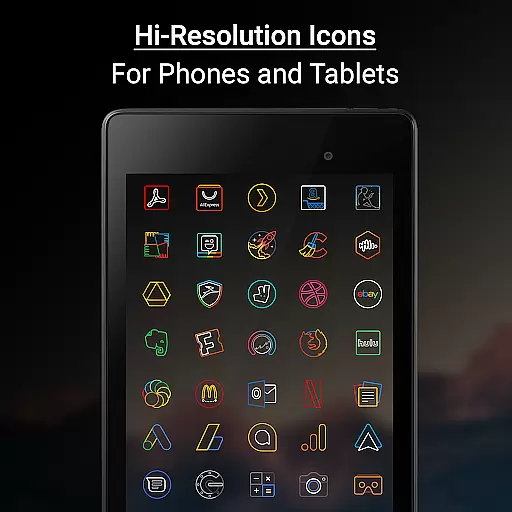
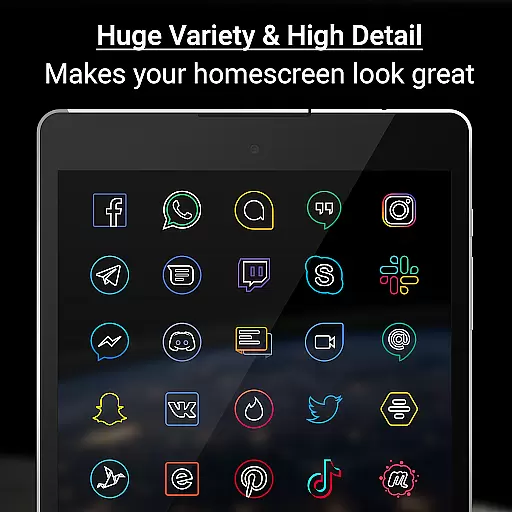
Outline Icons is a premium icon pack that transforms your home screen with an innovative outline design. Featuring over 13,600 handcrafted HD icons in bright colors and precise material design standards, these icons look stunning on any device.
The pack includes 26 high-resolution wallpapers, dynamic calendar support for multiple calendar apps, category folders in various colors, and alphanumeric icons in 10 color options. Each icon is meticulously designed at 192x192 pixels (xxxhdpi) resolution, ensuring sharp details on both phones and tablets.
Outline Icons supports 32+ popular launchers including Nova Launcher, Lawnchair, and Samsung's One UI through Theme Park integration. The pack also offers icon masking for unthemed icons, alternate color options for system icons, and regular updates with new icons and features.
Outline Icons stands out with its comprehensive feature set tailored for customization enthusiasts. The pack includes over 13,600 individually crafted HD icons, each designed in the distinctive outline style that brings a cohesive yet minimalist aesthetic to your device.
Advanced functionality includes dynamic calendar support for major calendar apps, icon masking capabilities for unthemed applications, and a robust icon request system. Users can choose from 26 royalty-free wallpapers specifically designed to complement the icon pack's style.
The pack supports 32+ launchers across Android devices and offers unique features like alphabet icons in multiple colors, category folders for better organization, and alternative color options for system icons. Regular updates ensure continuous improvement and expansion of the icon library.
Outline Icons offers an extensive range of customization options that cater to various user preferences. With over 13,600 hand-crafted HD icons, the pack ensures that users can find an icon for almost any app they have installed. This vast selection is complemented by features such as Icon Masking, which provides a cohesive look even for unthemed icons.
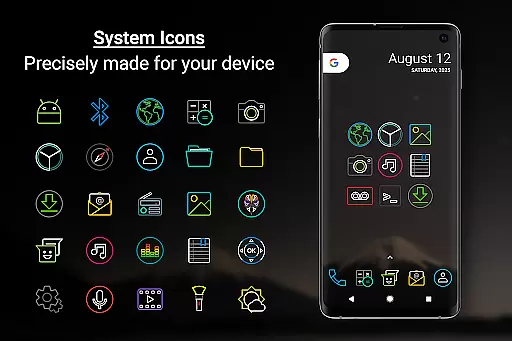
In addition to the primary icons, the pack includes alternate color versions of system icons, allowing users to further personalize their home screens. The inclusion of Alphabet icons in ten different colors adds another layer of customization, enabling creative combinations and unique aesthetics. These options empower users to tailor their device's appearance to reflect their personal style.
The dynamic calendar support enhances daily interactions with devices by offering specialized icons for different calendar apps. Users can also take advantage of colorful category folders that help organize apps while maintaining visual harmony. Such comprehensive customization possibilities ensure that each user's experience with Outline Icons is distinct and engaging.
Theme compatibility is a crucial aspect of Outline Icons, ensuring seamless integration with a wide array of launchers. Supporting more than 32 launchers, including popular ones like Nova Launcher and Lawnchair Launcher, this icon pack guarantees that users won't face limitations when customizing their devices. Even Samsung users benefit from compatibility through the Samsung Theme Park app on OneUI 4.0 or newer.
For optimal performance, specific instructions are provided for certain launchers. For instance, Nova Launcher users are guided to adjust settings to display icons correctly. Such detailed guidance underscores the commitment to compatibility and user satisfaction. Additionally, high-resolution wallpapers included in the pack complement the minimalistic icon designs, enhancing overall visual coherence.
While many launchers are directly supported within the Apply section of the app, others require manual application via launcher settings. This flexibility ensures that even those using less common launchers can enjoy the benefits of Outline Icons. By prioritizing broad theme compatibility, the pack delivers a consistent and polished user experience across diverse platforms.
Extensive icon coverage
Vibrant outline design
Regular feature updates
Multiple launcher support
High-resolution assets
Paid premium features
Requires compatible launcher
No automatic icon application
Limited free wallpaper selection
Some icons need manual masking

Bring adorable pets to life on your screen. Playful, interactive and full of fun
 4.60
4.60
Add cute Shimeji pets to screen, interact with them and relax with cute motions
4.60
Dark icon pack based on One 8
4.80
Aesthetic Widgets, HD Wallpapers, Themes in Mico Widget for Home and Lock Screen
4.50
Organize and manage your photos and videos effortlessly with Photo Gallery
4.20
Embrace the Night. Unleash the power of darkness with Raven Dark Icon Pack
4.60
Your go to Weather App & Home Screen. Get your weather at a swipe of a finger!
3.80
Struggling to find apps? Use this app to locate and open any app on your phone!
2.20
Customize phone with anime themes, 3D icons, aesthetic widgets & wallpapers
4.80
Enjoy a variety of amazing live wallpapers and colorful EDGE lighting borders!
4.80
300+ Stunning and well-designed widgets inspired by NOTHING.
4.70
400+ Beautifully crafted widgets inspired by NOTHING.
4.70
Classic analogue watch face. For wear os devices.
4.60
Ultimate Gallery Lock App - Hide Pictures, Videos and Lock Apps Instantly!
4.60
Handcrafted pixel art icons, widgets & wallpapers
4.60
200+ Material Inspired Widgets
4.50
Transform your device in a game console
4.40
Themes - Widget & Wallpaper: Customize home screen, icon changer w unique themes
4.30
Custom edge gestures for volume control, brightness, apps, and shortcuts.
4.2





User Reviews