
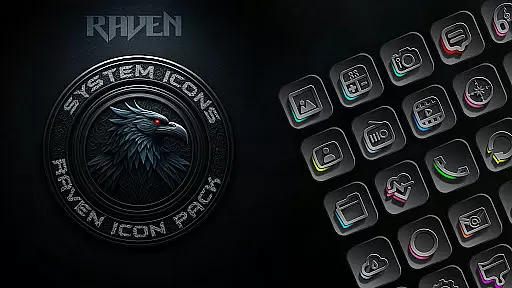
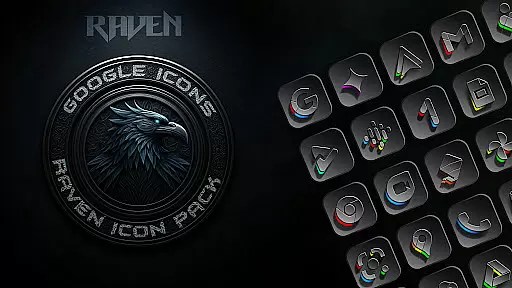
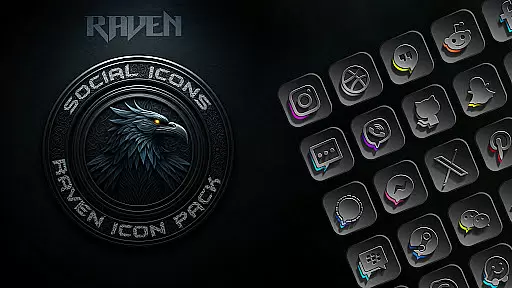
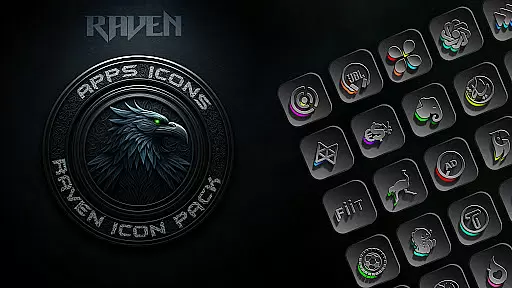
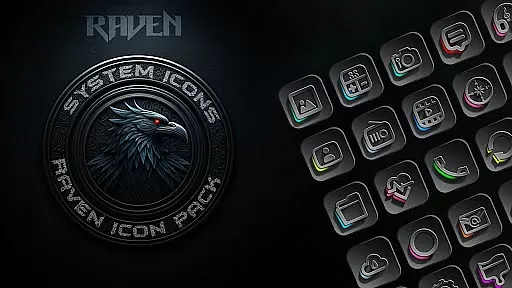
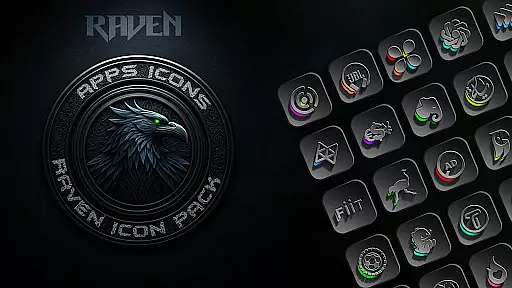
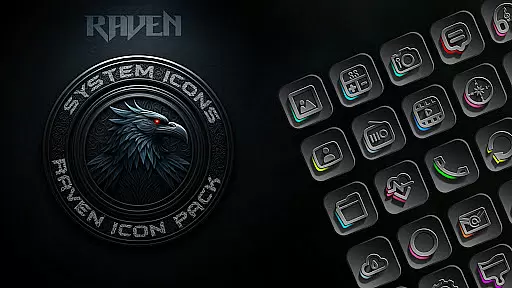
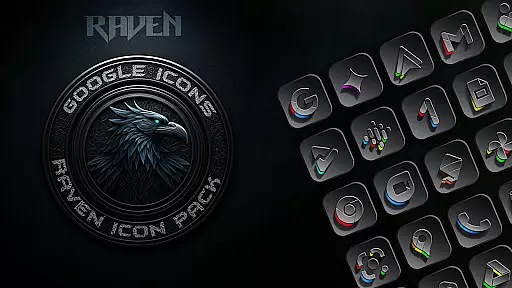
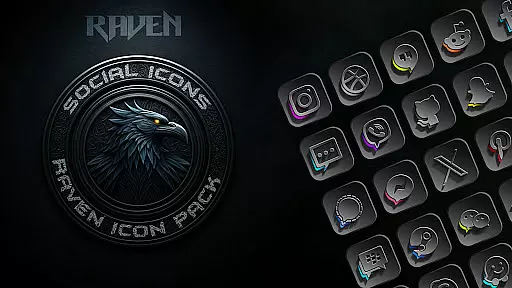
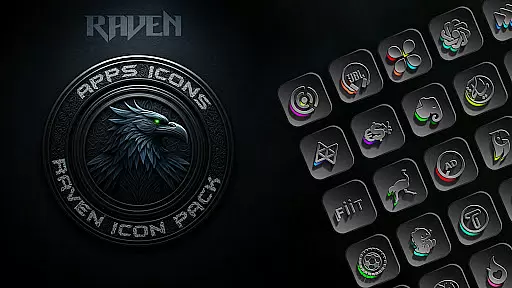
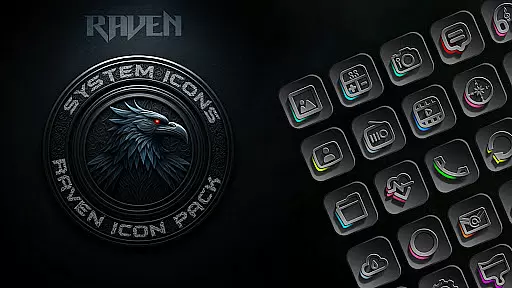
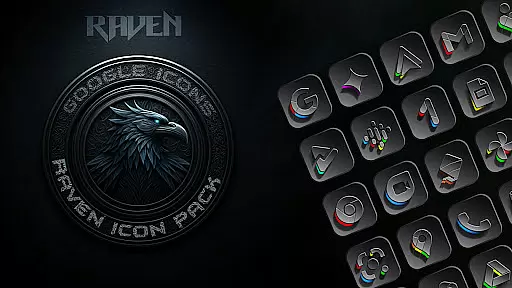
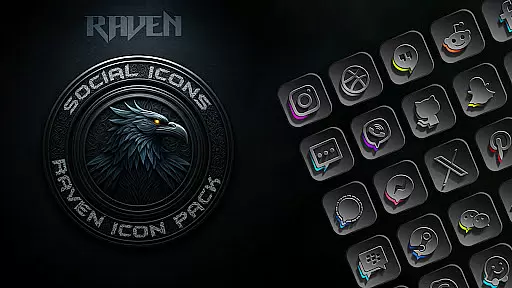
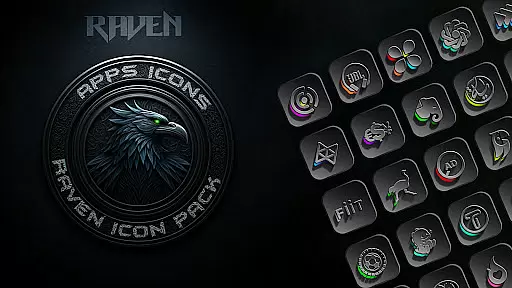
Raven Dark Icon Pack offers a sleek and mysterious collection of dark-themed icons, perfect for users who appreciate minimalist and elegant aesthetics. With over 4500 unique icons, it provides extensive customization options for Android devices.
The pack features a dark and moody aesthetic with deep blacks, greys, and subtle color accents, alongside regular updates and cloud-based wallpapers. Compatible with most Android launchers, it allows users to personalize their home screens effortlessly.
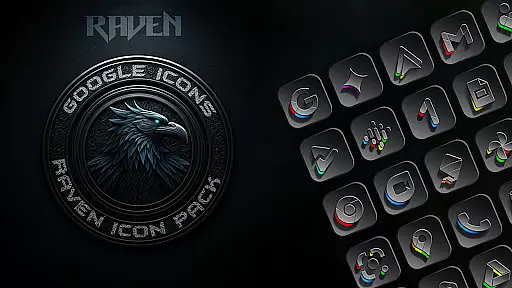
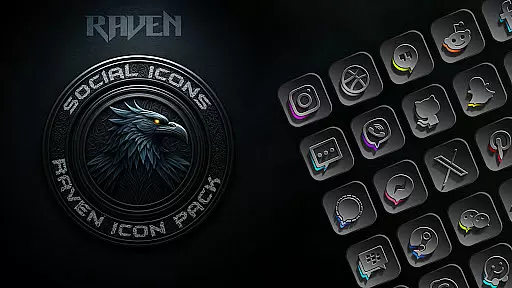
This icon pack stands out with its vast library of 4500++ exquisitely designed icons, ensuring broad compatibility with popular launchers. Alternate icons for popular apps enhance personalization possibilities.
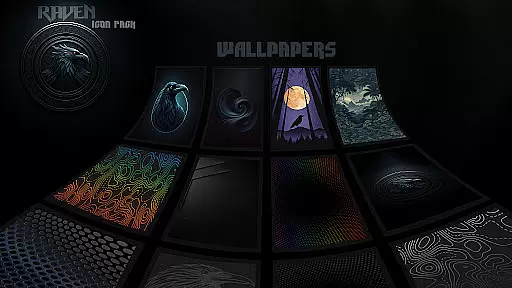
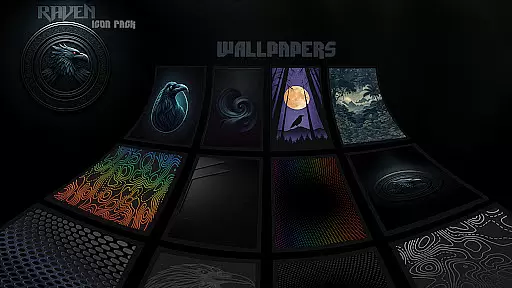
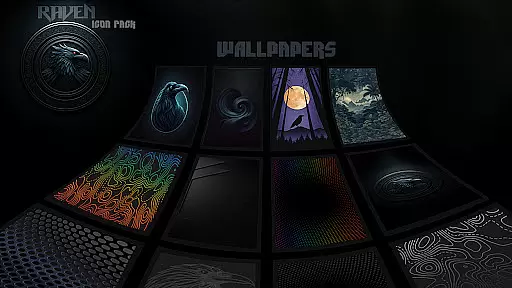
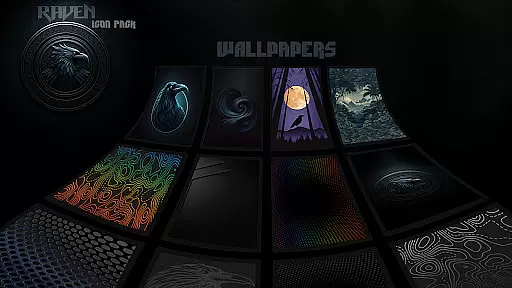
Users can enjoy a minimalist design focused on functionality and visual harmony, complemented by a curated selection of 15 stunning dark wallpapers. The inclusion of an icon request tool ensures continuous improvement based on user feedback.
Raven Dark Icon Pack offers an extensive range of customization options, ensuring that users can tailor their Android device's interface to their exact preferences. With over 4500 unique icons, this pack provides a rich selection for personalizing app icons across the home screen.
The icon pack embraces a dark and moody aesthetic, dominated by deep blacks and greys with subtle vibrant color accents. This design choice not only enhances visual appeal but also aligns with modern trends towards dark mode interfaces, offering both style and potential battery-saving benefits on OLED screens.
Users will appreciate the minimalist design philosophy of Raven Dark Icon Pack, which emphasizes clean lines and uncluttered visuals. This approach ensures that each icon remains functional while contributing to an overall cohesive look that prioritizes simplicity without sacrificing elegance.
In addition to its vast icon library, the pack includes cloud-based wallpapers and an icon request tool, allowing for further personalization opportunities. These features empower users to create a truly bespoke experience that reflects their individual tastes and complements the sleek nocturnal theme of the icons.
Theme compatibility is a crucial aspect of any icon pack, and Raven Dark Icon Pack excels in this area by supporting a wide array of popular Android launchers. Whether you're using Nova Launcher, Action Launcher, or Apex Launcher, among many others, you can seamlessly integrate these dark-themed icons into your existing setup.
This broad compatibility ensures that regardless of your preferred launcher, you can enjoy a consistent and polished look across your device. The inclusion of support for Samsung One UI 4.0 (or newer) through the Theme Park app extends this versatility even further, making it accessible to Samsung users who wish to personalize their devices.
For those whose launchers are not directly supported within the apply section, there's flexibility to adjust settings manually from the launcher itself. This adaptability underscores the packu2019s commitment to providing a customizable experience that fits various user needs and technical configurations.
It's important to note that while Google Now Launcher does not support icon packs, Raven Dark Icon Pack works with numerous other launchers, ensuring most Android users can take advantage of its stylish themes and enhance their deviceu2019s visual identity effortlessly.
Extensive icon library
Regular updates
Compatible with many launchers
Unique dark aesthetic
User-friendly interface
Requires compatible launcher
No Google Now Launcher support
Limited to Android devices
Additional setup for Samsung users
Some features need Theme Park app

Customizable Glass widgets. Over 360+ stunning widgets and more!
 4.70
4.70
Themes - Widget & Wallpaper: Customize home screen, icon changer w unique themes
4.30
Turn text & photos into stunning AI videos, art, and creative visual stories.
4.50
Nothing Icon pack with more than 3750+ highly crafted icons.
4.70
Icons made of colorful linear lines
4.60
HappyLighting is a Bluetooth lamp control software.
3.40
300+ widgets inspired by Material You and Material 3 expressive design.
4.60
Modern Glass Icon Pack with glossy icons, clean minimal theme & aesthetic style
4.0
Enjoy a variety of amazing live wallpapers and colorful EDGE lighting borders!
4.80
Wallpaper HD 4K Live - Thousands of high-quality Anime backgrounds for you.
4.80
Winter's Journey: digital watch face for Galaxy Watch & Wear OS
4.80
Stunningly Different look with Line Icons and Neon Colors
4.60
Over 28,000 high quality icons to bring color & homogeneity to your phone.
4.60
Zip lock screen with magic wallpaper to decorate your phone with fun zipper lock
4.60
A light in the dark, a unique style and an andless cutomization!
4.30
Realistic animated snow on your wrist, with 10 images landscapes to choose from
4.00
Crystal-clear, square icon provides a sleek and sophisticated visual upgrade
4.00
Customize glowing edges, wallpapers, and caller screen with EdgeAura.
3.50
Turn your lock screen into fun with smile live wallpapers & animated wallpapers!
2.50



User Reviews