
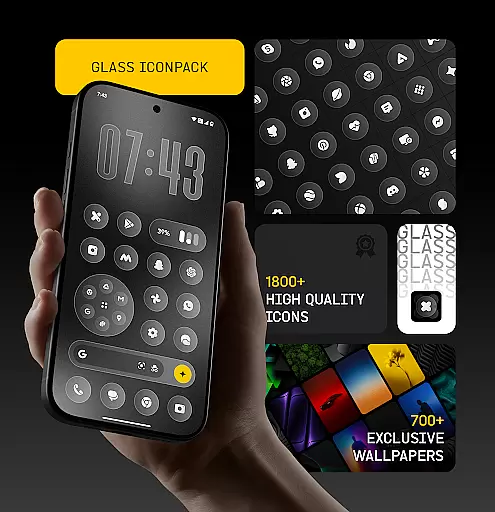
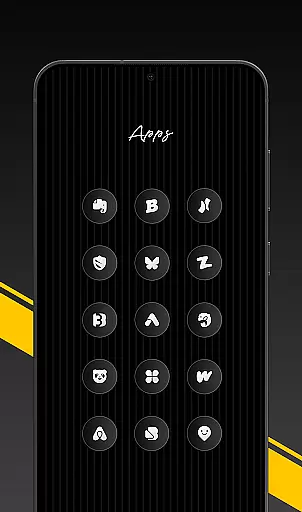
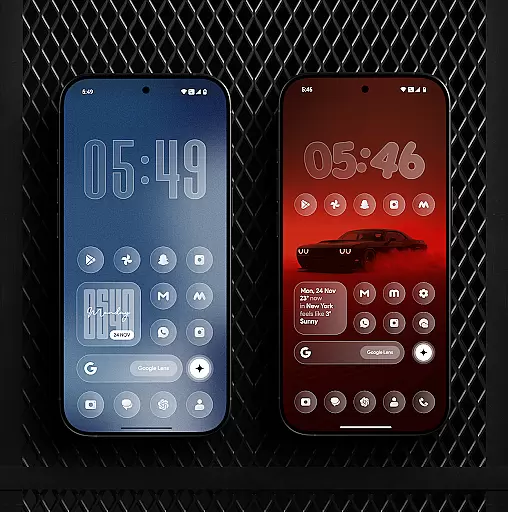
Glass Icon Pack is a premium collection of glossy, modern icons designed to enhance the aesthetic appeal of Android home screens. With over 1850 high-quality icons and 700 matching wallpapers, it offers users a sleek, polished look.
The pack features HD resolution icons, dynamic calendar support, and smart masking for unthemed apps. Regular updates ensure continuous improvements, while an easy-to-use dashboard allows quick searches and previews. This makes it ideal for users seeking a minimalist yet elegant device appearance.
This icon pack stands out with its unique glass effect design, offering icons that blend seamlessly with any wallpaper. The inclusion of 700+ gradient-themed wallpapers complements the icons perfectly, creating a cohesive visual experience.
Advanced features include dynamic calendar icons and smart masking technology, which ensures even unthemed apps look integrated. The user-friendly interface provides intuitive navigation, icon search functionality, and free icon request options, making customization effortless for all users.
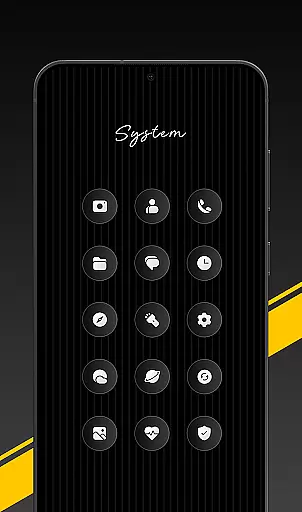
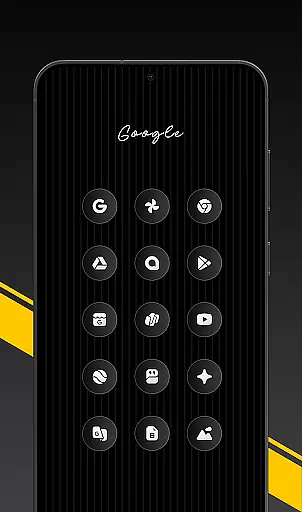
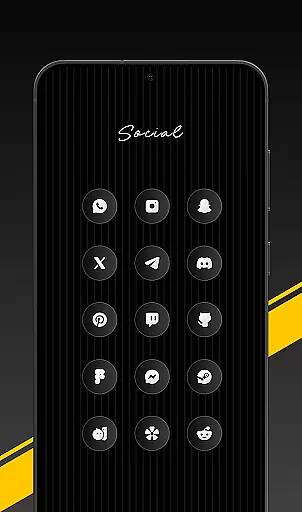
Glass Icon Pack offers an extensive range of customization options, ensuring users can tailor their Android home screens to their unique preferences. With over 1850 high-quality glass icons, the pack covers a wide array of app categories including system apps, social media, and tools.
The inclusion of 700+ matching wallpapers inspired by glass and gradient themes further enhances personalization possibilities. These wallpapers complement the glossy, polished icons, creating a cohesive and modern aesthetic across devices.
Dynamic Calendar icons add another layer of customization, adapting to supported launchers for a seamless experience. Additionally, smart icon masking ensures even unthemed apps blend well with the overall design scheme.
Regular updates introduce new icons and improvements, keeping the user's interface fresh and up-to-date. The easy-to-use dashboard simplifies navigation, allowing users to search and preview icons effortlessly.
Ensuring broad theme compatibility, Glass Icon Pack is designed to integrate smoothly with various launchers and devices. This compatibility allows users to apply the premium glossy icons without needing additional software in many cases.
For devices like Nothing, OnePlus, and Poco, which support third-party icon packs natively, the application process is straightforward. Users simply install the pack and apply it through their launcher settings or directly within the app.
If a user's launcher isn't listed, they can still utilize the pack by adjusting their launcheru2019s icon settings. This flexibility ensures that regardless of device or launcher choice, users can enjoy the sleek, modern aesthetic offered by Glass Icon Pack.
In instances where specific icons are missing or unthemed, users can easily submit requests from within the app. These requests are addressed in subsequent updates, maintaining ongoing compatibility and user satisfaction.
Premium glossy design
HD resolution icons
Regular updates
Smart icon masking
Wide app compatibility
Limited to supported launchers
Some icons may be missing
No iOS version available
Refund policy restrictions
Third-party launcher required

Capture moments that pass like a storm, second by second.
 4.5
4.5
Ultra realistic high quality analog watch face for Wear OS.
4.60
Prank your friends with realistic broken screen and cracked HD effects!
4.5
Turn your lock screen into fun with smile live wallpapers & animated wallpapers!
2.50
More than 3000+ themes and 9000+ wallpapers for everybody!
4.10
Adaptive Dot Style IconPack with Light & Dark Theme.
3.70
Choose your keyboard with RGB colors effect, themes, fonts, emojis.
4.60
set a new experience for the Android mobile phone
4.20
Amazing letter fonts in your messages and social statuses
4.70
Only for Wear OS devices!
4.90
Sparkle your screen with Glitter Wallpapers For Girls and Cute Backgrounds!
4.80
Wallpaper HD 4K Live - Thousands of high-quality Anime backgrounds for you.
4.80
100+ Stylish Fonts, Emojis, Symbols keyboard for Instagram & TikTok!
4.80
Shimeji adds cute animated characters to your screen, lively and fun.
4.70
The definitive Icon pack maker and editor
4.30
Ultimate widget creator. Design custom widgets for a truly unique home screen!
3.90
Transform your phone with stunning video wallpapers and a unique, personal touch
3.80
HappyLighting is a Bluetooth lamp control software.
3.40
Custom edge gestures for volume control, brightness, apps, and shortcuts.
4.4



User Reviews