
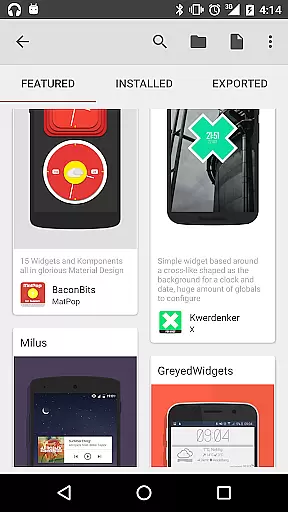
KWGT Kustom Widget Maker is the ultimate tool for Android users seeking to personalize their home screens. This powerful widget maker allows you to design custom widgets that display any data you need, exactly how you want it.
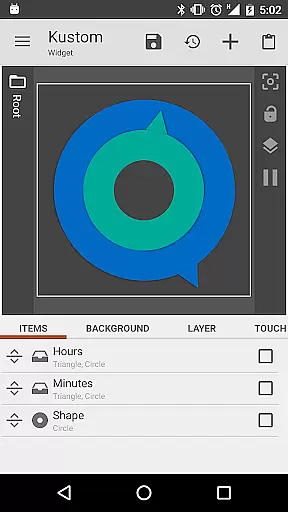
With a robust WYSIWYG editor, KWGT gives you complete control over text, shapes, images, and layers, enabling you to create interactive widgets with touch actions and hotspots. Whether you're building aesthetic photo widgets or sophisticated system monitors, KWGT provides all the tools necessary for true customization.
This app is perfect for power users who demand advanced functionality like complex logic, dynamic data display, and Tasker integration. KWGT turns your Android home screen into a personalized masterpiece, making it more than just a widget maker—it's a creativity platform.
KWGT stands out with its unparalleled customization capabilities. The app includes a full-featured WYSIWYG editor that lets you control every aspect of your widget's appearance, from custom fonts and colors to advanced effects like 3D transformations and curved text.
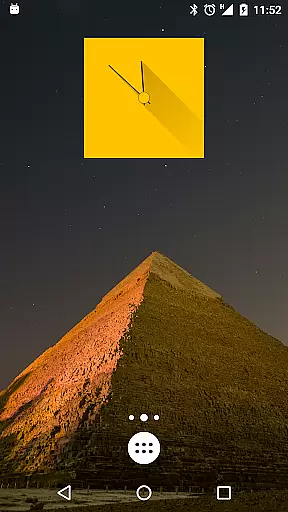
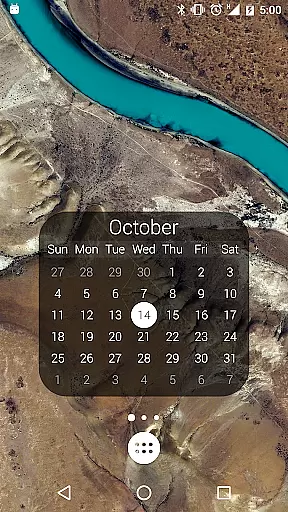
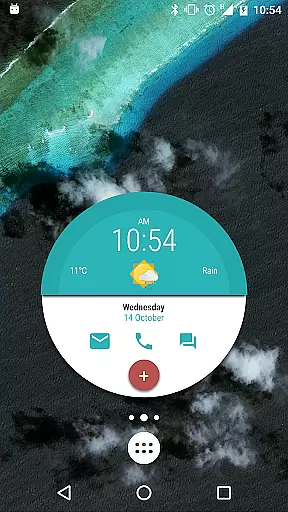
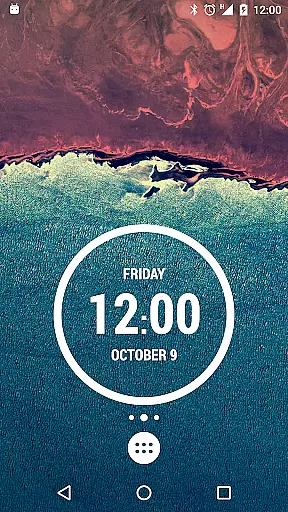
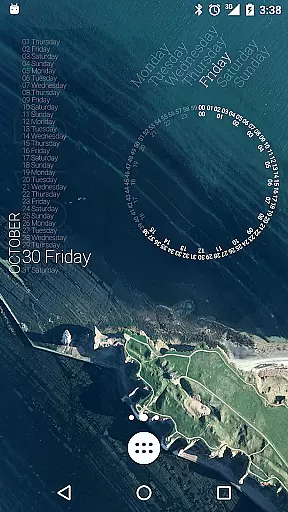
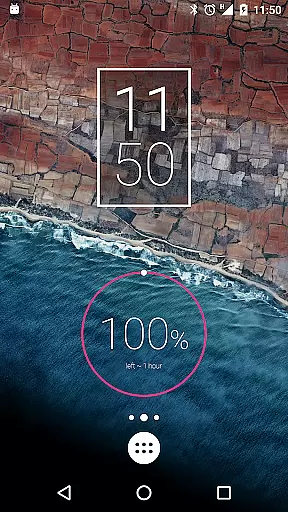
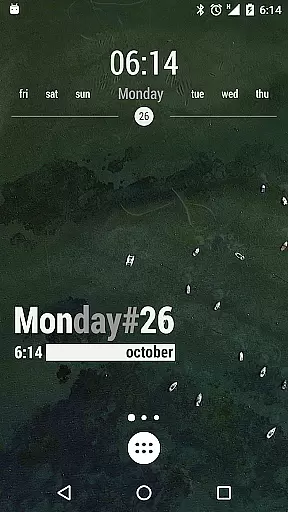
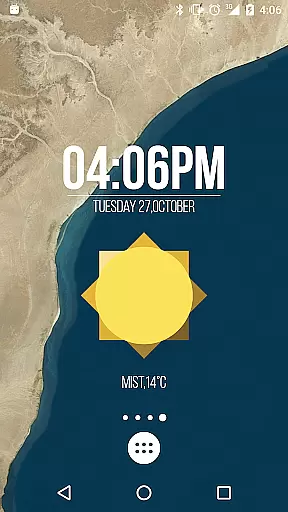
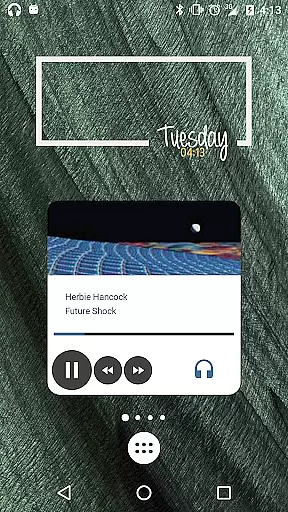
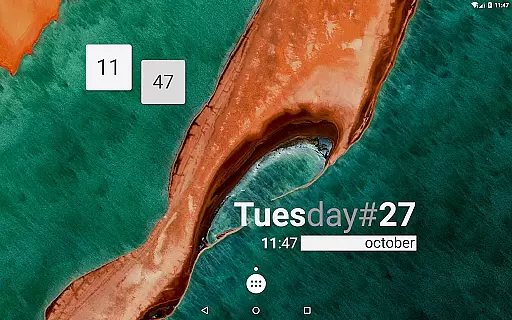
The app supports various widget types including aesthetic photo galleries, data-rich weather displays, custom clocks, system monitors, music players, fitness trackers, and calendar widgets. Each can be tailored with precision using scalable vector graphics (SVG), PNG, JPG, and WEBP image formats.
Advanced users will appreciate features like complex logic programming, dynamic data fetching via HTTP, RSS, XML/XPATH parsing, and seamless Tasker integration. KWGT also offers vast data display options such as date, time, battery estimates, Wi-Fi status, traffic info, next alarm, location, moving speed, and much more.
Customization is at the heart of KWGT Kustom Widget Maker, allowing users to break free from the monotony of preset widgets. With a powerful WYSIWYG editor, users can craft any widget layout imaginable, starting from scratch or modifying starter skins.
The level of customization extends to every element within the widget. Users have total text control with custom fonts, colors, sizes, and effects such as 3D transformations and shadows. Shapes and images are also customizable, supporting various formats including PNG, JPG, WEBP, and SVGs, which ensures that creativity is limitless.
Interactive elements can be added, making widgets not just visually appealing but functional too. From launching apps to toggling settings, each tap can trigger a different action, thus enhancing user engagement with their home screen.
KWGT Kustom Widget Maker excels in theme compatibility, ensuring that every widget created can match the user's personal style or current device theme. Whether it's a minimalist design or a vibrant, data-rich widget, KWGT supports a seamless aesthetic integration with any Android home screen.
With pro-level layering features akin to professional photo editors, users can apply gradients, color filters, and overlay effects like blur and saturation. This creates stunning designs that remain consistent with the chosen theme, offering both beauty and utility.
Furthermore, KWGT provides vast data display options, allowing widgets to show anything from weather information to system stats, all while maintaining visual harmony with the user's selected theme. This ensures that regardless of the widget's function, it will always feel like an integral part of the user's personalized Android experience.
User-friendly interface
Highly customizable options
Vast array of widget types
Powerful logic and data capabilities
Active community support
Steeper learning curve
Paid pro version required
Ads in free version
Complex for beginners
Requires technical knowledge

Customizable flower power digital watch face for Wear OS watches.
 4.00
4.00
Bring adorable pets to life on your screen. Playful, interactive and full of fun
4.60 4.50
4.50 4.50
4.50 4.50
4.50
Launcher OS™ Pro without ads help make your phone simple and pretty
4.30
Crystal-clear, square icon provides a sleek and sophisticated visual upgrade
4.00
Transform your phone with stunning video wallpapers and a unique, personal touch
3.80
set a new experience for the Android mobile phone
4.20
Winter's Journey: digital watch face for Galaxy Watch & Wear OS
4.80
A launcher for Samsung Good Lock and Good Guardians modules without ads
4.70
Classic analogue watch face. For wear os devices.
4.60
Ultimate Gallery Lock App - Hide Pictures, Videos and Lock Apps Instantly!
4.60
Zip lock screen with magic wallpaper to decorate your phone with fun zipper lock
4.60
Wear Os Watch Face - Seasonal - Animated Snow Effect - 9 Animals
4.20
Organize and manage your photos and videos effortlessly with Photo Gallery
4.20
Unleash Your Creativity and Connect with Loved Ones with Lockscreen Drawing!
4.20
Run multiple accounts of the same app on a single device
4.10
Your go to Weather App & Home Screen. Get your weather at a swipe of a finger!
3.80



User Reviews