
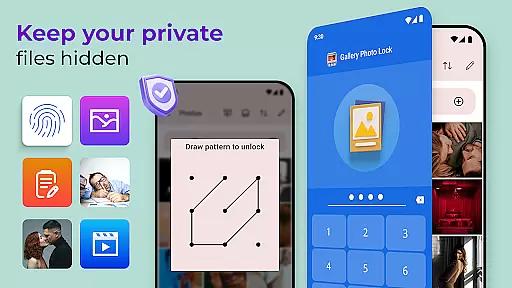
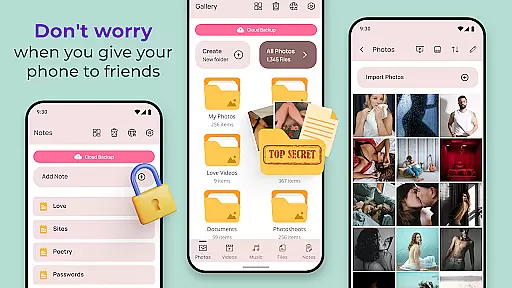
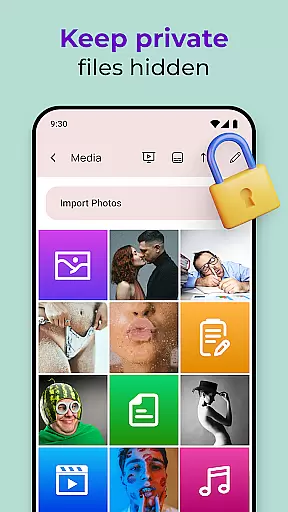
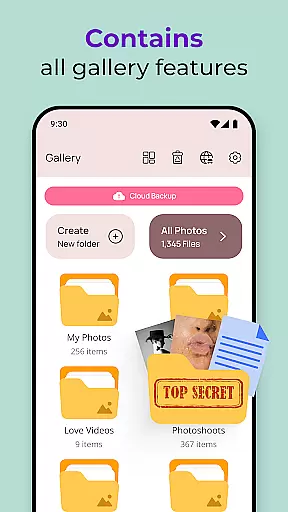
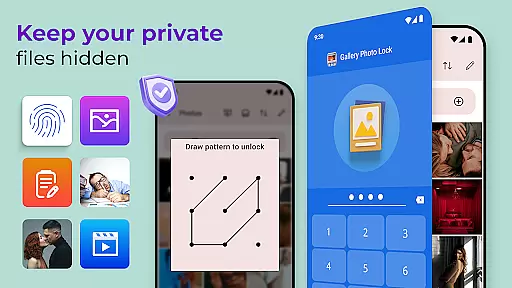
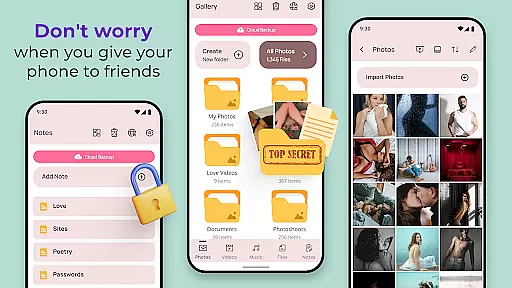
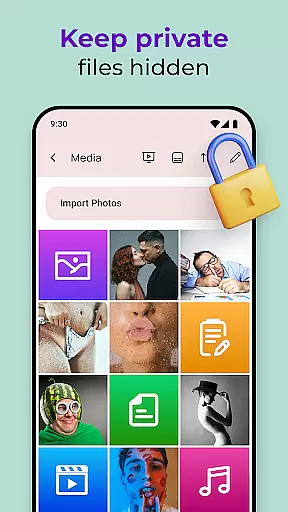
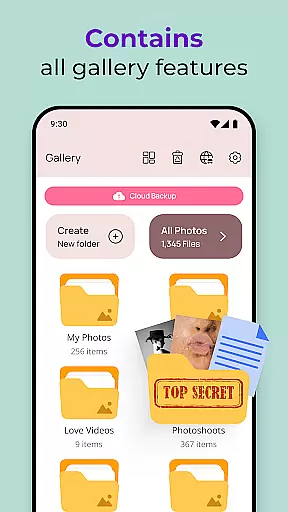
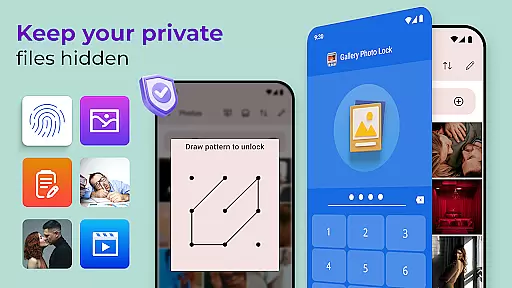
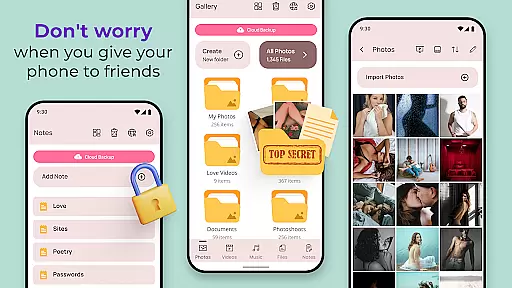
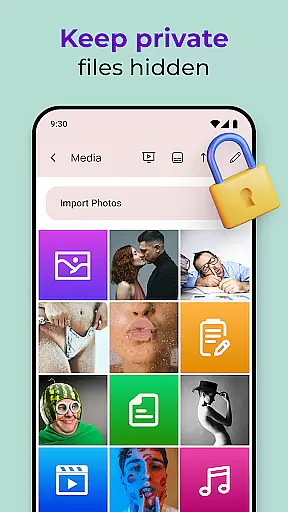
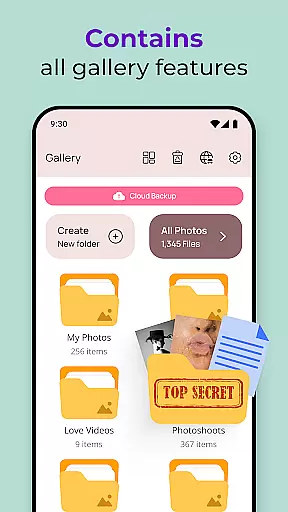
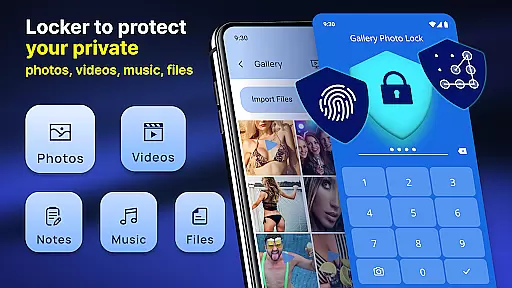
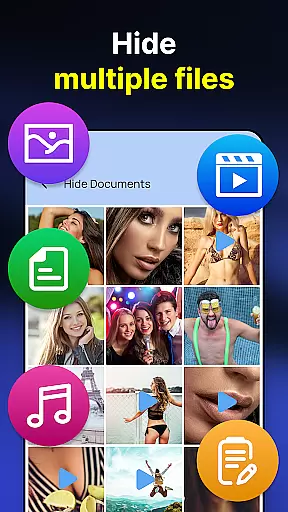
Gallery Photo Locker is a comprehensive privacy protection app designed to secure personal media files. This application allows users to effortlessly hide an unlimited number of images and videos, ensuring that private content remains confidential. With features like fingerprint authentication and cloud backup, it offers both security and convenience. The app also includes a unique calculator lock feature, making it appear as a regular calculator app while safeguarding hidden content.
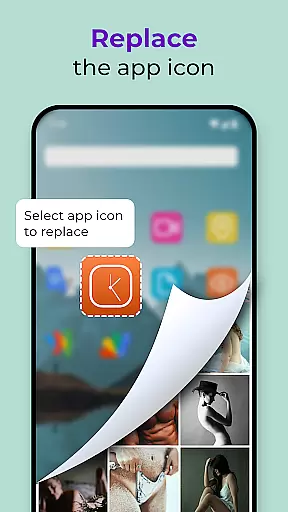
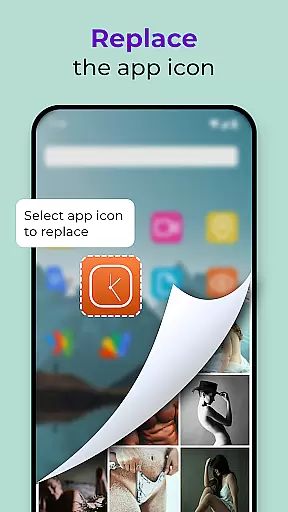
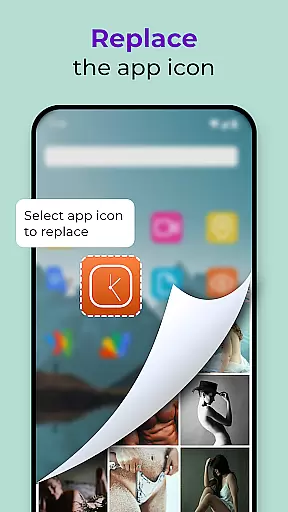
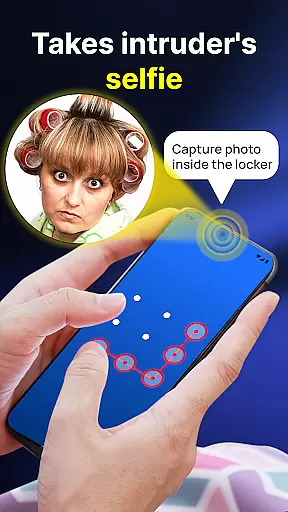
In addition to basic hiding capabilities, Gallery Photo Locker provides advanced functionalities such as intruder selfies, which capture photos of anyone attempting unauthorized access. Users can customize their experience with various themes and even replace the app icon for added discretion. Whether you need to protect sensitive photos or maintain privacy when sharing your device, this app delivers peace of mind and robust protection.
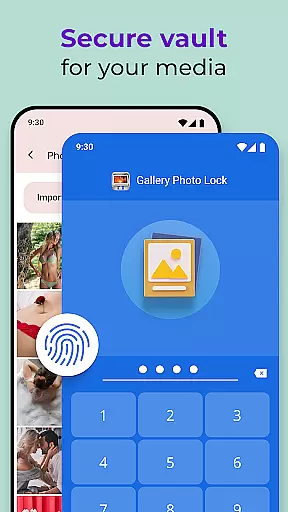
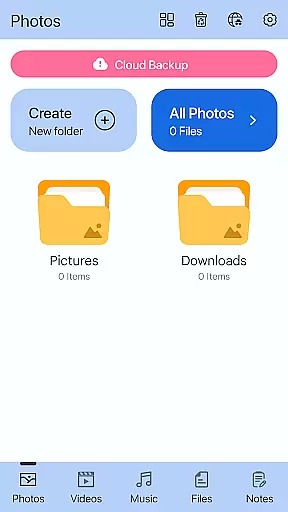
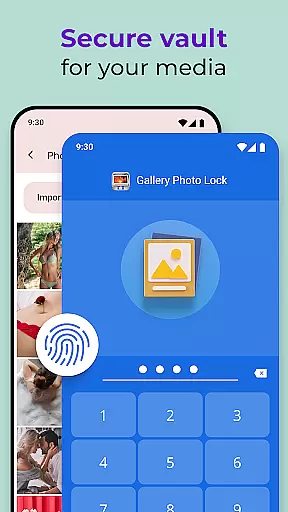
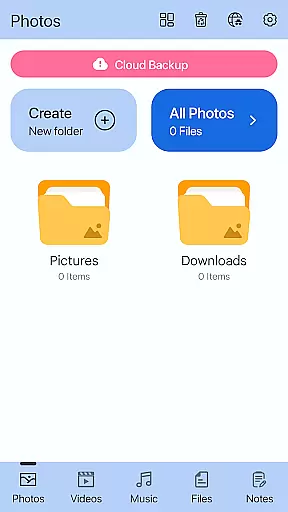
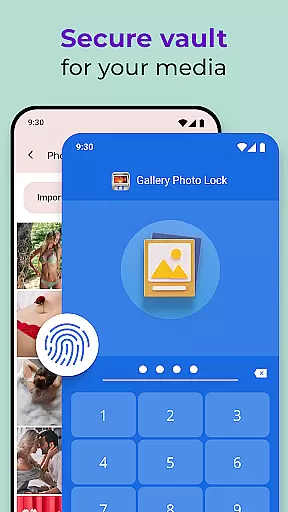
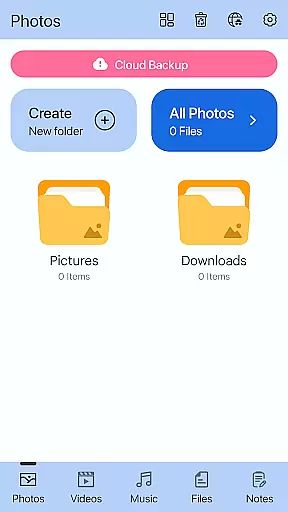
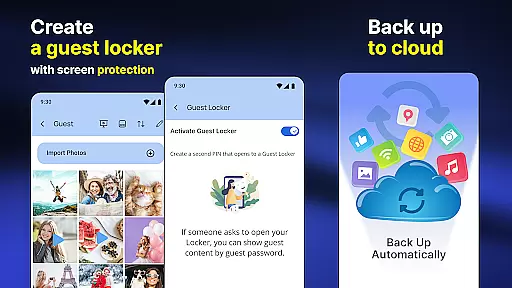
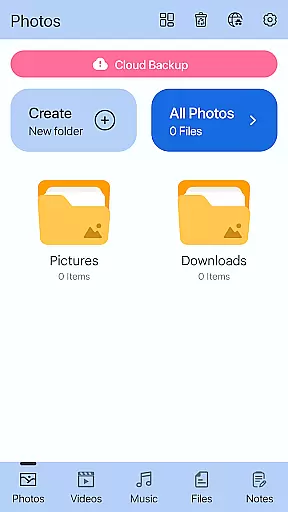
Gallery Photo Locker stands out with its rich array of features tailored for privacy-conscious users. One of the key highlights is the ability to use fingerprint unlock, providing quick and secure access to hidden files. The app also supports cloud backup, allowing users to store their private media safely and retrieve it whenever needed. Additionally, the inbuilt viewer and player enable seamless access to hidden content without leaving the app.
Another innovative feature is the guest locker, which lets users create a decoy gallery with a different password. This ensures that even if someone gains access, they only see non-sensitive content. The face-down lock function automatically closes the app when the device is placed face down, adding another layer of security. With customizable themes and the option to replace the app icon, Gallery Photo Locker combines functionality with user-friendly design, making it an ideal choice for those seeking ultimate privacy protection.
Customization is at the heart of the Gallery Photo Locker experience, allowing users to tailor their privacy protection to fit their personal needs. With a range of options including fingerprint unlock, cloud backup, and the unique ability to replace the app icon, users can create a personalized security solution that's both intuitive and effective.
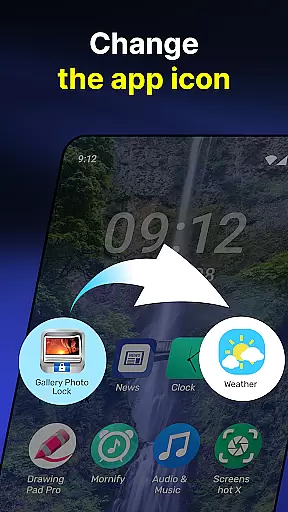
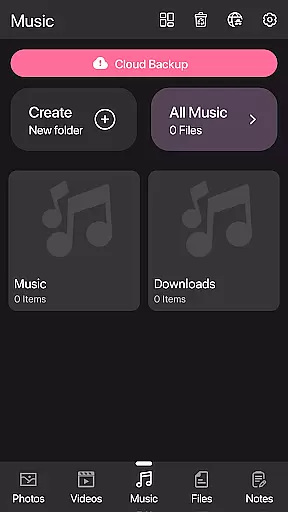
The app offers multiple themes through Galerie Lock Themes, ensuring that your Private Photo Vault: Photo Hider not only secures your data but does so with style that reflects your personality. The Replace App Icon feature adds an extra layer of disguise, changing the app's appearance to mimic other common applications like news or weather.
For those who value convenience alongside security, features such as Face Down Lock provide instant privacy; simply place your device face down to lock your vault automatically. This attention to detail in customization underlines the app's commitment to user-centric design.
Ultimately, the variety of customization options empowers users to manage their digital privacy with confidence. Whether it's through creating a decoy Guest Locker or setting up Intruder Selfie for attempted breaches, the Gallery Photo Locker equips you with tools to protect your personal life effectively.
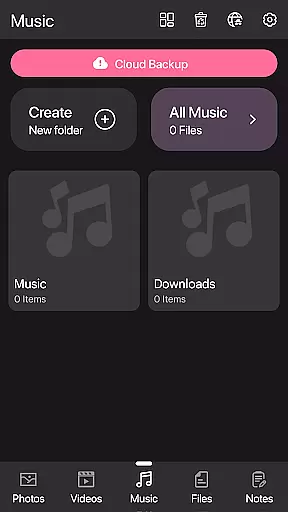
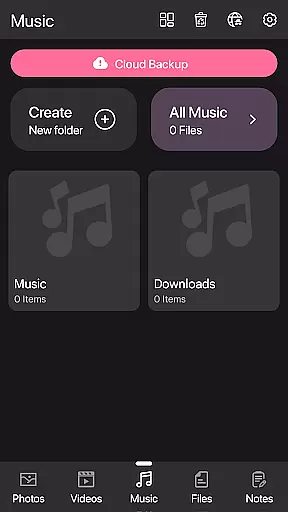
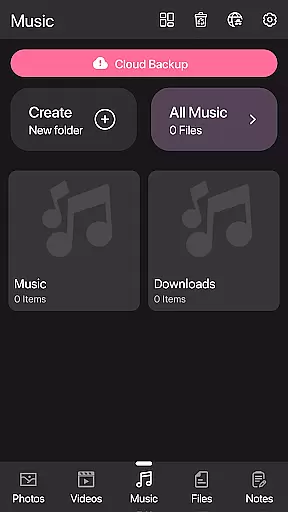
Theme compatibility within the Gallery Photo Locker ensures that personalization doesn't come at the cost of functionality or aesthetic appeal. Users can choose from various themes available via Galerie Lock Themes, which are designed to maintain visual harmony while offering distinct looks for the Private Photo Vault: Photo Hider.
This flexibility in theming allows users to enjoy a cohesive experience across their deviceu2019s interface without compromising on the app's primary purposeu2014security. Each theme is crafted to integrate seamlessly with the appu2019s features, such as the Hidden Photo Vault and Secret Photo Vault: Hide Photos Videos, maintaining ease of use.
Moreover, by providing diverse theme options, the app caters to individual tastes and preferences, enhancing user engagement. The ability to alter the appu2019s appearance also serves a practical purpose by enabling discreet access to your secured content without drawing attention.
In essence, theme compatibility in Gallery Photo Locker not only enriches the user interface but also reinforces its role as a guardian of privacy. It demonstrates how security apps can be both powerful in function and pleasing in form, giving users control over both their data and their device's look.
User-friendly interface
Advanced security features
Cloud backup support
Customizable app icon
Intruder selfie functionality
Premium features require payment
Occasional bugs reported
Limited free storage
Ads in the free version
Complex setup for beginners

Beautiful realistic hybrid watch face with numerous customization options.
 4.50
4.50
Ultra realistic high quality analog watch face for Wear OS.
4.60
Make your phone look simple & luxury, like iDevice
4.60
Over 28,000 high quality icons to bring color & homogeneity to your phone.
4.60
The definitive Icon pack maker and editor
4.30
Customize glowing edges, wallpapers, and caller screen with EdgeAura.
3.50 4.50
4.50
Crystal-clear, square icon provides a sleek and sophisticated visual upgrade
4.00
Custom ringtones songs, music ringtones for Android phones
4.60
Add cute Shimeji pets to screen, interact with them and relax with cute motions
4.60
Zip lock screen with magic wallpaper to decorate your phone with fun zipper lock
4.60
Stylish Pink Cute Hippo keyboard with 10000+ customized keyboard themes!
4.60
300+ widgets inspired by Material You and Material 3 expressive design.
4.60
Ninja Turtles Cowabunga SE watch face for Wear OS
4.50 4.50
4.50
Transform your device in a game console
4.40
App Icon Changer & Shortcut Creator. Customize your icons without any watermarks
4.30
Unique Fonts, typefaces and stylish text. Fonts for Instagram, Whatsapp & others
4.20
Custom edge gestures for volume control, brightness, apps, and shortcuts.
4.4





User Reviews