
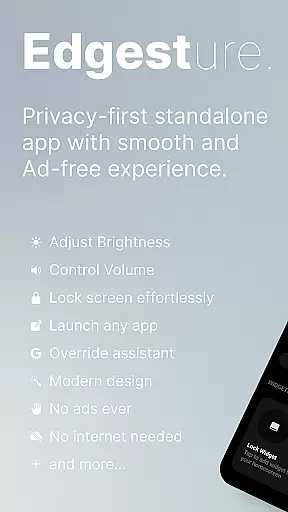
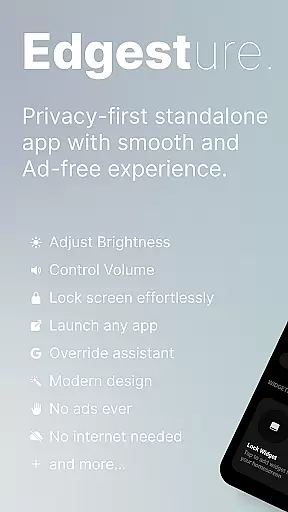
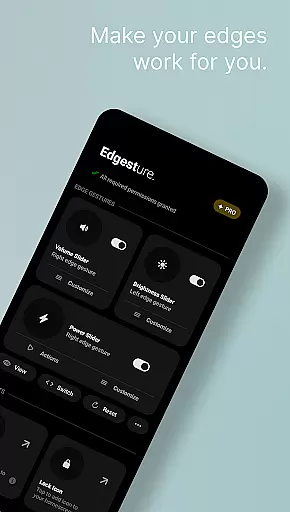
Edgest is a powerful personalisation tool that revolutionises the way you interact with your smartphone. This application allows users to take full control of their device through intuitive edge gestures and customisable shortcuts. With features like volume and brightness control directly from the screen's edge, quick access to favourite apps, and personalised gesture commands, Edgest enhances both functionality and user experience.
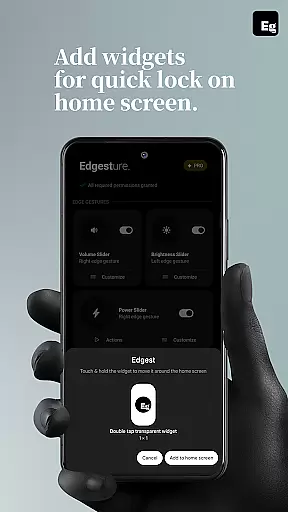
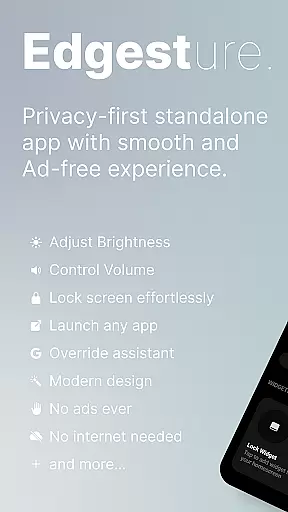
The app stands out with its simplicity and focus on user experience, offering gesture navigation without any ads, tracking, or hidden charges. Whether it's launching apps, toggling settings, or managing media playback, Edgest provides an effortless way to perform daily tasks faster. Its lock screen widget and customisable gesture sensitivity make it a versatile tool for all users looking to optimise their smartphone interactions.
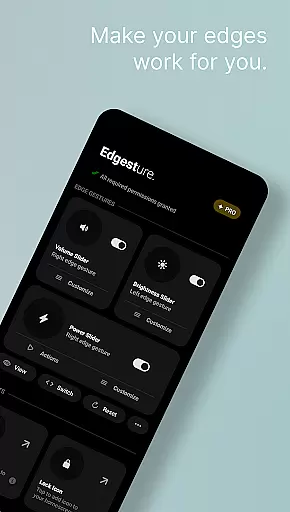
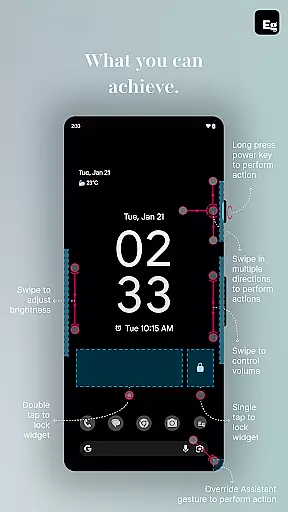
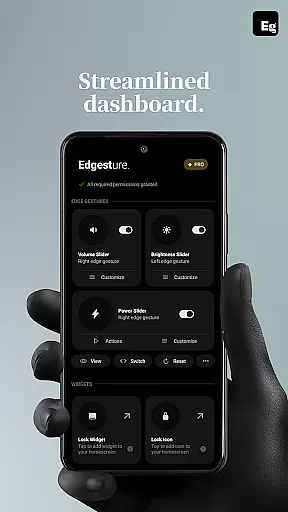
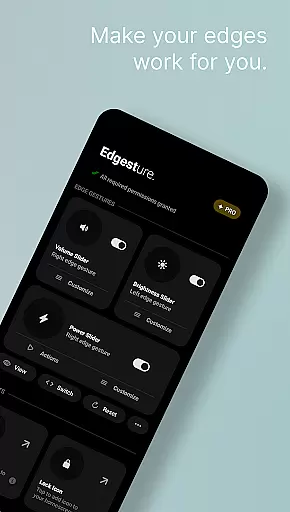
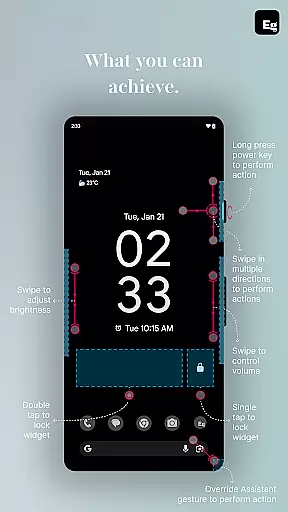
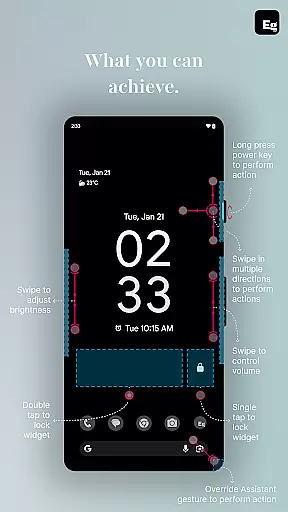
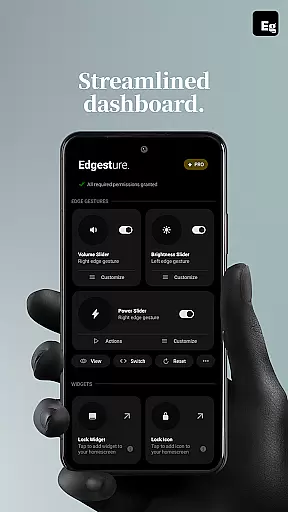
Edgest offers a comprehensive suite of features designed to streamline smartphone navigation. The app's core functionality lies in its edge gestures, which allow instant access to frequently used apps and actions. Users can adjust volume and brightness controls directly from the screen edge, eliminating the need to navigate through menus.
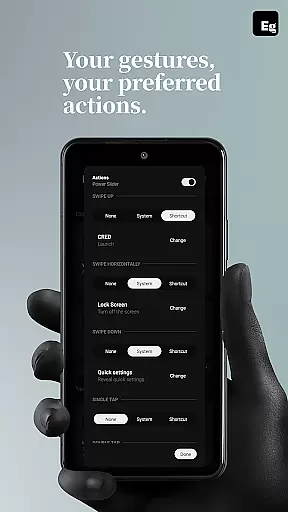
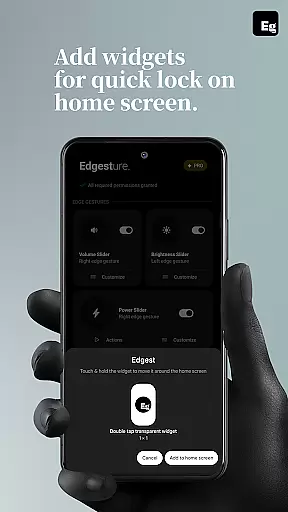
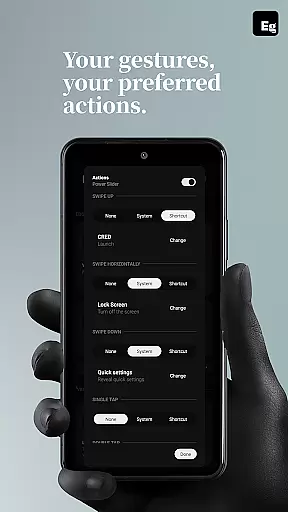
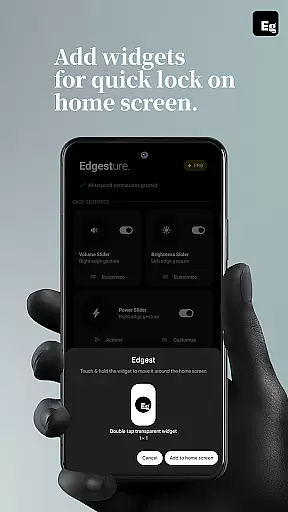
One of the standout features is the ability to create custom gestures for various functions such as launching apps, opening system menus, or triggering specific shortcuts. The inclusion of a quick settings tile adds another layer of convenience, while the lock screen widget enables single-tap or double-tap locking options. Additionally, the app supports media control through gestures or quick settings tiles, allowing users to manage playback without leaving their current application.
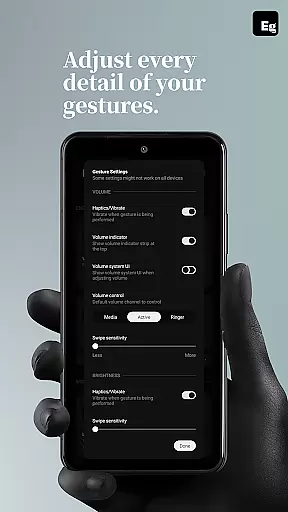
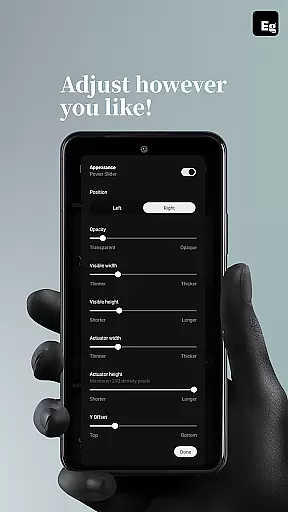
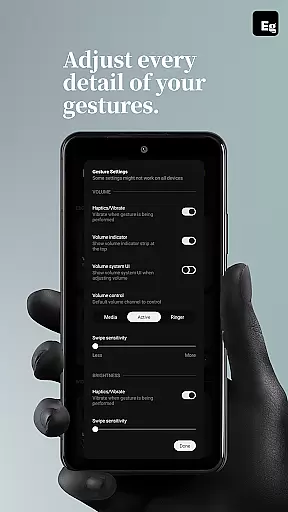
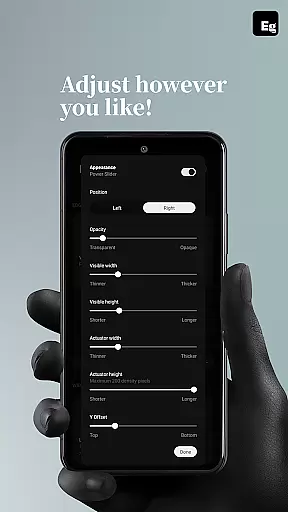
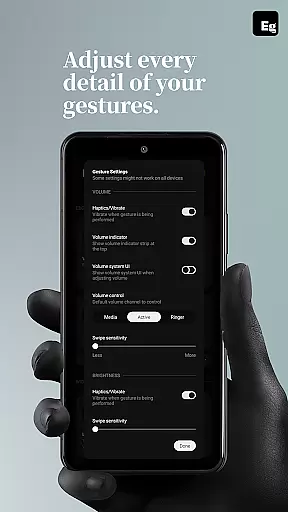
All these features are highly customisable, with adjustable gesture sensitivity, animation speed, and feedback options. This level of personalisation ensures that Edgest adapts perfectly to each user's unique needs and preferences.
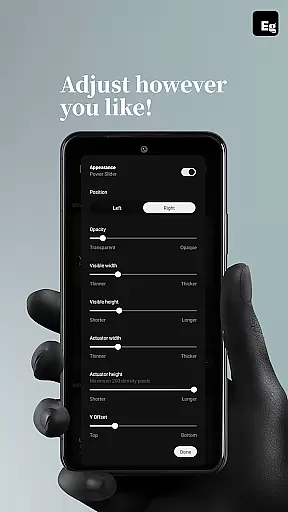
Edgest offers an extensive range of customization options that allow users to tailor their device interaction according to personal preferences. The app supports edge gestures, custom gestures, and quick settings tiles, all of which contribute to a highly personalized user experience.
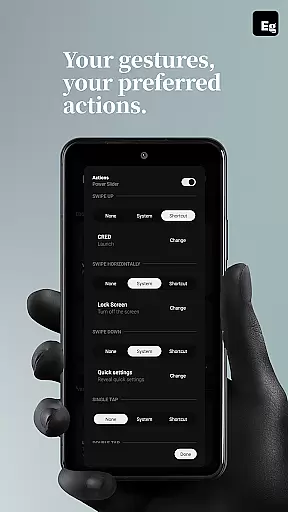
With Edgest, you can assign specific actions to different types of gestures such as swipes, taps, and long presses. This flexibility ensures that frequently used functions are always at your fingertips, enhancing both convenience and efficiency in managing your smartphone tasks.
The ability to customize gesture sensitivity, animation speed, and feedback further refines the user experience. Users can fine-tune these settings to match their unique interaction style, making daily operations like adjusting volume control or brightness control more intuitive than ever before.
This level of customization not only simplifies navigation but also significantly boosts productivity by streamlining access to essential features and favorite applications without the need for multiple steps or menu navigations.
While Edgest focuses primarily on gesture-based navigation and shortcuts, it also ensures seamless integration with various themes across devices. This theme compatibility enhances visual consistency and maintains aesthetic appeal regardless of the device's current appearance settings.
Users will appreciate how Edgest adapts its interface elements to blend harmoniously with existing system themes. Whether using light mode or dark mode, the appu2019s controls remain visually coherent and accessible, providing a unified look and feel throughout the device ecosystem.
Moreover, this compatibility extends beyond mere aesthetics; functional aspects such as gesture recognition and response times are optimized irrespective of the active theme. As a result, performance remains consistently smooth whether interacting through vibrant colorful interfaces or sleek minimalist designs.
By prioritizing theme compatibility alongside robust functionality, Edgest delivers an enhanced user experience where form meets function effortlessly, ensuring every interaction feels natural and intuitive within any thematic environment.
Intuitive gesture navigation
Customisable shortcuts
No ads or tracking
Lightweight design
Battery-friendly operation
Limited to Android devices
Requires accessibility permissions
Learning curve for new users
Premium features may require purchase
Some gestures might conflict with system defaults

Vertically oriented rectangular icons
 4.70
4.70
Over 28,000 high quality icons to bring color & homogeneity to your phone.
4.60
Run multiple accounts of the same app on a single device
4.10
Want to make your phone more special than ever?
4.60
Aesthetic Widgets, HD Wallpapers, Themes in Mico Widget for Home and Lock Screen
4.50
Unleash Your Creativity and Connect with Loved Ones with Lockscreen Drawing!
4.20
One 8 icons glass color version
4.80
300+ Stunning and well-designed widgets inspired by NOTHING.
4.70
Install amazing sticker packs: endless styles, always cool.
4.70
Shimeji adds cute animated characters to your screen, lively and fun.
4.70
Glass style colourful icons with a One UI look and feel
4.60
A retro cartoon style watch face and a punch right in the face of the copyright
4.60 4.50
4.50
200+ Material Inspired Widgets
4.50
App Icon Changer & Shortcut Creator. Customize your icons without any watermarks
4.30
Realistic animated snow on your wrist, with 10 images landscapes to choose from
4.00
Transfer your live wallpapers from Windows to Android using Wallpaper Engine!
4.00
Interactive Miniature Painting Catalogue
3.30
Struggling to find apps? Use this app to locate and open any app on your phone!
2.20




User Reviews