
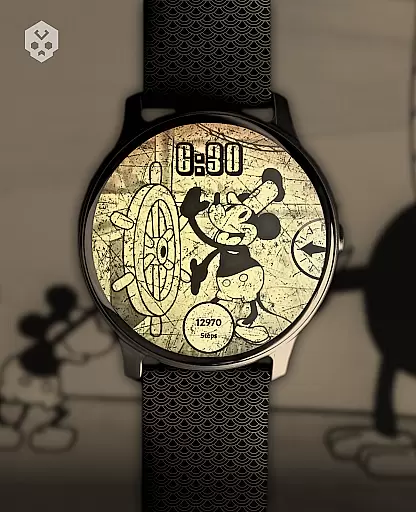
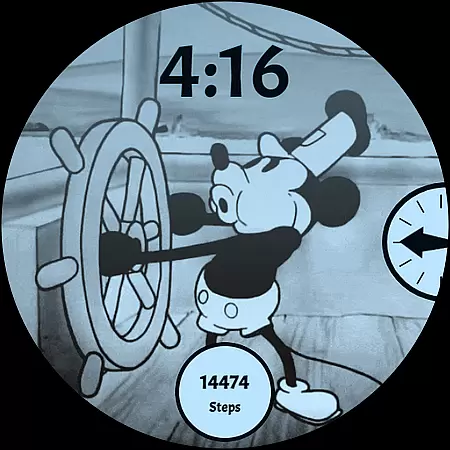
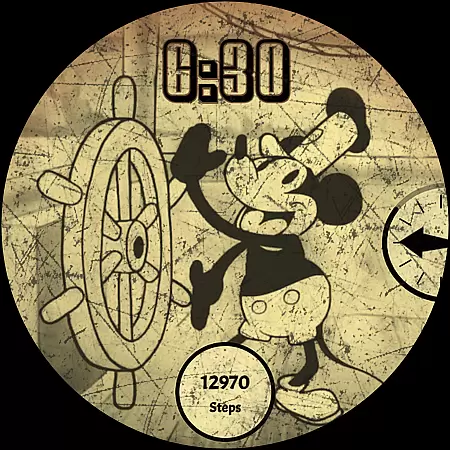
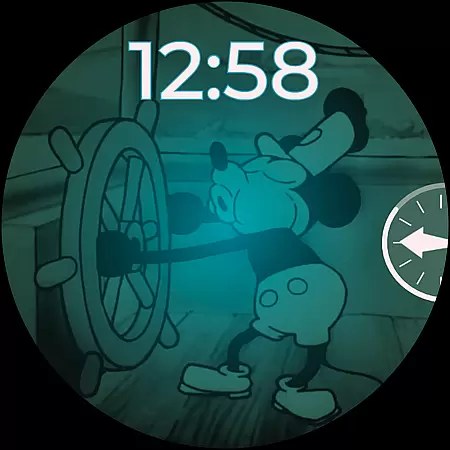
Steamboat Mouse Watch Face brings the iconic Steamboat Willie character to your smartwatch with a retro cartoon-inspired design. This highly customizable watch face is packed with information and features, making it both functional and visually appealing. Designed specifically for Wear OS devices, it supports a wide range of smartwatches from brands like Samsung, Mobvoi Ticwatch, Fossil, Oppo, and more.
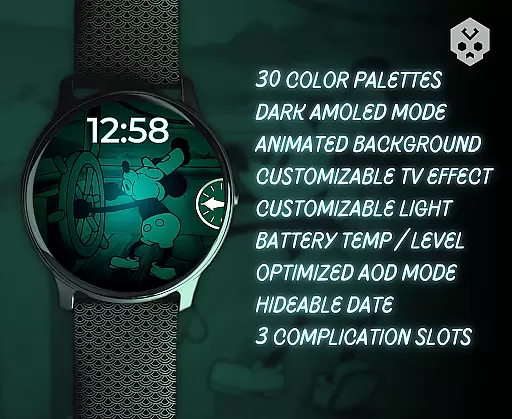
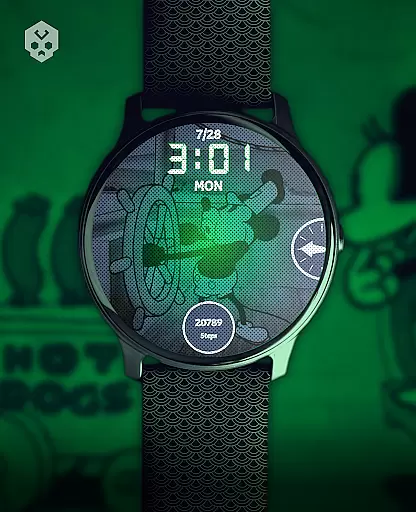
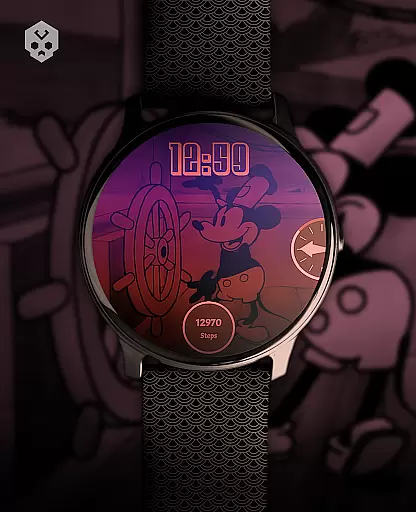
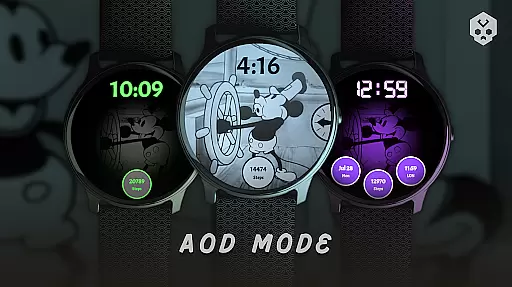
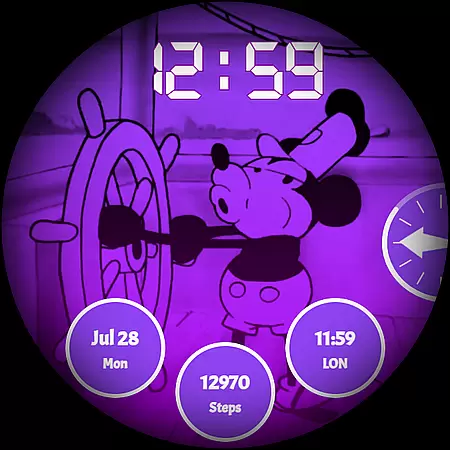
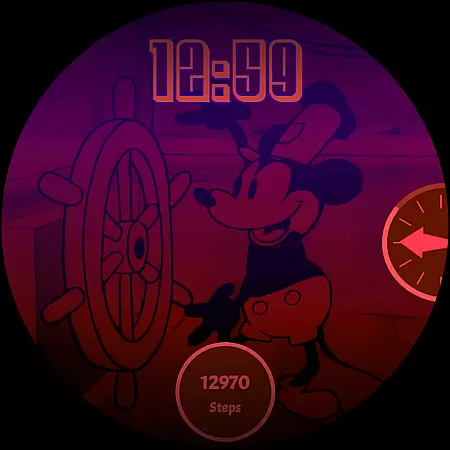
The watch face offers 30 color schemes, high readability mode, 12/24 hours format support, and customizable overlays. It also includes practical features such as battery temperature and status indicators, three customizable complications, and reacts to low battery conditions. With its unique handcrafted design and attention to detail, this watch face provides users with a personalized and vintage-style experience on their smartwatches.
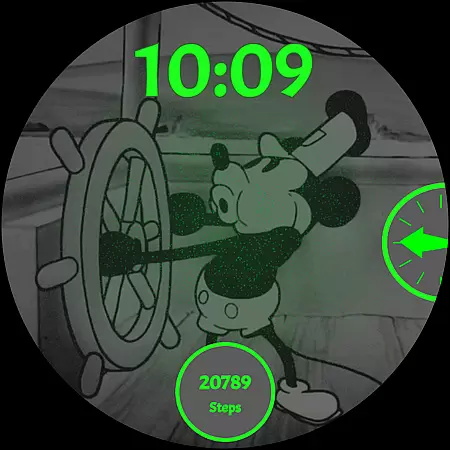
Steamboat Mouse Watch Face stands out with its extensive customization options and practical features. The watch face includes 30 distinct color schemes, allowing users to tailor the appearance to their personal style. It supports both 12-hour and 24-hour time formats and features a high readability mode for optimal visibility in various lighting conditions.
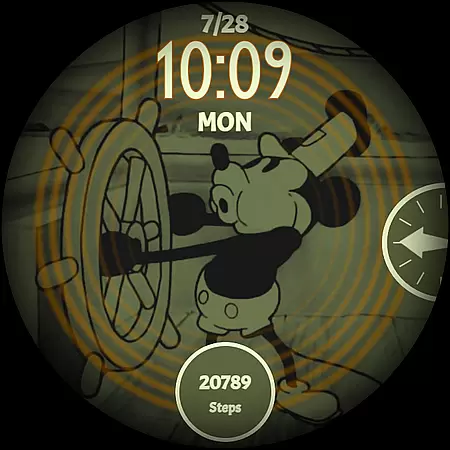
In addition to its aesthetic appeal, the watch face is designed with functionality in mind. Users can customize overlays and backgrounds, access battery temperature and status at a glance, and utilize three customizable complications for added convenience. The design reacts to low battery conditions, ensuring users are always informed. Its minimal and vintage style, combined with modern features, makes it a versatile choice for smartwatch enthusiasts seeking both form and function.
Customization is at the heart of the Steamboat Mouse Watch Face, offering users an extensive array of options to tailor their smartwatch experience. With 30 distinct color schemes available, users can select a look that best suits their personal style or mood. The watch face supports both 12 and 24-hour time formats, catering to individual preferences and ensuring global usability.
Beyond colors and time formats, this Wear OS watch face provides high readability modes and customizable overlays and backgrounds. These features allow for adjustments based on lighting conditions or aesthetic desires, making sure that your watch not only looks good but also remains functional in various environments. Whether you're indoors or out in bright sunlight, you can optimize your watch face for maximum visibility.
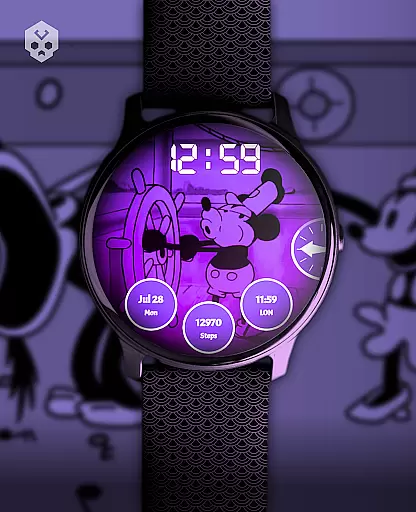
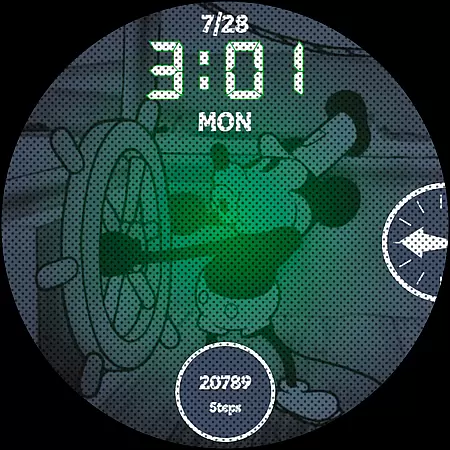
The level of personalization extends to include three customizable complications, which enable quick access to frequently used apps or information right from the home screen. This flexibility ensures that important data such as weather updates, fitness stats, or notifications are always within reach without needing to navigate through menus. Such thoughtful design enhances user interaction with their device throughout daily activities.
By prioritizing customization, Steamboat Mouse Watch Face empowers wearers to express themselves while maintaining practicality. It transforms a simple time-telling tool into a personalized gadget that reflects individuality and adapts seamlessly to different lifestyles. Users benefit from having control over how they interact with their smartwatches, leading to increased satisfaction and engagement with wearable technology.
Theme compatibility is a crucial aspect of any watch face, ensuring it integrates smoothly with the smartwatch's operating system and other applications. The Steamboat Mouse Watch Face excels in this area by being fully compatible with Wear OS, one of the most popular platforms for smartwatches today. This native support means that whether you own a Samsung, Fossil, Mobvoi Ticwatch, or another brand running on Wear OS, you can enjoy a seamless installation process and optimal performance.
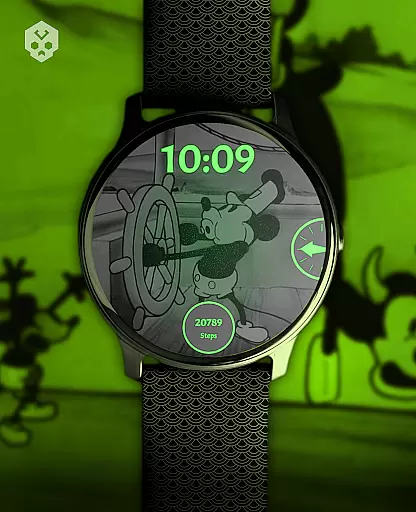
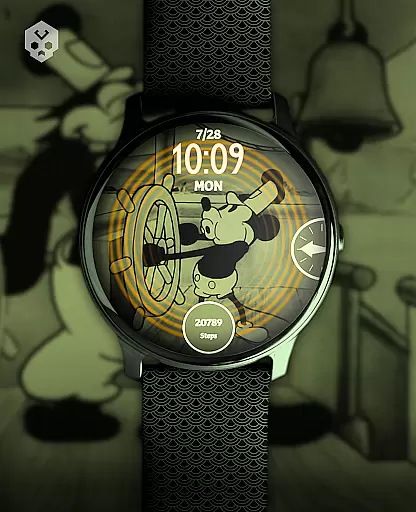
In addition to platform compatibility, the Steamboat Mouse Watch Face maintains visual harmony across devices thanks to its minimal and vintage style. Its retro cartoon-inspired design brings nostalgia while remaining modern enough to complement contemporary smartwatch aesthetics. By focusing on simplicity and elegance, the watch face avoids clashing with existing themes or overwhelming users with unnecessary complexity.
Furthermore, the inclusion of features like battery temperature status and low-battery reactions demonstrates attention to detail regarding theme integration. These elements blend naturally into the overall design without disrupting the user experience. They provide essential information at a glance, enhancing functionality without compromising the cohesive look of the watch interface.
Ultimately, Steamboat Mouse Watch Face stands out due to its commitment to theme compatibility. Not only does it work well technically across various Wear OS devices, but it also offers a visually pleasing experience that aligns with diverse user preferences. As wearable tech continues to evolve, having adaptable yet consistent theming becomes increasingly importantu2014a factor where this watch face truly shines.
Highly customizable
Vintage cartoon design
Practical battery indicators
Supports multiple devices
Unique handcrafted style
Paid app
Installation complexity
Limited to Wear OS
Requires companion app
No automatic updates

Ninja Turtles Cowabunga SE watch face for Wear OS
 4.50
4.50
Realistic animated snow on your wrist, with 10 images landscapes to choose from
4.00
Transform your phone with Launcher iOS 26 - Smooth & elegant iOS experience
4.50
Themes - Widget & Wallpaper: Customize home screen, icon changer w unique themes
4.30
AI-powered Copilot. Personalized keyboard with gifs, stickers & themes
4.40
Shimeji adds cute animated characters to your screen, lively and fun.
4.70
Romantic Kiss Stickers App. Start romantic messaging now!
4.30
Vibrant Adaptive Icons with Material You and Enhanced Monet Colors.
4.50
A minimalist productivity launcher. One-hand-friendly. Zero ads.
4.70
Winter's Journey: digital watch face for Galaxy Watch & Wear OS
4.80
Customizable Glass widgets. Over 360+ stunning widgets and more!
4.70
Ultimate Gallery Lock App - Hide Pictures, Videos and Lock Apps Instantly!
4.60
Customize your home screen with stunning themes, blur, widgets & icons.
4.60
Embrace the Night. Unleash the power of darkness with Raven Dark Icon Pack
4.60
200+ Material Inspired Widgets
4.50
Art & Emoji Keyboard with Cool Fonts, Cute Themes and Custom Designs.
4.40
Adult video chat, dating, making friends, random matching
4.20
Transfer your live wallpapers from Windows to Android using Wallpaper Engine!
4.00
Adaptive Dot Style IconPack with Light & Dark Theme.
3.70



User Reviews