
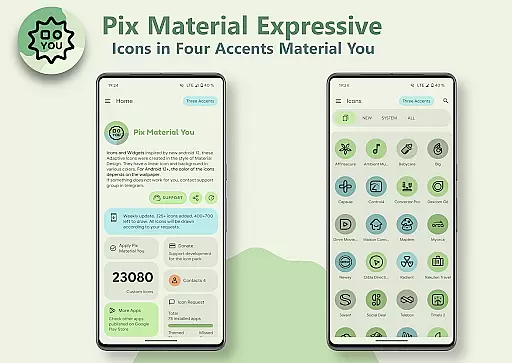
Pix Material Expressive Icons is a premium icon pack that brings your device's interface to life with adaptive icons fully supporting Material You design. The pack includes over 24,000 icons featuring dynamic color adaptation based on your wallpaper and system settings.
What sets this icon pack apart is its enhanced Monet palette with four additional accent colors, creating more expressive and personalized designs. The icons work seamlessly with supported custom launchers, changing shapes and colors while maintaining a modern linear style.
Ideal for users seeking complete UI customization, these icons deliver next-level personalization for Android devices running version 8 and above. The pack also includes functional widgets and supports various popular launchers.
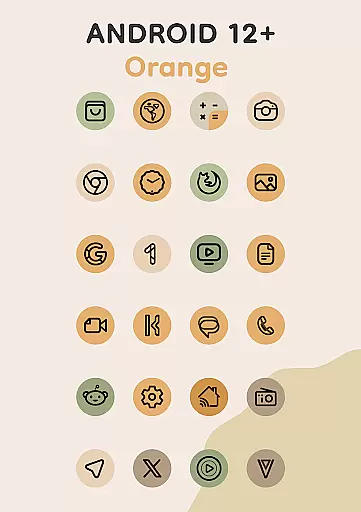
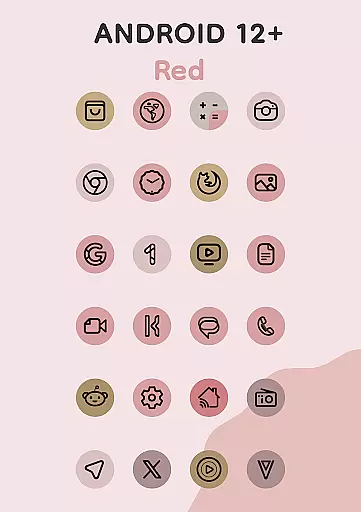
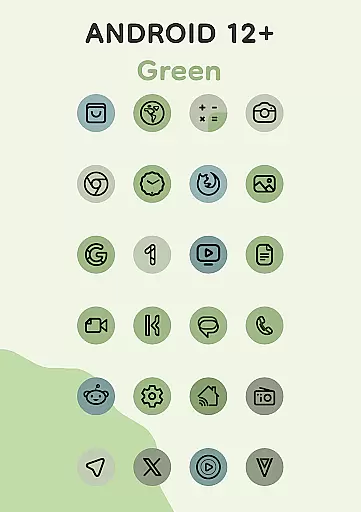
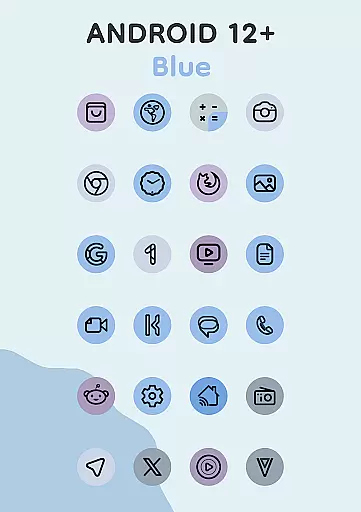
The icon pack stands out with its comprehensive implementation of Material You principles across different Android versions. For devices running Android 12 and above, icons dynamically adjust their colors based on both wallpaper and system-wide color settings.
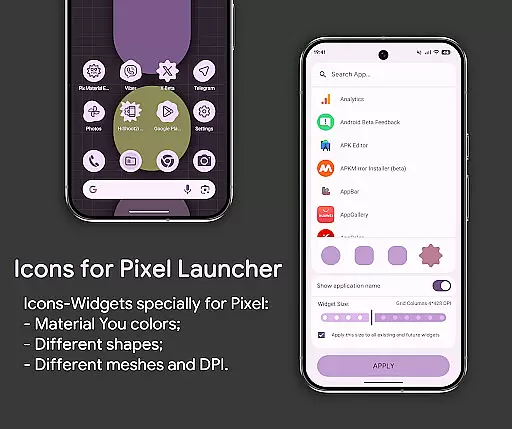
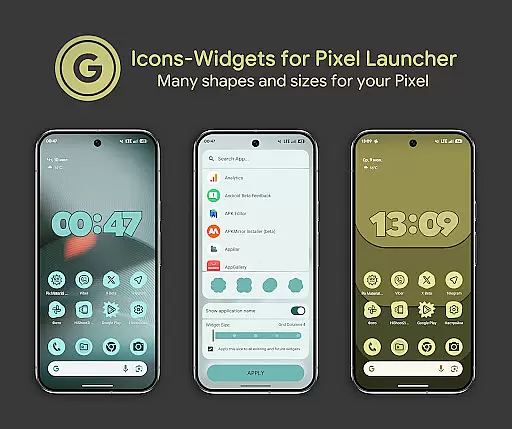
A unique feature is the Icon-Widget implementation, allowing users to create customizable app shortcuts even on launchers that don't natively support icon packs. These widgets adapt to both light and dark themes, offer multiple shape options using Material 3 Expressive design, and allow precise size adjustments based on screen grid and DPI settings.
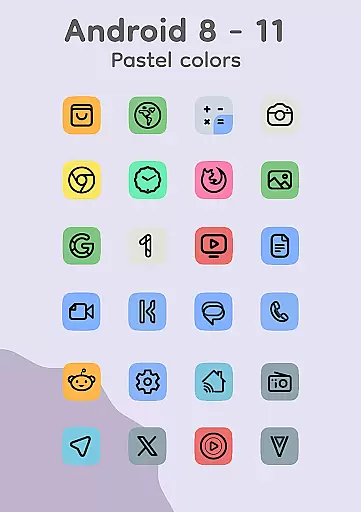
The pack maintains compatibility with older Android versions (8-11) by providing pastel-colored icons while extending its full capabilities to newer systems. Users can enjoy features like icon animation, various widget types including clock and music widgets, and seamless integration with recommended launchers that support automatic color changes.
Pix Material Expressive Icons offers an extensive range of customization options that allow users to personalize their device's appearance with precision. The adaptive icons are designed to support Material You, providing dynamic color changes based on the user's wallpaper.
With clean linear outlines and expressive accent colors beyond the standard Monet palette, each icon stands out while maintaining harmony with the systemu2019s color scheme. This creates a unique style for every user, ensuring that no two devices look alike.
The app also supports various custom launchers, enabling icon shape-shifting which adds another layer of personalization. Users can choose from different shapes, sizes, and even animations, making it possible to tailor their home screen exactly as they envision.
This level of customization empowers users to refresh their device's look continuously, offering a next-level personalization experience that is both modern and intuitive.
Theme compatibility is a core feature of Pix Material Expressive Icons, ensuring seamless integration with a wide array of launchers and devices. The app provides full support for Material You, allowing icons and widgets to adapt dynamically to light or dark themes based on the device settings.
For Android 12+, the colors of icons and widgets change according to the wallpaper and use three Material You colors, creating a cohesive visual experience across the device. This ensures that whether you're using Nova Launcher, Smart Launcher, or Pixel Launcher, your icons will always match your theme.
Additionally, Icon-Widgets offer further flexibility by letting users select not only the icon shape but also its size depending on grid and DPI settings. This makes them blend perfectly with themed icons in Pixel Launcher and other supported environments.
By reapplying the icon pack after changing wallpapers, users ensure that all icons reflect their chosen aesthetic, maintaining consistency throughout their interface. This robust theme compatibility enhances user satisfaction by delivering a unified and personalized device experience.
Extensive icon coverage
Dynamic color adaptation
Wide launcher compatibility
Innovative widget system
Modern design aesthetics
Manual reapplication needed
Limited Android 12+ features
Technical setup required
Premium price point
Learning curve present

Classic analogue watch face. For wear os devices.
 4.60
4.60
A Colorful and Minimal icon pack in an Outline Style - Over 13,600 icons!
4.70
Winter's Journey: digital watch face for Galaxy Watch & Wear OS
4.80
Make your phone look simple & luxury, like iDevice
4.60
More than 3000+ themes and 9000+ wallpapers for everybody!
4.10
Customize your home screen with stunning themes, blur, widgets & icons.
4.60
Organize and manage your photos and videos effortlessly with Photo Gallery
4.20
Design your screen with unique, vibrant clocks
3.80
Stylish Pink Cute Hippo keyboard with 10000+ customized keyboard themes!
4.60
A minimalist productivity launcher. One-hand-friendly. Zero ads.
4.70
Stunningly Different look with Line Icons and Neon Colors
4.60
Over 28,000 high quality icons to bring color & homogeneity to your phone.
4.60
Fingerprint Lock Screen & Live Animations with 4K Wallpapers as Live Wallpaper
4.40
Romantic Kiss Stickers App. Start romantic messaging now!
4.30
Magic fluids wallpaper 4D: Relax with stunning fluid simulation wallpaper app
4.20
Create unique, fun emojis with Funny Emoji Maker! Unlimited creativity!
4.00 3.50
3.50
Struggling to find apps? Use this app to locate and open any app on your phone!
2.20
Modern Glass Icon Pack with glossy icons, clean minimal theme & aesthetic style
4.4



User Reviews