
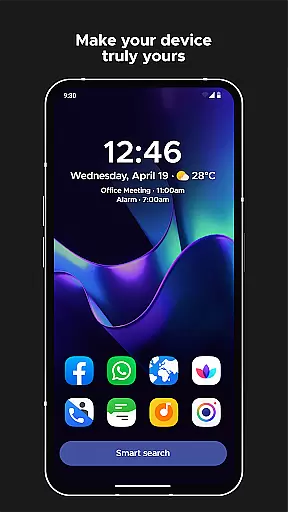
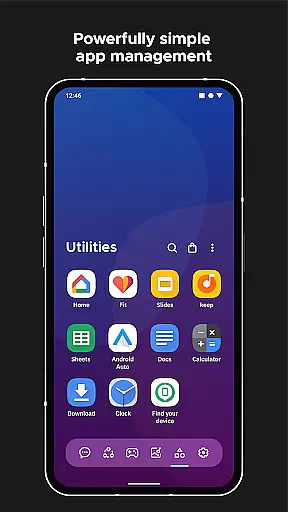
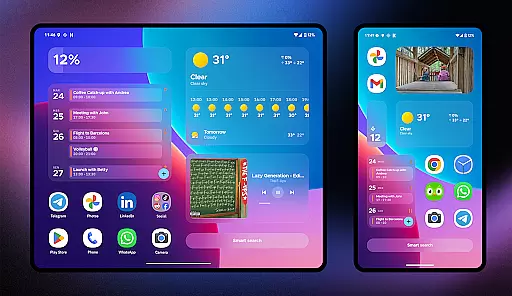
Smart Launcher 6 is a revolutionary home screen replacement app that redefines the Android experience. Designed for efficiency and customization, this launcher automatically organizes apps into smart categories, saving users valuable time and effort. The adaptive interface features ambient theming that dynamically matches wallpaper colors, creating a visually cohesive experience.
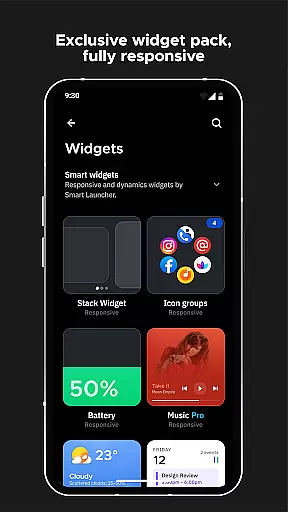
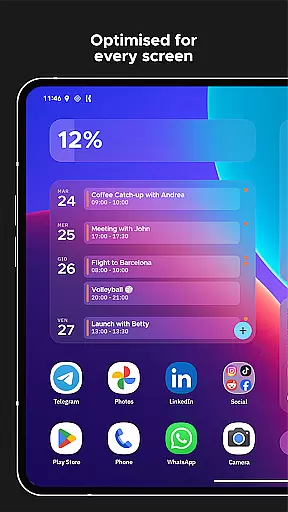
The launcher's design emphasizes one-handed usability with essential items positioned within easy reach. With built-in responsive widgets, advanced search functionality, and support for adaptive icons, users can enjoy a modern and efficient home screen experience. The application also offers extensive customization options, allowing modification of theme colors and fonts from Google Fonts library.
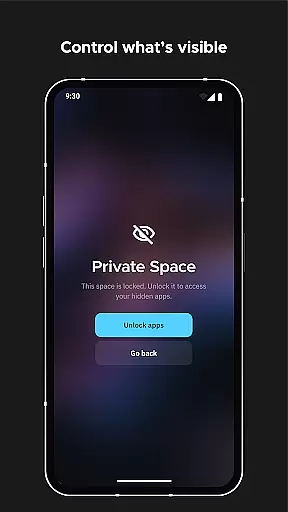
Particularly beneficial for power users, Smart Launcher includes innovative features like on-screen notifications, ultra-immersive mode, and app protection with PIN security. These capabilities make it an ideal solution for those seeking both enhanced productivity and personalized aesthetics in their mobile experience.
Smart Launcher 6 distinguishes itself through its comprehensive feature set designed to enhance user productivity. The automatic app sorting system intelligently categorizes applications, eliminating manual organization while maintaining logical groupings. This feature has been recognized as so effective that similar functionality was later adopted by Apple in iOS 14's App Library.
The launcher's customization capabilities are extensive, allowing users to modify every aspect of the interface including theme colors and fonts. The smart search functionality enables quick access to apps, contacts, and even web searches or calculations. Advanced gesture controls provide intuitive navigation, while the responsive built-in widgets offer dynamic information display.
Security and convenience features include on-screen notifications that display active alerts without external plugins, ultra-immersive mode for maximizing screen real estate, and app protection through PIN locking. These features collectively create a secure and efficient user environment while maintaining system stability and reliability.
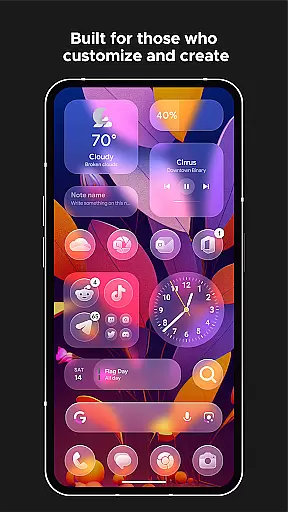
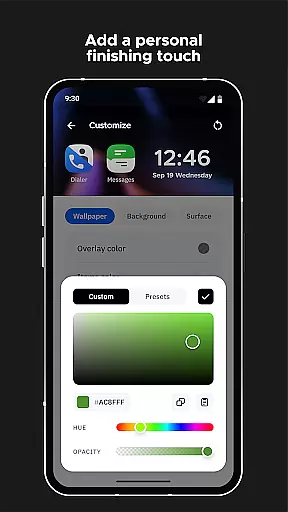
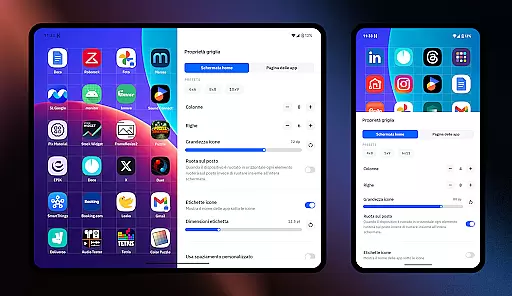
Smart Launcher 6 offers an extensive range of customization options that allow users to tailor their home screen to their personal preferences. This includes the ability to modify every single color within the theme, unlocking infinite possibilities for color combinations.
The launcher supports adaptive icons, which means users can enjoy not only customizable icon shapes but also larger and more visually appealing icons on their home screen, regardless of their device's Android version.
Furthermore, Smart Launcher 6 allows users to change fonts on the home screen by choosing from thousands of fonts available through Google Fonts. This level of customization ensures that each user's experience is unique and matches their style or mood.
With these versatile customization features, users are empowered to create a personalized and aesthetically pleasing interface that enhances both functionality and visual appeal.
Theme compatibility in Smart Launcher 6 ensures a seamless integration with your deviceu2019s existing aesthetics while offering advanced theming capabilities. The Ambient Theme feature automatically adjusts the theme colors to match your wallpaper, providing a cohesive look every time you change it.
This dynamic adaptation maintains visual harmony across the home screen elements, making daily interactions more enjoyable. Users won't need to manually adjust settings as the launcher intelligently aligns with their chosen wallpapers.
In addition to automatic adjustments, users have the option to customize themes extensively. They can modify individual colors and font styles, ensuring that even with automatic color matching, there is still room for personal expression.
Overall, this robust theme compatibility enriches the user experience by delivering both convenience and creative freedom in designing a personalized home screen environment.
Automatic app sorting
Ambient theme matching
One-handed optimization
Extensive customization
Advanced security features
Feature complexity
Device compatibility
Resource consumption
Learning curve
Premium limitations

Vertically oriented rectangular icons
 4.70
4.70
Beautiful realistic hybrid watch face with numerous customization options.
4.50
Realistic animated snow on your wrist, with 10 images landscapes to choose from
4.00
Zip lock screen with magic wallpaper to decorate your phone with fun zipper lock
4.60 4.50
4.50
Custom edge gestures for volume control, brightness, apps, and shortcuts.
4.1
Adorable pets roam and play right on your phone screen!
3.30
Struggling to find apps? Use this app to locate and open any app on your phone!
2.20
Transform your device in a game console
4.40
One 8 icons glass color version
4.80
Embrace the Night. Unleash the power of darkness with Raven Dark Icon Pack
4.60
Unique Android Launcher
4.60
Ultra realistic gold analog watch face with lots of customization options.
4.50
Try creating your own keyboard with "Keyboard theme for android" app now!
4.50
A light in the dark, a unique style and an andless cutomization!
4.30
Themes - Widget & Wallpaper: Customize home screen, icon changer w unique themes
4.30
Unleash Your Creativity and Connect with Loved Ones with Lockscreen Drawing!
4.20
Your go to Weather App & Home Screen. Get your weather at a swipe of a finger!
3.80 3.50
3.50



User Reviews