
Keyboard Maker is a versatile keyboard application designed to enhance your typing experience on Android devices. This app offers a wide range of customizable themes, including iOS, Neon, and Emoji keyboards, allowing users to personalize their typing interface with unique styles and wallpapers.
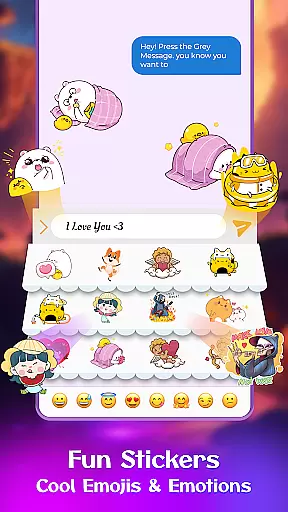
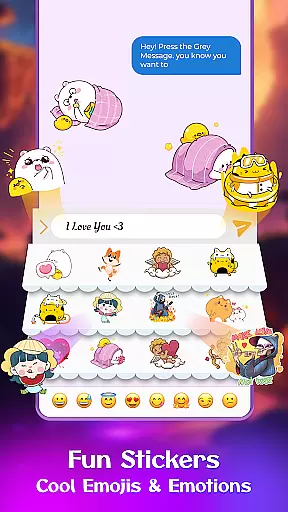
Beyond aesthetics, Keyboard Maker supports over 150 languages and provides practical features such as smart autocorrect, word prediction, and voice input. Users can also enjoy an emoji-rich environment with thousands of emoticons, GIFs, and stickers, making communication more engaging and fun.
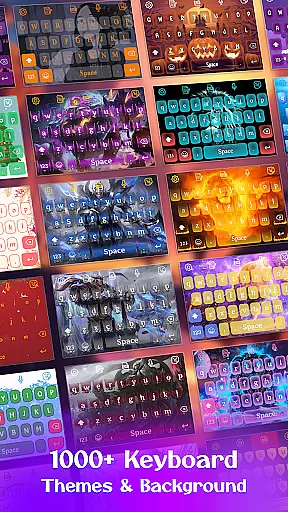
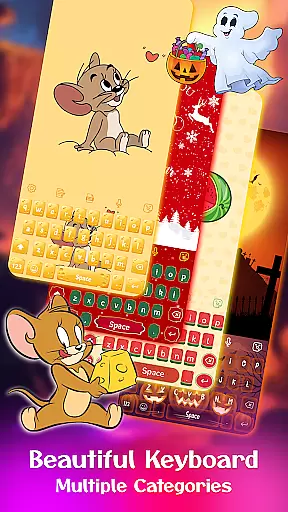
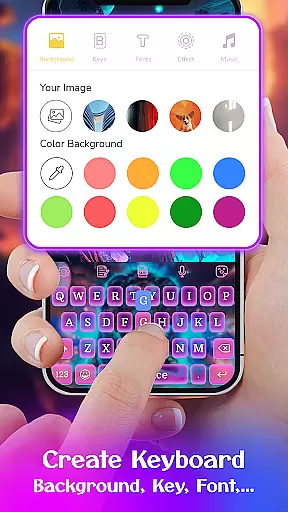
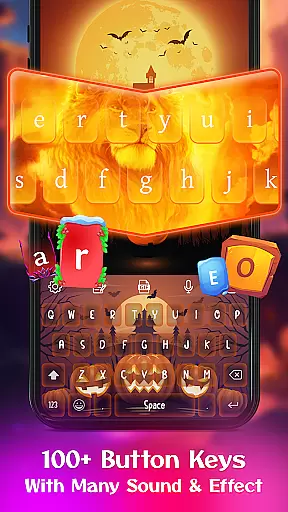
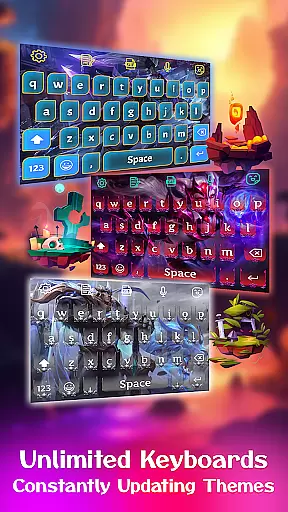
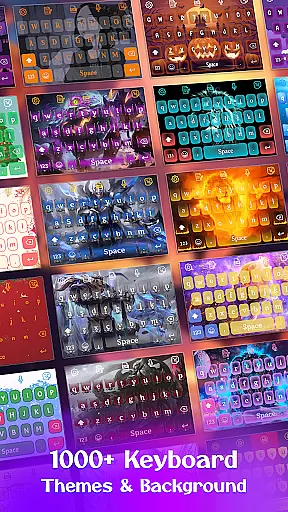
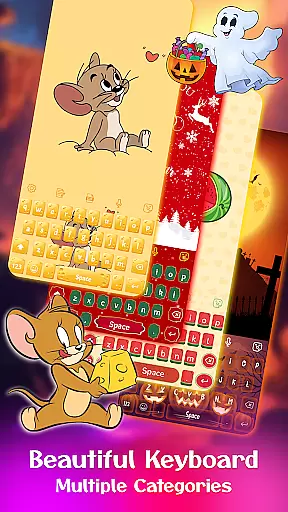
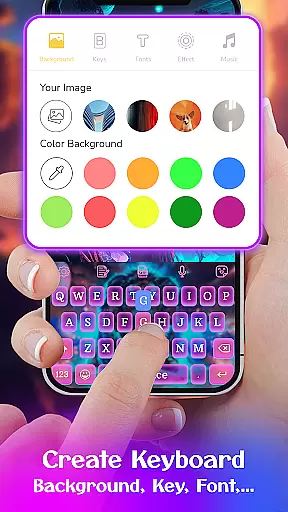
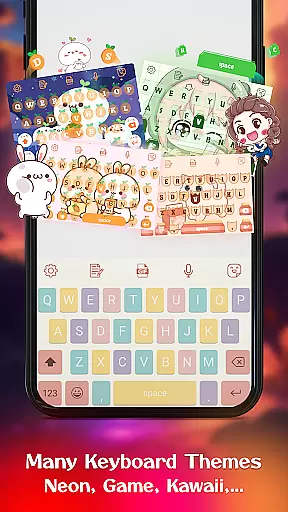
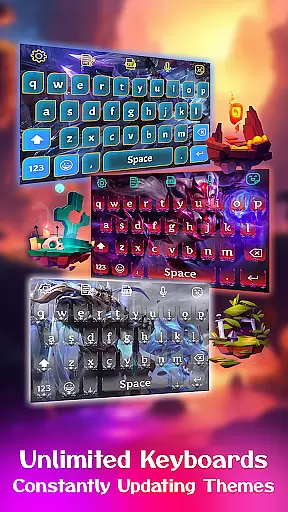
One of the standout features of Keyboard Maker is its extensive theme library, boasting over 500 free themes ranging from simple and colorful designs to specialized options like LED and anime themes. The app allows for complete personalization, enabling users to upload personal photos as keyboard backgrounds.
Functionality-wise, Keyboard Maker excels with smart typing aids such as autocorrect, word prediction, and gesture typing. It also includes a clipboard for quick copy-paste actions and supports various keyboard layouts, catering to different user preferences and device types.
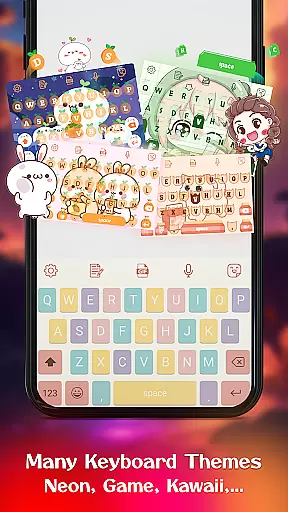
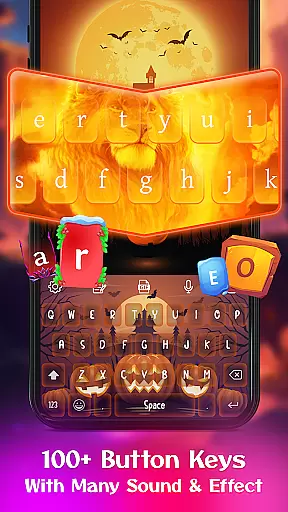
When it comes to personalizing your typing experience, Keyboard Maker offers an impressive array of customization options that cater to individual preferences. This keyboard app allows users to choose from a multitude of themes, including iOS keyboard, led keyboard, Neon keyboard, and more, ensuring that there's a style for every taste.
In addition to the extensive theme selection, the app provides various wallpapers and backgrounds, giving your keyboard a unique look that stands out. The availability of different keyboard layouts and settings also means you can adjust the typing interface to suit your specific needs or device type, enhancing both aesthetics and functionality.
Users benefit greatly from this level of customization as they can tailor their keyboard not only in appearance but also in performance. With features like vibrate on keypress, auto-capitalization, and suggestion display, Keyboard Maker ensures that each user's typing experience is comfortable and efficient while reflecting their personal flair.
Theme compatibility is a crucial aspect of any personalization-focused application, and Keyboard Maker excels in this area by offering seamless integration with a wide range of themes. Whether you're interested in simple, colorful, LED, anime, love, or cute themes, this app guarantees that all selected designs will be fully compatible with your device without compromising performance.
The app supports over 500 free keyboard themes, which are designed to work harmoniously with its core functionalities. Users can instantly apply these themes, confident that elements such as emojis, GIFs, stickers, and custom fonts will function correctly alongside their chosen aesthetic.
This commitment to compatibility ensures that users enjoy a visually cohesive experience across their devices while maintaining access to essential tools like smart autocorrect, word prediction, voice input, and multilingual support. By prioritizing both form and function, Keyboard Maker empowers users to express themselves through personalized yet practical keyboard designs.
Highly customizable
Variety of themes
Smart typing features
Multi-language support
Fun emoji integration
Potential performance issues
Complex for beginners
Limited iOS functionality
Occasional ads
Privacy concerns

Capture moments that pass like a storm, second by second.
 4.2
4.2
Beautiful realistic hybrid watch face with numerous customization options.
4.50
Glass style colourful icons with a One UI look and feel
4.60
Ultra realistic high quality analog watch face for Wear OS.
4.60
The definitive Icon pack maker and editor
4.30 3.50
3.50
Nothing Icon pack with more than 3750+ highly crafted icons.
4.70
Create unique, fun emojis with Funny Emoji Maker! Unlimited creativity!
4.00
A minimalist productivity launcher. One-hand-friendly. Zero ads.
4.70
Gun Chase - Let the chase begin.
4.80
Enjoy a variety of amazing live wallpapers and colorful EDGE lighting borders!
4.80
A retro cartoon style watch face and a punch right in the face of the copyright
4.60
Handcrafted pixel art icons, widgets & wallpapers
4.60
Aesthetic Widgets, HD Wallpapers, Themes in Mico Widget for Home and Lock Screen
4.50 4.50
4.50 4.50
4.50
Wear Os Watch Face - Seasonal - Animated Snow Effect - 9 Animals
4.20
Customizable flower power digital watch face for Wear OS watches.
4.00
Modern Glass Icon Pack with glossy icons, clean minimal theme & aesthetic style
4.2



User Reviews