
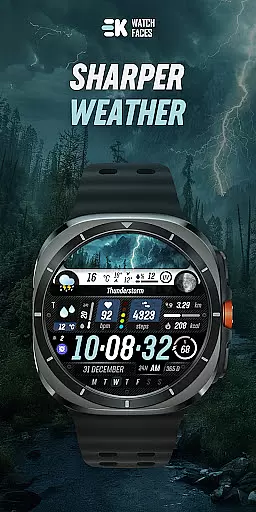
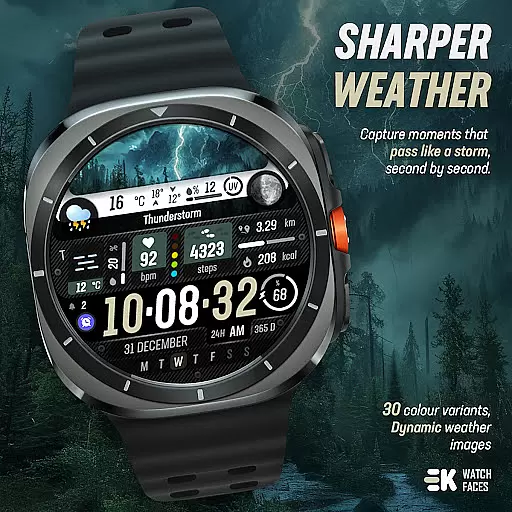
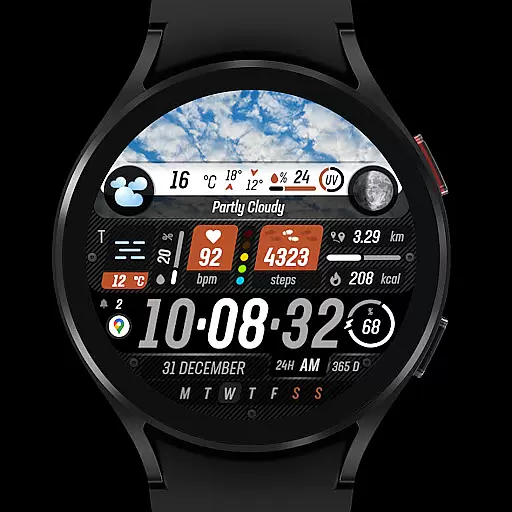
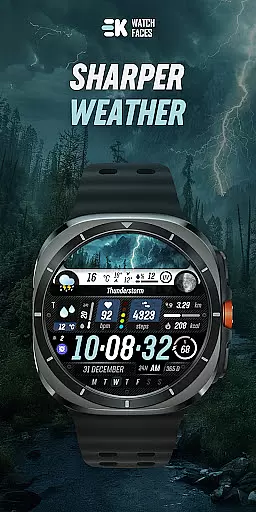
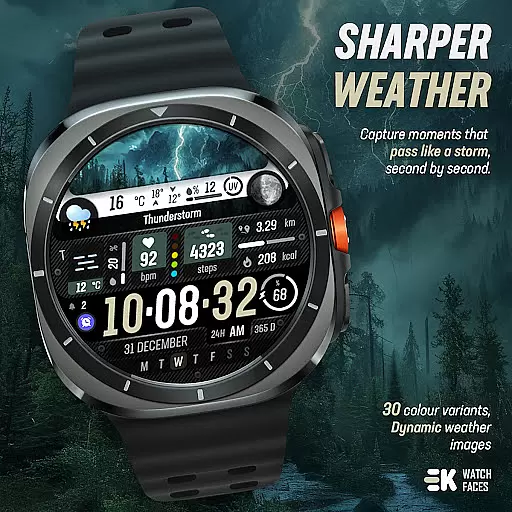
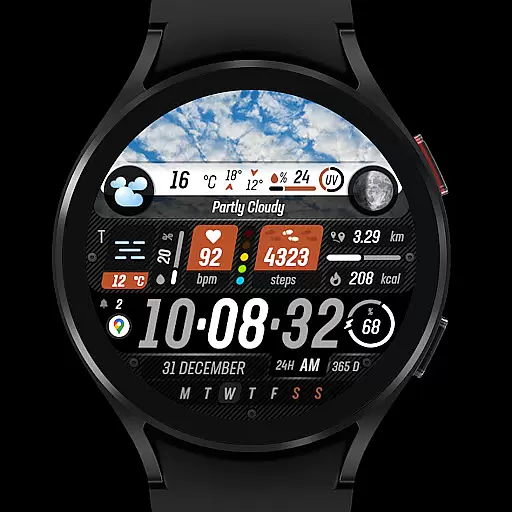
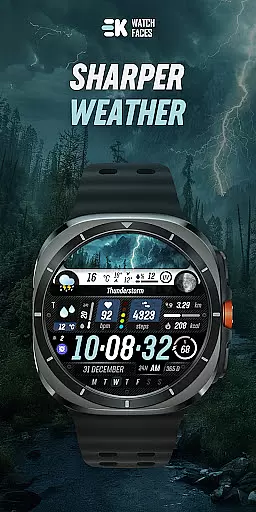
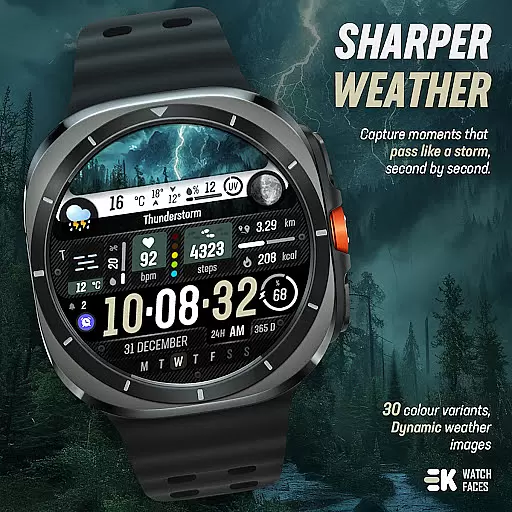
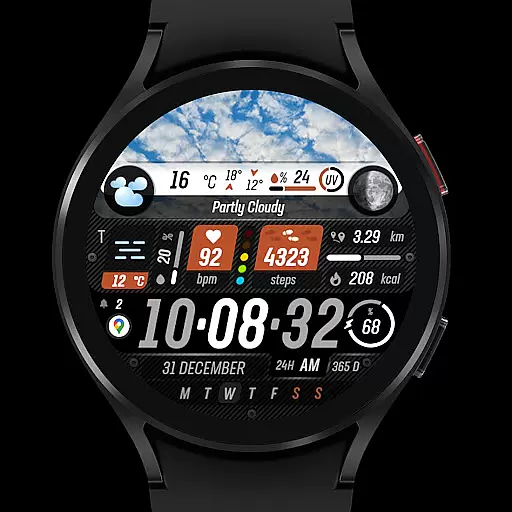
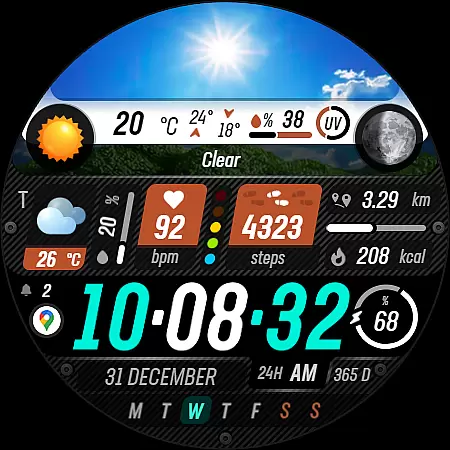
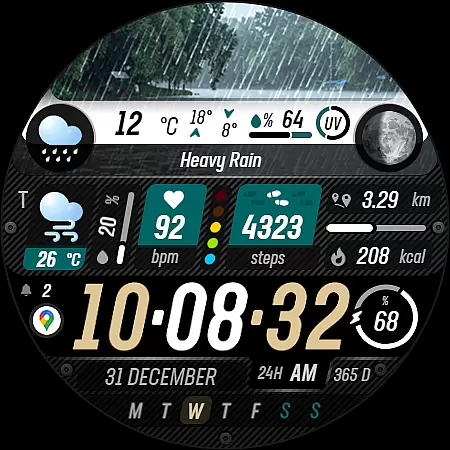
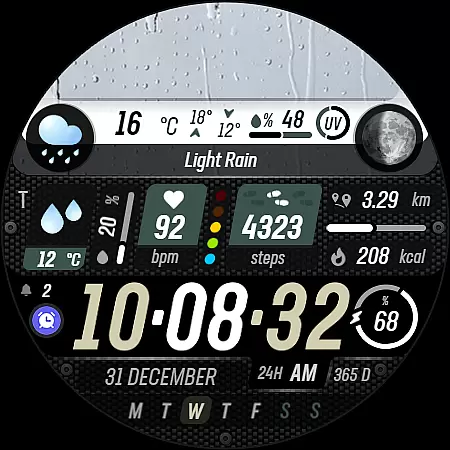
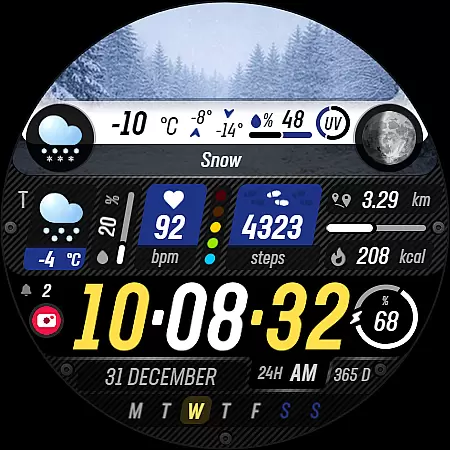
Sharper Weather is a feature-rich watch face designed exclusively for Wear OS devices, offering users an enhanced and personalized timekeeping experience. This application provides real-time weather updates with visually appealing graphics that change based on the current weather conditions and time of day.
The app goes beyond basic time display by integrating essential health and fitness metrics such as step count, distance traveled, calories burned, and heart rate monitoring. With support for both 12-hour and 24-hour formats, metric or imperial units, and always-on display functionality, Sharper Weather ensures optimal usability across different user preferences and device settings.
Whether you're an outdoor enthusiast needing accurate weather forecasts or a fitness tracker user looking for a comprehensive watch face, Sharper Weather delivers both functionality and aesthetics in one package.
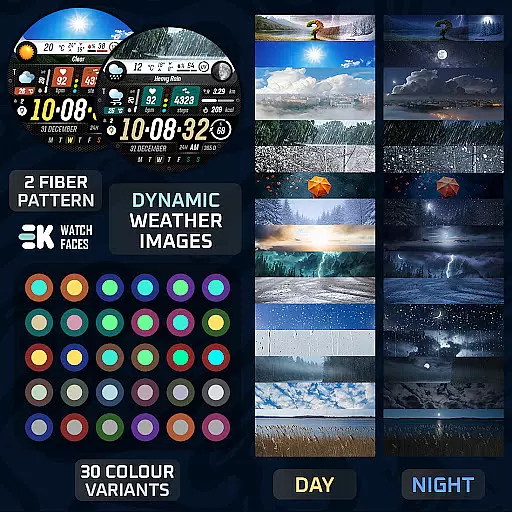
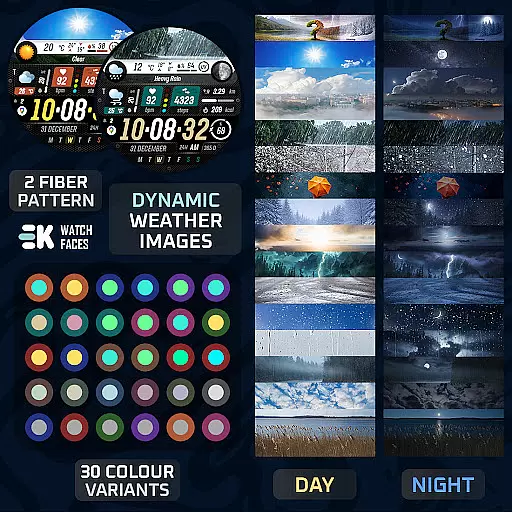
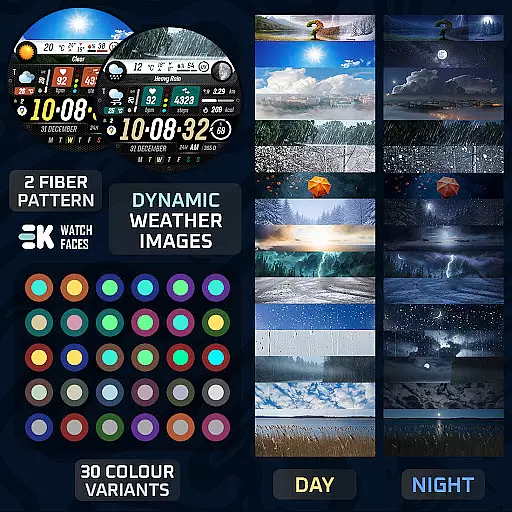
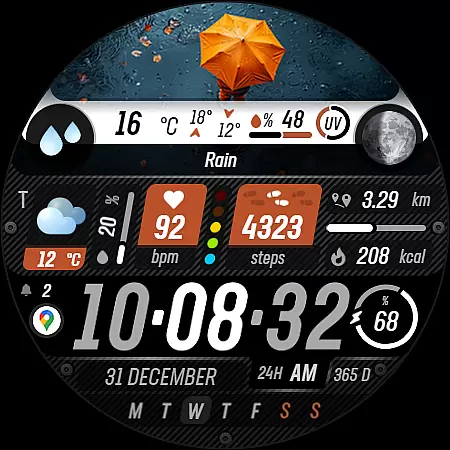
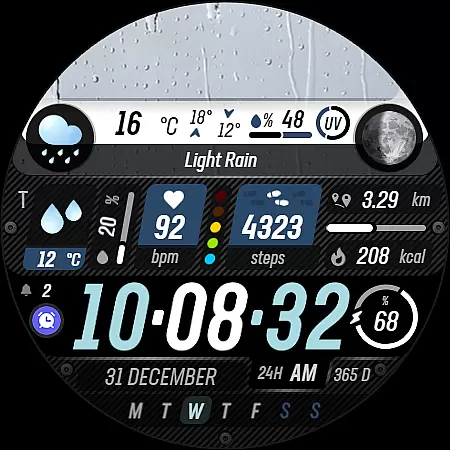
Sharper Weather stands out through its comprehensive feature set tailored for modern smartwatch users. The application displays dynamic weather images that adapt to changing conditions throughout the day, including separate visuals for daytime and nighttime scenarios.
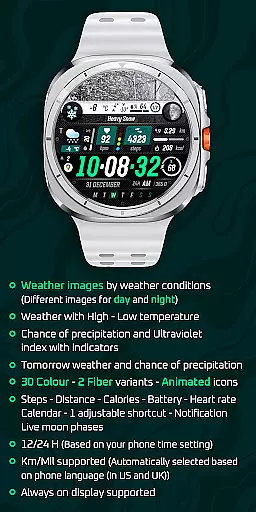
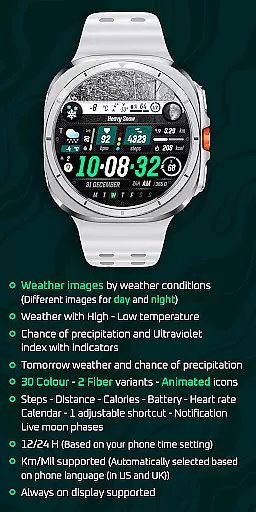
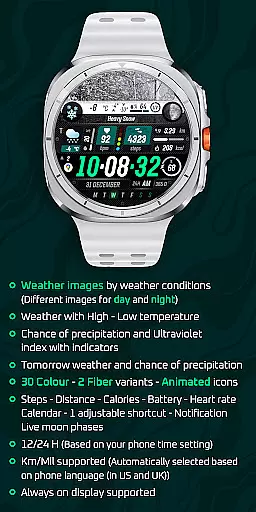
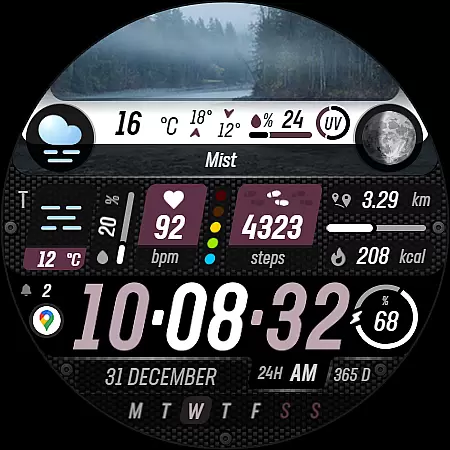
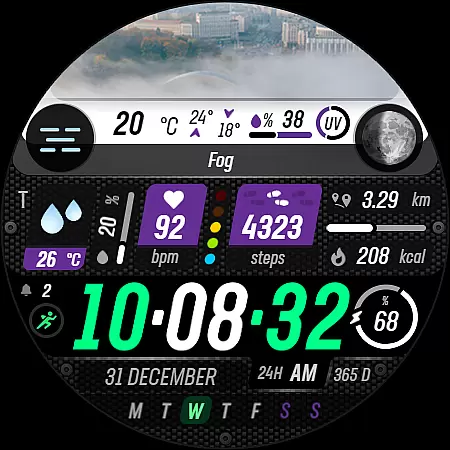
Beyond weather, the watch face incorporates vital health metrics such as step tracking, calorie counting, heart rate monitoring, and even live moon phases. Users can customize their experience with 30 color options, two fiber variants, and animated icons. The interface supports both metric and imperial measurements, automatically adjusting based on the phone's language settings.
Advanced features include tomorrow's weather forecast, UV index indicators, and customizable shortcuts. To ensure full functionality, users must manually enable sensor permissions and complication data access, making this watch face one of the most versatile options available for Wear OS devices.
Sharper Weather - Watch Face offers an extensive range of customization options that cater to personal preferences and needs. With 30 color variants and 2 fiber options, users can tailor the appearance of their watch face to match their style.
The application provides animated icons and supports both 12 and 24-hour time formats, adapting to the user's phone settings. This ensures a seamless transition from phone usage to checking the time on your Wear OS device without any confusion or inconsistency.
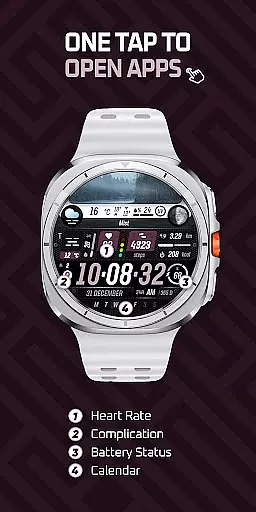
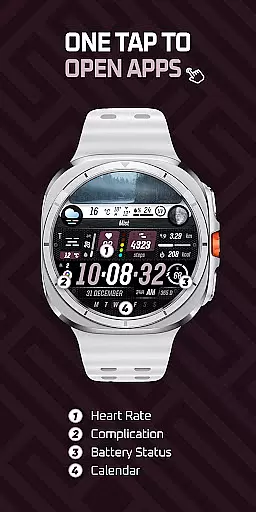
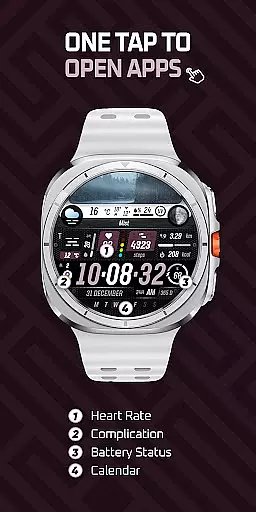
Moreover, the app includes adjustable shortcuts and complications such as weather conditions, steps, distance, calories burned, battery status, heart rate, calendar events, and notifications. These features allow users to prioritize information that is most relevant to them at a glance.
Including live moon phases and ultraviolet index indicators, Sharper Weather - Watch Face not only enhances aesthetic appeal but also serves practical purposes for those interested in detailed environmental data.
Theme compatibility is a crucial aspect of Sharper Weather - Watch Face, ensuring that it works seamlessly with Wear OS devices. The app is specifically designed for Wear OS 5+ devices (API 34+), guaranteeing optimal performance and integration within this ecosystem.
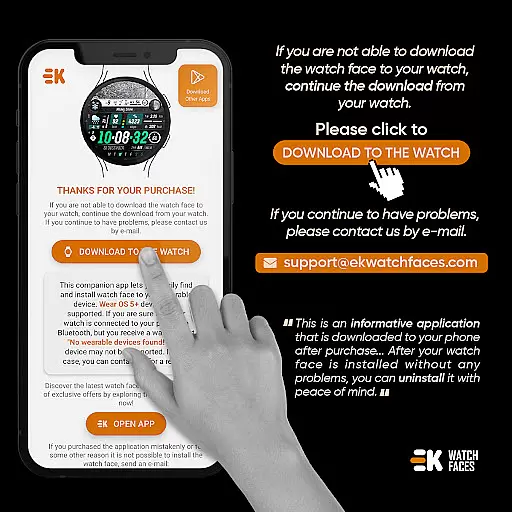
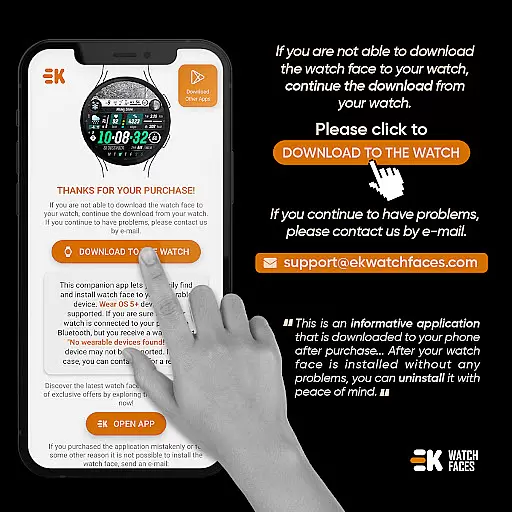
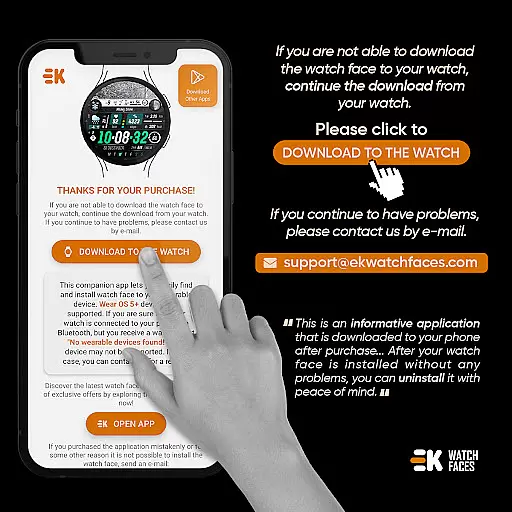
Users are guided through an installation process that leverages their phoneu2019s connection to the watch, making it easier to install and find the watch face on their device. This approach simplifies the setup and ensures that all features are correctly synced across devices.
Additionally, the app automatically selects units based on the phone language, supporting Km/Mil measurements. This attention to detail ensures that users worldwide can utilize the app without worrying about manual adjustments or inconsistencies in unit representation.
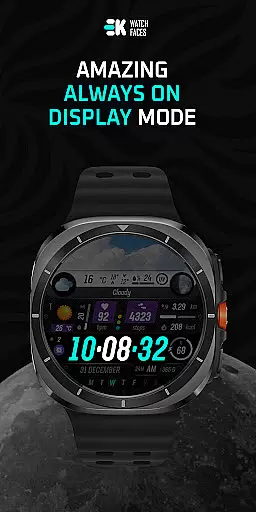
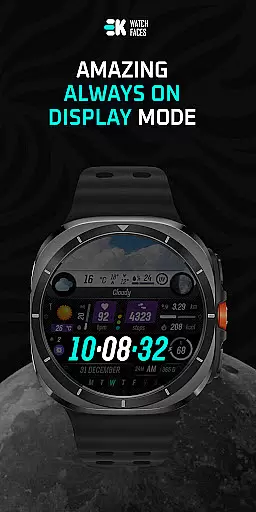
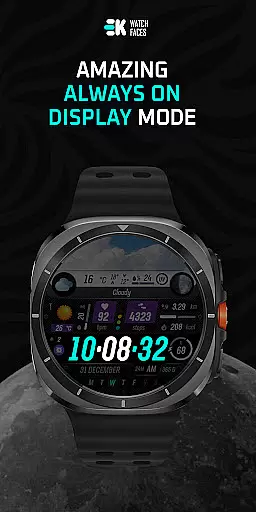
Always-on display support further enhances theme compatibility by allowing continuous access to vital information while preserving battery lifeu2014a balance essential for maintaining both functionality and aesthetics on wearable technology.
Real-time weather updates
Customizable design options
Health metrics integration
Dynamic day-night visuals
Always-on display support
Limited to Wear OS
Complex installation process
Potential payment sync issues
Requires manual permissions
High system requirements

Stunningly Different look with Line Icons and Neon Colors
 4.60
4.60
Customizable Glass widgets. Over 360+ stunning widgets and more!
4.70
Want to make your phone more special than ever?
4.60
Ultimate Gallery Lock App - Hide Pictures, Videos and Lock Apps Instantly!
4.60
Zip lock screen with magic wallpaper to decorate your phone with fun zipper lock
4.60
Vibrant Adaptive Icons with Material You and Enhanced Monet Colors.
4.50
300+ Beautifully crafted widgets inspired by OneUI.
4.60
300+ widgets inspired by Material You and Material 3 expressive design.
4.60
Your home screen, just the way you like it.
3.80
Only for Wear OS devices!
4.90
Glass style colourful icons with a One UI look and feel
4.60
Unique Android Launcher
4.60
A light in the dark, a unique style and an andless cutomization!
4.30
Themes - Widget & Wallpaper: Customize home screen, icon changer w unique themes
4.30
Magic fluids wallpaper 4D: Relax with stunning fluid simulation wallpaper app
4.20 4.10
4.10
Customizable flower power digital watch face for Wear OS watches.
4.00
HappyLighting is a Bluetooth lamp control software.
3.40
Prank your friends with realistic broken screen and cracked HD effects!
4.5



User Reviews