
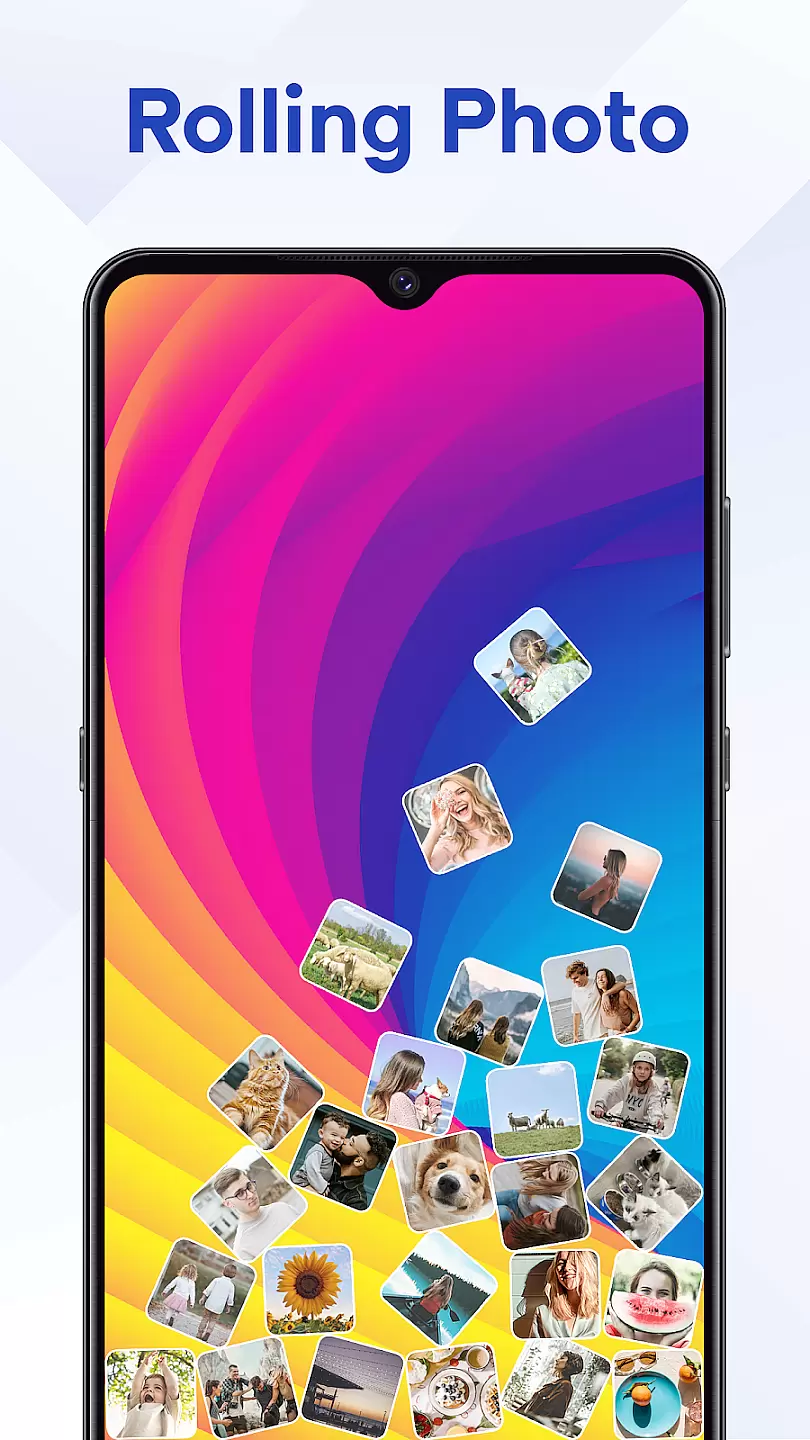
Rolling Icon: 3D Wallpaper is a personalization app that brings your smartphone's home screen to life with dynamic 3D effects. The app allows users to customize their device with interactive icons and visually appealing wallpapers
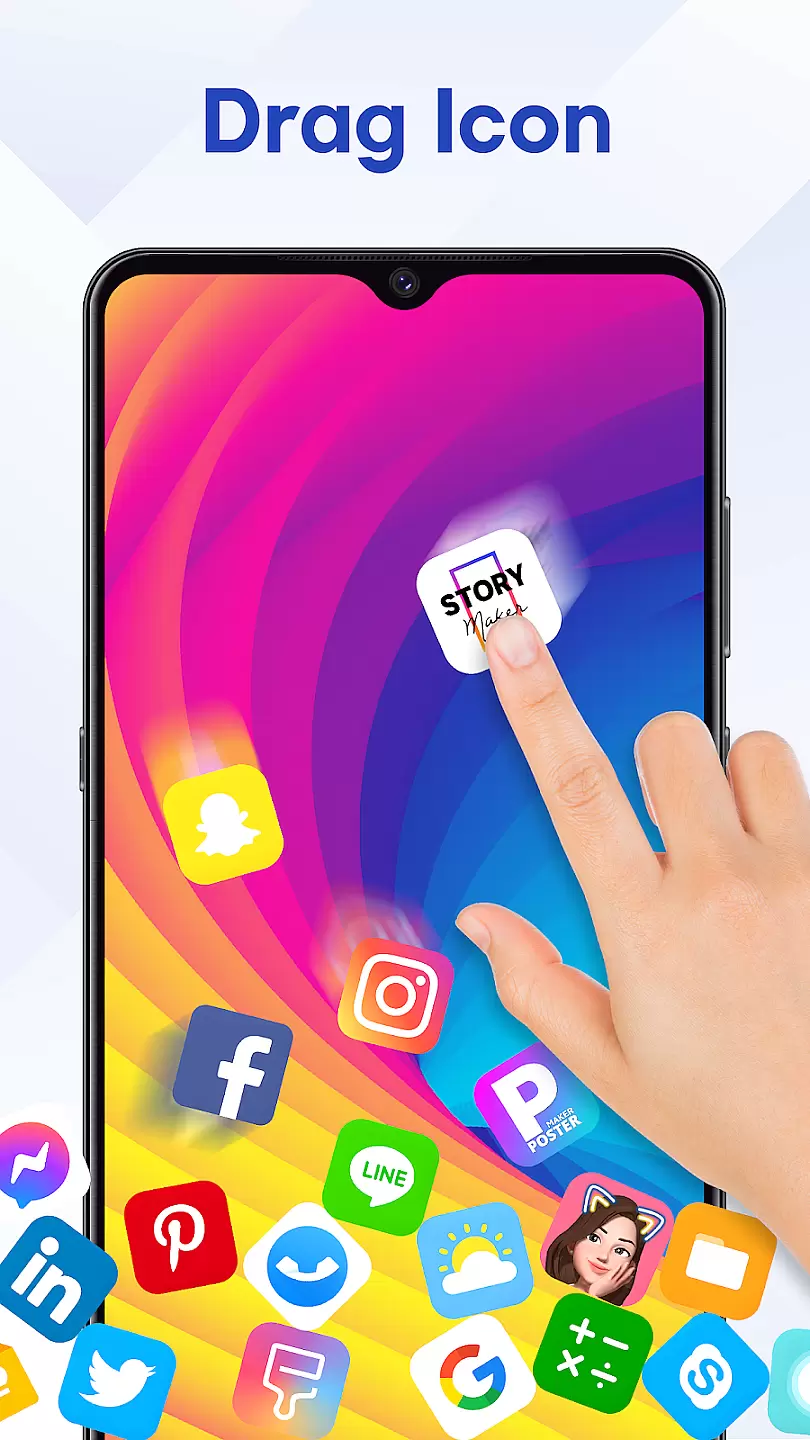
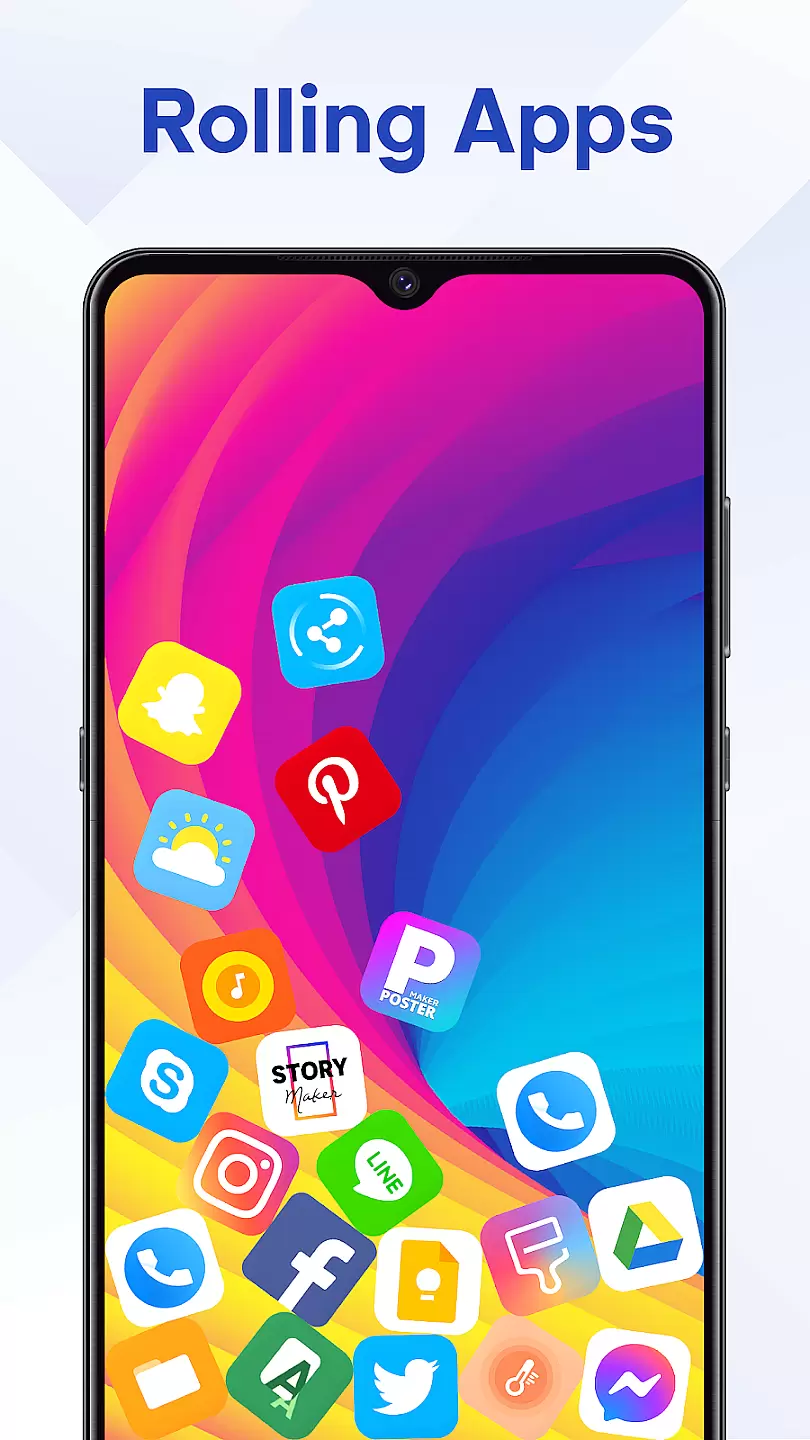
One of the standout features is its ability to create rolling, animated icons that respond to touch interactions. This creates an immersive experience that enhances both aesthetics and usability. Whether you want to impress your friends or simply enjoy a more engaging interface, this app offers a unique way to personalize Android devices
The app boasts several impressive features that set it apart in the personalization category. First is its advanced 3D rendering engine, which enables smooth animation effects without draining battery life
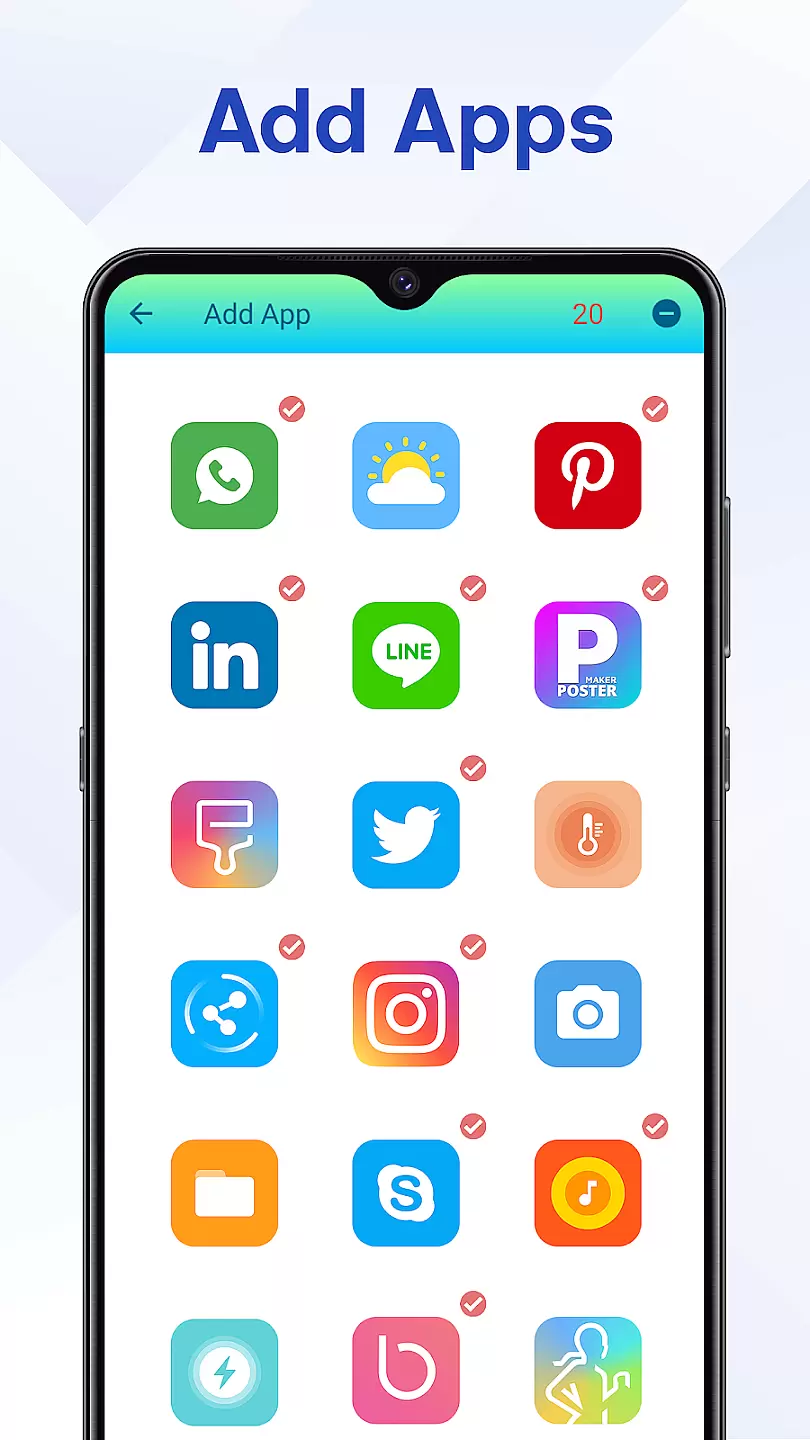
Users can choose from a wide selection of pre-designed icon packs and wallpapers, or create their own custom designs. The intuitive editor makes it easy to adjust animation parameters and fine-tune visual effects. Additionally, the app supports various widget types and sizes for complete home screen customization
All features are designed with performance in mind, ensuring minimal impact on device resources while maintaining high-quality graphics
Customization is at the heart of personalizing your device's interface to reflect your personality and style. Rolling Icon: 3D Wallpaper offers a diverse range of customization options that allow users to tailor their home screens with unique 3D wallpapers and animated icons.
This application provides an extensive library of 3D designs and animations, ensuring that there is something for every taste. Whether you prefer vibrant colors or subtle shades, abstract patterns or realistic images, this app caters to all preferences.
Users can benefit from the ability to mix and match different elements, creating a truly personalized experience. The intuitive controls make it easy to adjust settings such as animation speed, color schemes, and icon sizes, allowing for endless creativity in designing your perfect home screen.
The value of having varied customization options lies in enhancing user satisfaction by providing control over the aesthetic aspects of their devices. With Rolling Icon: 3D Wallpaper, users are empowered to express themselves through their smartphones, making daily interactions more enjoyable and engaging.
Theme compatibility ensures that the visual elements of an application integrate seamlessly with the overall design language of a user's device. For Rolling Icon: 3D Wallpaper, maintaining high standards of theme compatibility means that its 3D wallpapers and animated icons will look consistent and polished across various devices and operating systems.
The app achieves this by regularly updating its themes to align with the latest OS versions and device specifications. This commitment to compatibility guarantees that users won't encounter issues like mismatched colors or distorted graphics when they apply new themes.
By prioritizing theme compatibility, Rolling Icon: 3D Wallpaper enhances the user experience, ensuring smooth transitions between different sections of the interface without any visual disruptions. Users can switch themes confidently, knowing that each selection will maintain the integrity of their device's appearance.
Ultimately, strong theme compatibility contributes to a cohesive and professional look, reinforcing user trust in the application's quality and attention to detail. It allows users to experiment with different aesthetics while maintaining a unified and appealing device presentation.
Stunning 3D effects
User-friendly interface
Customizable options
Low battery usage
Regular updates
Limited iOS support
Some features locked
Requires learning
Occasional bugs
Premium cost

Ultra realistic high quality analog watch face for Wear OS.
 4.60
4.60
Winter's Journey: digital watch face for Galaxy Watch & Wear OS
4.80
Themes - Widget & Wallpaper: Customize home screen, icon changer w unique themes
4.30
Shimeji adds cute animated characters to your screen, lively and fun.
4.70
App Icon Changer & Shortcut Creator. Customize your icons without any watermarks
4.30 4.50
4.50
Organize and manage your photos and videos effortlessly with Photo Gallery
4.20
200+ Material Inspired Widgets
4.50
Create unique, fun emojis with Funny Emoji Maker! Unlimited creativity!
4.00
Classic analogue watch face. For wear os devices.
4.60
A retro cartoon style watch face and a punch right in the face of the copyright
4.60
Add cute Shimeji pets to screen, interact with them and relax with cute motions
4.60
Want to make your phone more special than ever?
4.60
Icons made of colorful linear lines
4.60
Stylish Pink Cute Hippo keyboard with 10000+ customized keyboard themes!
4.60
Ultra realistic gold analog watch face with lots of customization options.
4.50 4.50
4.50
Fingerprint Lock Screen & Live Animations with 4K Wallpapers as Live Wallpaper
4.40
Art & Emoji Keyboard with Cool Fonts, Cute Themes and Custom Designs.
4.40



User Reviews