
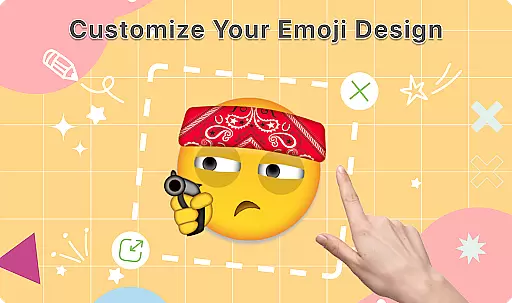
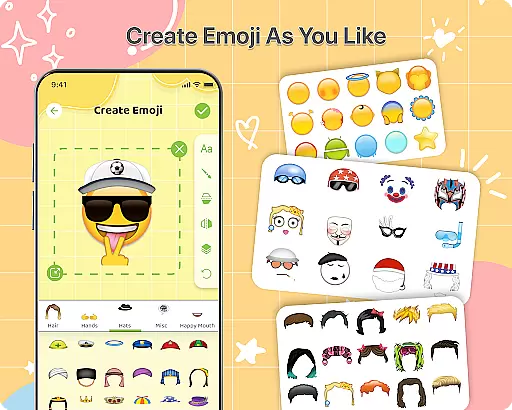
DIY Emoji is a creative personalization app that allows users to design unique emojis for enhanced self-expression. With over 500 accessories including eyes, mouths, hats, and glasses, the app provides endless customization possibilities. Users can draw details, add text with various fonts, and layer elements to create perfect emoji designs.
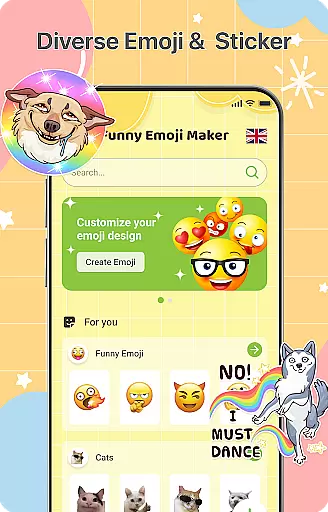
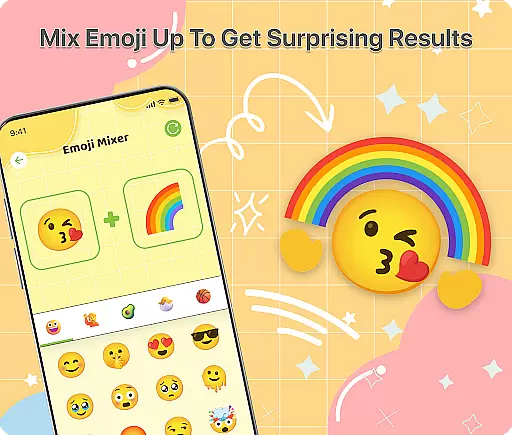
The app also features an innovative Emoji Mixer that lets users combine any two emojis for quirky and unique results. The built-in Emoji Library helps manage and store all custom creations, while frequent updates ensure a growing collection of accessories. Whether for personal chats or social media, DIY Emoji empowers users to make their conversations more engaging and fun.
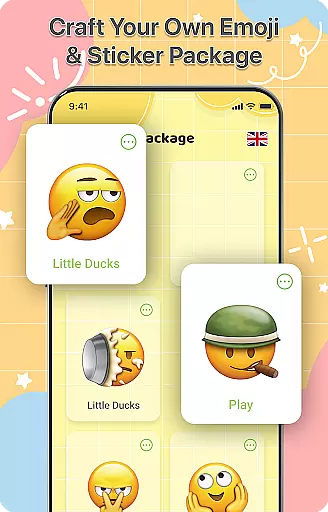
DIY Emoji stands out with its comprehensive set of creative tools. The Emoji Maker function offers over 500 accessories, allowing detailed customization through drawing tools, text options, and layering features. This ensures every emoji reflects the creator's personality and style.
Another highlight is the Emoji Mixer, which enables users to blend any two emojis into new combinations. This feature encourages experimentation and creativity. Additionally, the app's Emoji Library provides efficient storage and quick search functionality, making it easy to access favorite creations. Regular updates bring fresh content, keeping the emoji-making experience exciting and up-to-date.
Customization is at the heart of DIY Emoji, offering users a vast array of options to express their creativity. With over 500 accessories including eyes, mouths, hats, and glasses, the app allows for extensive personalization.
The app's interface supports layering elements, flipping items for unique effects, and drawing details with specialized tools. This flexibility ensures that each emoji can be as unique as its creator, providing endless possibilities for customization.
Users benefit from the ability to add text with various fonts and colors, enhancing the personal touch to their emojis. Such depth in customization empowers users to craft emojis that truly reflect their personality and mood.
DIY Emoji ensures seamless theme compatibility across different platforms and devices. Whether you're using iOS or Android, the emojis created maintain their quality and appearance, ensuring uniformity in digital communication.
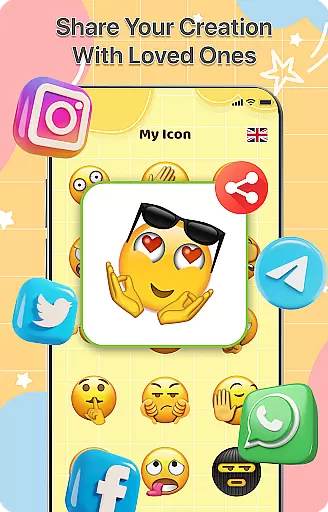
The app is designed to integrate smoothly with various messaging apps, allowing users to incorporate their custom emojis into conversations without compatibility issues. This ease of use encourages regular interaction with the app.
By maintaining high standards of theme compatibility, DIY Emoji enhances user engagement and satisfaction. Users can trust that their creations will look great and function properly wherever they choose to share them.
User-friendly interface
Extensive customization options
Innovative mixing feature
Frequent content updates
Creative self-expression tool
Limited advanced tools
Occasional ads
Premium features locked
Learning curve for new users
Storage space required

Stunningly Different look with Line Icons and Neon Colors
 4.60
4.60
Fingerprint Lock Screen & Live Animations with 4K Wallpapers as Live Wallpaper
4.40
Make your phone look simple & luxury, like iDevice
4.60
Ultimate widget creator. Design custom widgets for a truly unique home screen!
3.90
Customizable screen pets that play, climb, and keep you company.
4.50
Ultimate Gallery Lock App - Hide Pictures, Videos and Lock Apps Instantly!
4.60 4.50
4.50
Vibrant Adaptive Icons with Material You and Enhanced Monet Colors.
4.50
Unleash Your Creativity and Connect with Loved Ones with Lockscreen Drawing!
4.20
300+ Stunning and well-designed widgets inspired by NOTHING.
4.70
A retro cartoon style watch face and a punch right in the face of the copyright
4.60
Add cute Shimeji pets to screen, interact with them and relax with cute motions
4.60
Customize your home screen with stunning themes, blur, widgets & icons.
4.60
Ninja Turtles Cowabunga SE watch face for Wear OS
4.50
Yandex Browser — stylish and secure, with voice search and data compression
4.40
The definitive Icon pack maker and editor
4.30
Emoji Maker app - Design custom emojis and effortlessly blend them with Mixer
3.80
Interactive Miniature Painting Catalogue
3.30
Struggling to find apps? Use this app to locate and open any app on your phone!
2.20



User Reviews