
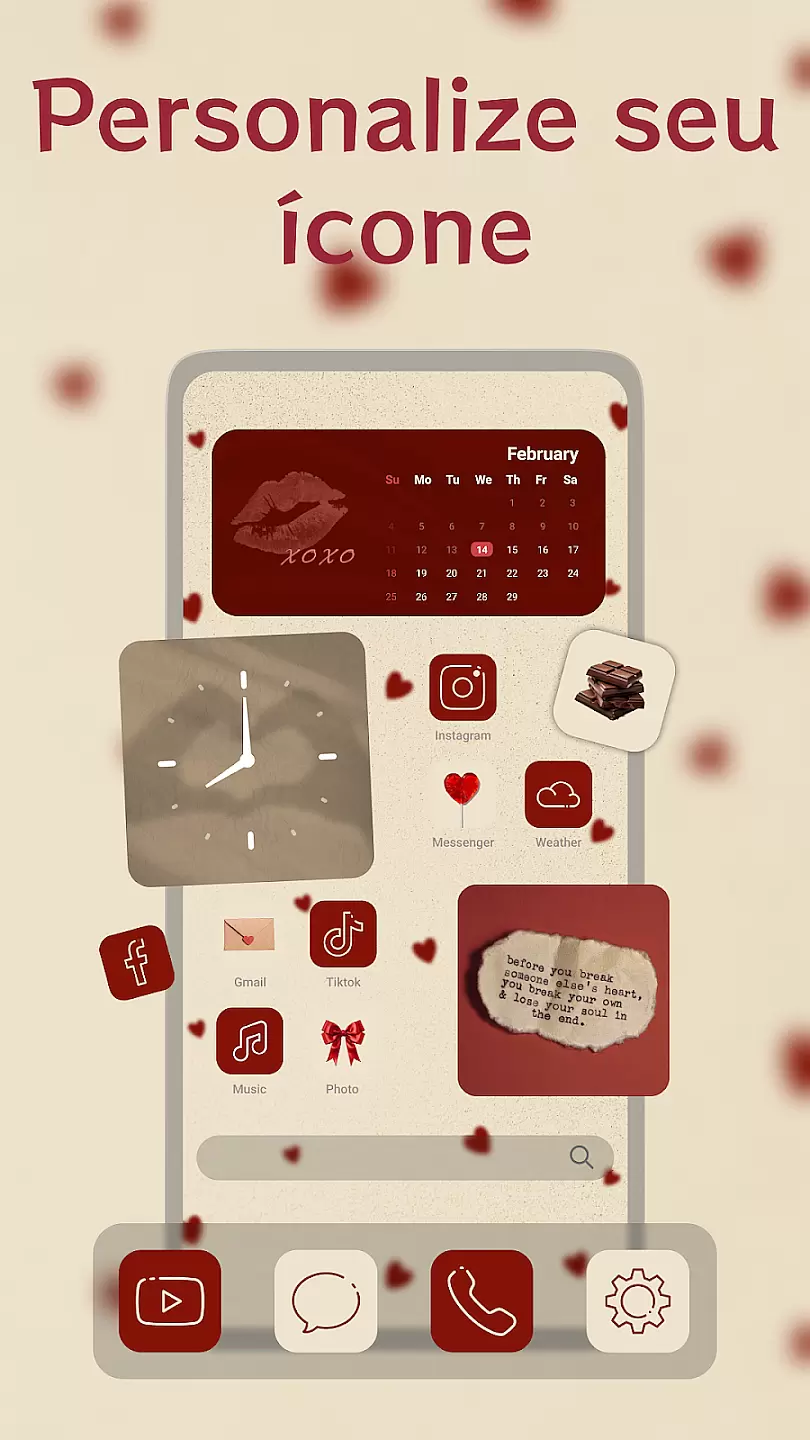
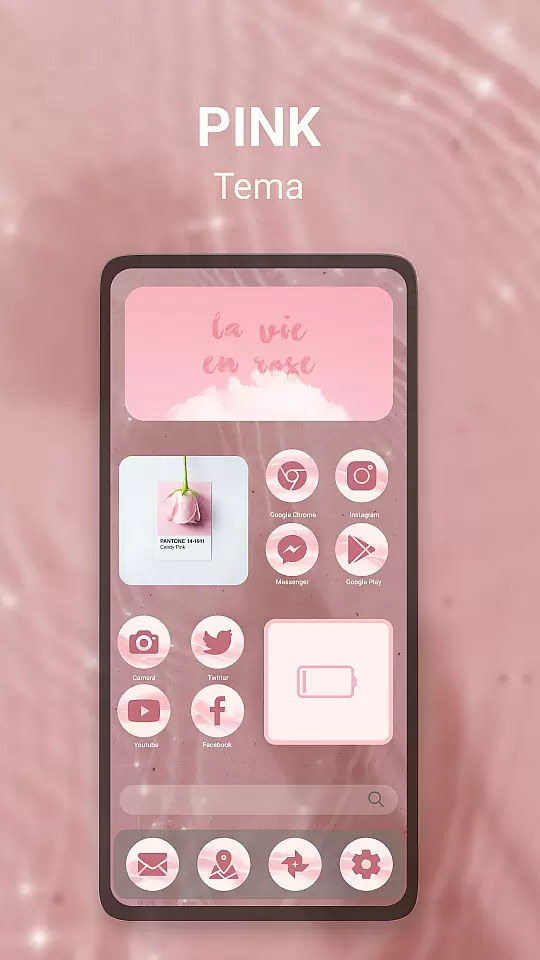
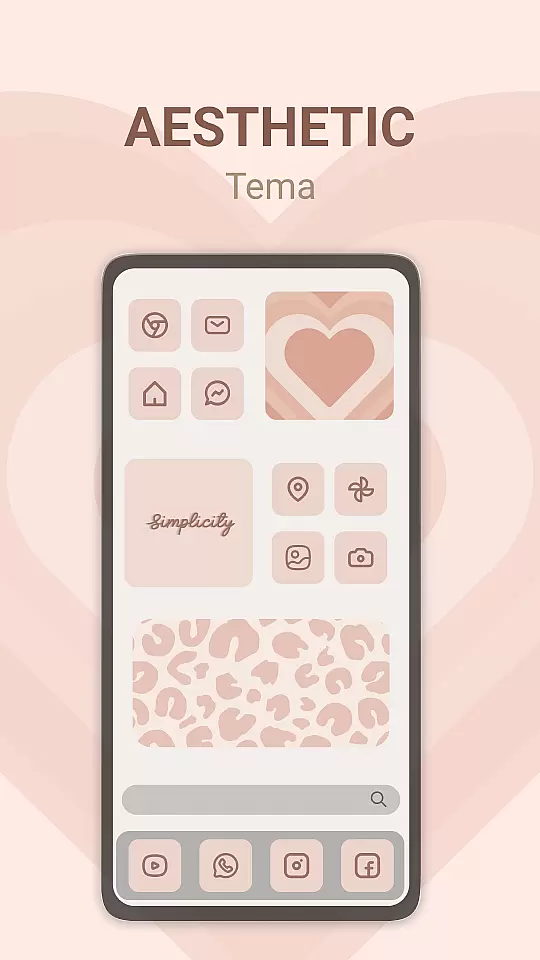
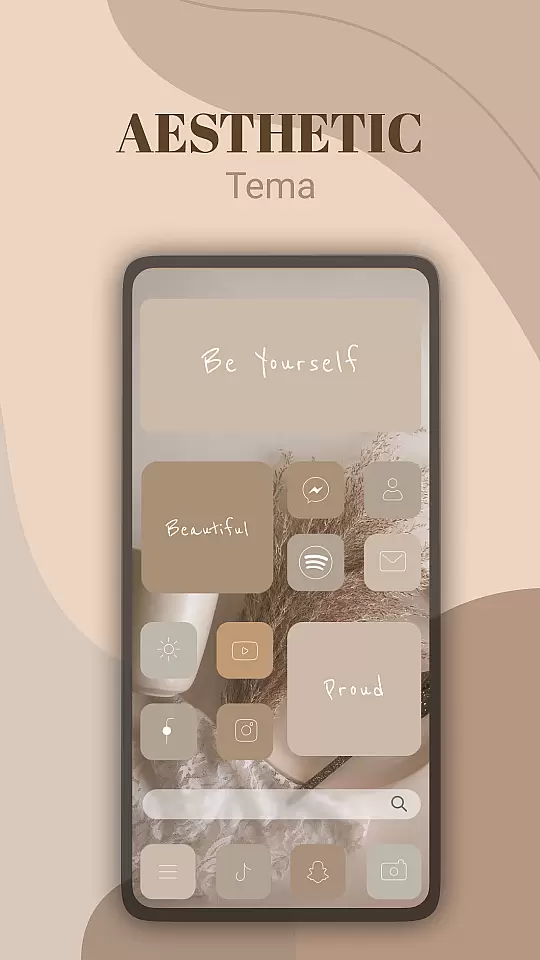
Theme, Widget & Icon Changer is a versatile personalization app that allows users to customize their smartphone experience. With an extensive library of themes, widgets, and icon packs, the app caters to those looking to break away from the monotony of default interfaces. Users can easily apply new themes to transform their device's appearance or select individual icons for a more personalized touch.
The app supports various styles ranging from minimalistic designs to vibrant and colorful aesthetics, ensuring there's something for everyone. Whether you're aiming for a professional look or something more playful, this app provides all the tools necessary to make your device truly yours. Its intuitive interface makes it easy for anyone to use, regardless of technical expertise.
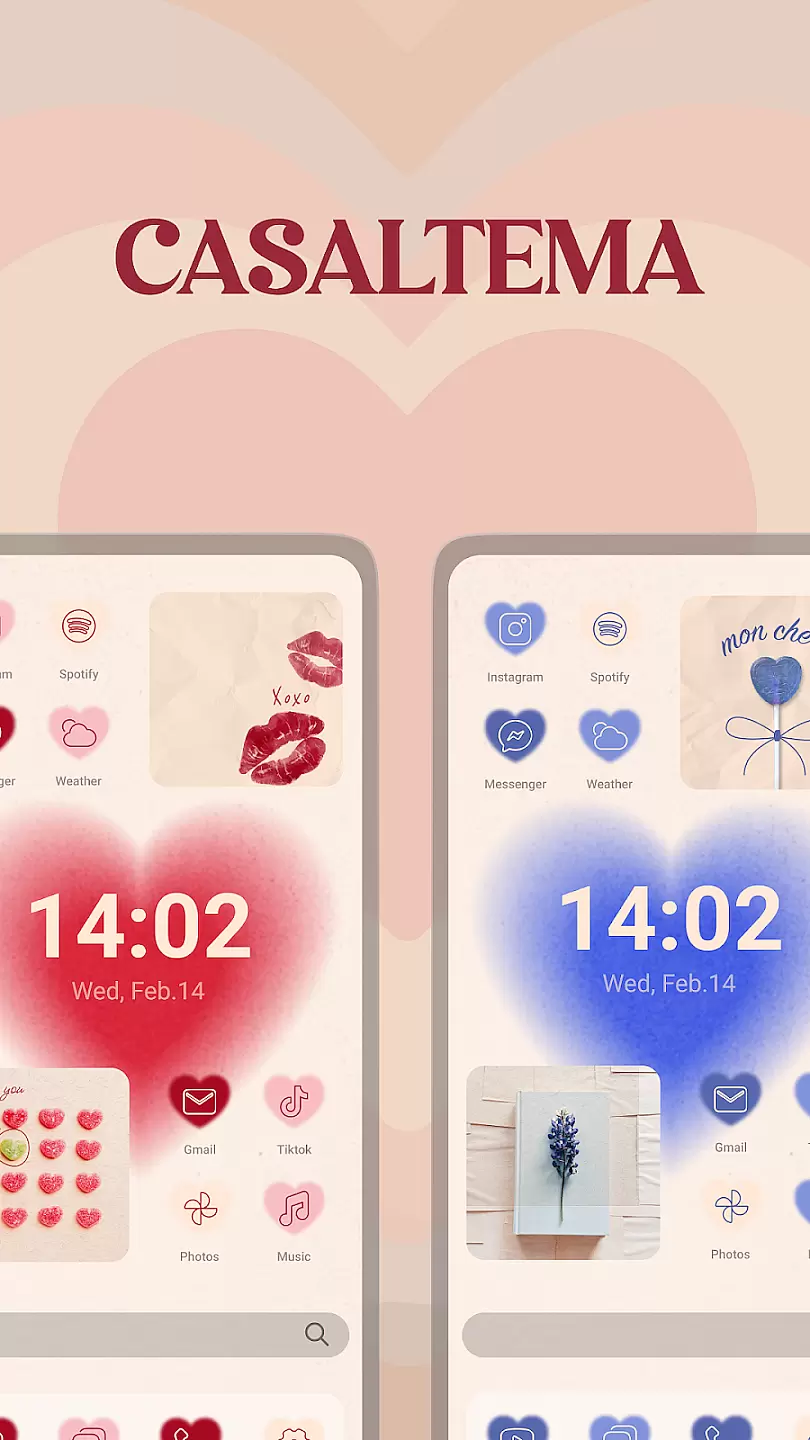
One of the standout features of Theme, Widget & Icon Changer is its vast collection of customization options. The app includes thousands of themes with matching icons and widgets, allowing for a cohesive look across your entire device. Each theme is crafted by professional designers, ensuring high-quality aesthetics and attention to detail.
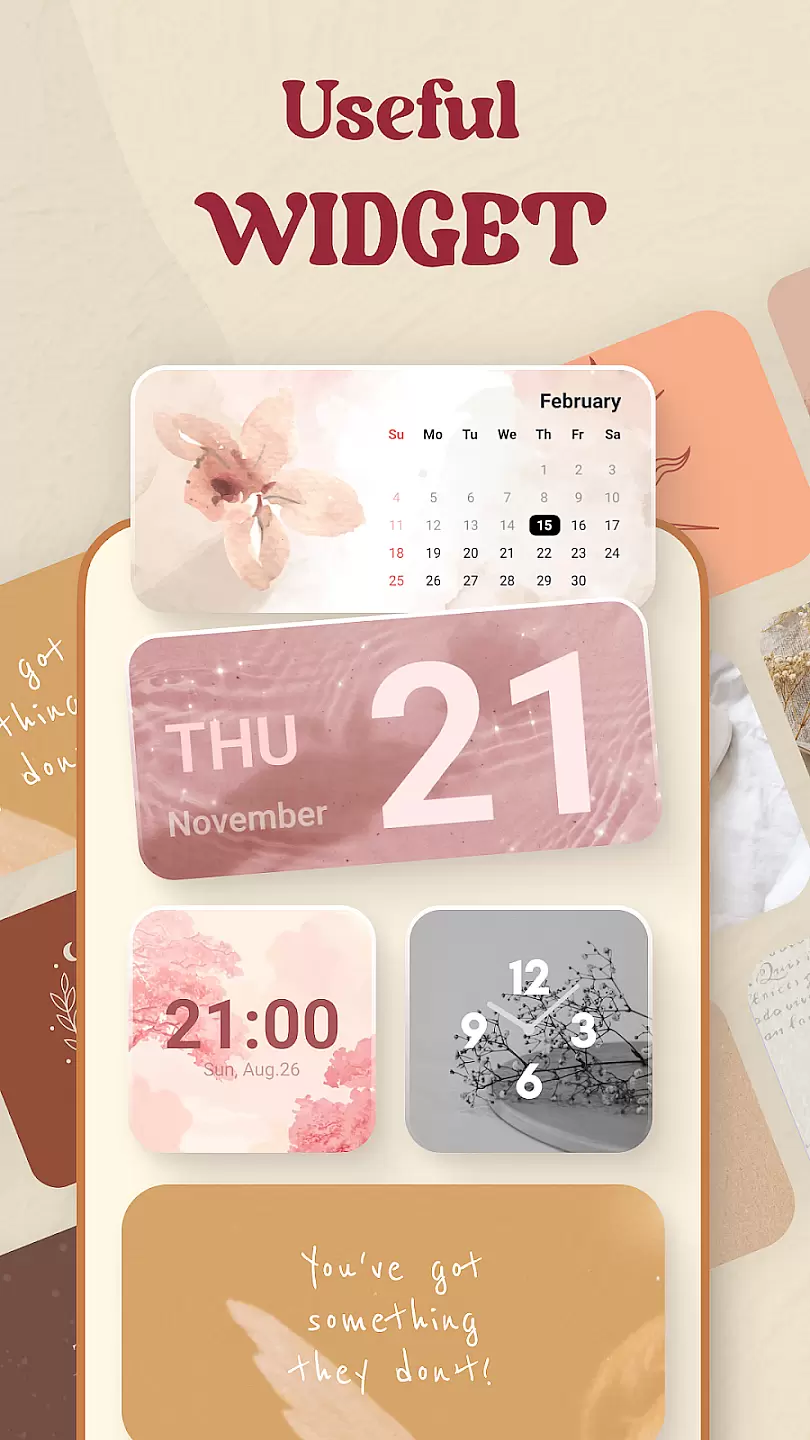
Beyond just visual enhancements, the app also offers functional widgets that provide useful information at a glance. From weather updates to calendar events, these widgets are designed to be both beautiful and practical. Additionally, users have the ability to mix and match individual icons and widgets from different themes, providing unparalleled flexibility in personalization.
Customization is at the heart of personalizing your device to truly make it yours. Theme, Widget & Icon changer offers a vast array of customization options that allow users to tailor their device's appearance in unique ways.
This application provides hundreds of themes across various categories, ensuring there's something for everyone. Whether you're looking for serene landscapes or vibrant abstract designs, this app has got you covered.
Moreover, users can customize widgets to display the information most important to them, such as weather updates or calendar events, directly on their home screen. This level of personalization not only enhances aesthetic appeal but also improves the usability of your device.
By offering an extensive range of icons to choose from, users have the freedom to alter every aspect of their interface, making their devices not just tools, but expressions of their personality and style.
Ensuring that themes are compatible with your device is crucial for a seamless experience. Theme, Widget & Icon changer excels in providing themes that are fully compatible with a wide range of devices.
The app meticulously checks each theme for compatibility issues before making them available to users. This guarantees that when you apply a new theme, it will look as intended without any elements being out of place.
Additionally, regular updates are provided to ensure ongoing compatibility with the latest operating systems and device models. This dedication to compatibility means you won't encounter unexpected glitches or design inconsistencies.
With Theme, Widget & Icon changer, you can enjoy peace of mind knowing that every theme you choose will integrate smoothly with your device, maintaining both functionality and beauty.
User-friendly interface
Extensive theme library
High-quality design elements
Regular updates with new content
Customizable widgets for functionality
Limited free themes
Premium content requires subscription
Some features may drain battery
Occasional bugs in widget updates
Not all icons work with every app

Classic analogue watch face. For wear os devices.
 4.60
4.60
A Colorful and Minimal icon pack in an Outline Style - Over 13,600 icons!
4.70
Prank your friends with realistic broken screen and cracked HD effects!
4.1
Gun Chase - Let the chase begin.
4.80
Wallpaper HD 4K Live - Thousands of high-quality Anime backgrounds for you.
4.80
100+ Stylish Fonts, Emojis, Symbols keyboard for Instagram & TikTok!
4.80 4.50
4.50
Customize your home screen with stunning themes, blur, widgets & icons.
4.60
Custom edge gestures for volume control, brightness, apps, and shortcuts.
4.5
Only for Wear OS devices!
4.90
Shimeji adds cute animated characters to your screen, lively and fun.
4.70
Bring adorable pets to life on your screen. Playful, interactive and full of fun
4.60
300+ Beautifully crafted widgets inspired by OneUI.
4.60 4.50
4.50
Color phone with cool effects for call screen, flash alert & ringtones music
4.50
Vibrant Adaptive Icons with Material You and Enhanced Monet Colors.
4.50
200+ Material Inspired Widgets
4.50
AI-powered Copilot. Personalized keyboard with gifs, stickers & themes
4.40
Adaptive Dot Style IconPack with Light & Dark Theme.
3.70



User Reviews