
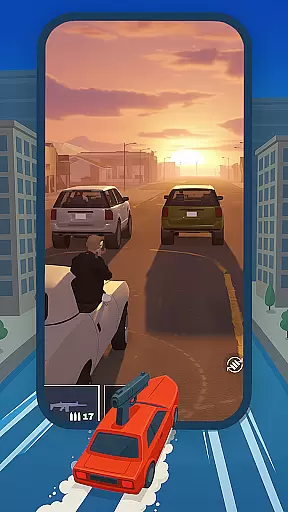
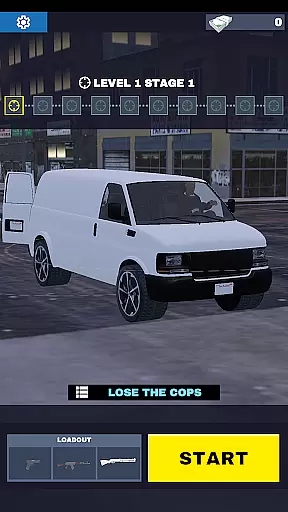
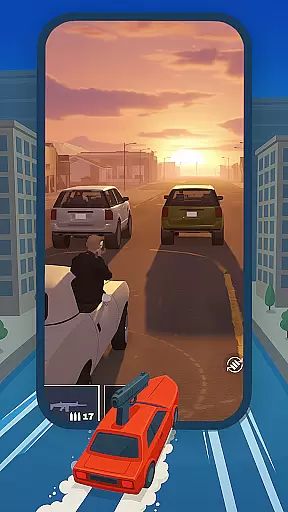
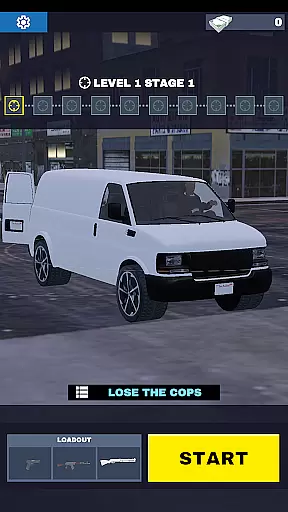
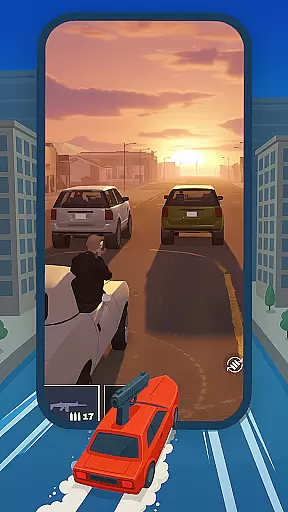
Gun Chase Launcher is a dynamic Android home screen app that combines the thrill of high-speed chases with extensive customization options. Designed for gamers and personalization enthusiasts, this launcher brings the adrenaline-pumping action of Gun Chase to your fingertips. With themed backgrounds inspired by the game's daring pursuits, users can immerse themselves in a world of fast-paced scenarios right from their home screens.
Beyond its gaming appeal, Gun Chase Launcher offers practical features such as gesture controls, adjustable themes, and customizable icon shapes. These tools allow users to streamline navigation, personalize aesthetics, and optimize their device's usability. Whether you're looking to enhance productivity or simply enjoy a unique mobile experience, Gun Chase Launcher delivers both style and functionality.
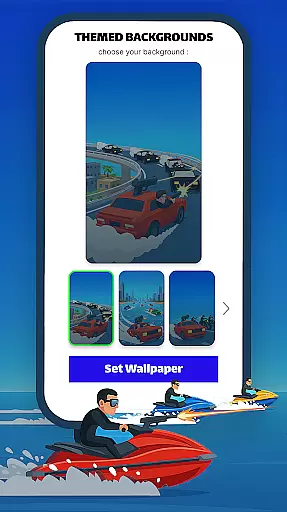
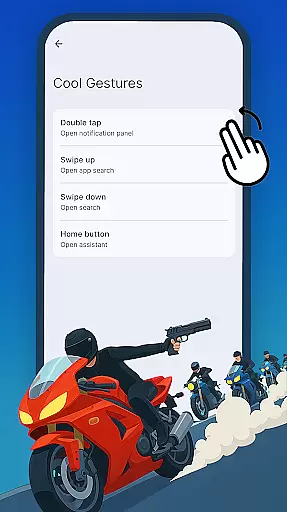
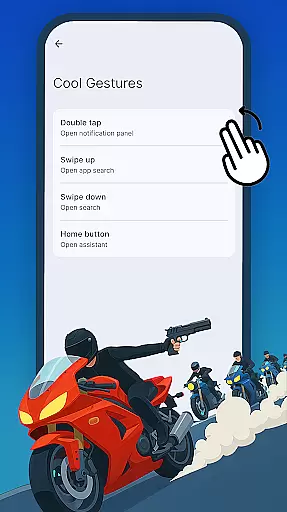
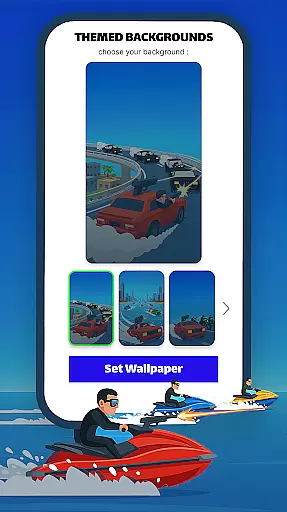
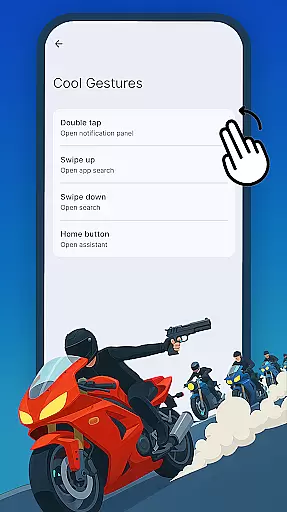
One of the standout features of Gun Chase Launcher is its integration of game-themed elements into everyday device use. The Themed Backgrounds option allows users to transform their home screens into immersive environments reminiscent of the Gun Chase universe. Additionally, Cool Gestures provide intuitive shortcuts—swipes, taps, and double taps can be assigned to specific actions, reducing menu navigation time.
For those who value aesthetics, the launcher includes adjustable themes with bright and dark modes, catering to different moods and lighting conditions. Users can also modify icon shapes through the Icon Shapes panel, offering various styles to match individual preferences. These robust customization capabilities ensure that every user can tailor their home screen to reflect their personality while maintaining ease of use.
Gun Chase Launcher offers a diverse range of customization options that allow users to tailor their home screen experience. The app provides themed backgrounds, bringing the thrilling style of the Gun Chase game directly to your device's home screen.
In addition to visual theming, the launcher includes cool gesture controls. Users can assign specific actions to swipes, taps, and double taps, streamlining navigation and reducing the need to navigate through menus. This feature enhances both usability and personal preference, making daily interactions more intuitive.
The app also supports adjustable themes, offering both bright and dark modes. This flexibility ensures users can adapt their interface to suit different lighting conditions or personal moods at any given time, providing comfort and aesthetic satisfaction.
Theme compatibility in Gun Chase Launcher ensures a seamless integration of visual styles across your home screen. With options to adjust icon shapes, users can choose from various styles and designs that match their preferences, creating a cohesive look throughout the device.
This level of theme compatibility extends to functional elements as well. Users can customize their home screen with themed widgets and icons that maintain consistency with the overall design language of the launcher, enhancing visual harmony.
For those who frequently switch between different themes, the app maintains high standards of compatibility, ensuring that all visual elements remain sharp and well-integrated regardless of the selected theme. This attention to detail elevates the user experience, making customization not only extensive but also reliable.
Highly customizable
Unique game theme
Intuitive gestures
Variety of icon styles
Engaging background designs
May reset existing layout
Limited non-gaming features
Potential learning curve
Requires manual adjustments
Fewer options for minimalists

Make your phone look simple & luxury, like iDevice
 4.60
4.60
Unique Android Launcher
4.60
Personalize your phone with stunning HD and 4K wallpapers!
4.70
Interactive Miniature Painting Catalogue
3.30
App Icon Changer & Shortcut Creator. Customize your icons without any watermarks
4.30
Launcher OS™ Pro without ads help make your phone simple and pretty
4.30
Crystal-clear, square icon provides a sleek and sophisticated visual upgrade
4.00
350+ widgets with a premium glass-style finish, perfect for home & lock screens.
4.70
Enjoy a variety of amazing live wallpapers and colorful EDGE lighting borders!
4.80
Stylish Pink Cute Hippo keyboard with 10000+ customized keyboard themes!
4.60
Customize your home screen with stunning themes, blur, widgets & icons.
4.60 4.50
4.50
Art & Emoji Keyboard with Cool Fonts, Cute Themes and Custom Designs.
4.40
Transform your device in a game console
4.40
The definitive Icon pack maker and editor
4.30
Adult video chat, dating, making friends, random matching
4.20
Run multiple accounts of the same app on a single device
4.10
Customizable flower power digital watch face for Wear OS watches.
4.00
Prank your friends with realistic broken screen and cracked HD effects!
4.3






User Reviews