
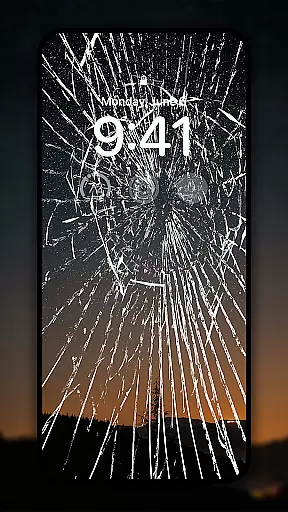
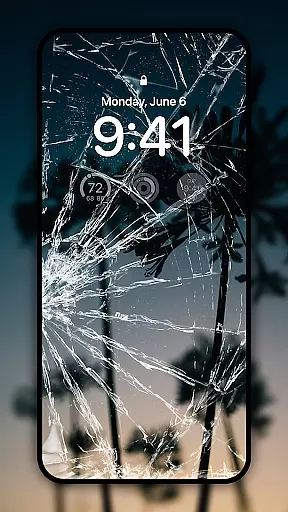
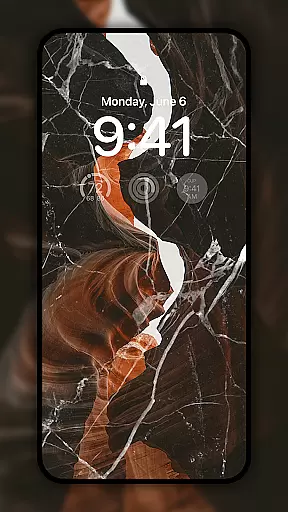
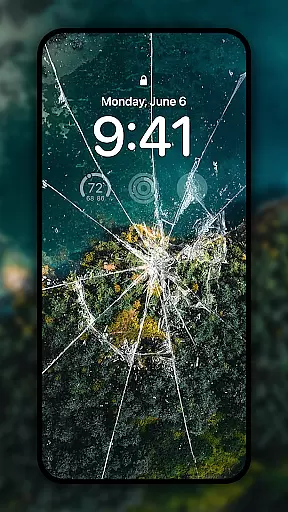
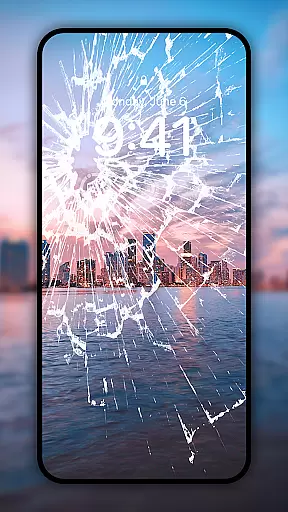
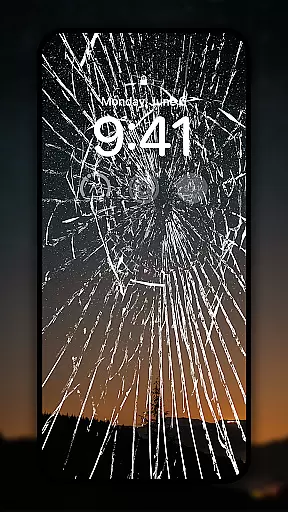
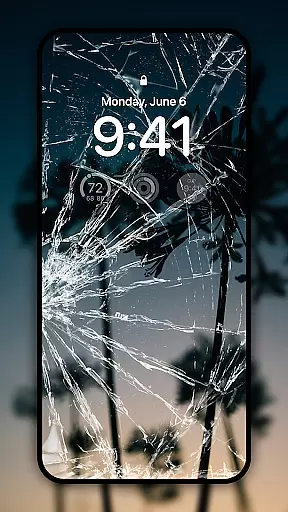
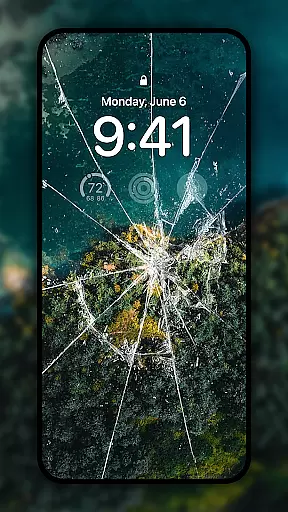
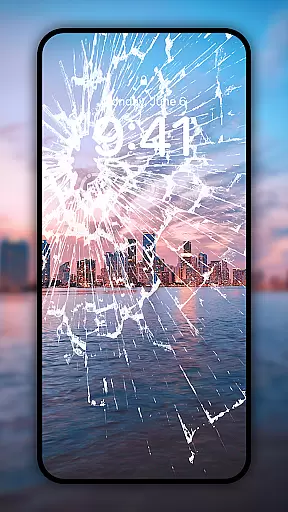
Broken Screen - Funny Sound is a unique personalization app that transforms your phone into an entertainment tool with ultra-realistic cracked screen effects and prank sounds. Designed for fun-loving users, this app offers a variety of 4K live wallpapers and sound effects to refresh your device's look while providing hilarious moments.
The app specializes in realistic broken screen simulations, allowing users to prank friends or simply enjoy a playful twist on their daily routine. With features like easy wallpaper search and customization options for both home and lock screens, it ensures a personalized experience. Whether you're looking to surprise someone or just want to add some humor to your day, Broken Screen - Funny Sound delivers both creativity and enjoyment.
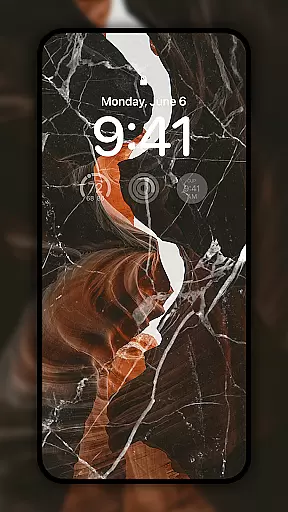
Broken Screen - Funny Sound stands out with its diverse range of features tailored for personalization enthusiasts. The app includes a rich collection of 4K live wallpapers featuring stunning visuals such as nature scenes and glowing energy effects. These high-quality wallpapers can be set for both home and lock screens effortlessly, giving your device a fresh appearance every time.
In addition to visual enhancements, the app provides realistic broken screen simulations paired with funny prank sounds. From fake hair clippers to car noises, these audio elements create laughable moments perfect for pranking friends. The intuitive interface allows users to quickly find their favorite wallpapers using the built-in search feature. Overall, the combination of visual and auditory customization makes this app a versatile choice for those seeking both style and amusement.
Customization is at the heart of Broken Screen - Funny Sound, offering users a rich variety of options to personalize their device's appearance and sound.
This app provides an extensive collection of 4K live wallpapers ranging from nature scenes to glowing energy visuals, allowing users to effortlessly customize both home and lock screens with just a few taps.
In addition to visual customization, the app includes a wide array of funny sound effects that turn any phone into a prank machine, complete with sounds like fake hair clippers, fart noises, and car sounds.
With such diverse customization features, users can refresh their phoneu2019s look daily and enjoy endless entertainment possibilities.
Broken Screen - Funny Sound ensures excellent theme compatibility, making it suitable for various devices and screen sizes without losing visual quality.
The app supports high-definition 4K live wallpapers that maintain crispness and vibrancy on all compatible devices, providing users with stunning visuals regardless of their smartphone model.
Moreover, the digital crack effects are designed to be ultra-realistic yet harmless, ensuring they display seamlessly across different screens while fooling friends effectively during pranks.
By focusing on broad theme compatibility, this app guarantees a consistently delightful user experience whether you're customizing your wallpaper or setting up a playful surprise.
User-friendly interface
High-quality 4K wallpapers
Realistic screen effects
Hilarious sound options
Easy customization
Limited practical use
Potential overuse of pranks
Some features may feel repetitive
Not suitable for professional settings
Occasional ads in free version

Customizable Glass widgets. Over 360+ stunning widgets and more!
 4.70
4.70
A retro cartoon style watch face and a punch right in the face of the copyright
4.60
Fingerprint Lock Screen & Live Animations with 4K Wallpapers as Live Wallpaper
4.40
Transform your phone with Launcher iOS 26 - Smooth & elegant iOS experience
4.50
Ultimate widget creator. Design custom widgets for a truly unique home screen!
3.90
HappyLighting is a Bluetooth lamp control software.
3.40
Handcrafted pixel art icons, widgets & wallpapers
4.60
200+ Material Inspired Widgets
4.50
set a new experience for the Android mobile phone
4.20
A Colorful and Minimal icon pack in an Outline Style - Over 13,600 icons!
4.70
Want to make your phone more special than ever?
4.60
Embrace the Night. Unleash the power of darkness with Raven Dark Icon Pack
4.60
Beautiful realistic hybrid watch face with numerous customization options.
4.50 4.50
4.50
Vibrant Adaptive Icons with Material You and Enhanced Monet Colors.
4.50
A light in the dark, a unique style and an andless cutomization!
4.30
Run multiple accounts of the same app on a single device
4.10
Create unique, fun emojis with Funny Emoji Maker! Unlimited creativity!
4.00
Interactive Miniature Painting Catalogue
3.30



User Reviews