
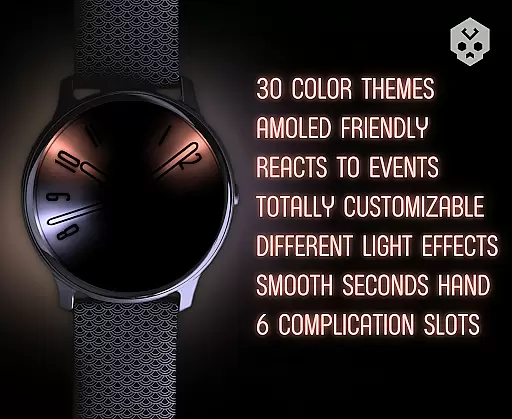
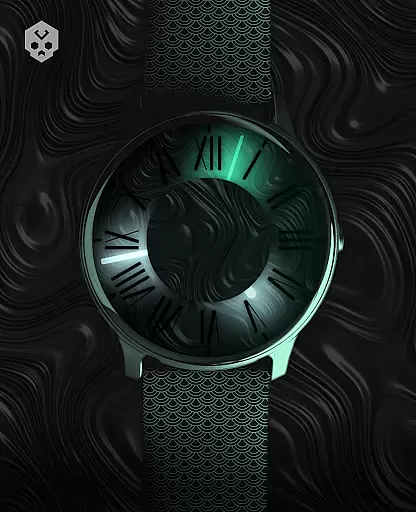
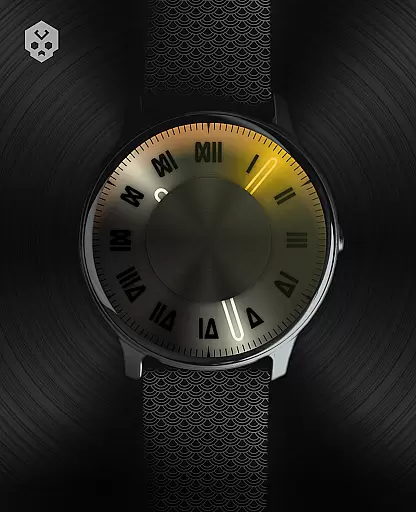
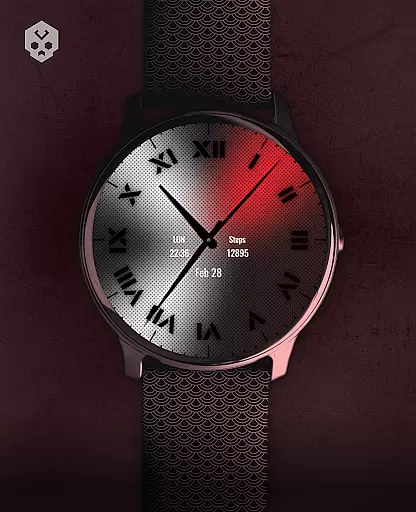
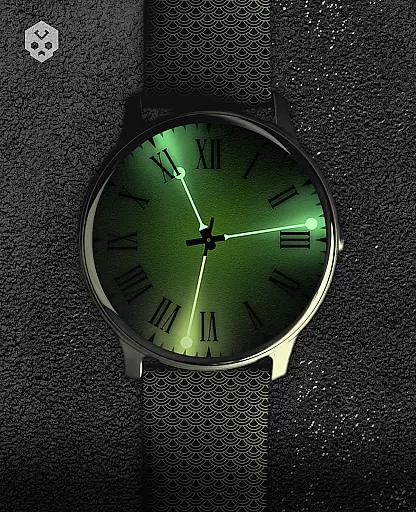
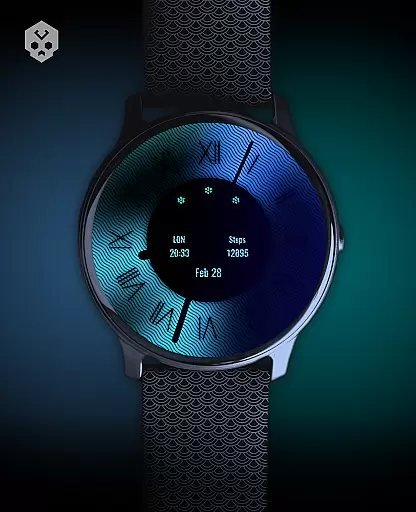
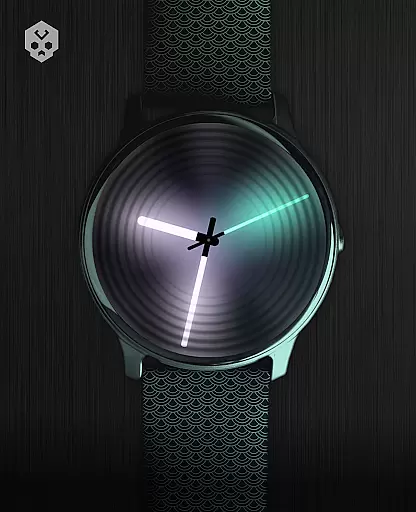
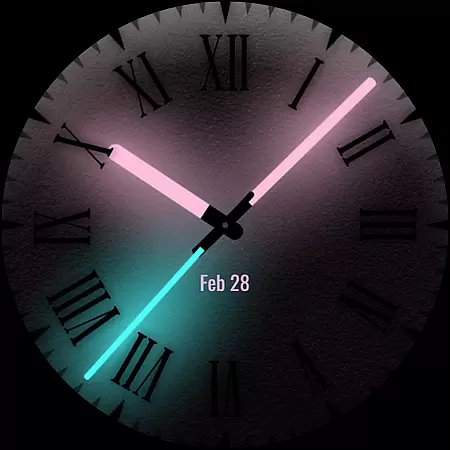
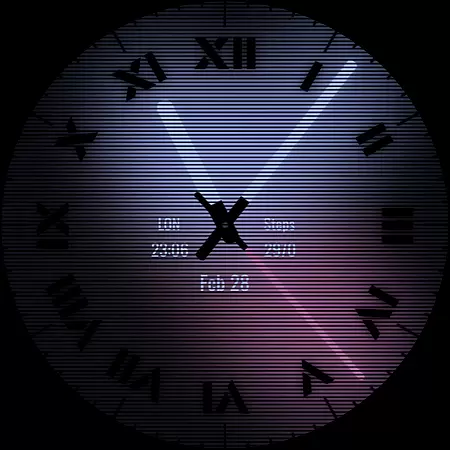
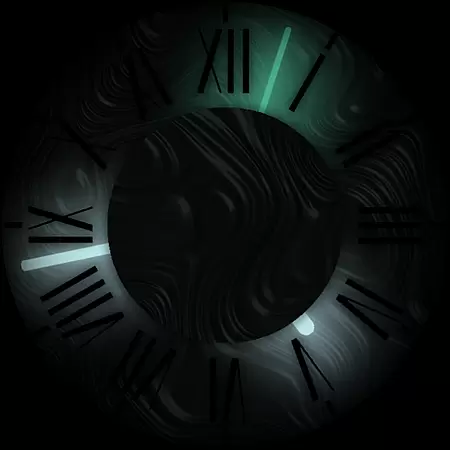
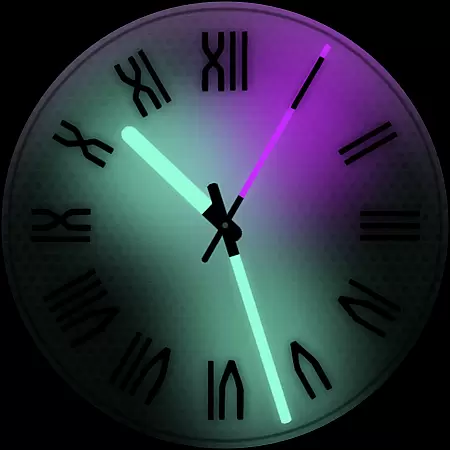
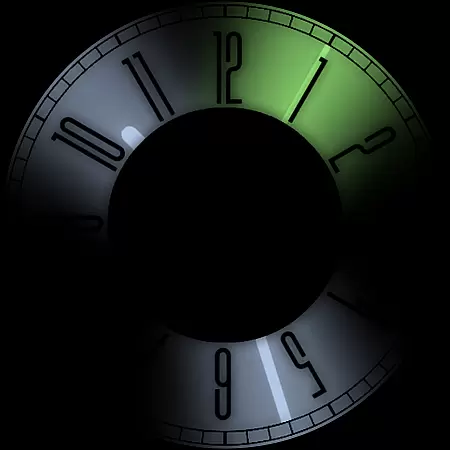
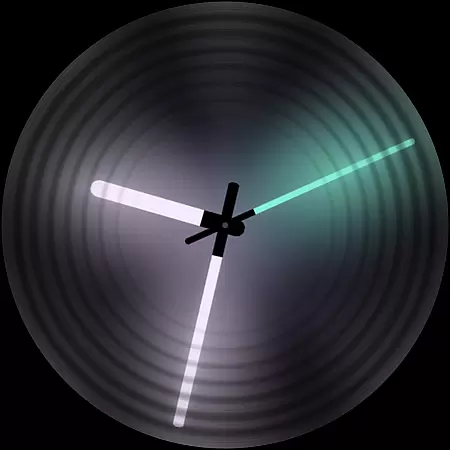
Dark Metal Saber Watch Face is a highly customizable Wear OS watch face designed for style-conscious users. It offers 30 color schemes and numerous customization options, including clock hands, index, decorator, and more.
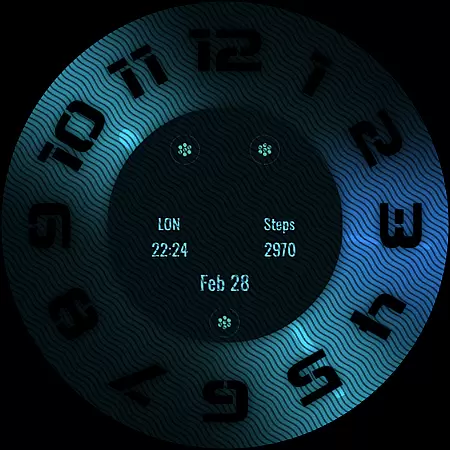
This standalone app works on various smartwatches like Samsung, Mobvoi Ticwatch, and Fossil. Its unique handcrafted design reacts to low battery, notifications, and charging states while offering 5 customizable complications.
Ideal for users seeking both aesthetics and functionality in their smartwatch display, this premium watch face represents countless development hours and includes ongoing support and updates.
The Dark Metal Saber Watch Face stands out with its extensive customization capabilities. Users can personalize everything from color schemes to clock hands, choosing from options like light or black on glow.
Advanced features include customizable overlays, backlight effects, logo placement, and background settings. The watch face also adapts to device status by reacting to low battery, charging, and notification events.
Notably, the companion app simplifies installation and management while being easily uninstallable. With support for 5 different-sized complications and compatibility across multiple Wear OS devices, it offers both flexibility and convenience.
Customization is at the heart of the Dark Metal Saber Watch Face, offering users an extensive range of personalization options to suit their unique style. With 30 color schemes available, users can select the perfect look that resonates with their personal aesthetic preferences.
Beyond color schemes, the watch face provides numerous other customization features. Users have the freedom to adjust clock hands, indices, decorators, and even the level of darkness displayed on their watch face. This ensures that each user's watch face is not only stylish but also a true reflection of their individuality.
The ability to customize does not stop there; the overlay, backlight, logo, and background are all adjustable. Such comprehensive customization empowers users to create a one-of-a-kind watch face that stands out from the crowd while maintaining functionality and reacting to important states like low battery or notifications.
Theme compatibility is crucial for a seamless experience across different devices, and the Dark Metal Saber Watch Face excels in this area. As a standalone Wear OS watch face, it boasts broad compatibility with various smartwatches, including Samsung, Mobvoi Ticwatch, Fossil, Oppo, and the latest Xiaomi models.
This wide-reaching compatibility ensures that regardless of the smartwatch brand or model, users can enjoy a consistent and high-quality experience. The thoughtful design takes into account the nuances of different devices, providing an adaptable interface that maintains its integrity and intended visual impact.
Furthermore, the inclusion of an easy-to-use companion app simplifies the installation process and enhances the overall user experience. By prioritizing theme compatibility, the Dark Metal Saber Watch Face guarantees that users will enjoy a harmonious and stylish addition to their wearable technology ecosystem.
Highly customizable
Wide device compatibility
Unique handcrafted design
Responsive support team
Regular updates
Premium price point
Complex setup process
Limited free features
Account sync required
Wear OS only

Themes - Widget & Wallpaper: Customize home screen, icon changer w unique themes
 4.30
4.30
Turn your lock screen into fun with smile live wallpapers & animated wallpapers!
2.50
Try creating your own keyboard with "Keyboard theme for android" app now!
4.50
Want to make your phone more special than ever?
4.60
Turn text & photos into stunning AI videos, art, and creative visual stories.
4.50
⭐ OneUI inspired Fluffy Icon Pack – Soft. Stylish. Standout. ⭐
4.0
One 8 icons glass color version
4.80
300+ Beautifully crafted widgets inspired by OneUI.
4.60
Create stunning widgets with Widget 2026: Aesthetic Widgets for Android!
4.60
Sparkle your screen with Glitter Wallpapers For Girls and Cute Backgrounds!
4.80
300+ Stunning and well-designed widgets inspired by NOTHING.
4.70
Choose your keyboard with RGB colors effect, themes, fonts, emojis.
4.60
Stylish Pink Cute Hippo keyboard with 10000+ customized keyboard themes!
4.60
Handcrafted pixel art icons, widgets & wallpapers
4.60
300+ widgets inspired by Material You and Material 3 expressive design.
4.60
Beautiful realistic hybrid watch face with numerous customization options.
4.50
Vibrant Adaptive Icons with Material You and Enhanced Monet Colors.
4.50
Crystal-clear, square icon provides a sleek and sophisticated visual upgrade
4.00
Transform your phone with stunning video wallpapers and a unique, personal touch
3.80





User Reviews