
Cool Launcher Pro is a premium home screen replacement app designed to elevate your Android experience through stunning 3D themes, smooth performance, and complete customization. This launcher offers a sleek, modern interface that combines aesthetics with functionality, making it ideal for users seeking both style and efficiency.
The app provides an extensive range of personalization options including live video wallpapers, custom icon packs, unique fonts, and visually striking themes. With advanced features like smart app management and dynamic animations, Cool Launcher Pro ensures your device remains organized, responsive, and visually captivating. Whether you're aiming for minimalism or vibrant designs, this app caters to all preferences while maintaining optimal usability.
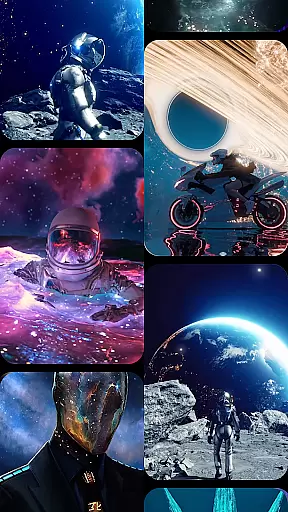
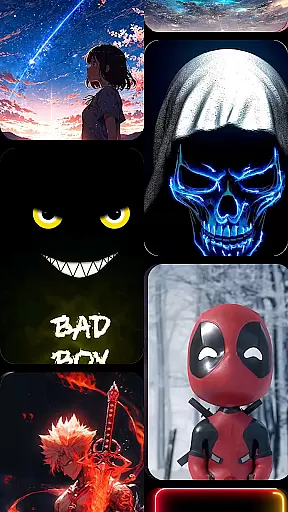
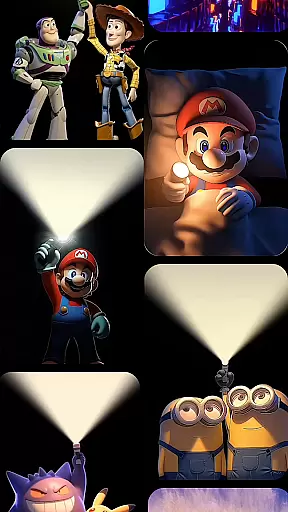
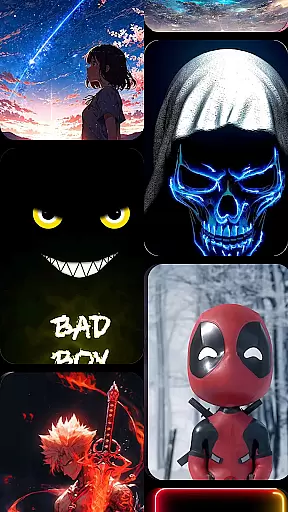
Cool Launcher Pro stands out with its powerful customization capabilities. Users can choose from hundreds of professionally designed themes and icon packs or upload their own resources for a personalized touch. The app's live video wallpapers and 3D effects are powered by an advanced animation engine, delivering fluid transitions without compromising device performance.
Smart app management is another key feature, automatically sorting apps into categorized folders for a clutter-free experience. Built-in tools such as real-time weather updates, a Bible reader, and an expansive live wallpaper gallery add practical utility. Additionally, the integrated theme store offers countless design options across various categories, ensuring there’s always something new to explore. These features collectively create a seamless blend of beauty and functionality.
Customization is at the heart of CoolLauncher Pro, offering users a vast array of options to tailor their device's appearance and functionality.
This launcher provides an extensive selection of themes, icon packs, custom fonts, and wallpapers, ensuring that every user can find something that resonates with their personal style. Whether you prefer sleek minimalism or vibrant, eye-catching designs, CoolLauncher Pro has you covered.
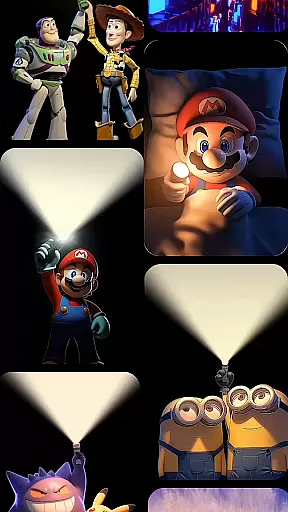
Beyond static customization, the app supports live video wallpapers and 3D effects, powered by an advanced animation engine. This feature allows for dynamic, smooth transitions that bring your home screen to life in ways traditional launchers cannot match.
The ability to add personal media as wallpapers or icons further enhances the uniqueness of each setup, making CoolLauncher Pro not just a tool for organization but also a canvas for self-expression.
CoolLauncher Pro excels in theme compatibility, ensuring that all visual enhancements integrate seamlessly with your device.
With access to the world's largest theme store, users can explore countless categories ranging from futuristic tech-inspired aesthetics to serene nature-themed visuals. Each theme is crafted to maintain visual consistency across icons, widgets, and wallpapers.
The app's robust design ensures that even third-party themes and icon packs are displayed correctly, preserving the intended look and feel. This flexibility allows users to experiment with different styles without worrying about compatibility issues.
Whether you're switching themes daily or settling on a permanent look, CoolLauncher Pro guarantees a cohesive and visually pleasing experience across all elements of your home screen.
Highly customizable
Smooth performance
Stunning 3D effects
Smart app organization
Built-in utilities
Premium price tag
Heavy on system resources
Complex for beginners
Limited free themes
Frequent updates needed

A light in the dark, a unique style and an andless cutomization!
 4.30
4.30
Art & Emoji Keyboard with Cool Fonts, Cute Themes and Custom Designs.
4.40
Aesthetic Widgets, HD Wallpapers, Themes in Mico Widget for Home and Lock Screen
4.50 4.50
4.50
Design your screen with unique, vibrant clocks
3.80
Embrace the Night. Unleash the power of darkness with Raven Dark Icon Pack
4.60
Crystal-clear, square icon provides a sleek and sophisticated visual upgrade
4.00
set a new experience for the Android mobile phone
4.20
Your home screen, just the way you like it.
3.80
One 8 icons glass color version
4.80
Personalize your phone with stunning HD and 4K wallpapers!
4.70
Make your phone look simple & luxury, like iDevice
4.60
Bring adorable pets to life on your screen. Playful, interactive and full of fun
4.60
Ultimate Gallery Lock App - Hide Pictures, Videos and Lock Apps Instantly!
4.60
Customizable screen pets that play, climb, and keep you company.
4.50
Organize and manage your photos and videos effortlessly with Photo Gallery
4.20
Realistic animated snow on your wrist, with 10 images landscapes to choose from
4.00
Adaptive Dot Style IconPack with Light & Dark Theme.
3.70
Custom edge gestures for volume control, brightness, apps, and shortcuts.
4.5









User Reviews