
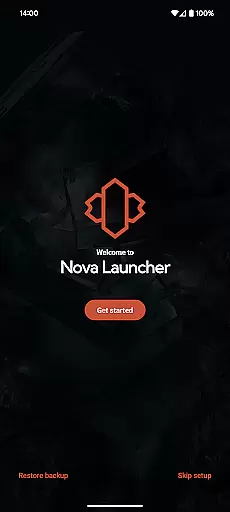
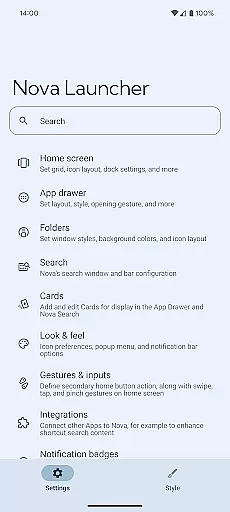
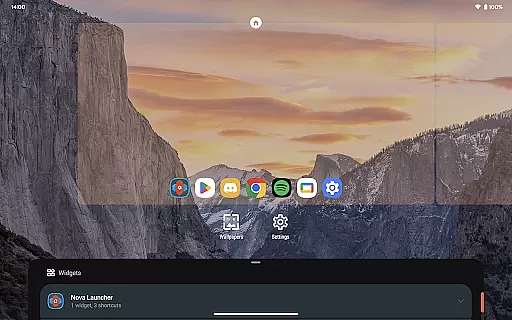
Nova Launcher is a highly customizable home screen replacement for Android devices, designed to enhance user experience through advanced features and personalization options. It offers a versatile platform for users looking to overhaul their home screens with custom icons, extensive color systems, and personalized light and dark themes.
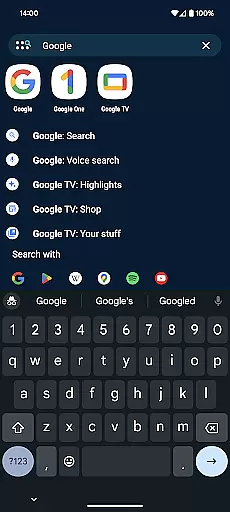
With its powerful search system, Nova allows users to efficiently find content within apps, contacts, and other services. The app supports subgrid positioning for precise layout control, backup and restore features for easy phone transfers, and gestures that increase productivity. Whether you are an everyday user or a power user, Nova Launcher provides tools to create a personalized and efficient mobile environment.
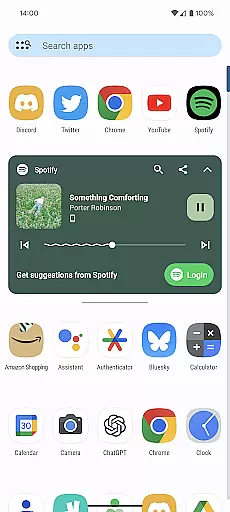
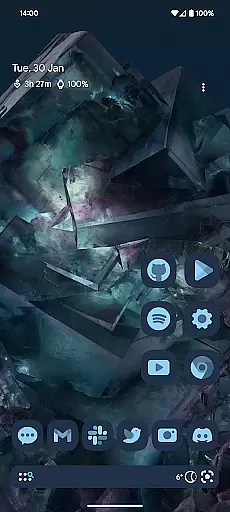
Nova Launcher stands out with its comprehensive customization capabilities. Users can personalize their home screens with thousands of icon themes from the Play Store, reshaping all icons to a uniform style. Its extensive color system allows users to apply Material You colors or choose unique colors for a personalized touch.
The app includes customizable light and dark themes, syncing with system settings or personal preferences. Nova's powerful search functionality integrates with favorite platforms, offering instant micro-results for calculations, unit conversions, and more. Additionally, features like subgrid positioning, backup and restore, and gestures such as swiping and pinching make Nova Launcher a top choice for those seeking a fully tailored home screen experience.
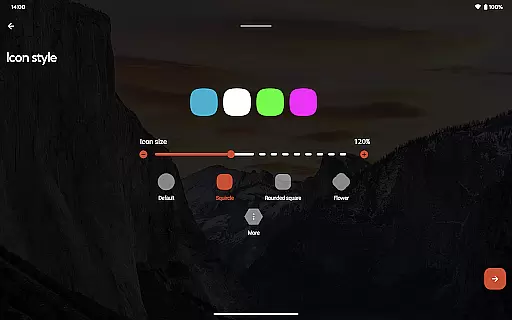
Nova Launcher stands out in the realm of personalisation by offering an extensive array of customization options that cater to both novice users and tech enthusiasts. The app allows for meticulous adjustments ranging from icon size, label colors, to the positioning of the search bar, ensuring your home screen reflects your personal style and functional preferences.
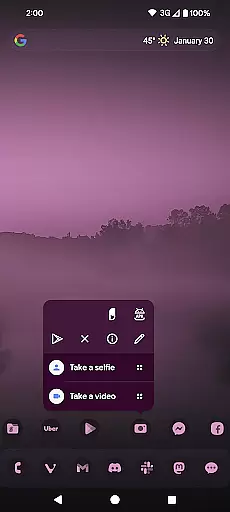
One of the most compelling features is its support for thousands of icon themes available on the Play Store, alongside the ability to reshape all icons to a uniform shape of your choice. This level of personalisation extends to creating custom light and dark themes, allowing users to sync their launcher's appearance with system settings or personal preference, enhancing both aesthetics and usability.
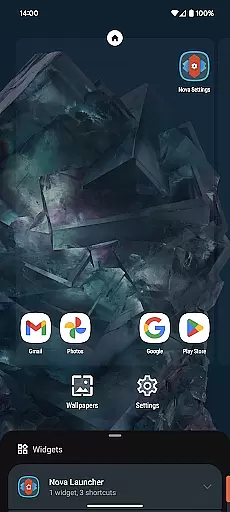
Beyond visual customizations, Nova offers subgrid positioning, enabling users to place icons and widgets with precision that goes beyond traditional grid systems. This feature ensures a meticulously organized home screen layout that maximizes space efficiency and visual appeal. Additionally, the app drawer can be customized with innovative cards that display relevant information, streamlining access to essential data.
The depth of customization Nova Launcher provides transforms the Android home screen into a highly personalized interface that not only looks unique but also enhances productivity and user engagement through thoughtful design choices.
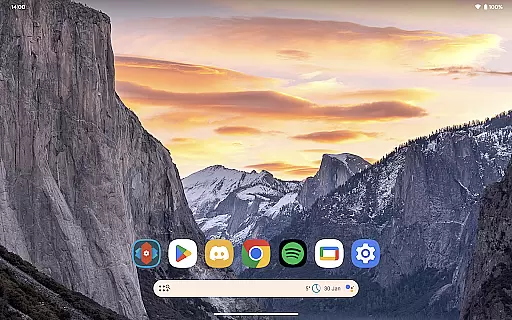
Theme compatibility is a crucial aspect of any launcher, and Nova Launcher excels by providing seamless integration with a wide range of themes, ensuring users can achieve a cohesive look across their device. Whether you prefer the sleek minimalism of Material Design or vibrant, eclectic icon packs, Nova supports an impressive variety of aesthetic preferences.
The app's compatibility with third-party icon packs, such as OneYou Icon Pack and OneYou Themed Icon Pack by PashaPuma Design, showcases its versatility in adapting to different visual styles. These partnerships allow users to overhaul their home screens with professionally designed icons that maintain consistency and elevate the overall user experience.
In addition to supporting external themes, Nova Launcher includes robust tools for creating custom themes. Users can choose colors from their system or select unique hues for a personalized feel. This flexibility extends to light and dark modes, which can be synchronized with system settings or customized independently, offering unparalleled control over the visual presentation.
By prioritizing theme compatibility, Nova Launcher ensures that users can enjoy a harmonized digital environment that reflects their individuality while maintaining optimal functionality and ease of use.
Highly customizable
User-friendly interface
Powerful search system
Backup and restore feature
Active community support
Paid Prime version
Complex for beginners
Occasional bugs
Heavy on system resources
Limited iOS compatibility

Classic analogue watch face. For wear os devices.
 4.60
4.60
Customizable Glass widgets. Over 360+ stunning widgets and more!
4.70
More than 3000+ themes and 9000+ wallpapers for everybody!
4.10
Zip lock screen with magic wallpaper to decorate your phone with fun zipper lock
4.60
Stylish Pink Cute Hippo keyboard with 10000+ customized keyboard themes!
4.60
300+ Stunning and well-designed widgets inspired by NOTHING.
4.70
Struggling to find apps? Use this app to locate and open any app on your phone!
2.20
A minimalist productivity launcher. One-hand-friendly. Zero ads.
4.70
set a new experience for the Android mobile phone
4.20
Enjoy a variety of amazing live wallpapers and colorful EDGE lighting borders!
4.80
350+ widgets with a premium glass-style finish, perfect for home & lock screens.
4.70
Nothing Icon pack with more than 3750+ highly crafted icons.
4.70
Customize your home screen with stunning themes, blur, widgets & icons.
4.60 4.50
4.50
Themes - Widget & Wallpaper: Customize home screen, icon changer w unique themes
4.30
Wear Os Watch Face - Seasonal - Animated Snow Effect - 9 Animals
4.20 4.10
4.10
Customizable flower power digital watch face for Wear OS watches.
4.00
Design your screen with unique, vibrant clocks
3.80



User Reviews