
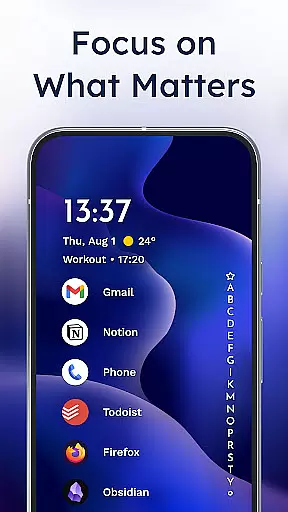
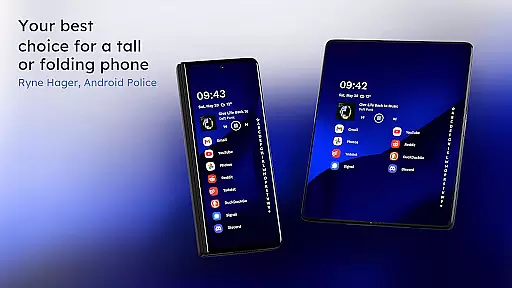
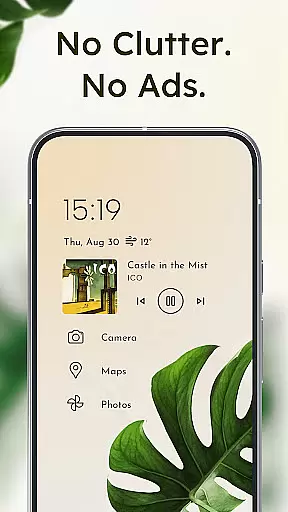
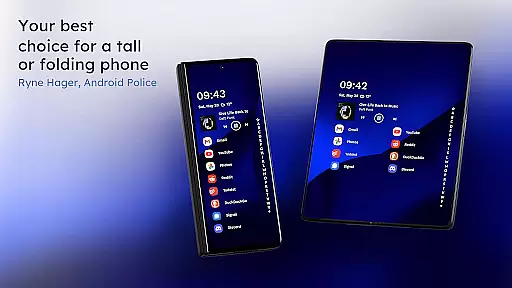
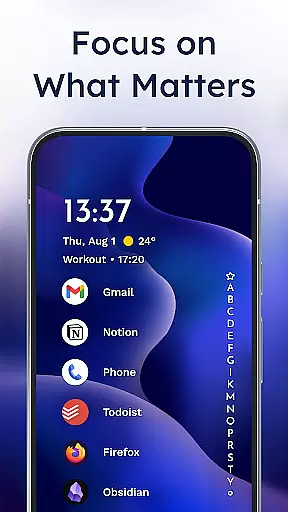
Niagara Launcher is a minimalist home screen app designed for modern smartphones. It optimizes one-hand usage through its ergonomic design, making all essential functions easily accessible regardless of phone size. The launcher features an adaptive list layout that dynamically adjusts to user needs, displaying important information like media controls and notifications when needed.
With innovative features such as wave alphabet navigation, embedded notifications, and Material You theming, Niagara Launcher offers both functionality and personalization. The app maintains a focused, decluttered interface while providing powerful customization options including icon packs, fonts, and wallpapers. Its lightweight architecture ensures smooth performance across all devices, and the active development community guarantees continuous improvement.
This launcher is particularly beneficial for users who value efficiency and aesthetics in their mobile experience. Whether you're looking to streamline your daily interactions or create a personalized home screen that truly reflects your style, Niagara Launcher provides the tools to make it happen.
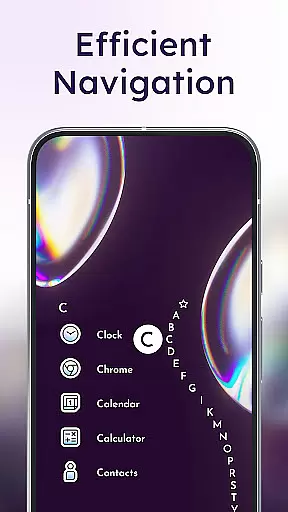
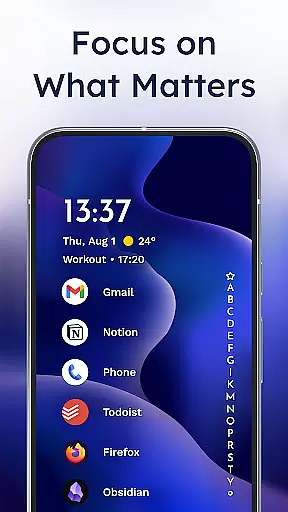
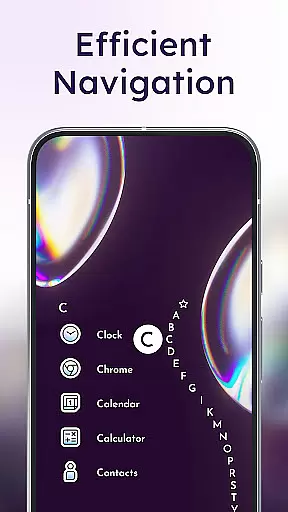
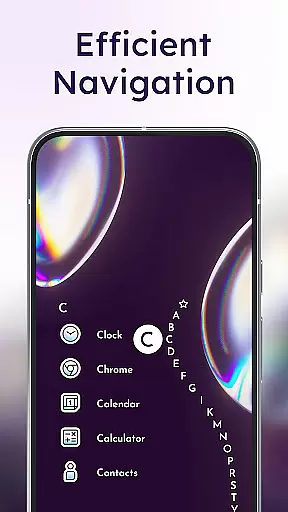
Niagara Launcher stands out with its unique set of features designed to enhance user experience. The app's signature wave alphabet navigation allows users to efficiently access any installed application without opening an app drawer, creating a satisfying and intuitive one-hand operation. Its adaptive list interface dynamically incorporates essential elements like media players, calendar events, and messaging notifications directly into the home screen.
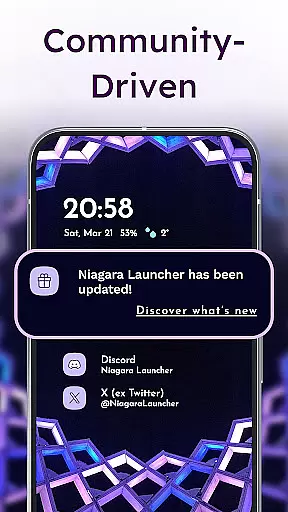
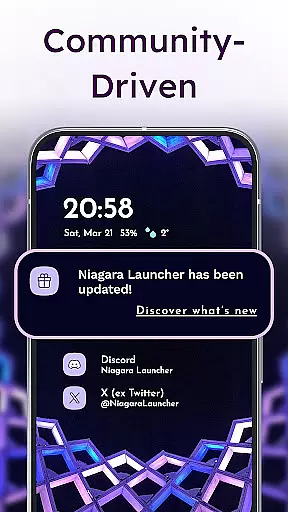
The launcher integrates deeply with Android's notification system, allowing users to read and respond to messages directly from their home screen through embedded notifications. This feature eliminates the need to switch between multiple apps, streamlining communication. Additionally, Niagara Launcher fully embraces Google's Material You design language, automatically theming the interface based on user-selected wallpapers and providing extensive customization options.
Advanced personalization features include integrated icon packs, custom fonts, and various wallpaper options. The app also maintains exceptional performance through its lightweight architecture, consuming minimal storage space while delivering smooth animations and transitions. These technical implementations demonstrate Niagara Launcher's commitment to combining aesthetic appeal with practical functionality.
Niagara Launcher offers a rich array of customization options that allow users to tailor their home screen experience according to their preferences. The launcher supports Material You Theming, which automatically adjusts the color scheme based on your wallpaper choice, making personalization effortless and visually appealing.
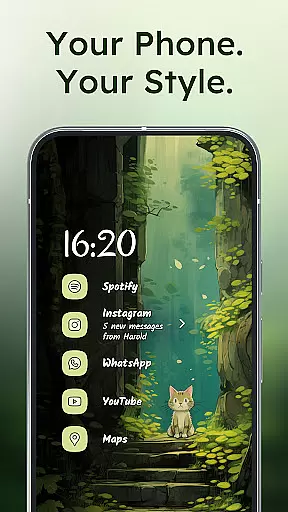
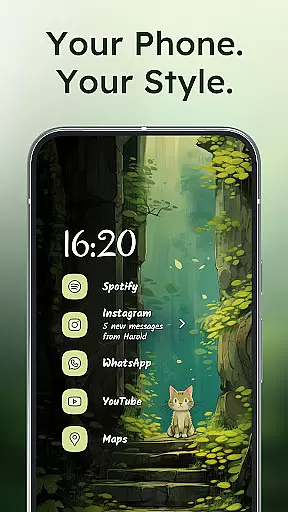
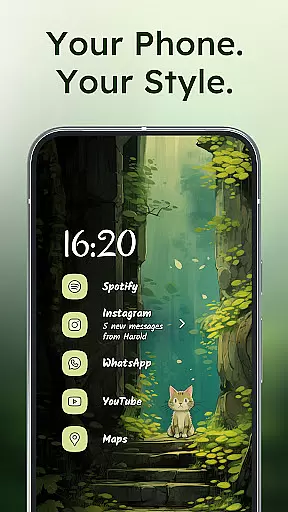
Users can further personalize their interface with integrated icon packs, fonts, and wallpapers. This level of customization ensures that each user's home screen is not only functional but also a true reflection of their personal style. Whether you prefer a minimalist look or something more vibrant and dynamic, Niagara Launcher provides the tools necessary for creating an engaging and individualized smartphone experience.
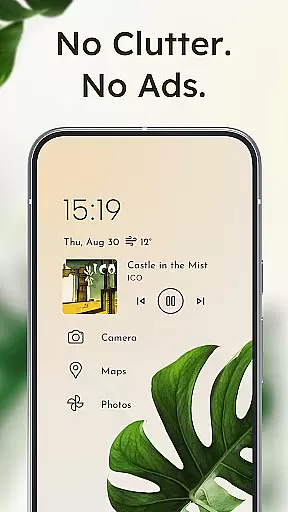
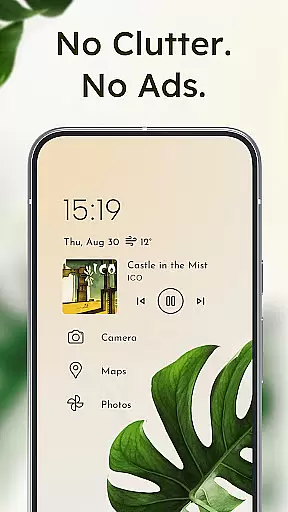
The adaptive list feature is another aspect where customization shines; it allows elements like media controls, messages, or calendar events to appear as needed. This flexibility in layout management means that users have control over how information is displayed on their screen, enhancing both usability and aesthetic appeal.
Theme compatibility is at the heart of Niagara Launcher's design philosophy. By adopting Androidu2019s new Material You design system, this launcher brings expressive theming capabilities to all supported Android versions. Users can enjoy a cohesive visual experience across their device, with themes intelligently adapting to match any chosen wallpaper.
This seamless integration extends beyond just colorsu2014it encompasses typography and other UI elements, ensuring consistency throughout the entire interface. As a result, whether you're using stock apps or third-party ones, they will harmonize beautifully within your personalized environment created by Niagara Launcher.
Moreover, theme settings are easily adjustable through intuitive menus, empowering users without technical expertise to experiment freely until achieving their desired look. With such comprehensive theme support, Niagara Launcher stands out among personalization apps, offering unparalleled freedom for self-expression while maintaining optimal performance and responsiveness.
One-handed usability
Adaptive interface
Embedded notifications
Material You support
Lightweight performance
Limited widget support
No live wallpapers
Basic folder options
Fewer transition effects
Learning curve

Ninja Turtles Cowabunga SE watch face for Wear OS
 4.50
4.50
Transform your phone with Launcher iOS 26 - Smooth & elegant iOS experience
4.50
Unique Fonts, typefaces and stylish text. Fonts for Instagram, Whatsapp & others
4.20
Transfer your live wallpapers from Windows to Android using Wallpaper Engine!
4.00
Customize glowing edges, wallpapers, and caller screen with EdgeAura.
3.50 4.10
4.10
Enjoy a variety of amazing live wallpapers and colorful EDGE lighting borders!
4.80
Amazing letter fonts in your messages and social statuses
4.70
Your home screen, just the way you like it.
3.80
Dark icon pack based on One 8
4.80
300+ Stunning and well-designed widgets inspired by NOTHING.
4.70
Stunningly Different look with Line Icons and Neon Colors
4.60
Icons made of colorful linear lines
4.60
Choose your keyboard with RGB colors effect, themes, fonts, emojis.
4.60
Art & Emoji Keyboard with Cool Fonts, Cute Themes and Custom Designs.
4.40
Adaptive Dot Style IconPack with Light & Dark Theme.
3.70
Interactive Miniature Painting Catalogue
3.30
Adorable pets roam and play right on your phone screen!
3.30
⭐ OneUI inspired Fluffy Icon Pack – Soft. Stylish. Standout. ⭐
4.5



User Reviews