
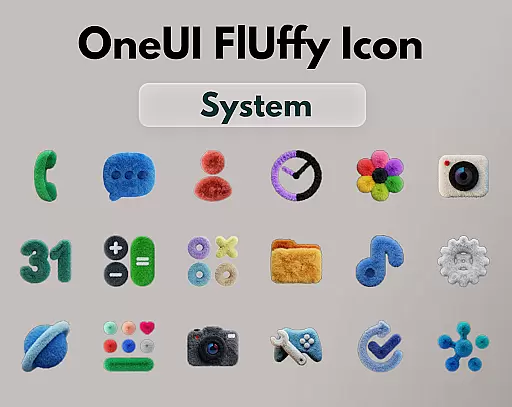
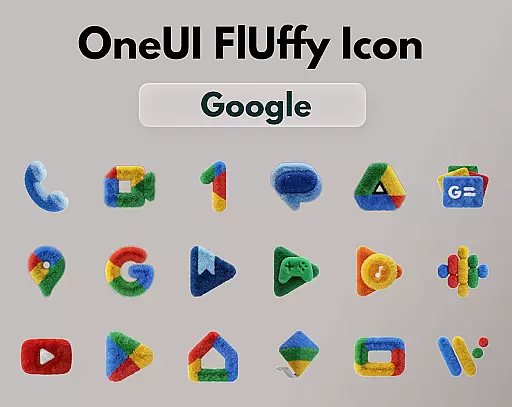
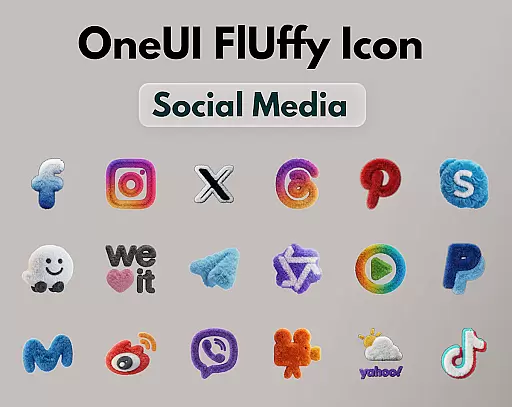
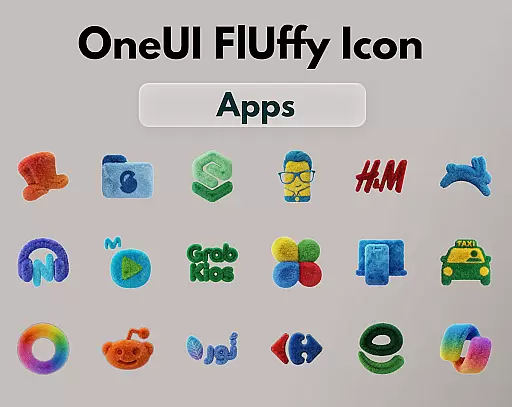
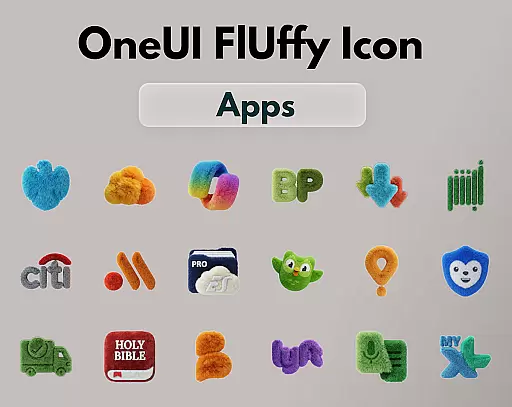
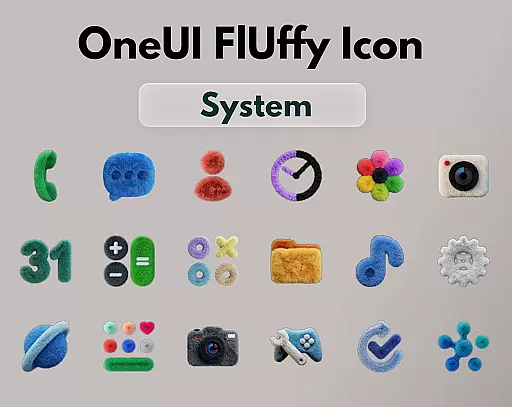
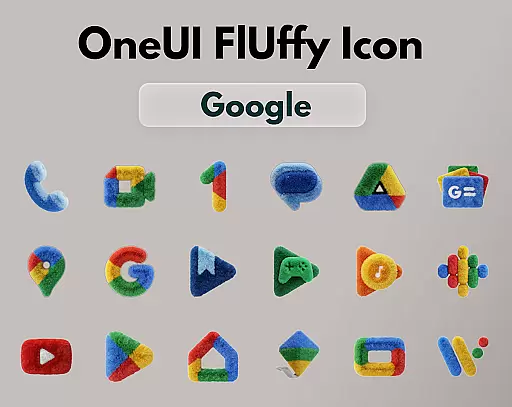
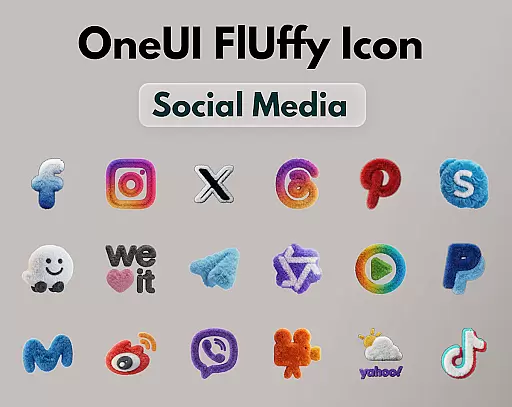
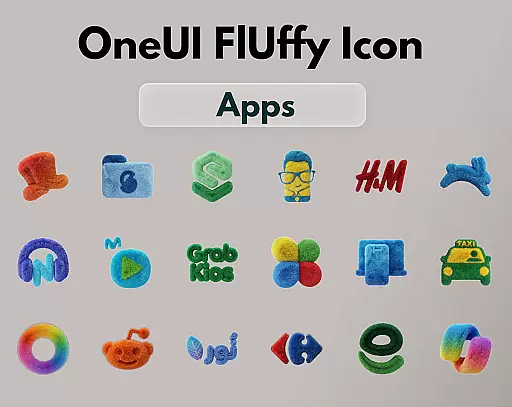
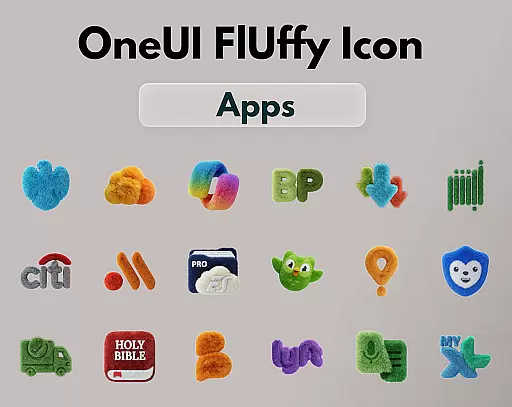
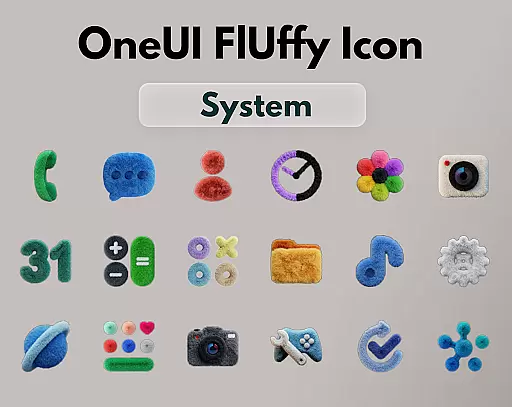
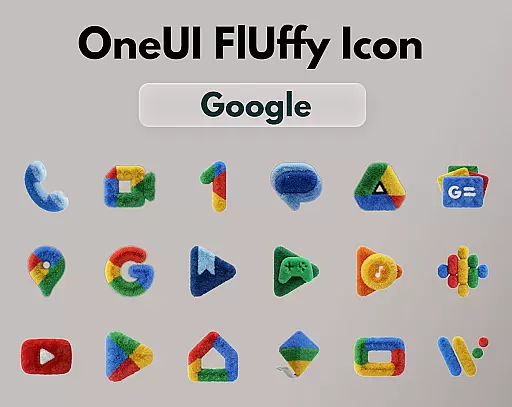
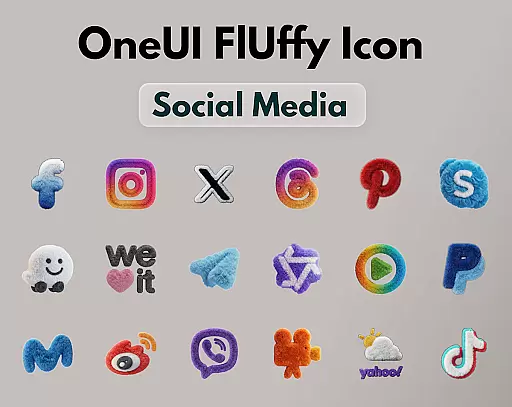
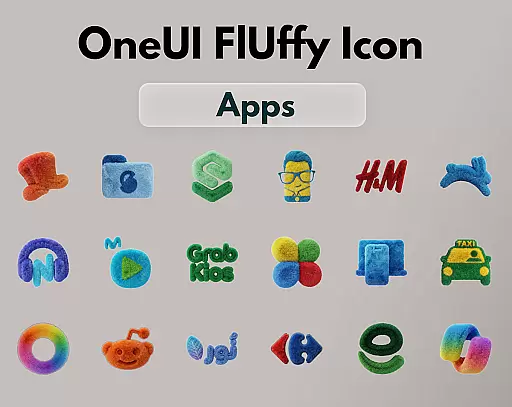
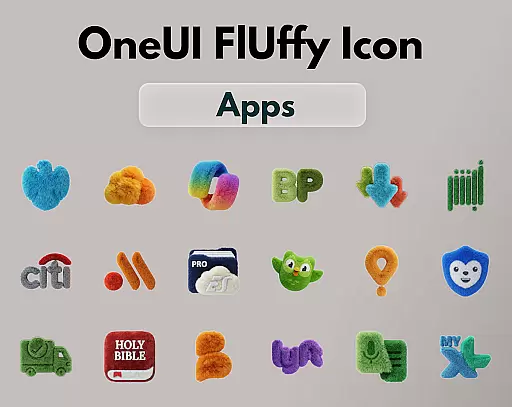
OneUI Fluffy Icon Pack is a premium icon set that gives your home screen a warm and fresh makeover. Inspired by the beloved OneUI style, it introduces a unique fluffy, soft 3D twist to bring icons to life. With over 1185 handcrafted icons, professional widgets, and exclusive wallpapers, this pack offers a visually comforting and stylish experience. Compatible with popular launchers, it allows users to personalize their devices while maintaining a modern aesthetic.
The pack stands out through its ultra-high resolution icons and playful design, blending OneUI-inspired shapes with a tactile texture. It supports icon requests, ensuring continuous growth based on user needs. Whether you're using Nova Launcher or other supported platforms, OneUI Fluffy transforms your interface into a soft, lively space that feels uniquely yours.
OneUI Fluffy Icon Pack boasts an impressive range of features designed to enhance personalization. The collection includes 1185+ handcrafted fluffy-style icons, each crafted with meticulous attention to detail. These icons are not only visually appealing but also optimized for ultra-high resolution displays, ensuring crispness and clarity on any device.
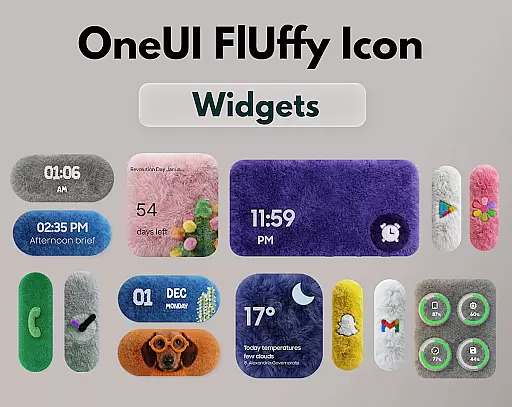
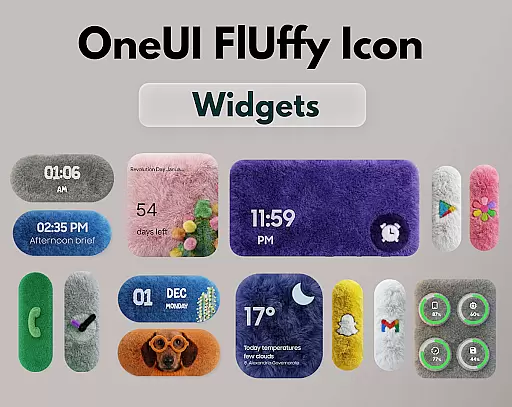
In addition to the extensive icon library, the pack offers professional fluffy widgets that perfectly match the overall theme. Users can access a selection of exclusive wallpapers curated to complement the soft aesthetic. The inclusion of open icon requests allows for community-driven updates, making this pack adaptable to individual preferences while promising future enhancements and refinements.
OneUI Fluffy Icon Pack offers an extensive range of customization options, ensuring users can personalize their home screens to reflect their unique style. With over 1185 handcrafted fluffy-style icons and professional widgets designed to match, the variety is unmatched.
The inclusion of exclusive wallpapers further enhances the customization experience, providing a cohesive look that complements the soft 3D icons. This pack allows users to transform their interface into something truly personal and engaging.
Moreover, the icon request feature empowers users to shape the future of the pack, ensuring compatibility with the apps they use daily. This level of customization ensures that your home screen remains fresh and relevant.
Beyond its charming design, OneUI Fluffy Icon Pack boasts impressive theme compatibility. It works seamlessly with many popular launchers such as Nova Launcher, Lawnchair, and Niagara Launcher, allowing for a smooth integration into existing setups.
This compatibility extends the personalization potential, enabling users to enjoy the fluffy aesthetic across different launcher environments without compromising functionality or visual appeal.
Whether you're using OneUI Home via third-party tools or other launchers, this icon pack maintains its integrity and beauty, offering a consistent experience no matter your choice of launcher.
Unique fluffy design
High-resolution icons
Wide launcher support
Customizable options
Active community input
Limited initial icons
Premium price tag
Third-party tool needed
Not all launchers compatible
Widgets may feel limited

Stunningly Different look with Line Icons and Neon Colors
 4.60
4.60
Glass style colourful icons with a One UI look and feel
4.60
Ultimate Gallery Lock App - Hide Pictures, Videos and Lock Apps Instantly!
4.60
Transfer your live wallpapers from Windows to Android using Wallpaper Engine!
4.00
Zip lock screen with magic wallpaper to decorate your phone with fun zipper lock
4.60
Color phone with cool effects for call screen, flash alert & ringtones music
4.50
Your go to Weather App & Home Screen. Get your weather at a swipe of a finger!
3.80
Emoji Maker app - Design custom emojis and effortlessly blend them with Mixer
3.80
Create stunning widgets with Widget 2026: Aesthetic Widgets for Android!
4.60
Sparkle your screen with Glitter Wallpapers For Girls and Cute Backgrounds!
4.80
Shimeji adds cute animated characters to your screen, lively and fun.
4.70
Nothing Icon pack with more than 3750+ highly crafted icons.
4.70
Make your phone look simple & luxury, like iDevice
4.60
Bring adorable pets to life on your screen. Playful, interactive and full of fun
4.60
Stylish Pink Cute Hippo keyboard with 10000+ customized keyboard themes!
4.60
Customizable screen pets that play, climb, and keep you company.
4.50
Turn your lock screen into fun with smile live wallpapers & animated wallpapers!
2.50
Struggling to find apps? Use this app to locate and open any app on your phone!
2.20
Custom edge gestures for volume control, brightness, apps, and shortcuts.
4.2



User Reviews