
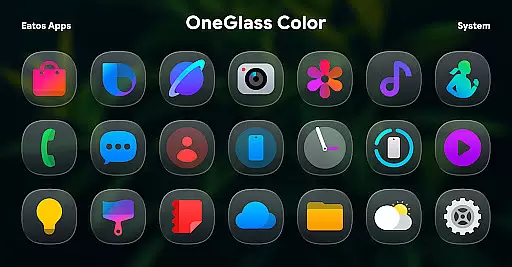
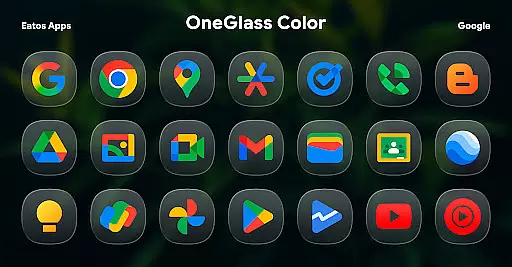
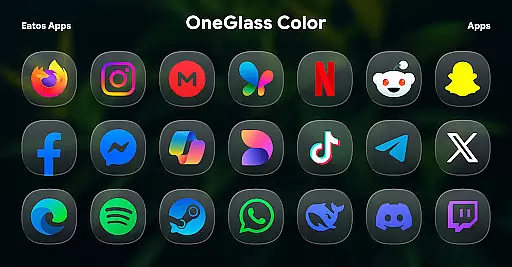
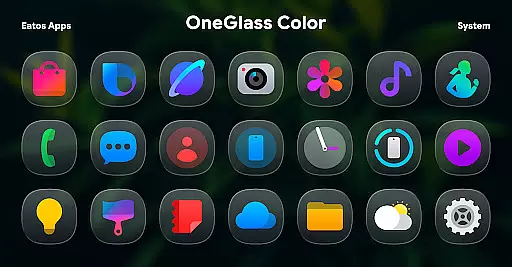
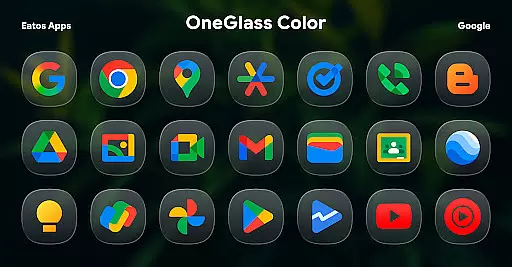
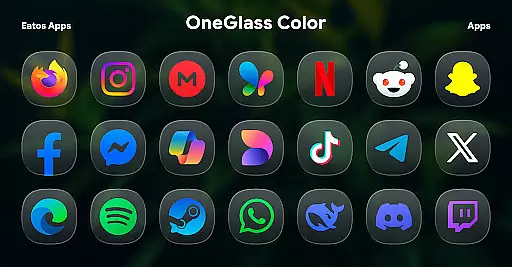
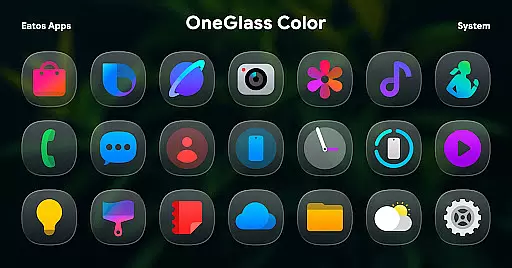
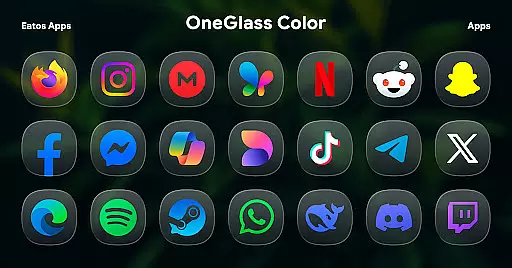
OneGlass 8 (Color) is a premium icon pack featuring over 4,600 beautifully crafted glass-style icons inspired by One 8 design language. This pack also includes more than 430 high-quality wallpapers, specifically optimized for dark mode usage.
The icon pack is designed to work seamlessly with popular launchers like Hyperion Launcher, Nova Launcher, and Smart Launcher. For Samsung OneUI launcher users, the theme can be applied through the Good Lock and Theme Park apps. With its sleek design and extensive icon coverage, this pack offers a complete customization solution for your device's interface.
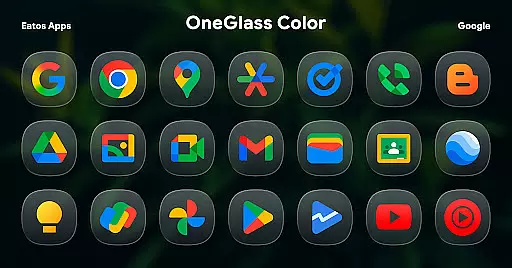
OneGlass 8 (Color) stands out with its unique glass-style icons that bring a modern and elegant look to any Android device. The pack includes over 4,600 icons covering a wide range of popular apps, ensuring comprehensive support for most user needs.
In addition to the extensive icon collection, the pack provides more than 430 wallpapers specially designed for dark mode. These wallpapers complement the icons perfectly, creating a cohesive visual experience. The pack also supports various popular launchers and offers specific instructions for applying themes on Samsung OneUI devices through Good Lock and Theme Park apps.
Users can contact the developer via email at eatos.apps@gmail.com or through X (formerly Twitter) at https://x.com/EatosApps for support and feedback. This direct line of communication ensures users can get help when needed and contribute to future updates.
OneGlass 8 (Color) offers an extensive range of customization options, featuring over 4,600 Glass color icons and more than 430 wallpapers. This vast selection ensures that users can find the perfect aesthetic match for their device's interface.
The icon pack is specifically designed to excel in dark mode, providing visually stunning icons that complement dark wallpapers. This makes it an ideal choice for users who prefer a sleek and modern look for their home screens.
To utilize these customization features, users need a compatible launcher such as Hyperion Launcher or Nova Launcher. The app also supports OneUI launcher through additional tools like Good Lock and Theme Park, allowing for seamless integration with Samsung devices.
This level of customization empowers users to create a truly personalized mobile experience while maintaining visual consistency across their device's interface elements.
Beyond its impressive icon collection, OneGlass 8 (Color) demonstrates excellent theme compatibility across various platforms. The pack works seamlessly with popular launchers including Nova Launcher, Smart Launcher, and others that support theme application.
For Samsung device users, the icon pack integrates smoothly with OneUI launcher through the Good Lock and Theme Park applications. This compatibility ensures that users can maintain their device's native look while enjoying the enhanced visual experience provided by the icon pack.
The app's developers have ensured broad compatibility by providing detailed instructions and support resources. Users can easily follow the provided guide (https://bit.ly/OneUIThemePark) to implement the theme on their devices.
This comprehensive compatibility approach allows users to enjoy consistent theming across different devices and operating systems, making OneGlass 8 (Color) a versatile choice for personalizing Android devices.
Stylish glass design
Extensive icon coverage
Optimized for dark mode
Includes matching wallpapers
Wide launcher compatibility
Requires third-party launchers
No automatic theme application
Limited light mode optimization
Additional steps for OneUI integration
Some icons may be missing

Gun Chase - Let the chase begin.
 4.80
4.80
Personalize your phone with stunning HD and 4K wallpapers!
4.70
Add cute Shimeji pets to screen, interact with them and relax with cute motions
4.60
Interactive Miniature Painting Catalogue
3.30
Want to make your phone more special than ever?
4.60 4.50
4.50
Choose your keyboard with RGB colors effect, themes, fonts, emojis.
4.60
300+ Stunning and well-designed widgets inspired by NOTHING.
4.70
Create unique, fun emojis with Funny Emoji Maker! Unlimited creativity!
4.00
Wallpaper HD 4K Live - Thousands of high-quality Anime backgrounds for you.
4.80
Stunningly Different look with Line Icons and Neon Colors
4.60
Customize your home screen with stunning themes, blur, widgets & icons.
4.60
Embrace the Night. Unleash the power of darkness with Raven Dark Icon Pack
4.60
Icons made of colorful linear lines
4.60
Ultra realistic gold analog watch face with lots of customization options.
4.50
Aesthetic Widgets, HD Wallpapers, Themes in Mico Widget for Home and Lock Screen
4.50 4.50
4.50
200+ Material Inspired Widgets
4.50
Unleash Your Creativity and Connect with Loved Ones with Lockscreen Drawing!
4.20



User Reviews