
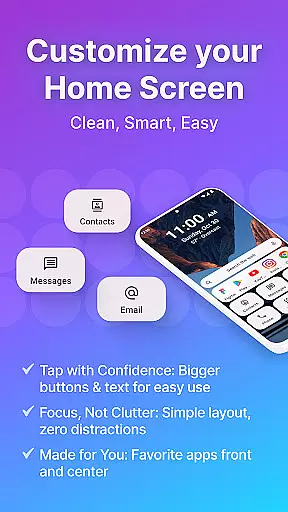
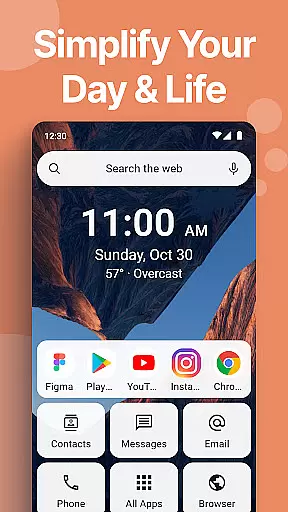
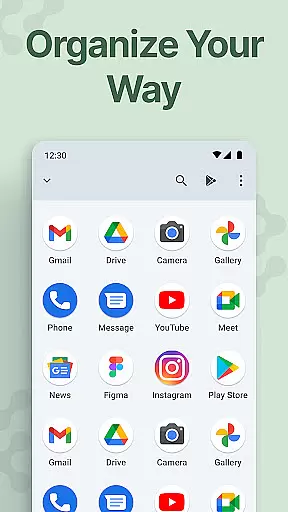
Easy Homescreen is a personalized home screen launcher designed to simplify and declutter your Android device. With its user-friendly interface, the app transforms chaotic screens into organized spaces by prioritizing frequently used apps and tools while hiding unnecessary ones. Its oversized buttons, clear text, and customizable themes make navigation effortless.
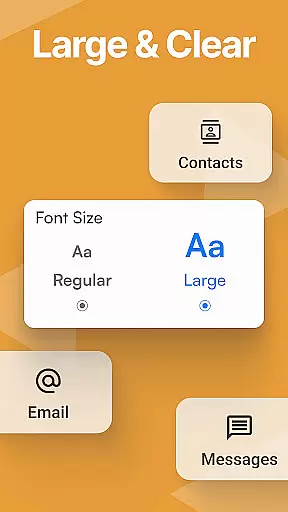
This app is perfect for users seeking accessibility and ease of use. It offers features like large fonts, simplified controls, and advanced personalization options such as custom fonts, themes, and app icons. Whether you're tech-savvy or prefer simplicity, Easy Homescreen adapts to your needs, ensuring a stress-free and intuitive experience every time you use your phone.
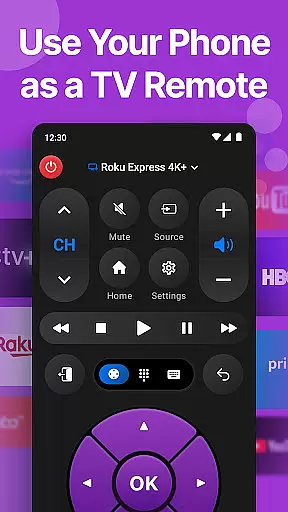
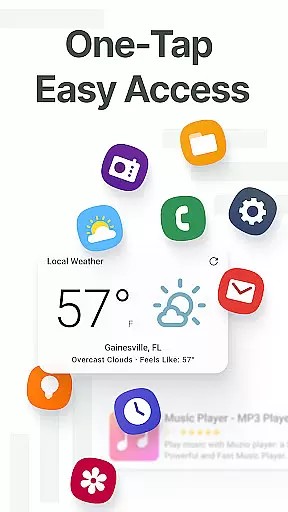
Easy Homescreen stands out with its unique combination of accessibility-first design and advanced customization capabilities. The app provides an array of features including widget support, lockscreen widgets, and a built-in universal remote and weather app. These tools ensure that essential information is always visible without being intrusive.
One of the key highlights is its ability to adapt to individual user preferences. By showcasing only the most frequently used apps and tools, it minimizes digital noise and enhances focus. Additionally, the optional easy keyboard feature offers larger keys for better accessibility, making typing easier for all users. This thoughtful design ensures that Easy Homescreen is suitable for users of all ages and technical backgrounds.
Customization is at the heart of Easy Homescreen, offering users a wide array of options to tailor their smartphone experience. With features ranging from custom fonts and themes to personalized app icons, this launcher allows for an unprecedented level of personal expression.
The ability to modify the appearance of your home screen not only enhances aesthetic pleasure but also improves usability. Users can opt for bold, playful designs or maintain a professional look, ensuring that their most-used apps are both beautiful and easily accessible.
Easy Homescreen's customization extends beyond mere aesthetics; it adapts to individual preferences by displaying frequently used tools while hiding unnecessary clutter. This ensures that every tap is intuitive and purposeful, making daily interactions smoother and more enjoyable.
Theme compatibility in Easy Homescreen means that users can seamlessly integrate various visual styles without compromising functionality. Whether you prefer a minimalist design or something more vibrant, the launcher supports diverse themes to match your mood or preference.
This flexibility in theme selection contributes significantly to user satisfaction as it allows for a personalized environment that feels less like a generic device and more like an extension of oneself. The consistent application of themes across all elements maintains visual harmony on the home screen.
Moreover, Easy Homescreen ensures that regardless of which theme is selected, core functionalities such as oversized buttons and clear text remain intact. This balance between form and function guarantees that even with extensive customization, ease-of-use remains uncompromised.
User-friendly interface
Customizable themes
Accessibility features
Minimalist design
Adaptive functionality
Limited widget variety
No iOS support
Occasional bugs
Yahoo search integration
Advanced features may overwhelm beginners

Capture moments that pass like a storm, second by second.
 4.5
4.5
Winter's Journey: digital watch face for Galaxy Watch & Wear OS
4.80
3D, live, and moving wallpapers & themes in 4K and HD for your device.
4.50
Make your phone look simple & luxury, like iDevice
4.60
Bring adorable pets to life on your screen. Playful, interactive and full of fun
4.60
Personalize your phone with stunning HD and 4K wallpapers!
4.70
Try creating your own keyboard with "Keyboard theme for android" app now!
4.50
100+ Stylish Fonts, Emojis, Symbols keyboard for Instagram & TikTok!
4.80
Color phone with cool effects for call screen, flash alert & ringtones music
4.50
400+ Beautifully crafted widgets inspired by NOTHING.
4.70
Over 28,000 high quality icons to bring color & homogeneity to your phone.
4.60
Icons made of colorful linear lines
4.60
Ultra realistic gold analog watch face with lots of customization options.
4.50 4.50
4.50
Transfer your live wallpapers from Windows to Android using Wallpaper Engine!
4.00
Crystal-clear, square icon provides a sleek and sophisticated visual upgrade
4.00
Create unique, fun emojis with Funny Emoji Maker! Unlimited creativity!
4.00
HappyLighting is a Bluetooth lamp control software.
3.40
⭐ OneUI inspired Fluffy Icon Pack – Soft. Stylish. Standout. ⭐
4.1



User Reviews