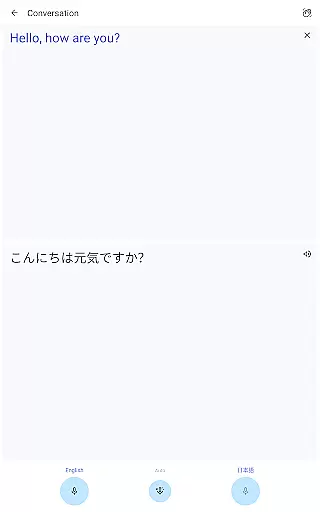
Google Translate is a versatile translation tool that supports text translation between 108 languages. The app offers multiple ways to translate, including typing, handwriting, and even voice transcription in near real-time. With features like offline translation, instant camera translation, and bilingual conversation mode, it caters to travelers, students, and professionals alike.
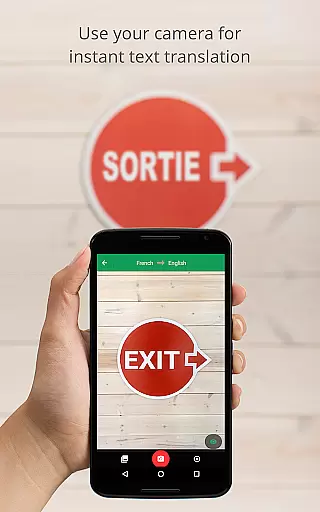
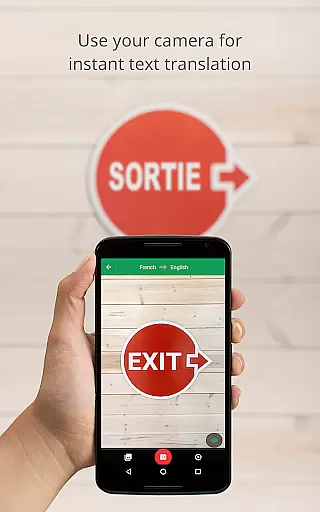
One of the standout capabilities is its offline functionality, which allows users to translate in 59 languages without an internet connection. Additionally, the instant camera translation feature supports 94 languages, making it invaluable for international travel or when encountering foreign text in everyday life. Whether you need translations for work, study, or casual use, Google Translate provides a comprehensive solution.
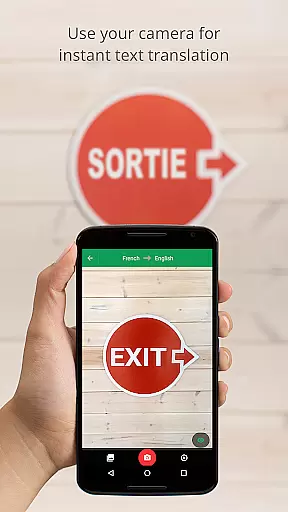
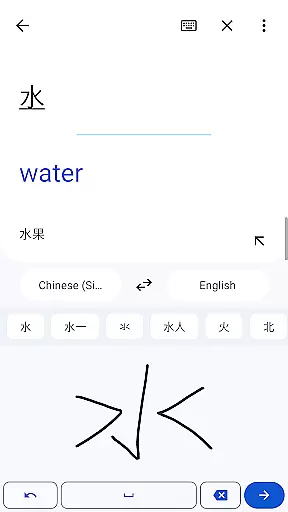
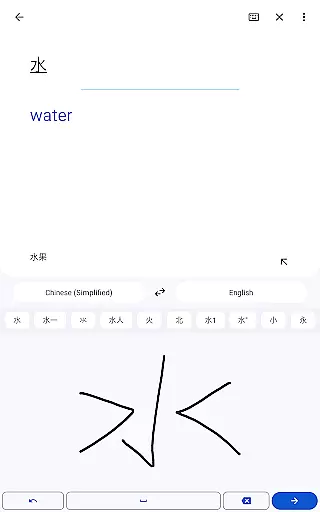
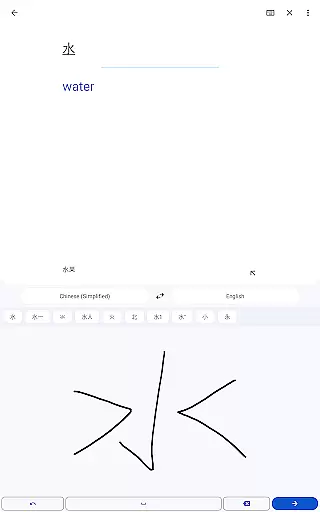
Google Translate stands out with its diverse range of translation methods. Users can type text for translation in 108 languages, draw characters for translation in 96 languages, and even use their camera to instantly translate text from images in 94 languages. The app also includes a transcription feature that translates spoken language in near real-time across eight languages, ideal for meetings or interviews.
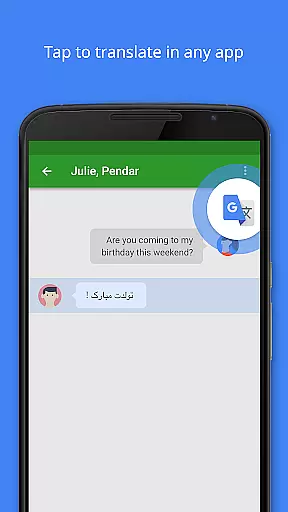
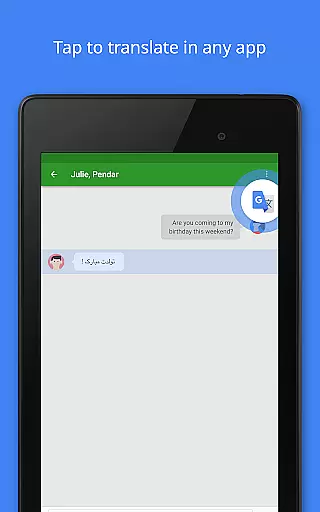
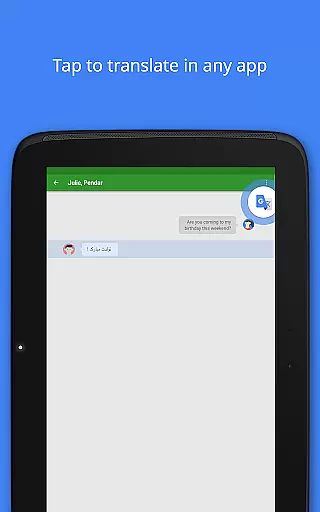
Another key feature is the Phrasebook, which lets users save frequently used translations for future reference. This function syncs across devices when logged into a Google account, ensuring seamless access whether on mobile or desktop. Furthermore, the app's Tap to Translate option allows quick translations within other apps, streamlining the user experience by eliminating the need to switch contexts repeatedly.
Google Translate's core functionality lies in its ability to deliver accurate translations across multiple languages and formats. The app supports text translation between 108 languages, ensuring users can communicate effectively regardless of linguistic barriers.
The app employs advanced machine learning algorithms to provide instant translations for typed text, spoken words, and even text within images. This versatility is further enhanced by features like Tap to Translate, which allows users to translate copied text from any app seamlessly.
For travelers and those without constant internet access, Google Translate offers offline translation capabilities in 59 languages. This ensures that users can rely on the app even in areas with limited connectivity, making it an indispensable tool for global communication.
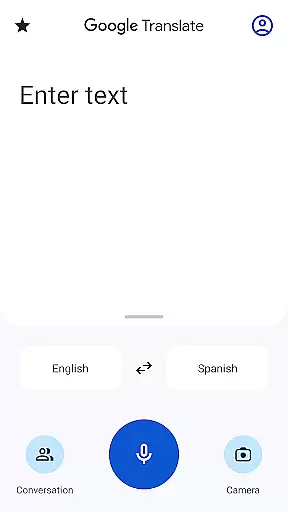
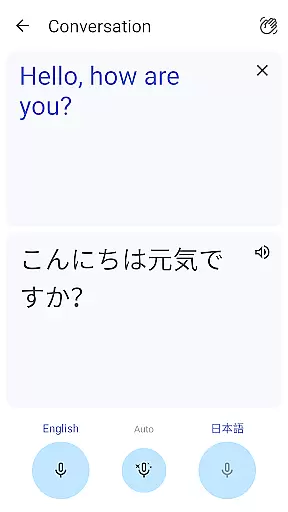
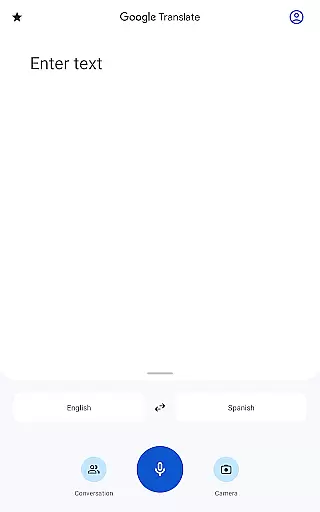
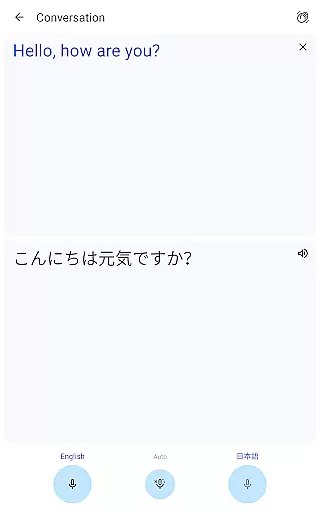
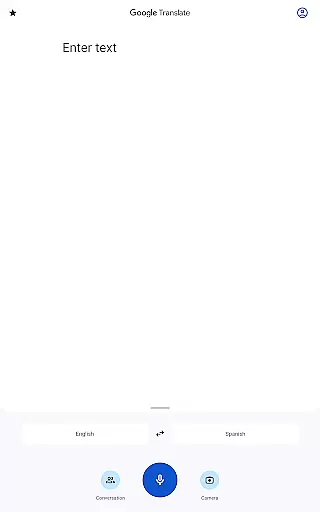
Google Translate excels in providing an intuitive and user-friendly interface that simplifies the translation process. The app's design focuses on ease of use, allowing users to quickly access different translation modes such as text input, camera translation, and conversation mode.
One of the standout features is the Instant Camera Translation, which enables users to point their camera at text and receive real-time translations in 94 languages. This seamless integration of technology demonstrates how Google Translate prioritizes user experience while maintaining functional depth.
Additionally, the app includes handwriting recognition for 96 languages and a phrasebook feature that lets users save frequently used translations. These thoughtful additions enhance the overall usability of the app, making language translation accessible to users of all technical skill levels.
Wide language support
Offline functionality
Instant camera translation
User-friendly interface
Cross-device syncing
Limited offline languages
Voice translation errors
Complex UI for new users
Inconsistent accuracy
Requires storage space

Extremely fast, secure, and protects your privacy
 4.80
4.80
FV File Manager Pro, Fast and powerful file manager for Android
4.60
Head tracking for PC sim games such as MSFS 2024 or Elite:Dangerous. No headset!
4.50
Fluid navigation gestures for all of us!
4.30
eXtended Permission Manager - a small app to manage permissions and AppOps
4.50
Keep track of your Palia friendships, tasks, and inventory with Palia Notebook
4.60
WiFi Signal Strength Meter help you detect WiFi Signal Strength in real time.
4.80
Button mapper, mouse toggle, sleep timer and a lot of another features
4.50
Protect your device with antivirus, storage cleanup, and system monitoring
4.70
Monitor car performance in real time and troubleshoot malfunctions.
4.80
Learn the vast amount of system information about device and monitor it's state
4.70
The one-and-only remote control for PC, Mac, and Linux
4.70
Mirror your screen to Chromecast and Android TV - Super fast and simple
4.60
A convenient photo, video, and file recovery tool.
4.00
A powerful, easy-to-use flight computer on your phone or tablet!
3.80
Fun lie-detection pranks for friends and parties.
3.80
Transfer Files, APK from Phone to Watch & Install.
4.3
Save any video in HD - paste the link, download fast and watch offline.
4.2
Download any file easily and quickly with Downloader
4.4




User Reviews