
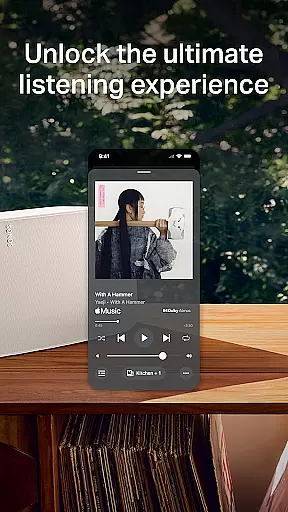
The Sonos app is a comprehensive audio control platform that unifies all your music content and settings in one place. It allows for effortless management of your Sonos products and enhances your listening experience through intuitive controls.
With features like one-tap access to favorite sounds, streamlined streaming from multiple services, whole-home audio control, personalized listening options, and easy setup processes, the app ensures you have ultimate flexibility and convenience. Whether you're setting up a stereo pair or creating a surround sound system, the Sonos app provides the tools needed for an immersive audio experience.
This app is ideal for users who want to enjoy high-quality audio across different rooms with minimal effort. The ability to save favorite artists and playlists, combined with advanced settings adjustments, makes it a powerful tool for audiophiles and casual listeners alike.
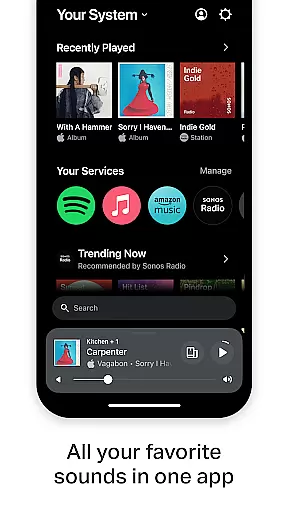
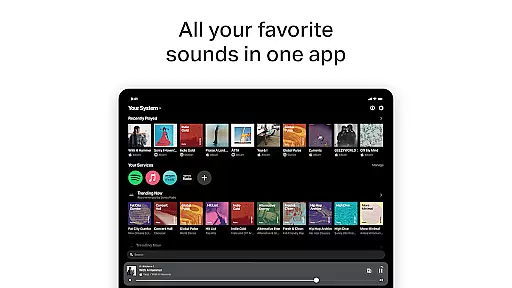
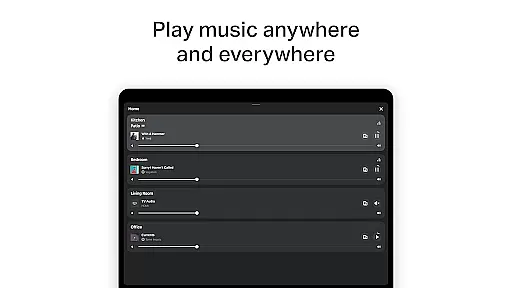
The Sonos app offers a rich set of features designed to enhance your audio experience. One of its standout capabilities is the Home screen, which provides quick access to recent favorites and new discoveries, ensuring you can effortlessly jump into your preferred music.
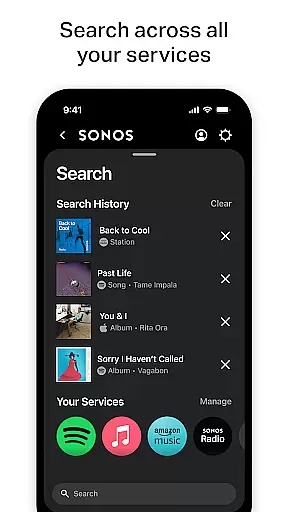
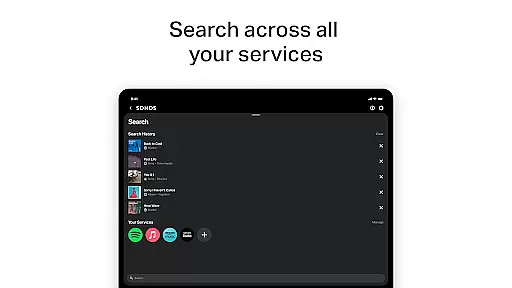
Streaming is simplified with the integration of multiple services such as Spotify, Apple Music, Amazon Music, and more, all accessible via a single interface. This consolidation allows for seamless browsing, searching, and playing of content without switching between apps.
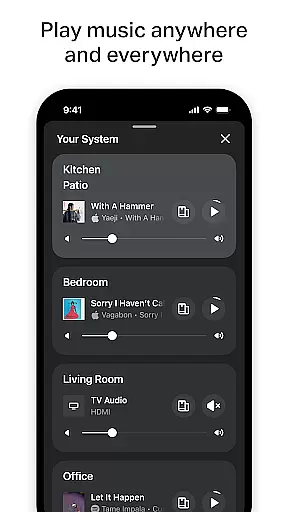
Whole-home control is another key feature, enabling users to play different music in each room or synchronize the same track throughout the house. Additionally, personalized listening options like Sonos Favorites and Trueplay™ tuning ensure that your audio setup is perfectly tailored to your space and preferences.
When it comes to digital music platforms, the size and authenticity of the music library are crucial factors for users. Sonos app excels in this area by offering an extensive collection from various streaming services like Spotify, Apple Music, Amazon Music, and more.
The application consolidates these services into one place, ensuring that users have access to millions of tracks legally and with proper copyright adherence. This not only provides peace of mind regarding the legality of music consumption but also enhances the user experience by providing a vast array of listening options.
Moreover, the integration of multiple services under one app roof means that users can enjoy a seamless transition between different music catalogs without worrying about copyright infringement or service compatibility issues.
Audio quality is paramount when selecting a music platform, and Sonos app delivers exceptional sound fidelity tailored to audiophiles' needs. The app supports high-quality audio streams from its integrated services, allowing listeners to experience their favorite tunes as intended by the artists.
Furthermore, Sonos products are designed to optimize audio output within any environment. With features such as Trueplayu2122 tuning, which adjusts the sound based on the room's acoustics, users can fine-tune their listening experience to match their personal preferences and spatial requirements.
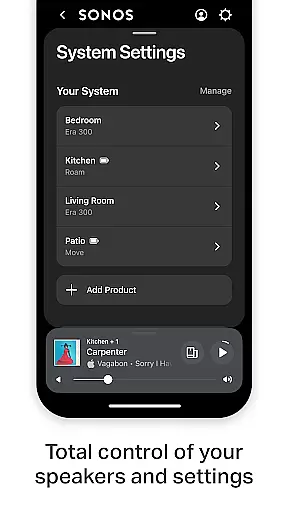
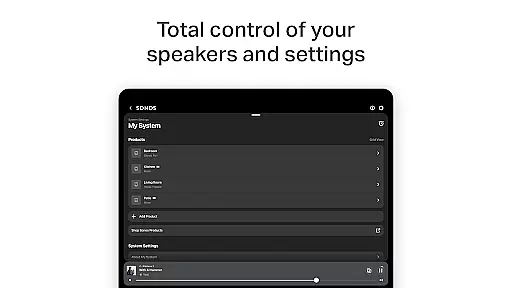
In addition to superior sound quality, Sonos ensures that all settings and adjustments are easily accessible through the app interface, making it simple for users to customize their audio experience according to their current activity or mood.
User-friendly interface
Multi-room audio support
Wide service compatibility
Personalized settings
Easy product setup
Limited voice control availability
Requires compatible hardware
Premium subscription costs
Occasional connectivity issues
Advanced features need learning

 4.70
4.70
Your HD audio recorder on the go for music, meetings, ambience, animal sounds…
4.30
Visualize the guitar fretboard, master scales & play through changes like a pro!
4.50
Bass Booster & Volume Equalizer Pro improves your music and video sound quality
4.60
Make songs with AI! Any genre, custom lyric, song generator for music creation!
4.80
Learn and play 2M+ music tabs & chords on guitar, ukulele, bass, and more
4.30
Offline Music Player&MP3 Player with themes, equalizer, lyrics, music play mode
4.60
Full featured mp3 and audio player with Chromecast and Android Auto support.
4.40
Play your music offline without limits
4.80
Gorgeous UI, Powerful music Search and Equalizer, the great choice for you!
4.70
Walkout Song DJ is the most intuitive app to manage your sports music.
4.70
Pay Once, no monthly payment
4.60
Taal player that lets you sing any Indian & Western song with Tabla & Tanpura
4.60
Enhance the sound quality of your devices, listen to what you want
4.50
Guzheng Master supports many playing techniques as an acoustic Guzheng
4.50
The alternative folder based music player.
4.20
No wifi music app. Mp3 offline. Tuner radio, young radio music. Music downloader
4.20
Powerful beat maker & DJ mixer to remix tracks, make music, & perform DJ mix
3.70
Music Streaming suite for Ampache, Nextcloud Music and compatible backends.
4.1



User Reviews