
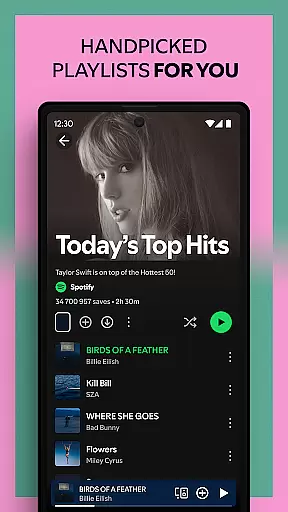
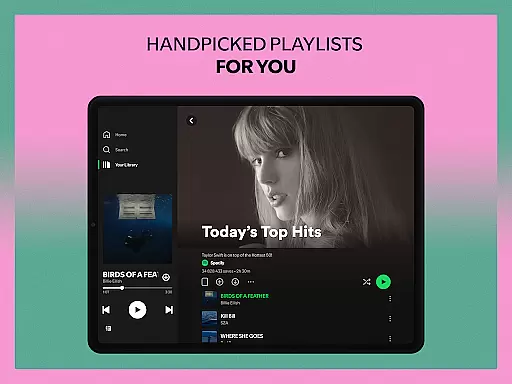
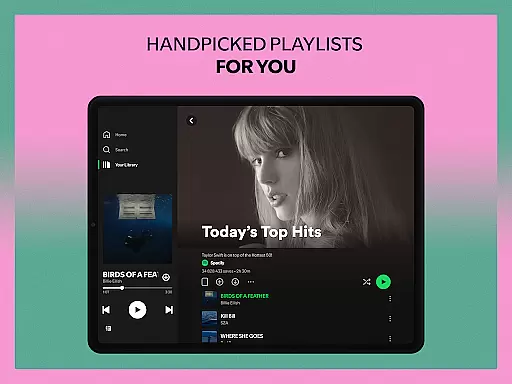
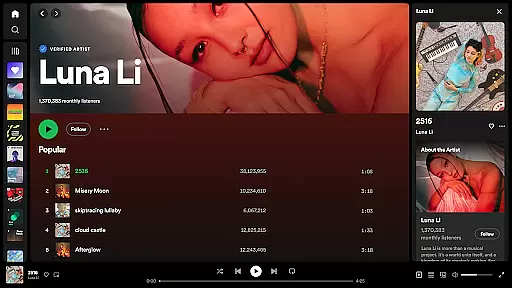
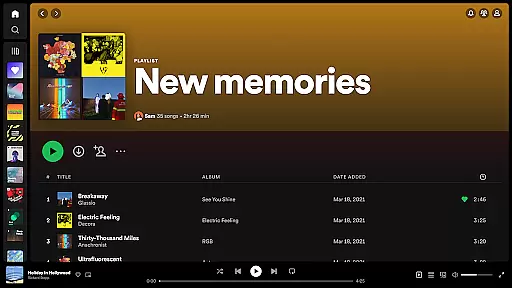
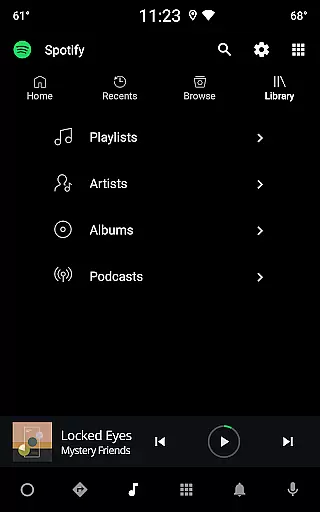
Spotify is a leading music and podcast streaming service that offers users access to millions of songs, albums, playlists, and original podcasts. Available on Android Wear devices, it allows you to enjoy your favorite music and audiobooks seamlessly across multiple platforms. The app provides curated playlists, personalized mixes, and top-quality sound for an immersive listening experience.
With its vast library of over 80 million tracks and 4 million podcasts, Spotify caters to diverse musical tastes and preferences. Whether you're into chart-topping hits or niche genres, the app ensures there's something for everyone. Its offline download feature and compatibility with wearable devices make it a versatile choice for music lovers who want uninterrupted access to their favorite content.
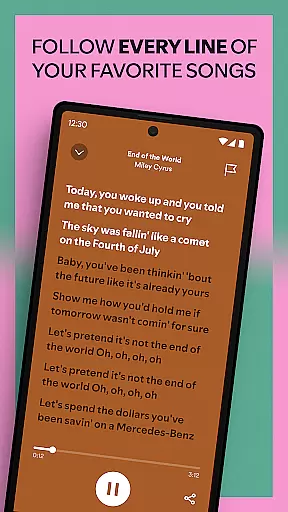
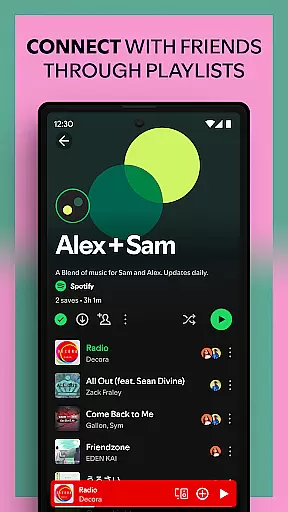
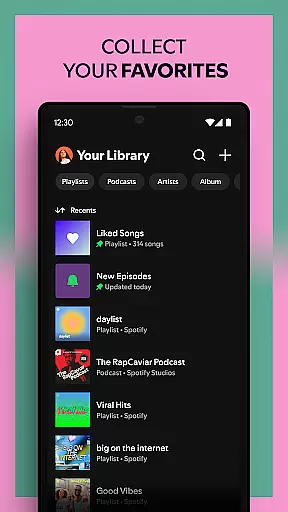
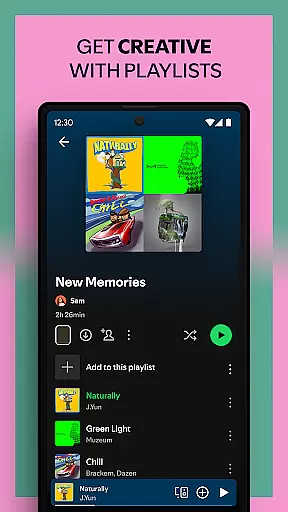
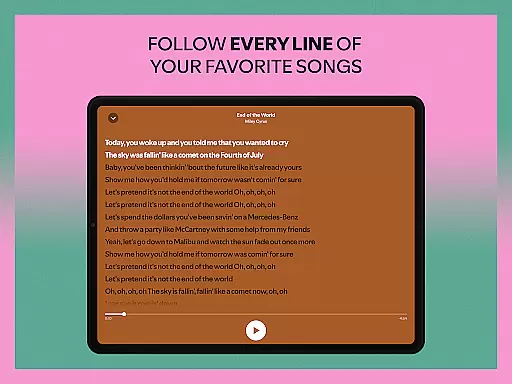
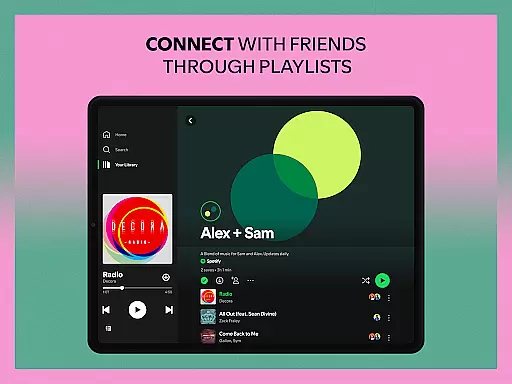
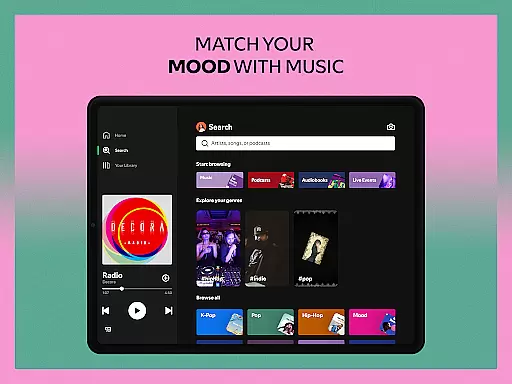
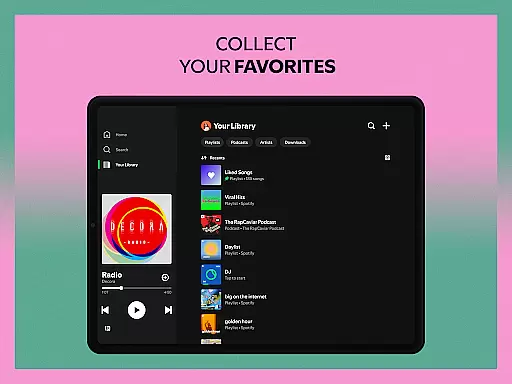
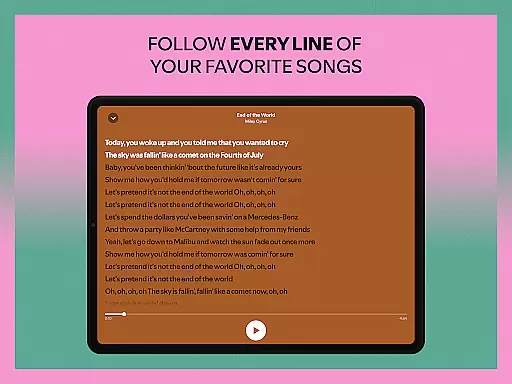
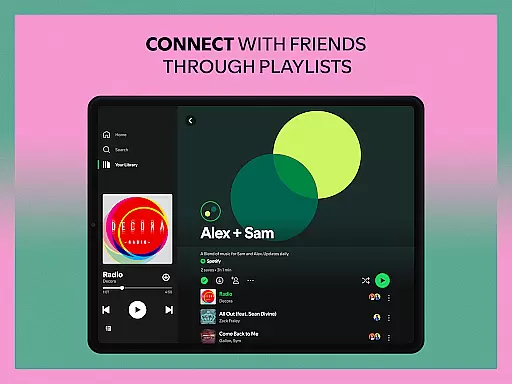
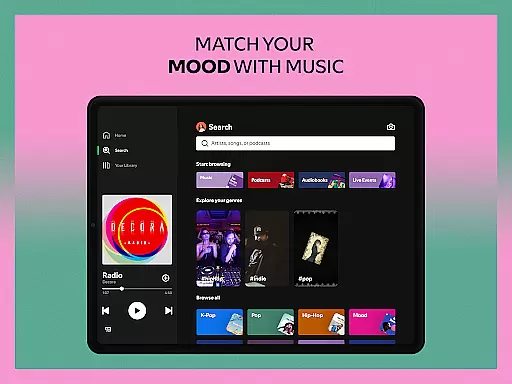
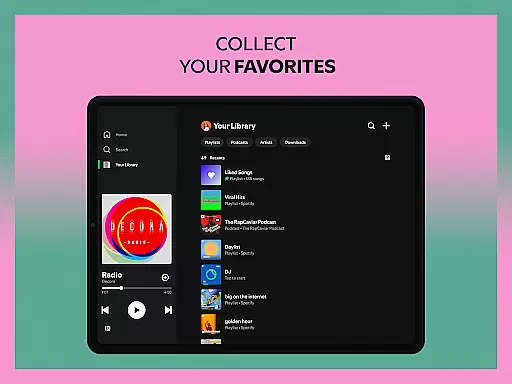
Spotify stands out with its extensive range of features tailored for music enthusiasts and podcast listeners alike. The app supports high-quality audio streaming and offers personalized daily mixes based on user preferences. You can search for songs by lyrics, create custom playlists, and even bookmark individual podcasts for later listening.
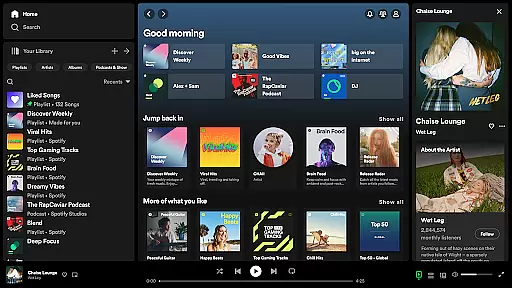
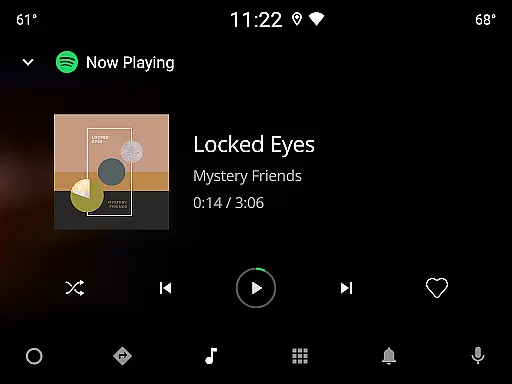
One of the key highlights is its cross-device compatibility, allowing users to stream music not just on mobile devices but also on desktops, TVs, and wearable gadgets like Android Wear. With options to subscribe to favorite podcasts and explore new releases, Spotify keeps users engaged with fresh content regularly. Audiobook lovers can also enjoy thousands of titles, making it a comprehensive entertainment platform.
Companion app integration is crucial for a seamless wearable experience. Spotify excels in this area by offering robust synchronization between its mobile app and Wear OS devices.
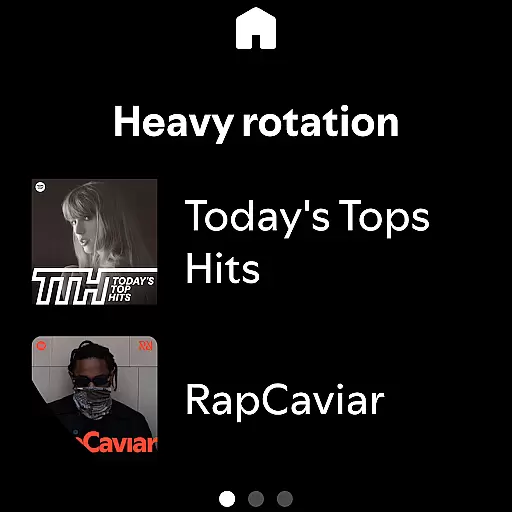
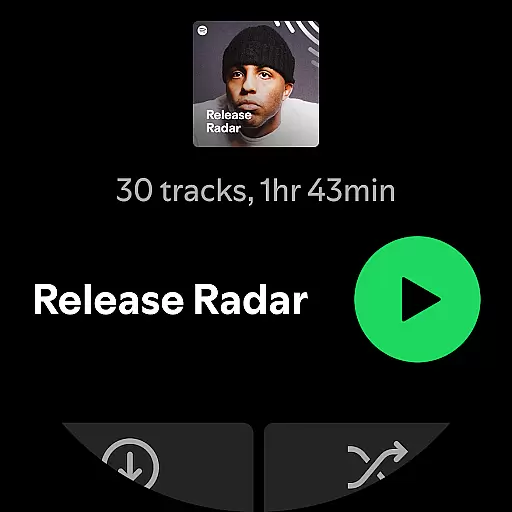
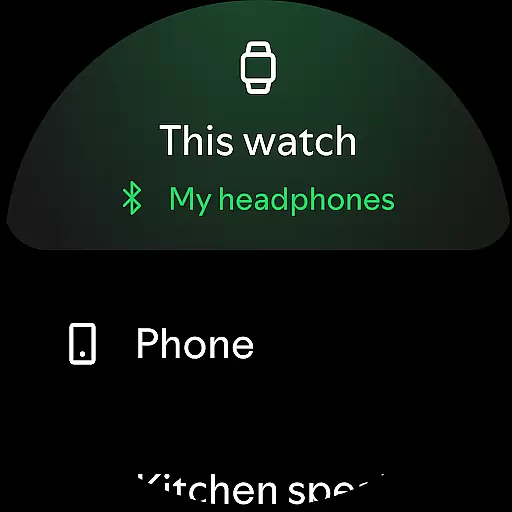
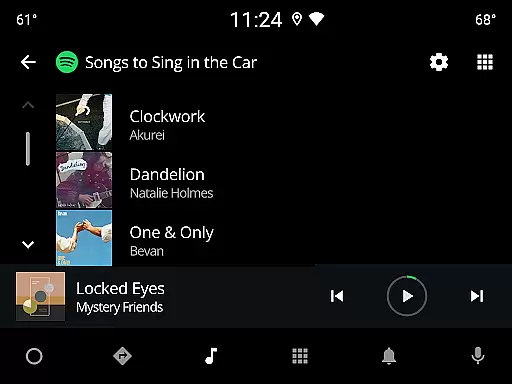
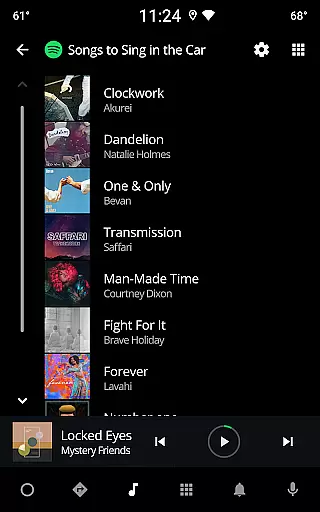
The integration allows users to control music playback directly from their smartwatch, without needing to carry their phone. This includes play/pause functionality, skipping tracks, and adjusting volume, all optimized for the smaller form factor of wearables.
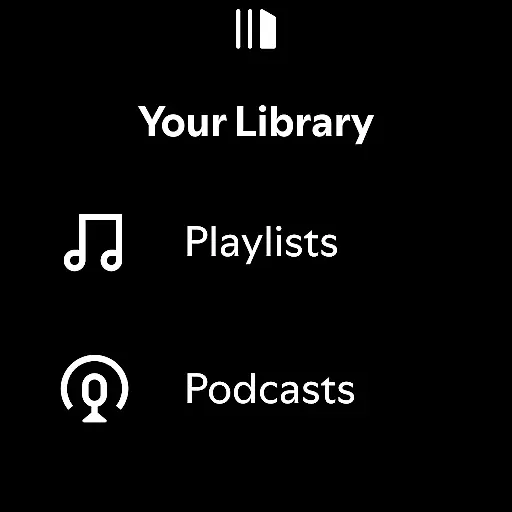
Users benefit from real-time data syncing, enabling them to access their playlists, podcasts, and audiobooks on the go. The companion app relationship ensures that listening preferences, likes, and playlist updates are reflected across all devices instantly.
This level of integration significantly enhances user convenience, allowing for uninterrupted music enjoyment during workouts or while running errands without the need to handle multiple devices.
Device compatibility is essential for ensuring optimal performance across various Wear OS devices. Spotify has been meticulously optimized to work with a wide range of smartwatches running Wear OS.
The application supports different screen sizes and resolutions, maintaining consistent performance and visual quality regardless of the specific device model. This universal compatibility extends to both older and newer Wear OS versions, maximizing accessibility.
Users can enjoy advanced features like offline listening on supported devices, with the application automatically adjusting its functionality based on device capabilities. The interface adapts intelligently to different form factors, providing an intuitive experience across all compatible wearables.
This comprehensive device support strategy demonstrates Spotify's commitment to delivering a consistent, high-quality listening experience across the entire Wear OS ecosystem.
User-friendly interface
Extensive music library
Personalized playlists
Offline listening mode
Cross-device support
Ad interruptions in free version
Limited offline downloads
Premium subscription cost
High data usage
Occasional bugs

Gym Log & Workout Tracker | Fitness Journal, Training & Weight Lifting Planner
 4.90
4.90
Watch the sharpness of the sky on your wrist..
3.70
A heartwarming Christmas scene featuring a cute image of Santa and Rudolf
4.5
Digital watch face with big numbers and many customization for Wear OS devices
4.40
Authentic military-tactical design with ZULU time! Realistic and functional!
3.80
Find EV charging stations
4.30
Gym & home workout plans with strength training, exercise tracking, HIIT & more.
4.60
Hybrid watch face for Wear OS with customizable complications by Matteo Dini MD
4.70
A realistic hybrid watch face with many customization options.
4.60
Nutrition, Macro tracker: Food, fitness & healthy diet tracking for weight loss
4.60
Monitor health with the stress test and pulse checker in the heart rate app.
4.60
A customizable Christmas watch face for Wear OS with a countdown.
4.20
Watch face for Wear OS.
4.20
Let's celebrate Thanksgiving - Wear Os watch face
4.20
Animated Watch Face and Customizable with 24 Backgrounds. Perfect for Christmas!
3.90
Get helpful reminders, take progress photos and find answers to your questions.
3.90
Stunning modern digital watch face with 7 complications and strong contrast
4.5
Stylish digital watch face for Wear OS devices with customizable features
4.4
Fitness interactive virtual pet super fighter boy watch face
4.2















User Reviews