
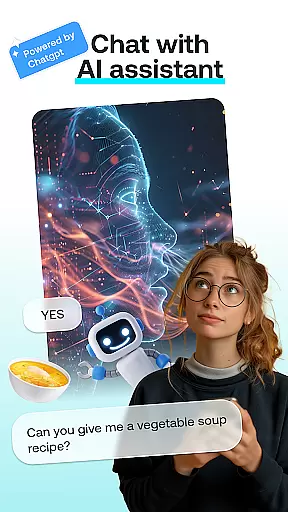
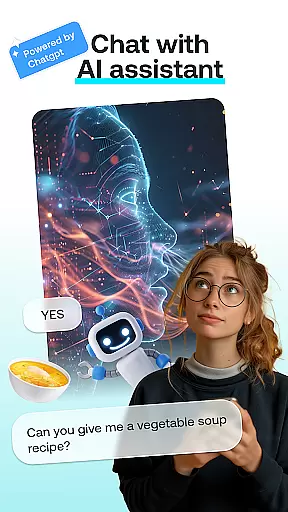
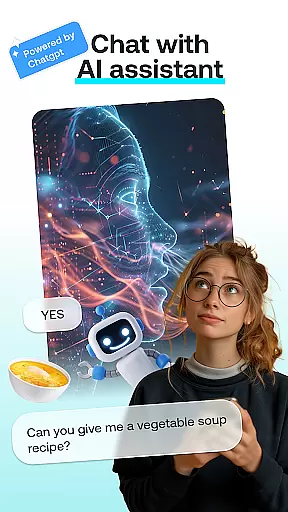
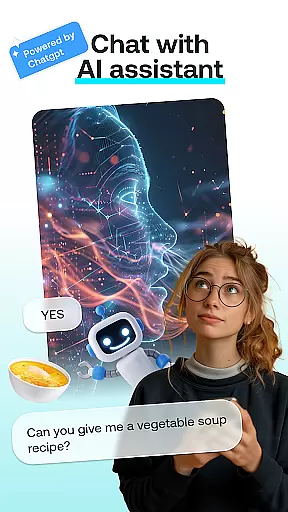
AI Chat is an innovative app in the Art & Design category that brings together advanced AI-driven conversations and creative photo editing tools. The app's core features include intelligent chat powered by ChatGPT GPT-4, face swapping, cartoon effects, portrait creation, and AI-generated paintings. These functionalities allow users to engage in insightful conversations while also exploring their artistic side through various image transformations.
One of the standout aspects of AI Chat is its seamless integration of multiple creative modules into a single platform. Whether you're looking to swap faces with friends for fun, turn your photos into whimsical cartoons, or create stunning portraits, this app has it all. Its intuitive interface ensures that even beginners can achieve professional-looking results effortlessly.
This app is particularly useful for creative professionals, social media enthusiasts, and anyone who enjoys experimenting with digital art. By combining practical AI conversation capabilities with powerful design tools, AI Chat offers both entertainment and utility, making it a versatile addition to any user's toolkit.
AI Chat stands out in the Art & Design category due to its diverse range of features designed to cater to different creative needs. At its heart is the AI Chat module, which leverages cutting-edge ChatGPT GPT-4 technology to deliver engaging and insightful conversations. This feature not only provides helpful advice but also serves as a source of inspiration for creative projects.
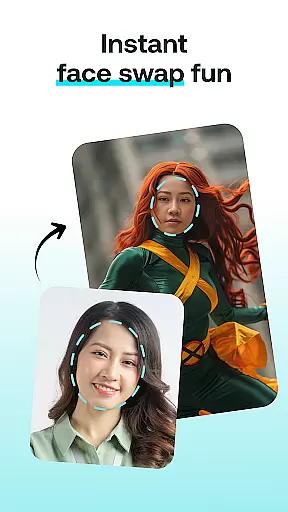
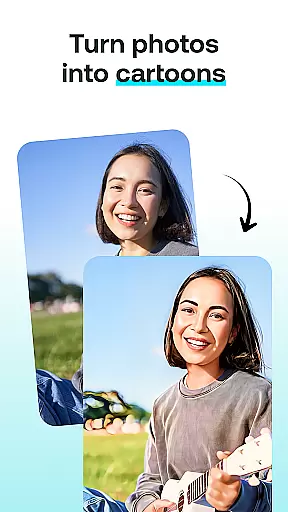
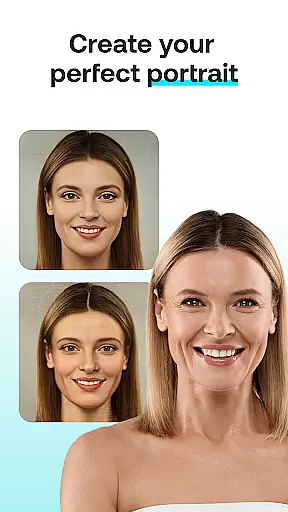
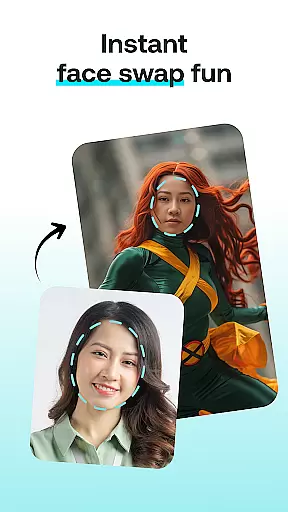
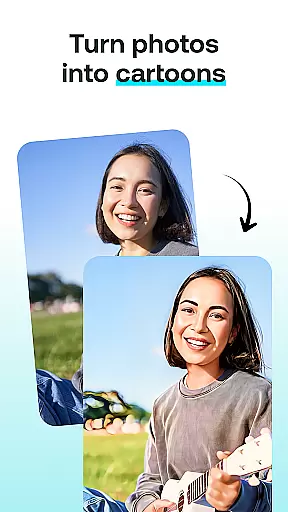
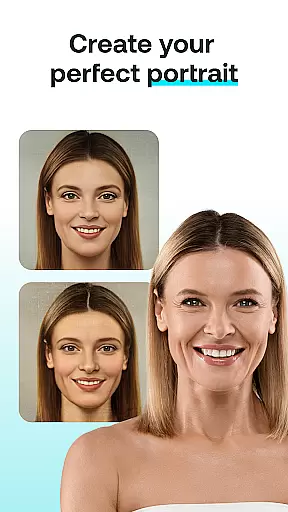
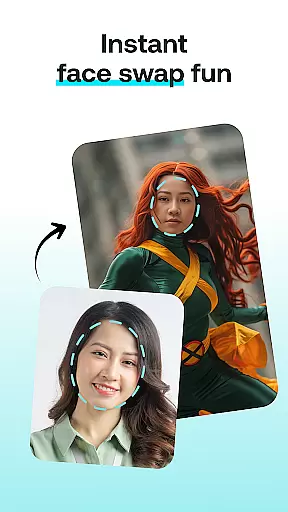
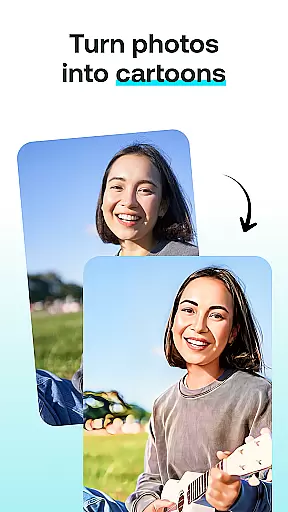
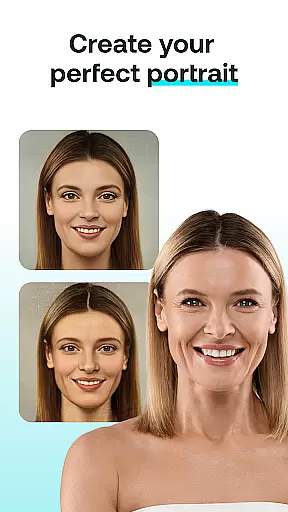
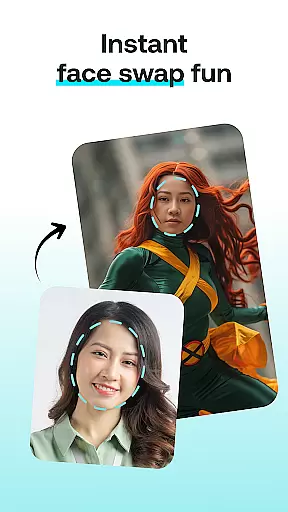
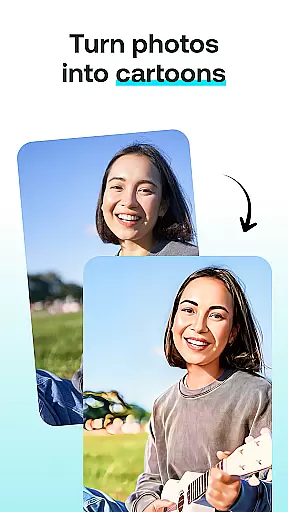
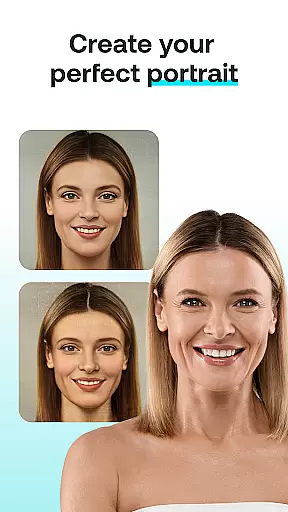
Beyond text-based interactions, the app offers several unique photo editing tools. The Face Swap function allows users to exchange faces with others in photos, creating humorous or impressive visuals instantly. Meanwhile, the Cartoon Effect transforms ordinary images into playful cartoon representations, adding a touch of whimsy to personal photos. For those seeking more refined outputs, the Portrait Maker helps craft detailed and customized portraits, whether realistic or abstract.
Each feature within AI Chat is engineered to maximize user creativity while maintaining ease of use. The app's ability to generate high-quality results quickly makes it ideal for both casual experimentation and professional use cases. Additionally, the inclusion of AI Paintings showcases how modern AI can visualize thoughts into stunning artworks, further expanding the app's creative potential.
In the realm of digital creativity, having a comprehensive suite of tools is paramount. AI Chat: Chatbot Assistant delivers an impressive array of features designed to cater to all your artistic needs. From engaging in intelligent conversations with the AI Chat module to transforming your photos into cartoon characters with the Cartoon Effect, this app ensures that every creative vision can be realized.
The application's Face Swap and Portrait Maker modules further enhance its creative arsenal, allowing users to experiment with face swaps and craft personalized portraits with ease. Whether you're looking to create hilarious images or stunningly realistic depictions, the tools provided offer both versatility and precision.
By integrating advanced AI technology powered by ChatGPT GPT-4 & GPT-4o, AI Chat guarantees not only a wide range of functionalities but also an intuitive user experience. This harmonious blend of extensive creative options and user-friendly interface empowers users to effortlessly bring their ideas to life.
Ultimately, the completeness of AI Chat's creative tools fosters an environment where imagination meets realization. Users can explore endless possibilities, from generating AI-driven paintings to designing unique avatars, ensuring that their creative potential is fully unlocked.
Flexibility in canvas and format options is crucial for unleashing full creative potential, and AI Chat: Chatbot Assistant excels in providing this adaptability. The app supports a diverse range of image formats, enabling users to upload their photos without worrying about compatibility issues. Whether you're working with JPEGs, PNGs, or other common file types, AI Chat has got you covered.
Beyond just format support, the app offers versatile canvas sizes and styles tailored to various artistic projects. Whether you aim to design a small social media avatar or a large-scale digital painting, the flexible canvas options ensure that your work fits perfectly within your desired parameters.
AI Chat's commitment to customization extends to its specialized modules like Cartoon Effect and Portrait Maker, which allow users to apply transformations and enhancements while maintaining control over the final output dimensions. This level of detail ensures that each creation aligns precisely with the user's vision.
With such robust canvas and format flexibility, AI Chat: Chatbot Assistant stands out as a premier choice for artists seeking to push the boundaries of their creativity. By offering unparalleled adaptability, it empowers users to produce high-quality, personalized art that meets both their aesthetic and practical requirements.
User-friendly interface
Advanced AI chatbot
Versatile photo editing
Quick result generation
Creative inspiration tool
Limited free features
Requires internet
Premium subscription
Occasional bugs
Learning curve

Vidu is an AI video generator made for creators and aspiring makers.
 3.30
3.30
Draw on screen: FP sDraw is a simple and lightweight drawing app
4.70
Digital, Abstract, Classic - all types of color wheels in one app!
4.60
Unleash Your Creativity with Draw Cartoon - AR Drawing App
4.10
OneUI 8.5 icons ✨ Smooth, modern & based on the latest Play Store design ??
4.10
Photo stitcher for automatically screenshot stitching into a long screenshot
4.70
Create Logos, Tattoos, AI Art & more with our AI Photo Generator & Design Editor
4.20
Multiplayer Drawing game, Coloring, Painting・Sketch, Handwriting・Paint, draw
4.30
Unleash your inner artist! Sketchar: AR Drawing for Limitless Creativity
4.40
Minecraft & Roblox Clothes
4.70
2D animation studio for Android tablets - unlimited layers, infinite timeline
4.70
Turn your drawings into flipbook-style animations with simple creative tools
4.60
Unleash your drawing and painting potential
4.50
Stylish letters, Stylish Keyboard, Symbols, Emojis, Cool nickname
4.40
AI generated images & photos, turn your words into drawing, painting & pictures.
4.30
Bring One UI 8.5 Icons to life -elegant dark icons with a modern, premium touch.
4.30
Sketch and paint on your device with the feel and freedom of drawing on paper
4.00
Design unique, funny and adorable cat stickers that reflect your own style!
3.80
Art of Combination Wear OS Watch faces (for Wear OS 5+ devices)
3.00



User Reviews