
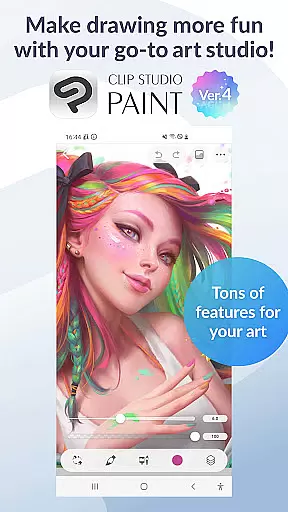
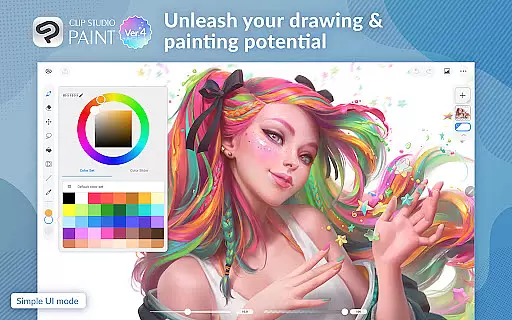
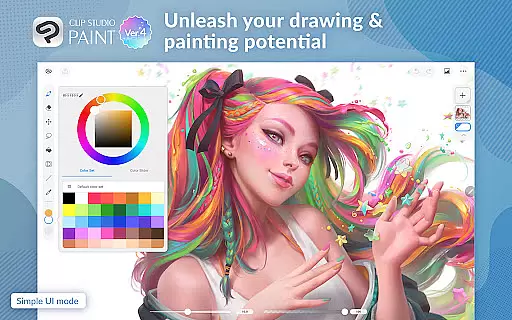
Clip Studio Paint is a premier digital art application designed for artists seeking professional-grade tools for drawing, painting, and animating. Available on both Android tablets and smartphones, it offers a rich set of features including support for up to 10,000 layers, 3D model posing, and instant shadow effects, making it ideal for creating detailed illustrations, comics, manga, and animations.
This app caters to both beginners and professionals by providing an intuitive interface alongside advanced functionalities. Notable features include vector-based drawing for scalable artwork, perceptual color mixing for realistic paint blending, and a variety of specialized tools for comic creation such as speech bubbles and multi-page management. With cloud storage integration and regular updates, Clip Studio Paint ensures a seamless and evolving creative experience.
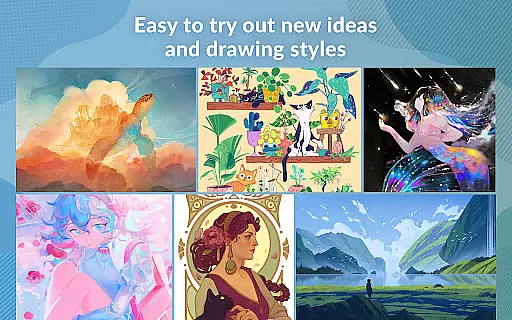
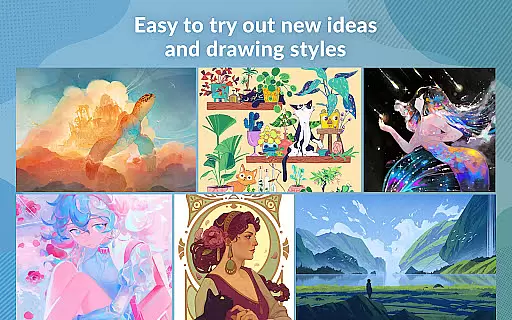
Whether crafting intricate character designs or experimenting with diverse drawing styles, Clip Studio Paint empowers artists to realize their visions efficiently and effectively. Its comprehensive toolkit positions it as a top choice for digital creators aiming to elevate their artistic expression.
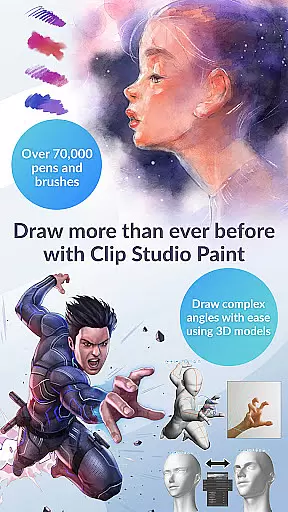
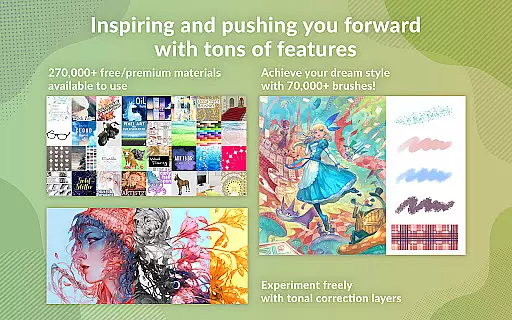
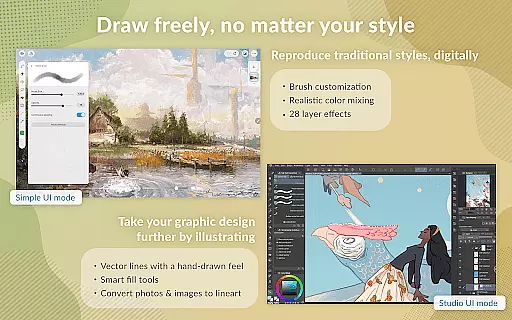
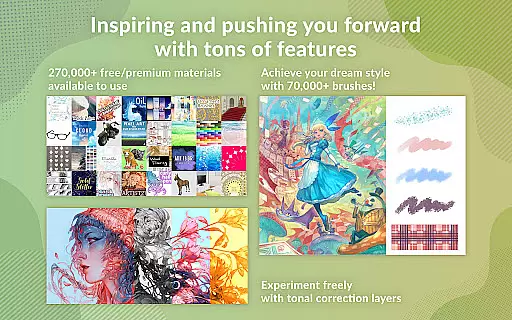
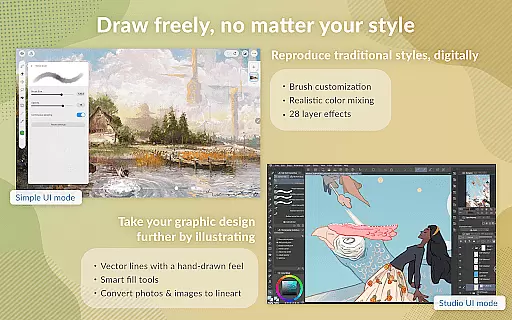
Clip Studio Paint stands out with its comprehensive suite of professional-grade features tailored for digital artists. The application provides an impressive range of creative tools including a vast library of over 70,000 brushes crafted by artists globally, vector drawing capabilities, and 28 layer effects for detailed artwork enhancement.
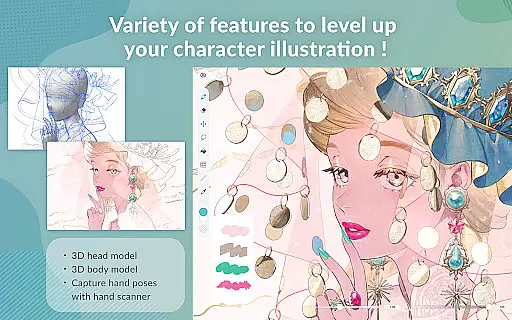
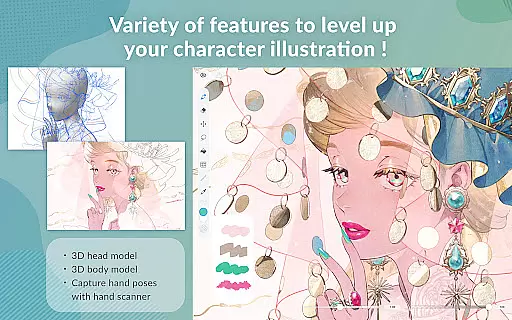
One of the key highlights is its robust support for 3D modeling and animation. Users can pose 3D models to tackle complex angles, apply gradient maps for precise color control, and utilize Puppet Warp for dynamic adjustments. Additionally, the app facilitates efficient workflow with features like snap-to-place objects, live video references, and customizable brushes that adapt to unique artistic styles.
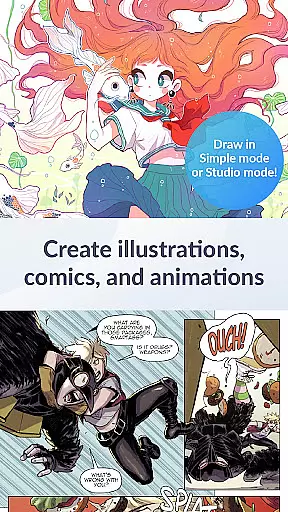
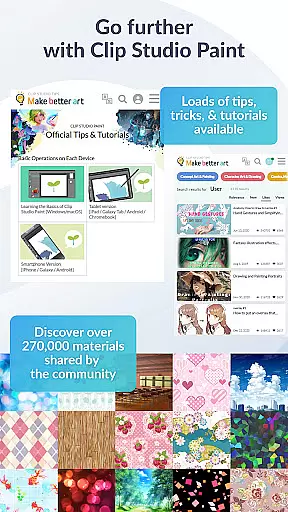
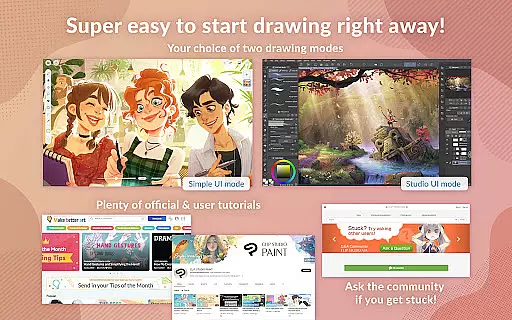
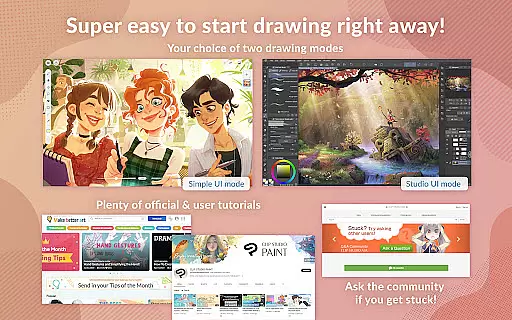
The app also excels in educational resources and usability. It offers two distinct drawing modes - Simple Mode for quick starts and Studio Mode for accessing full features. Furthermore, users can benefit from free tutorials on the official website and YouTube channel, ensuring continuous skill development and mastery over the platform.
In the realm of digital art, having access to a comprehensive suite of creative tools is essential for artists looking to bring their visions to life. Clip Studio Paint excels in this area by offering an extensive array of features tailored to both amateur and professional artists.
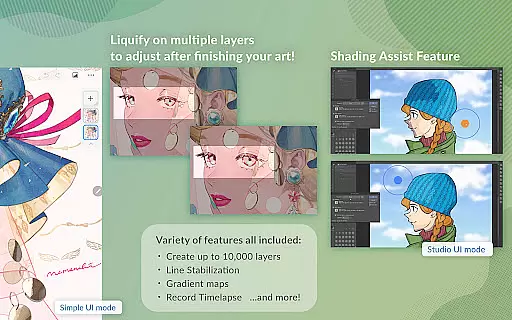
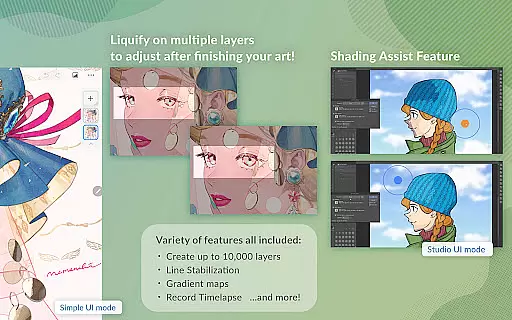
With capabilities ranging from creating up to 10,000 layers for intricate artwork, posing 3D models for complex angles, to using gradient maps for superior color control, the app ensures that every artistic need is met with precision. Artists can also leverage unique functions like Liquify on multiple layers and Puppet Warp to adjust their work dynamically.
The inclusion of over 270,000 free or premium materials, along with customizable brushes and 3D primitives for rapid layout creation, empowers users to experiment with new ideas and styles effortlessly. This vast library of resources provides endless inspiration and adaptability.
Furthermore, advanced features such as perceptual color mixing, vector painting without quality loss, and 28 layer effects enable artists to refine their creations meticulously. These robust functionalities underscore Clip Studio Paint's commitment to providing a complete toolkit for unparalleled creative expression.
Flexibility in canvas and format options is crucial for artists who require adaptability in their workflow. Clip Studio Paint addresses this need by offering versatile solutions that cater to various project requirements and preferences.
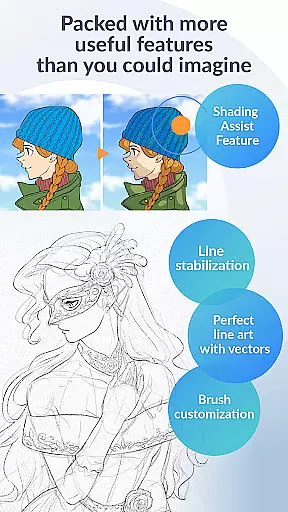
Artists can enjoy drawing smoother line art with Line Stabilization on vector layers, which allows them to adjust lines using control points. The smart fill tool facilitates laying down flat colors efficiently, while perspective snapping helps create accurate backgrounds effortlessly.
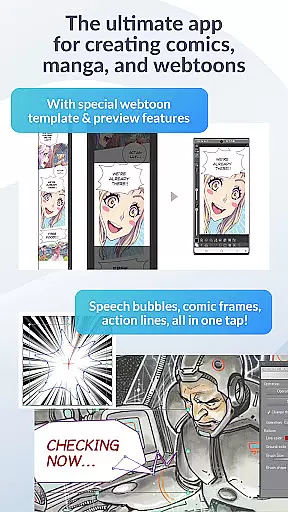
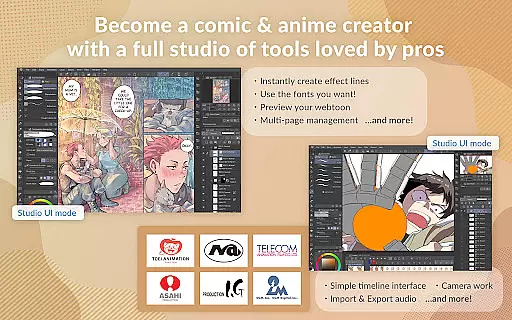
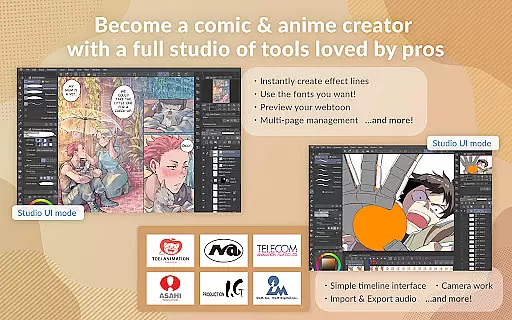
The application supports multi-page works within a single file (EX), making it ideal for comic, manga, or webtoon creation. Customizable speech bubbles, frames, action lines, and instant shadow addition with Shading Assist further enhance its utility for these formats.
Moreover, Clip Studio Paint enables animators to produce anything from GIFs to full-length animations, incorporating sound, camera movements, and tweening. Such diverse output possibilities highlight the app's dedication to supporting a wide range of artistic endeavors through flexible canvas and format options.
Extensive brush library
Powerful 3D tools
Vector drawing support
Comprehensive tutorials
Cloud storage integration
Subscription required
Limited free trial
High system requirements
Complex interface
Occasional bugs

Vidu is an AI video generator made for creators and aspiring makers.
 3.30
3.30
The ultimate tool for creating animations
4.60
Learn how to draw with step-by-step tutorials, fun lessons & multiplayer drawing
4.70
Passport size photo maker, create ID photo and visa photo in seconds
4.80
Unleash Your Creativity with Draw Cartoon - AR Drawing App
4.10
AR Anime Drawing: How to draw anime with AR drawing & sketching apps!
4.00
Mobile pixel art editor. Simple. Fast. Portable.
4.80
Resize photos and print photos in exact size with our powerful photo printer!
3.80
Unleash your inner artist! Sketchar: AR Drawing for Limitless Creativity
4.40
Create stunning art with AI.
4.80
Logo Generator powered by AI: Create stunning logos effortlessly!
4.70
Draw Trace image sketch by, AR art projector app, Easy to trace any image.
4.50
Everything you need to create hand drawn animation, anywhere you go!
4.40
Just trace a projected picture on paper and color! Draw & Paint with AR drawing
4.40
Nano Banana AI Image Generator, Anime Filter, AI Portrait, AI Photo Generator
4.30
AI Assistant, powered by ChatGPT GPT-4 & GPT-4o. Your intelligent companion.
3.50
Meet the magic aı 3d photo generator and smart AI video generator app.
3.20
Premium version of Shimeji-ee app with no ads & no limit active shimeji
4.1
Art of Combination Wear OS Watch Faces
4.1




User Reviews