
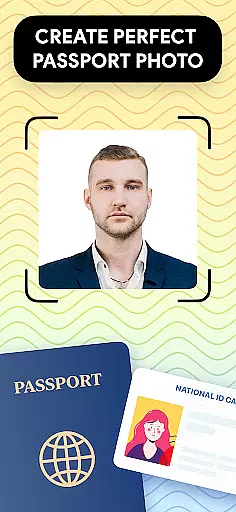
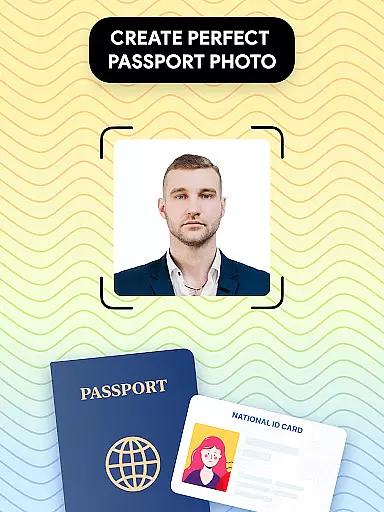
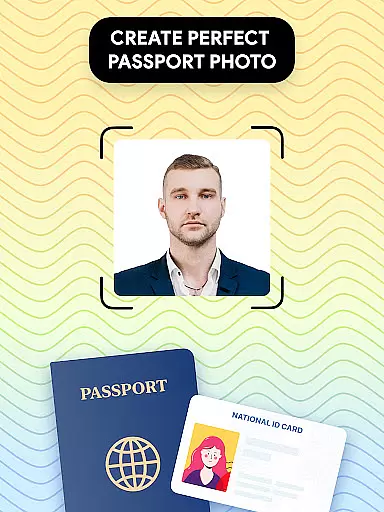
Passport Photo - ID Photo Print is a professional passport photo editor designed for creating high-quality passport, visa, and ID photos from the comfort of your home. This app provides users with all the necessary tools to adjust their photos to meet government requirements across various countries.
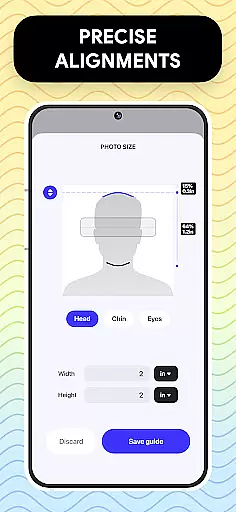
The core functionality includes automatic photo size adjustment, background removal, and photo editing features such as brightness and contrast control. Whether you need a 3x4, 4x6, or 2x2 photo format, this app ensures that your photo meets the exact specifications required. Additionally, it offers a comprehensive database of international passport photo regulations, making it an ideal solution for frequent travelers or those needing quick photo updates.
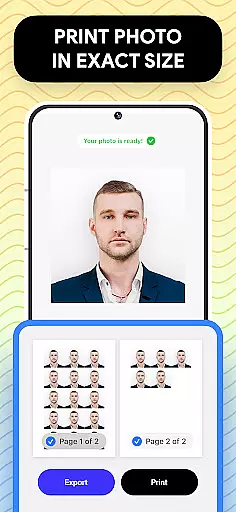
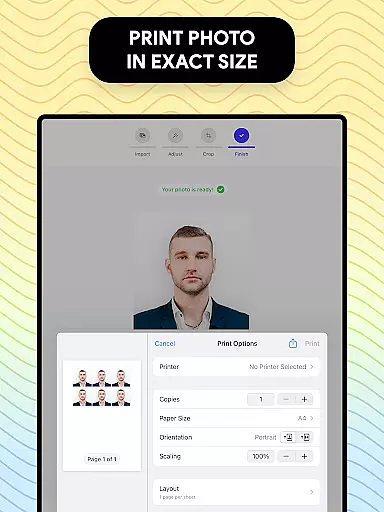
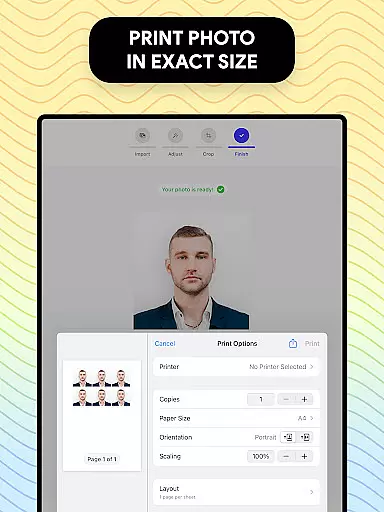
With its user-friendly interface and advanced editing capabilities, Passport Photo - ID Photo Print is particularly useful for individuals who require professional-grade passport photos without visiting a studio. The ability to print directly from your phone adds convenience, saving both time and money.
Passport Photo - ID Photo Print stands out with its diverse feature set tailored specifically for passport and visa photo creation. One of its key features is the automatic photo resizing tool, which allows users to quickly adjust their images to standard dimensions like 3x4, 4x6, or 2x2 inches. This ensures compliance with official requirements while maintaining image quality.
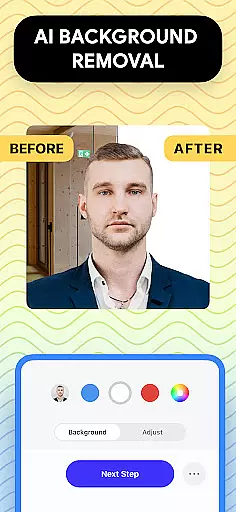
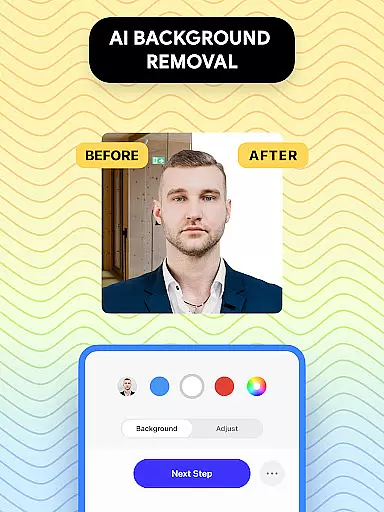
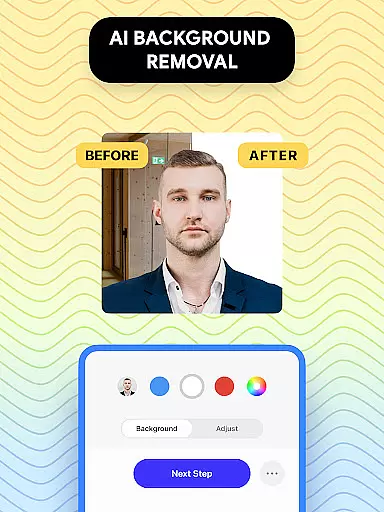
In addition to resizing, the app includes a powerful background remover that creates a clean white or custom-colored backdrop, eliminating the need for a professional studio setup. Users can also access advanced photo editing tools to enhance their images by adjusting brightness, sharpness, and color balance. These features collectively ensure that every photo looks polished and professional.
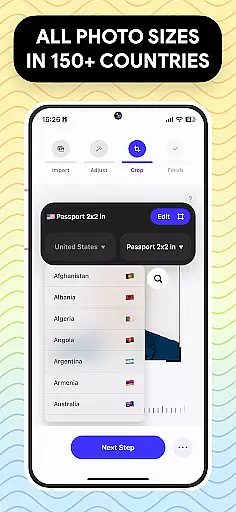
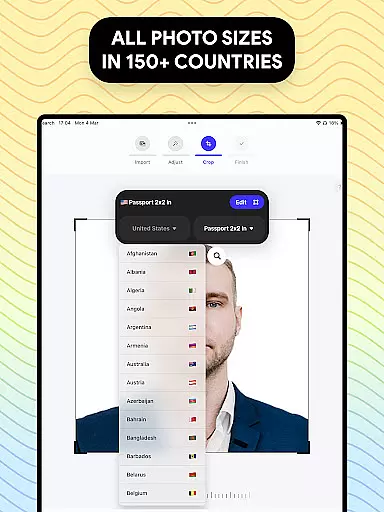
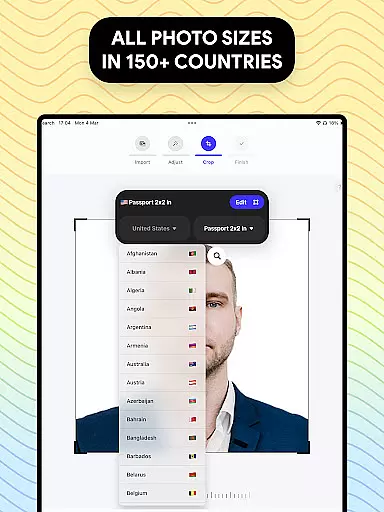
Another notable feature is the built-in database of international passport photo regulations. This allows users to customize their photos according to specific country guidelines, whether they need a US passport photo or one for any other nation. With these capabilities, the app not only simplifies the process but also empowers users to produce compliant and visually appealing passport photos effortlessly.
When it comes to creating and editing passport photos, having access to a comprehensive set of creative tools is essential. Passport Photo - ID Photo Print offers an extensive suite of features that cater to all your photo editing needs.
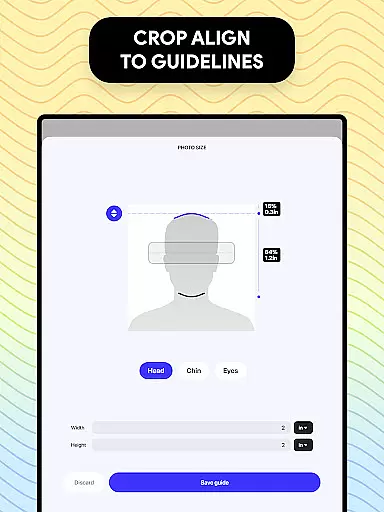
This powerful passport photo editor allows you to adjust your passport size photo properly, ensuring it meets all government requirements. With the ability to customize sizes such as 3x4, 4x4, 4x6, 5x7, or 2x2, you have complete control over the dimensions needed for various official documents.
Beyond just resizing, this app provides a variety of touch-up tools. You can easily adjust brightness, temperature, and sharpness, or apply other enhancements to ensure your photo is clear and professional-looking. The inclusion of a background remover feature adds another layer of convenience, allowing you to create a white background image or choose any colored background that suits your requirements.
The flexibility of canvas and format options in a photo editing app can greatly enhance the user experience. Passport Photo - ID Photo Print excels in this area by providing versatile solutions for all your passport and visa photo needs.
Understanding that each country has different passport size photo requirements, this app makes the process easy by offering a range of customizable options. Whether you need a 3x4, 4x6, 5x7, or 2x2 photo, the app can create any photo size for IDs, visas, or passports for any country.
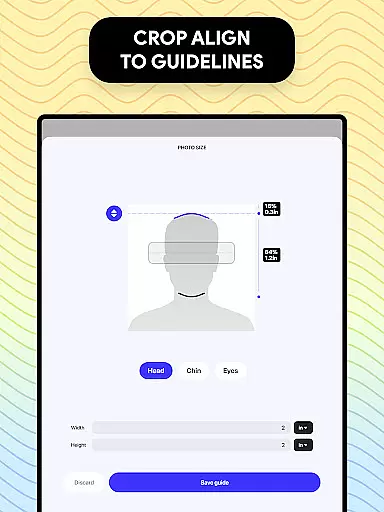
In addition to size adjustments, the app allows you to change the aspect ratio and crop your id photo to exact dimensions. This ensures that your photo fits perfectly into any required format without losing important details. Furthermore, exporting or printing your visa photo is streamlined, enabling you to get high-quality prints right from your phone in just a few seconds.
User-friendly interface
Wide range of editing tools
Compliance with global standards
Quick photo adjustments
Direct printing option
Limited free features
Occasional ads
Premium subscription cost
Advanced tools require learning
Export quality depends on device

Floor Plan Creator lets you create, edit and share floor plans.
 4.00
4.00
See Color, Paint Color
4.90
Draw anime easily with AR guidance, sketch templates & trace tools!
3.10
AR Anime Drawing: How to draw anime with AR drawing & sketching apps!
4.00
800+ Drawing, Painting Lessons App to Practice, Sketch & Paint Art.
4.30
Bring One UI 8.5 Icons to life -elegant dark icons with a modern, premium touch.
4.30
Retouch photos. Create or edit images. Endless capabilities.
2.70
Turning simple sketches into captivating tales filled with life and motion
3.90
Unleash your inner artist! Sketchar: AR Drawing for Limitless Creativity
4.40
Convert image to JPG PNG HEIC PDF, support almost all kinds of image formats
4.70
Draw on screen: FP sDraw is a simple and lightweight drawing app
4.70
Draw anime & manga drawing, art with templates to create stunning picture!
4.50
Easy 3D drawing design maker & creator. Model designing, Sculpting. Create&paint
4.00
Sketch and paint on your device with the feel and freedom of drawing on paper
4.00
Paint with oils and sketch with natural tools on a realistic virtual canvas.
3.80
Powerful home decoration & house design that allows you to design dream home.
3.80
Experience next-gen icons with a modern liquid glass look.
3.60
Create sweet, cool and unique couple avatars easily, in just a few steps!
3.40
Art of Combination Wear OS Watch faces
4.3




User Reviews